Copilot Studio Real-World Agent Publishing: From Development to Production | Day 96
Take an HR agent from development to production with a practical Copilot Studio publishing, Teams rollout, and monitoring checklist.
- Published
- Reading time
- 6 min read
Quick answer
Build and test the agent, publish the approved version, configure its channel and access, release it to a controlled audience, and monitor results. Publishing is one step in the wider production rollout.
Week 14 · Day 96 of 365 in 365 Days of Copilot Studio — view the full series
Before you start
Is this guide for you?
- Best entry point
- 365 Days of Copilot Studio
- Time investment
- 6 min read
- Prerequisite knowledge
- A working Copilot Studio agent, an intended audience, and access to the relevant environments and channel.
What you’ll learn
- Use development, test and production environments with appropriate approvals.
- Test representative questions, permissions and error paths before release.
- Configure Teams and sharing for the intended audience.
- Monitor the agent and assign ownership after launch.
Before you start
- Prerequisite knowledge
- A working Copilot Studio agent, an intended audience, and access to the relevant environments and channel.
On this page (10 sections)
Day 96 of 365 Days of Copilot Studio follows an illustrative HR agent from development to production. Imagine an agent designed to help 5,000 employees with leave policies, benefits and HR support. The goal is to make it useful and accessible while protecting employee information.
From build to business
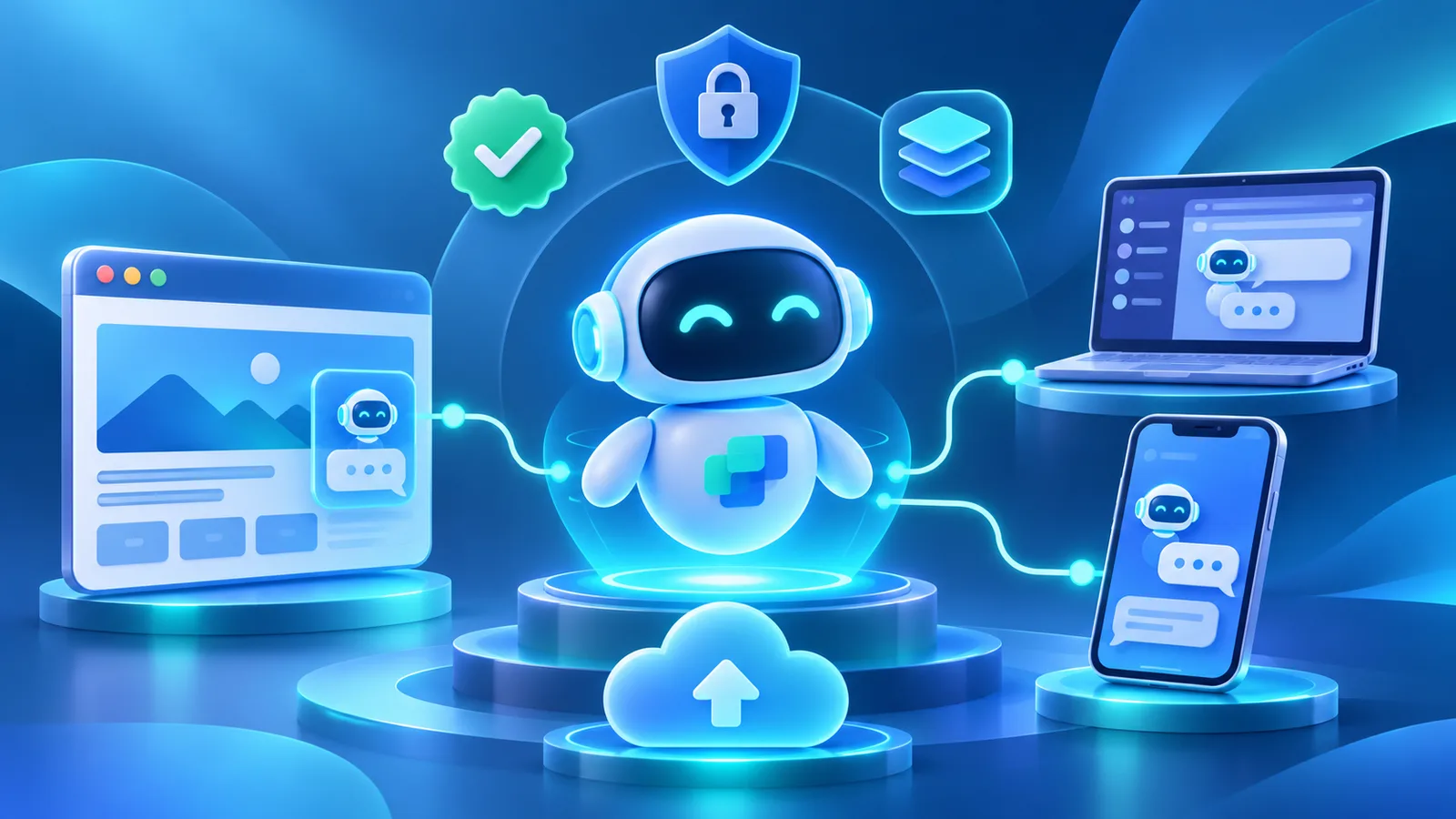
The publishing journey has six practical stages: build, test, publish, connect, deploy and monitor. Publishing an agent version is one step in the journey; a production rollout also requires channel setup, appropriate access, communication and support.
Define what the HR agent should do
Before release, agree on the questions the agent is expected to handle. For this example, HR owns the leave and benefits policy content, while the technical team owns the agent and its integrations. Employees can ask about policies and find the right support channel. A personal leave balance requires an approved connection to an authoritative HR system and access appropriate to the signed-in employee; a general policy document alone cannot provide that answer.
Write down what is outside the first release, such as making changes to employee records or answering questions that require an HR specialist. Define a clear handoff for sensitive cases and questions the agent cannot answer. The 5,000-employee audience is a planning scenario, not proof that the agent or its dependencies can support that load.
Build and validate in controlled environments
Build and configure the agent in development. Identify its audience, approved knowledge sources, actions, dependencies and owners. Move the solution through your organization’s release process into test or user acceptance testing (UAT), then production. Check environment-specific connections, credentials and settings at each stage.
Invite HR and representative employees to test common questions, ambiguous requests, missing information and escalation to human support. Verify that answers reflect current policies and that any action produces the intended result. Record defects, resolve them and obtain the agreed UAT approval before release.
Run a practical UAT
Prepare expected outcomes with HR before testing. Use approved test accounts and synthetic data where possible; avoid placing real employee details in test conversations unless the environment and process are approved for them.
| Scenario | Example | What to verify |
|---|---|---|
| Policy question | “Where can I find the leave policy?” | The answer reflects the current approved policy and directs the employee to the appropriate source. |
| Personal information | “How many leave days do I have?” | If the capability exists, the employee sees only their own authorized data. Otherwise, the agent explains the limitation and offers a support route. |
| Ambiguous request | “Can I take time off?” | The agent asks for relevant context or points to the policy without inventing an entitlement. |
| Restricted access | One employee asks for another employee’s balance. | Access is denied by the relevant service and no private data appears in the response. |
| Unavailable dependency | The HR system or knowledge source cannot be reached. | The employee gets a useful failure message and an alternative support route; the team can investigate the issue. |
| Human support | An employee requests help with a sensitive case. | The agent offers the agreed HR contact or escalation path and avoids claiming that an escalation succeeded unless it did. |
For each test, record the account and environment used, the observed result, the expected result, the defect owner and the decision to pass or retest. Repeat critical journeys in the production channel after release using an approved smoke-test account.
Publish and connect Microsoft Teams
Publish the approved agent version in the production environment. Configure the Teams channel and follow the applicable organizational app approval and distribution process. Share it with the intended users or groups, then test the experience in Teams with representative accounts. Confirm that users can find the agent and that conversations and actions work in the actual channel.
Configure authentication appropriate to the audience and review permissions for the agent, knowledge sources and connected services. Verify which identity actions use and test both allowed and denied access. An HR agent must not expose one employee’s private information to another simply because it is reachable in Teams.
Prepare the production release
- Review the release: identify the approved agent version, its dependencies, the business owner, the release owner and the acceptance decision.
- Check production configuration: verify connections, environment settings, knowledge sources and access with the responsible owners. Confirm that production points to the intended systems.
- Publish and set up Teams: follow the organization’s channel, app approval and distribution process. Allow time for any required reviews.
- Smoke-test the live experience: use authorized accounts to find the agent, ask a policy question, exercise an approved action if present, and check a denied-access case and support route.
- Make the release decision: record the test results and decide whether to proceed, pause or use the documented recovery process if a critical check fails.
Keep a record of the version and configuration released, the deployment time, test results and support contacts. This makes it easier to investigate an issue and coordinate recovery. The exact promotion and recovery steps depend on the solution, environment and channel configuration.
Release, monitor and improve
Start with a controlled audience and expand once the team has reviewed early feedback and operational results. Tell employees what the agent can and cannot do, how to reach HR, and how to report a problem. Assign a business owner and support contacts before launch.
After release, review available usage and conversation analytics, unresolved requests, errors, feedback and connected-system health. Triage issues, keep policy content current, test fixes and republish changes through the same release process. Plan how to respond to an incident or recover from a problematic release.
Plan the first weeks after launch
Begin with a pilot group representing different employee needs and locations, then expand in agreed stages. Set the pilot’s success criteria before launch: for example, whether critical journeys work, policy answers are accepted by HR, and support teams can respond to reported issues. Review actual traffic and connected-service capacity before extending access to all 5,000 employees.
Agree who reviews feedback, how frequently policy owners check content, and where incidents are recorded. A useful review considers adoption, unanswered questions, response quality, failed actions and user feedback together. Protect conversation data according to organizational policy and grant monitoring access only to appropriate personnel.
Common mistakes to avoid
- Skipping UAT: a successful maker test does not establish that employees can complete real tasks.
- Assuming sign-in is enough: check authorization in each knowledge source and downstream service, including denied cases.
- Publishing without channel verification: validate Teams availability, organizational approval and sharing with actual user roles.
- Leaving ownership unclear: name people responsible for policies, technical support, access and release decisions.
- Stopping at launch: monitor feedback and failures, maintain content and retest changes before publishing updates.
Production readiness checklist
- Representative responses, actions and error paths have been tested.
- Authentication and permissions have been reviewed with representative users.
- Teams channel configuration, app approval and intended sharing have been verified.
- Business users have completed UAT and provided the required approval.
- Production connections, knowledge sources and environment settings are validated.
- Monitoring, support ownership and an escalation path are in place.
A careful launch makes the agent available to the right people and gives the team evidence to improve it. For broader operational planning, continue with Day 95: Scaling Enterprise Copilots.
Tagged
AI Agents · ALM · Governance · Security
Frequently asked questions
Does publishing an agent automatically make it available to everyone in Teams?
No. Configure the Teams channel and follow your organization’s sharing and app approval process. Confirm access with representative users.
Why test in a separate environment?
A test or UAT environment lets business users validate responses, integrations and access before a controlled production release.
What should be monitored after launch?
Review usage, failed or unresolved conversations, user feedback and connected-system issues using the monitoring available in your environment. Assign someone to respond.
Have a Microsoft 365 topic idea?
Share article suggestions, community session ideas, corrections, or real-world scenarios for future nxtM365 learning notes.
Keep learning Microsoft 365
Explore more practical guides for SharePoint, Power Platform, Copilot Studio, migration, automation, governance, and security.
Continue learning
Related tutorials
Related questions
Related comparisons
Next action