What Power Platform includes
Power Platform commonly includes Power Apps, Power Automate, Power BI, Copilot Studio, connectors, environments, and governance controls that support business solutions.

Apps → Automation → Data → Agents
Power Platform tutorials for Microsoft 365 makers
Practical guidance for Power Apps, Power Automate, Copilot Studio, connectors, governance, and Microsoft 365 solutions.
Apps → Automation → Data → Agents
Power Platform tutorials for Microsoft 365 makers
Decide how Power Apps, Power Automate, Copilot Studio, governance, connectors, and Microsoft 365 solutions fit together.
Power Platform is the Microsoft low-code ecosystem for building apps, automating workflows, analyzing data, and creating AI-powered business experiences. For Microsoft 365 teams, it often connects SharePoint, Teams, Outlook, Power Automate, Power Apps, Copilot Studio, and business APIs into practical solutions that reduce manual work.
This hub organizes nxtM365 Power Platform guidance around implementation decisions: when to use Power Apps, when a Power Automate cloud flow is enough, how Copilot Studio agents call actions, and how governance keeps low-code solutions maintainable. The goal is to help makers and admins build solutions that are useful, secure, and easy to support.
Use this page as a cross-product starting point. If you need a focused path, move into the dedicated Power Automate, Power Apps Code, and Copilot Studio hubs. If you are planning a wider business solution, start here to understand how the platform pieces work together.
Power Platform commonly includes Power Apps, Power Automate, Power BI, Copilot Studio, connectors, environments, and governance controls that support business solutions.
Many solutions use Microsoft 365 data and collaboration surfaces such as SharePoint, Teams, Outlook, OneDrive, and Microsoft Lists. Good architecture keeps ownership and security clear.
As solutions grow, makers need naming standards, environment strategy, connector review, data loss prevention policies, ownership, support paths, and lifecycle planning.
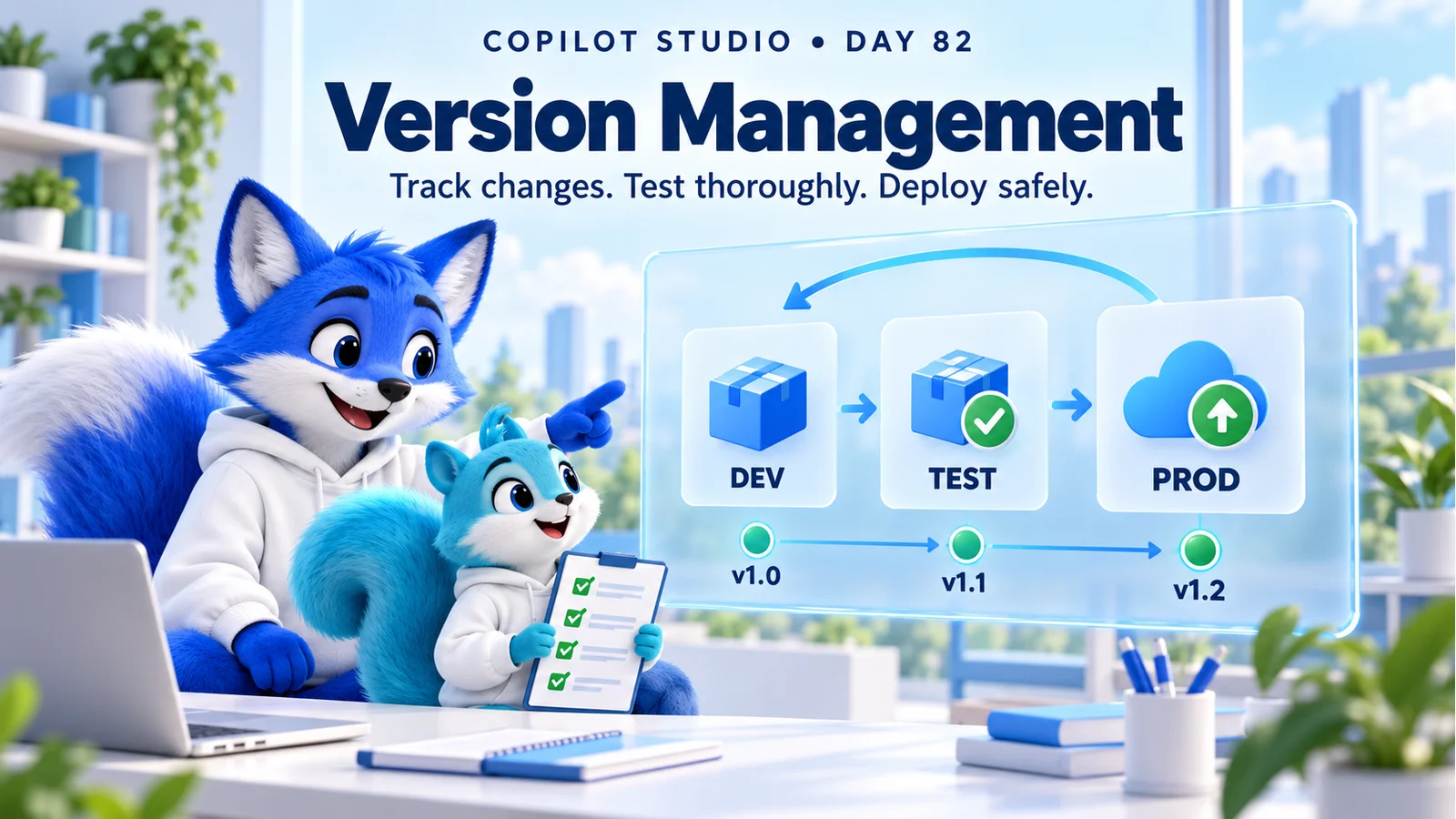
Manage Copilot Studio releases with clear version records, solutions, separate environments, dependency checks, regression tests, deployment evidence, and a rehearsed recovery plan.
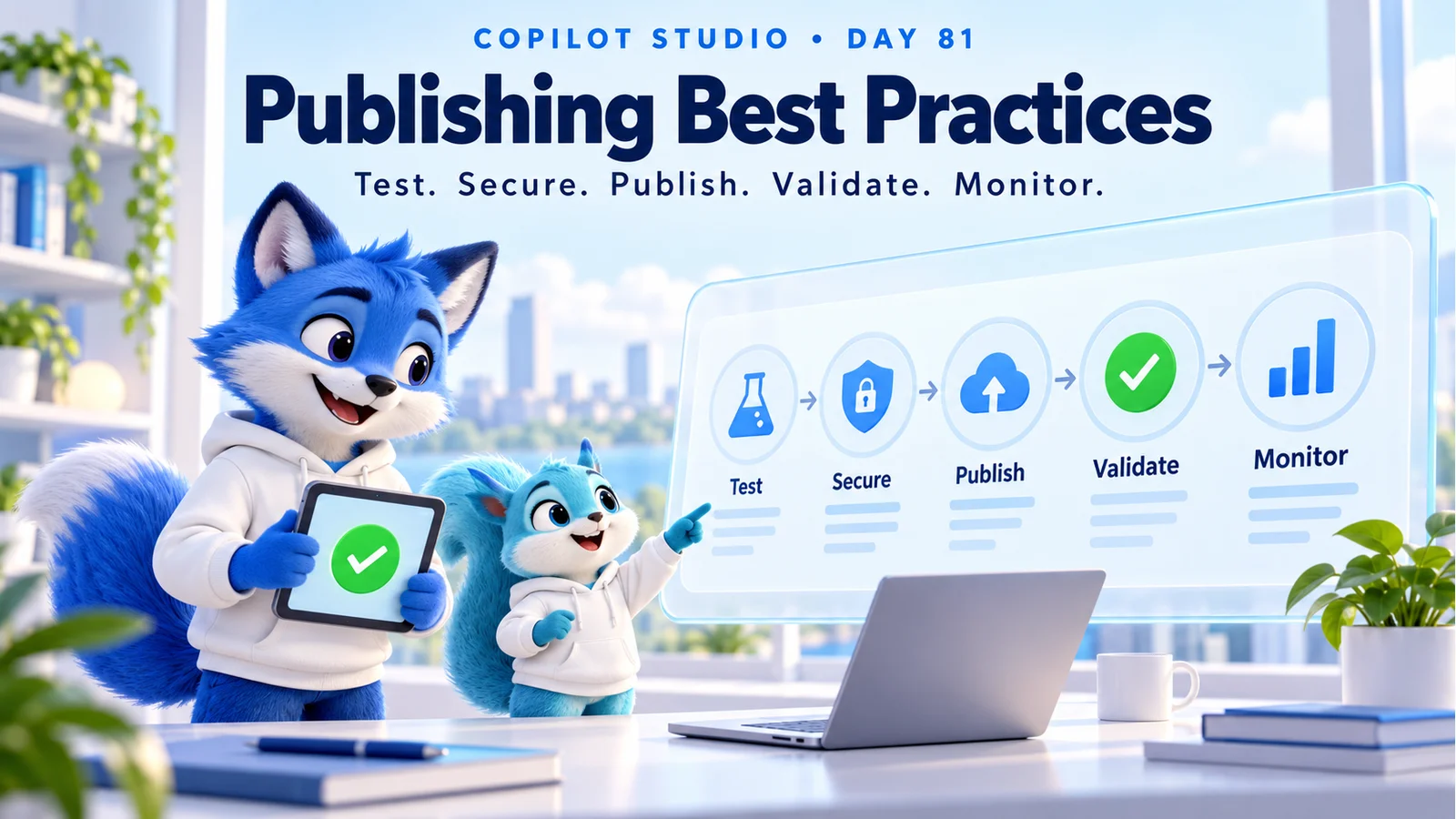
Publish Copilot Studio agents with tested answers, trusted knowledge, secure access, reliable actions, channel validation, and a practical monitoring and release checklist.
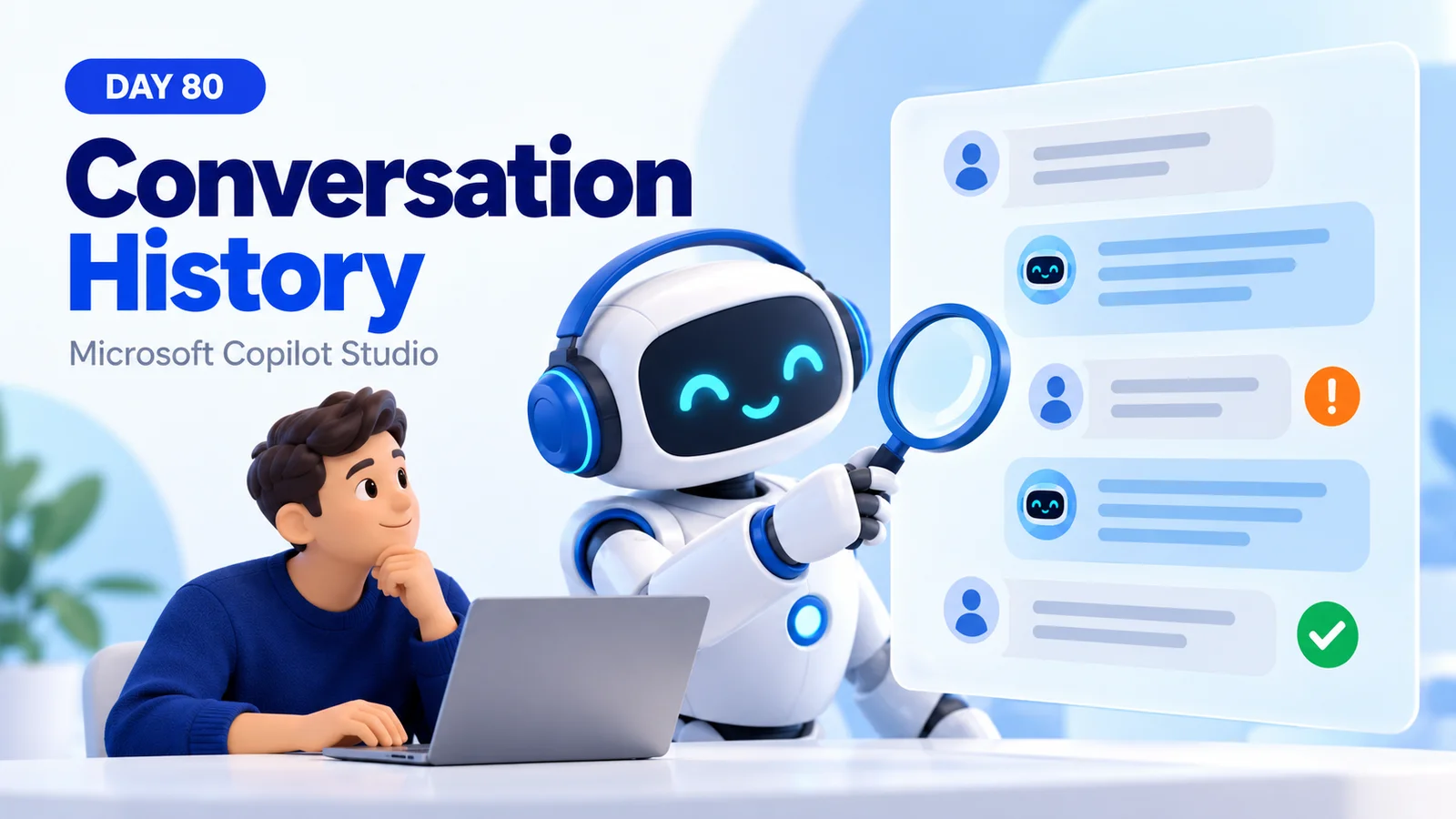
Review Copilot Studio conversation history to understand user intent, check agent responses, investigate failed actions, and turn past interactions into tested improvements.
Improve Copilot Studio user satisfaction with trusted answers, simpler conversations, faster responses, useful recovery, human handoff, and a measurable feedback loop.
Measure Copilot Studio answer accuracy, task completion, groundedness, response time, reliability, satisfaction, and business value with a repeatable evaluation plan.
Understand Copilot Studio session counts, engagement, resolution, escalation, abandonment, CSAT, and duration with worked examples and a practical review checklist.
Use Copilot Studio conversation analytics to understand session outcomes, spot knowledge gaps, review feedback, and measure improvements to your agent.
Troubleshoot Copilot Studio knowledge sources with a repeatable checklist for missing answers, source readiness, access, retrieval, and conflicting content.
Understand Copilot Studio knowledge source limitations: content quality, retrieval gaps, conflicting policies, outdated information, access, and testing.
Power Platform is used to build business apps, automate workflows, create reports, connect data, and build agents that work with Microsoft 365 and business systems.
Start with Power Automate when the main need is workflow automation. Start with Power Apps when users need a custom app interface to view, enter, or manage business data.
Copilot Studio is part of the Power Platform family and can use Power Automate actions, connectors, and enterprise data to build task-focused agents.