Triggers Explained | Copilot Studio Day 13
A detailed guide to Copilot Studio triggers: topic trigger phrases, event triggers, trigger payloads, topic matching, best practices, mistakes, testing, billing, and governance.
Practical Microsoft 365 articles, implementation notes, and hands-on solutions.
665 articles
A detailed guide to Copilot Studio triggers: topic trigger phrases, event triggers, trigger payloads, topic matching, best practices, mistakes, testing, billing, and governance.

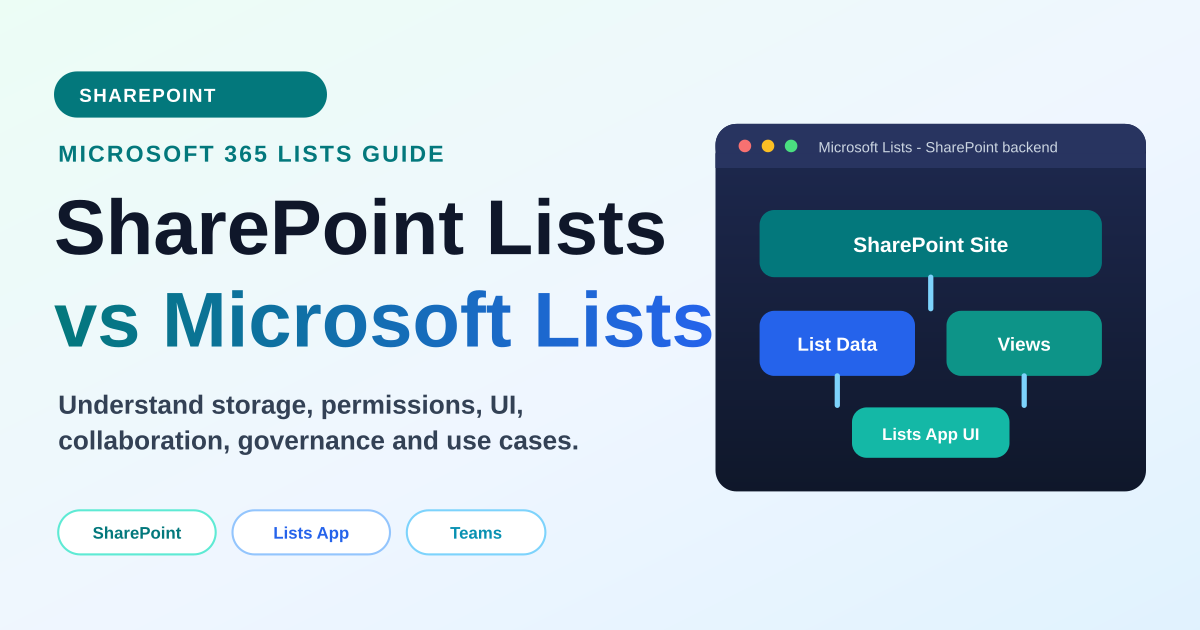
Compare SharePoint Lists and Microsoft Lists, including whether they are the same, where list data is stored, how permissions work, and when to use each experience.

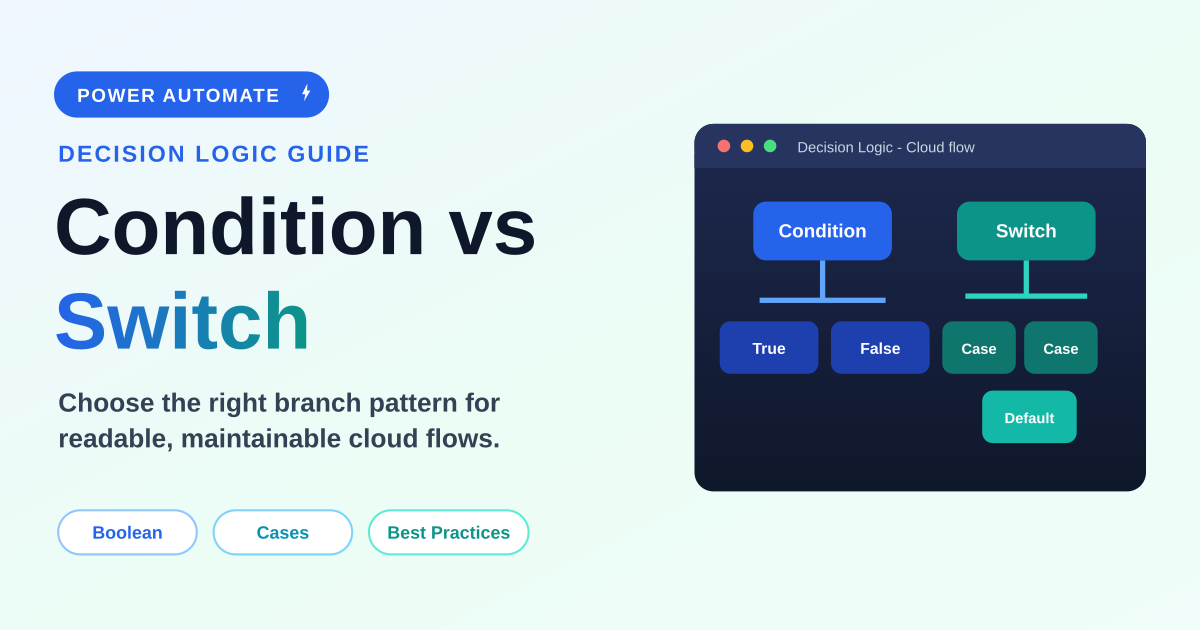
A practical beginner-to-intermediate guide to choosing between Condition and Switch actions in Power Automate, with examples, expressions, performance notes, best practices, mistakes, FAQ, and schema.

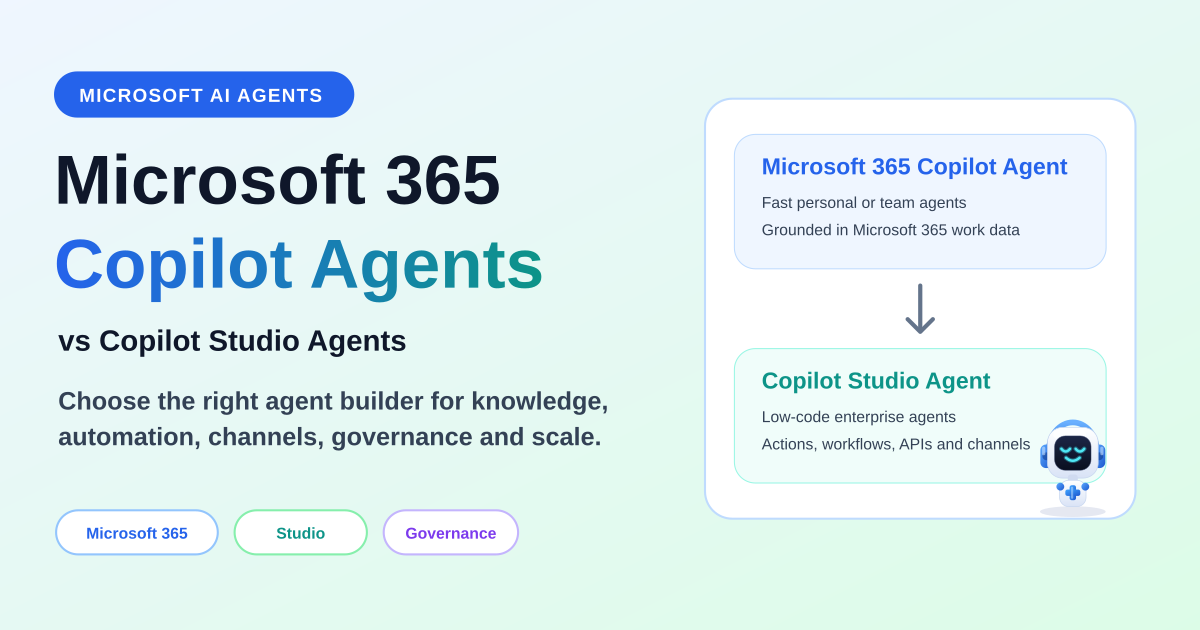
Compare Microsoft 365 Copilot agents and Copilot Studio agents by purpose, creation experience, customization, knowledge, actions, connectors, channels, authentication, governance, ALM, and use cases.

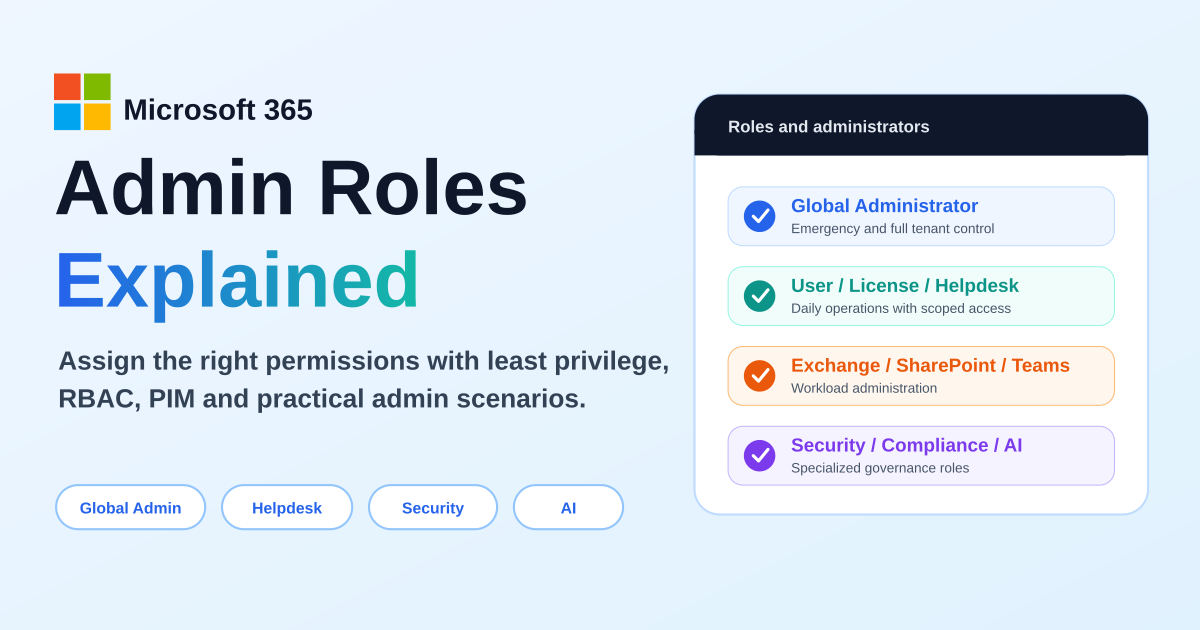
A practical guide to Microsoft 365 admin roles, Microsoft Entra roles, RBAC, least privilege, Global Administrator risks, workload admin roles, support roles, AI administration, PIM, and role assignment scenarios.

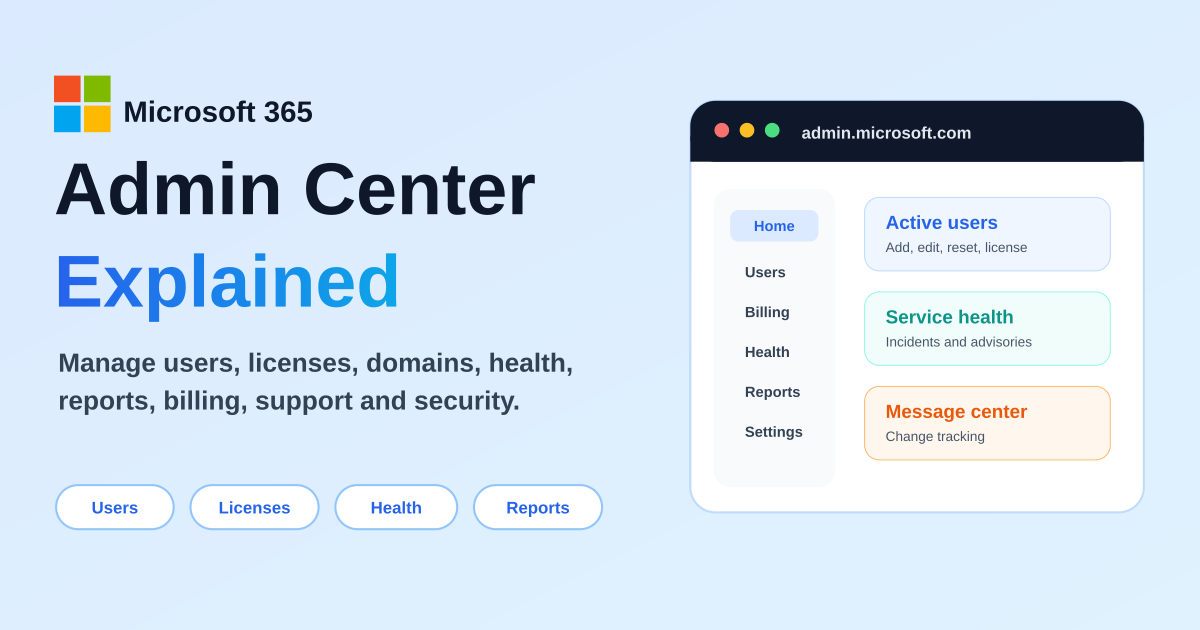
Learn what the Microsoft 365 Admin Center is, how to access admin.microsoft.com, and how to manage users, licenses, roles, service health, reports, billing, domains, Teams, SharePoint, Exchange, and security.

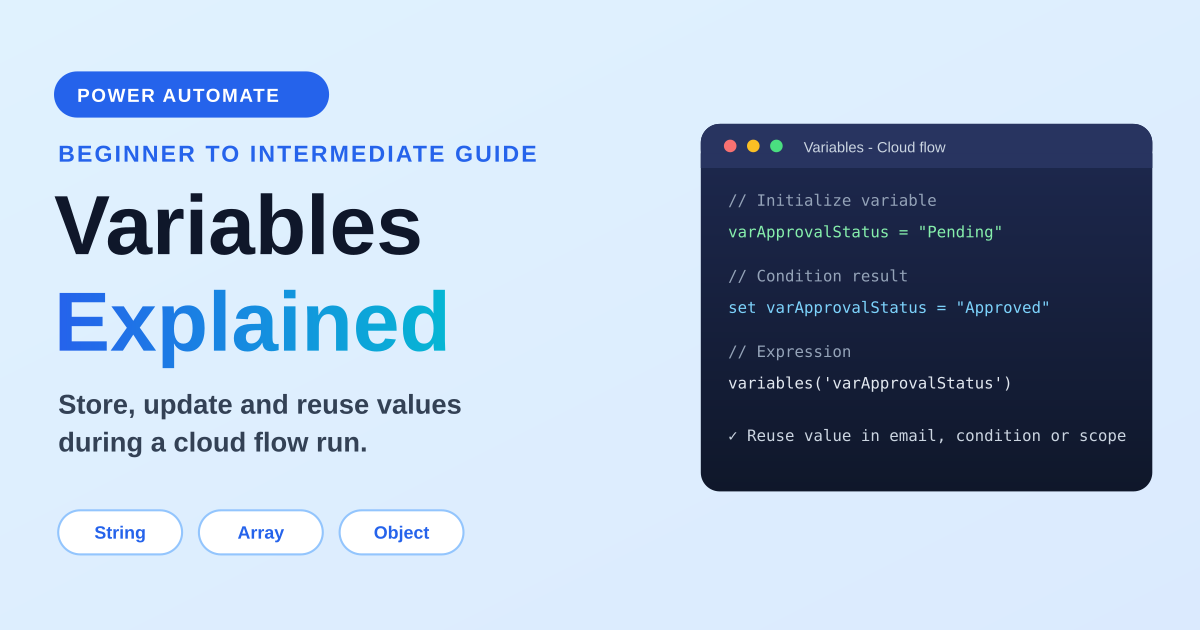
A practical guide to variables in Power Automate: variable types, initialize vs set, append string and array variables, counters, object variables, expressions, loops, concurrency, examples, and best practices.

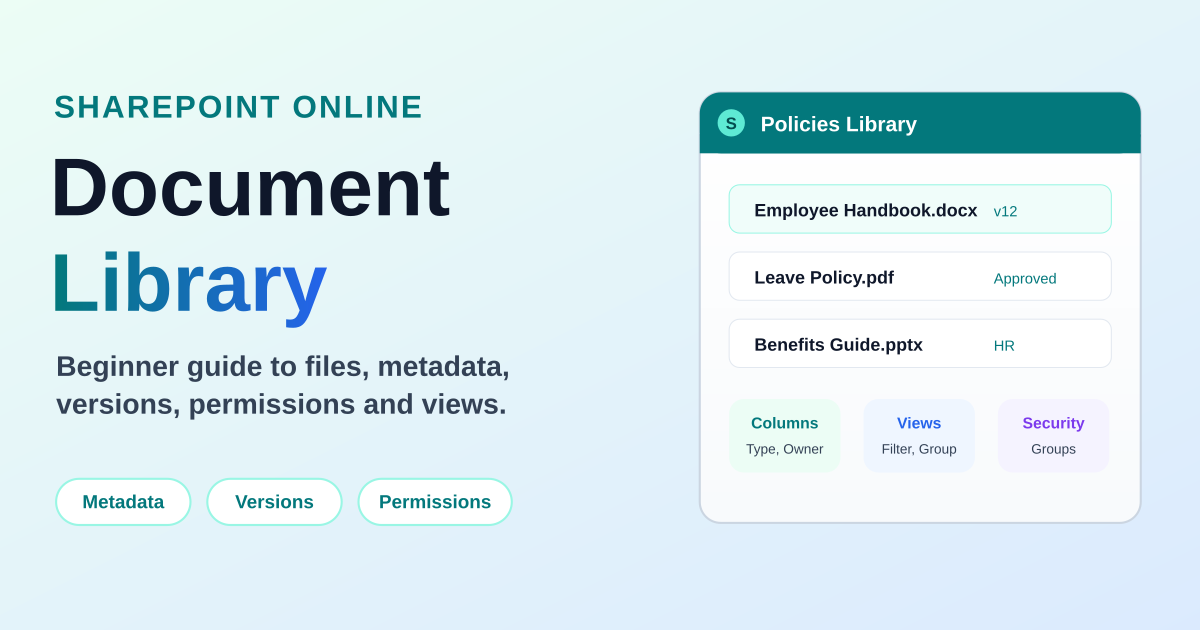
A complete beginner-friendly guide to SharePoint Online document libraries: what they are, why organizations use them, metadata, views, version history, permissions, collaboration, search, security, and practical best practices.

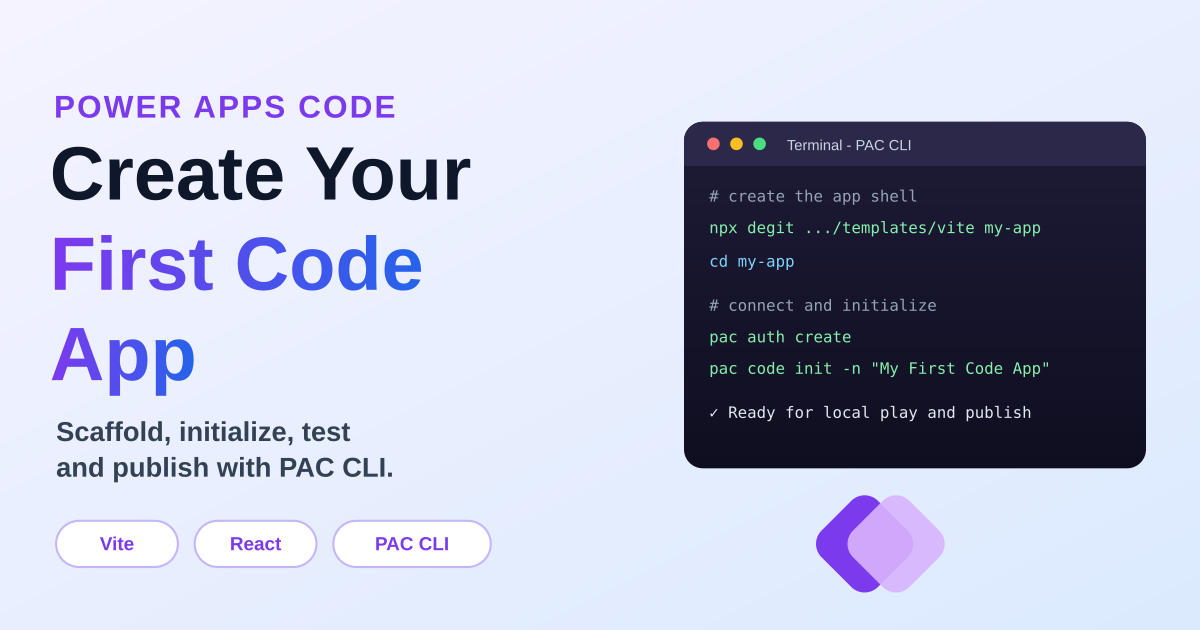
A practical first-app walkthrough for Power Apps Code: create the Vite React starter, authenticate PAC CLI, initialize the code app, run it locally, build it, and publish it to Power Apps.