SharePoint Information Architecture: Sites, Hubs, Metadata, and Navigation Blueprint
Design SharePoint information architecture with site topology, hub families, metadata models, navigation, and governance in one blueprint.
- Published
- Updated
- Reading time
- 3 min read
Before you start
Is this guide for you?
- Best entry point
- SharePoint
- Time investment
- 3 min read
In this article
- 1. Site topology
- 2. Hub families
- 3. Metadata model
- 4. Navigation and search
- 5. Lifecycle governance
On this page (9 sections)
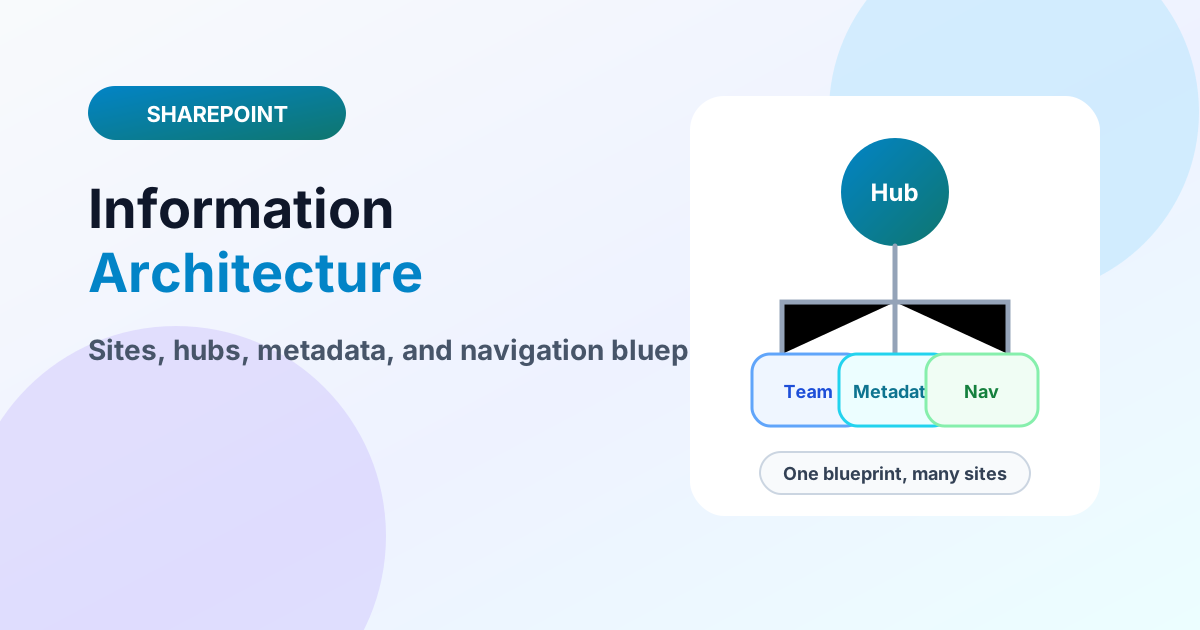
Direct answer: Good SharePoint IA is five decisions made once and enforced lightly: flat site topology (one site per unit of work), hub families for navigation and search scope, a metadata and content-type model, navigation that mirrors how users think, and lifecycle governance with owners. Decide them up front in a one-page blueprint; everything downstream — migration, search, Copilot answers — inherits the quality of these calls.
Building blocks on nxtM365: hub sites, content types and site columns, folders vs metadata, and the document-dump blueprint.
1. Site topology
One site collection per team, project, or function — never subsites for organization. Teams-connected sites for collaboration, communication sites for publishing, all peers under tenant governance. If two groups cannot share an owner and a purpose, they should not share a site.
2. Hub families
Group related sites into hubs by audience or function for shared navigation, scoped search, and consistent theme. Hubs model relationships as links, so reorganizations relink instead of rebuild — the core advantage over nested hierarchies.
3. Metadata model
Define the enterprise columns and content types once, publish where scale demands, and let libraries specialize. Navigation, search refinements, retention, automation, and agent grounding all consume this same model — IA debt here compounds everywhere.
4. Navigation and search
Design for three finding modes: I know where it is (navigation), I know it exists (search), I might need it (hub-scoped discovery). Keep hub navigation under seven links, name things the way users talk, and test findability with five real tasks before launch.
5. Lifecycle governance
Every site gets an owner, a purpose statement, and a review date at creation. Archive on expiry, delete on sign-off, and audit orphans quarterly. Pair with permission patterns and external-sharing rules so access governance matches content governance.
One-page blueprint template
Record the five decisions on a single page before any site is created: site purposes and owners, hub membership per site, the enterprise column and content-type list, the hub navigation labels, and review dates. Review the page quarterly — IA that nobody revisits becomes archaeology. New site requests get decided against this page in minutes instead of relitigating topology every time.
Intranet home and Viva Connections
The home site plus Viva Connections dashboard turns hub navigation into the daily front door: news, resources, and dashboard cards surface the same IA users navigate. Align dashboard audiences with hub audiences so personalization and navigation tell one story. Intranet rebuilds that skip this layer end up with beautiful sites nobody visits.
Search and Copilot depend on IA
Search scopes, refiners, and result sources read the metadata model; Copilot answers ground on the same content with the same permissions. IA shortcuts — duplicate libraries, missing content types, stale owners — become wrong answers at scale. Treat IA quality as AI readiness and fund it accordingly.
FAQ
How many hubs should a tenant have? As few as audiences require — typically three to seven. One hub per department recreates the hierarchy problem; hubs should group by audience or function, not org chart.
Can IA be fixed after launch? Yes, iteratively: freeze new site creation, map current state against the blueprint, relink hubs, publish content types forward, and archive orphans. Full rebuilds are rarely needed when the flat topology was respected.
Apply the blueprint before migrating a byte — see migration assessment — and record decisions in the architecture library format your team actually maintains.
Tagged
Architecture · Governance · Document Libraries
Frequently asked questions
What does SharePoint IA include?
Site topology, hub families, metadata and content-type models, navigation, search behavior, permissions patterns, and lifecycle governance — decided together, not per site.
Flat or hierarchical IA?
Flat site collections connected by hubs: hierarchy in navigation and metadata, never in subsite nesting that breaks on reorganization.
When should IA be redesigned?
Before intranet rebuilds, before large migrations, and when findability complaints outnumber content complaints.
Sources
- Microsoft Learn: Planning Hub Sites, Microsoft
- Microsoft Learn: Introduction, Microsoft
Have a Microsoft 365 topic idea?
Share article suggestions, community session ideas, corrections, or real-world scenarios for future nxtM365 learning notes.
Keep learning Microsoft 365
Explore more practical guides for SharePoint, Power Platform, Copilot Studio, migration, automation, governance, and security.
Continue learning
Related tutorials
Related questions
Next action