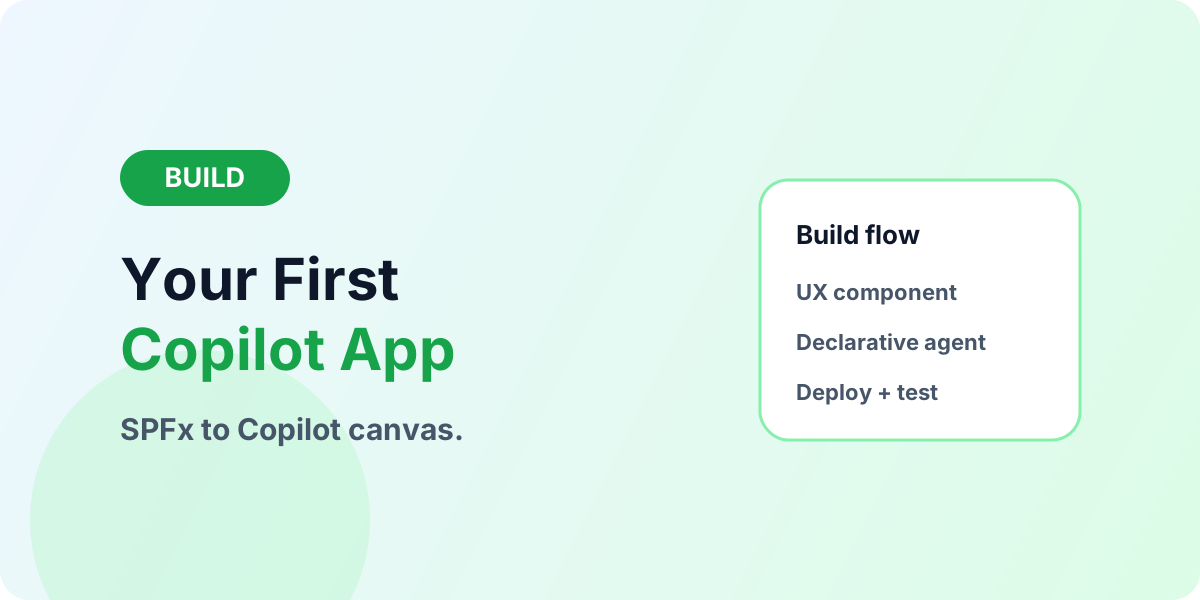
Build Your First SharePoint Copilot App: Approval Panel Walkthrough
Hands-on walkthrough: plan, build, wire, deploy, and test your first SharePoint Copilot App approval panel with SPFx and a declarative agent.
This category covers SharePoint Online lists, libraries, Microsoft Lists, metadata, document management, permissions, and collaboration design. It is intended for site owners, admins, makers, and consultants who need practical SharePoint guidance.
Open the SharePoint hubFind out when to use a list and when to use a document library, how SharePoint supports Power Platform solutions, and how to think about information architecture. The focus is on patterns that are simple enough to adopt and strong enough to support real business use.
Practical references on the concepts, setup steps, design choices, and common implementation patterns behind SharePoint — for planning, building, testing, and improving Microsoft 365 solutions.
60 articles in “SharePoint”
Hands-on walkthrough: plan, build, wire, deploy, and test your first SharePoint Copilot App approval panel with SPFx and a declarative agent.
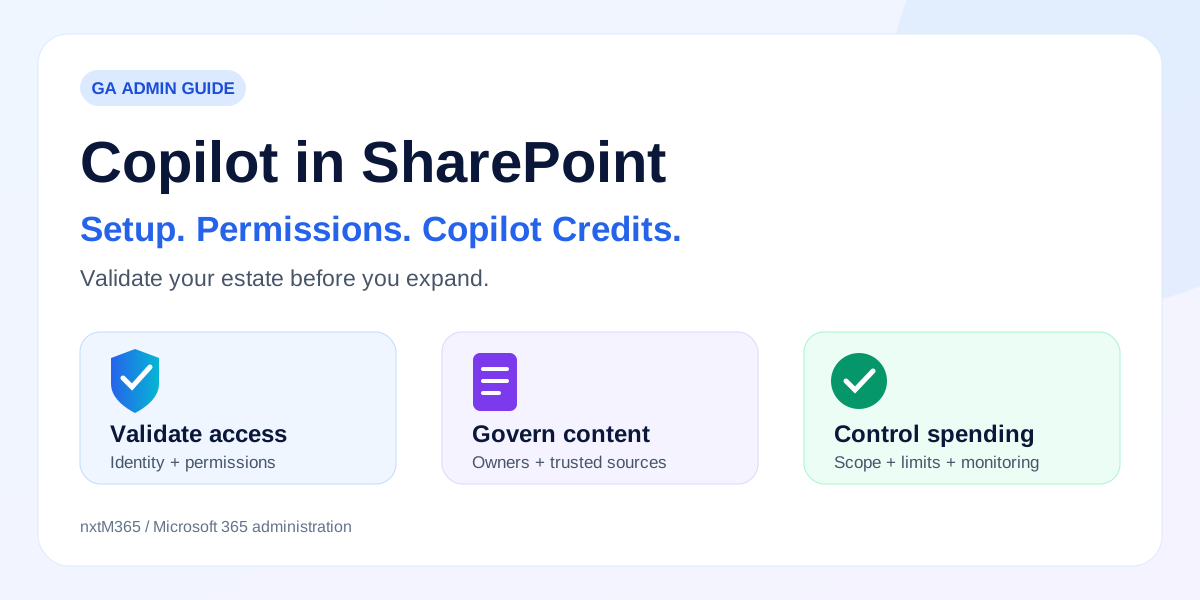
An administrator guide to the GA rollout, permissions, Site AI settings, retiring preview controls, and Copilot Credits—with a practical rollout and migration-readiness plan.
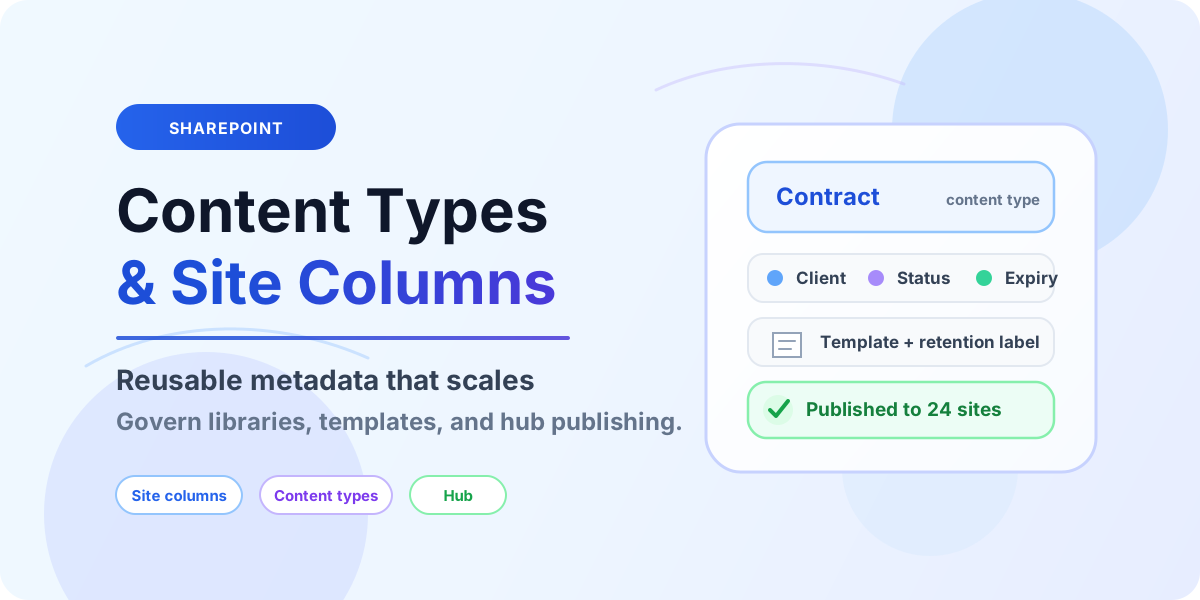
Design SharePoint content types and site columns with reusable metadata, hub publishing, and governance rules that survive growth.
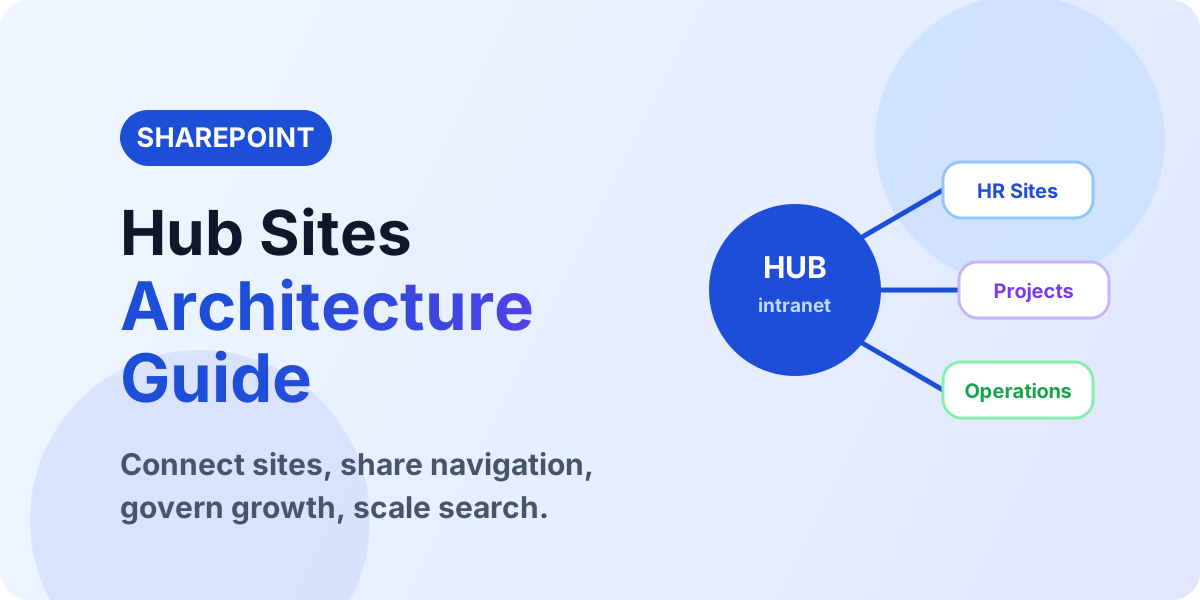
Plan SharePoint hub sites with architecture, navigation, search, permissions, and governance patterns that scale beyond single team sites.
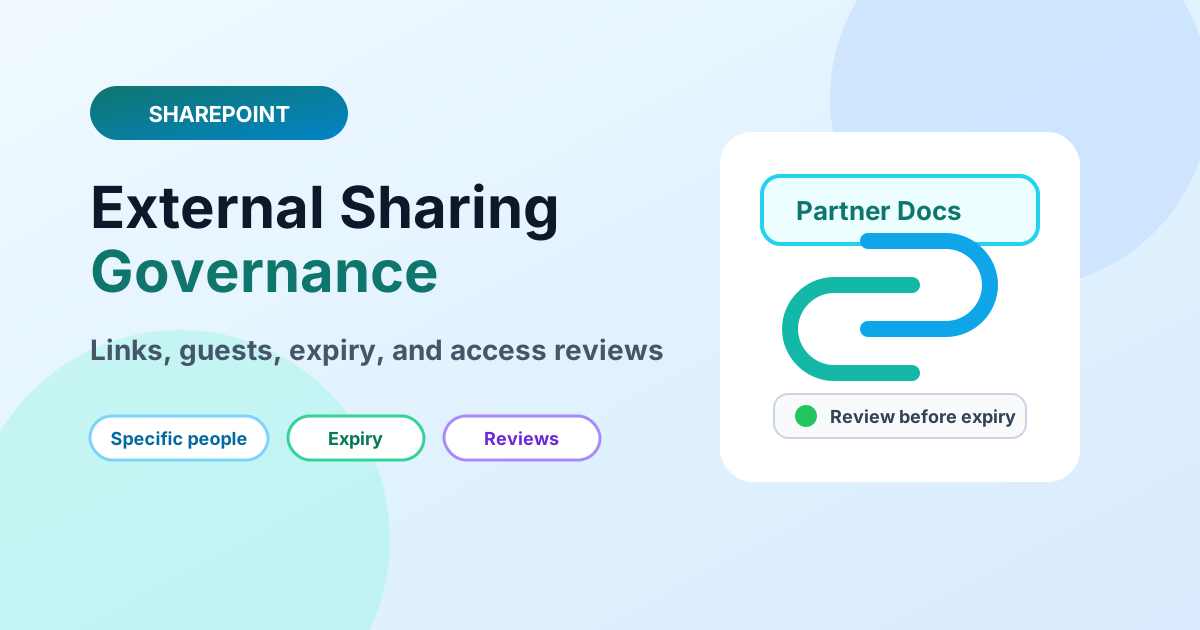
Govern SharePoint external sharing with link types, guest lifecycle, expiry policies, and access reviews that balance collaboration and security.
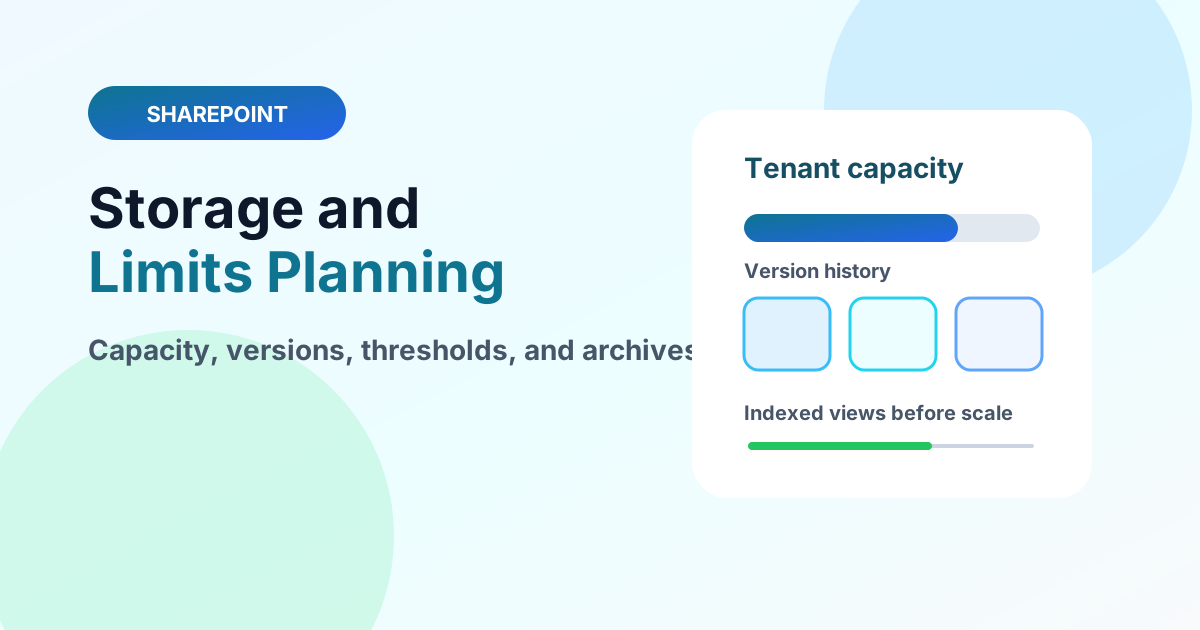
Plan SharePoint storage and service limits with pooled tenant capacity, versioning costs, large-list thresholds, and archive strategies.
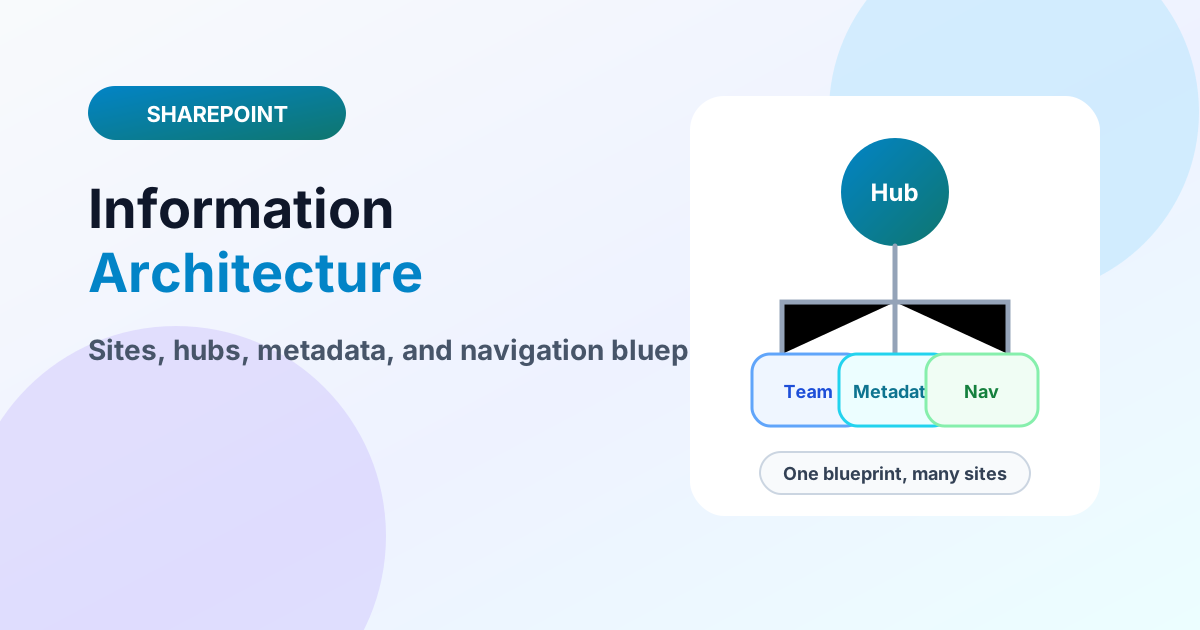
Design SharePoint information architecture with site topology, hub families, metadata models, navigation, and governance in one blueprint.

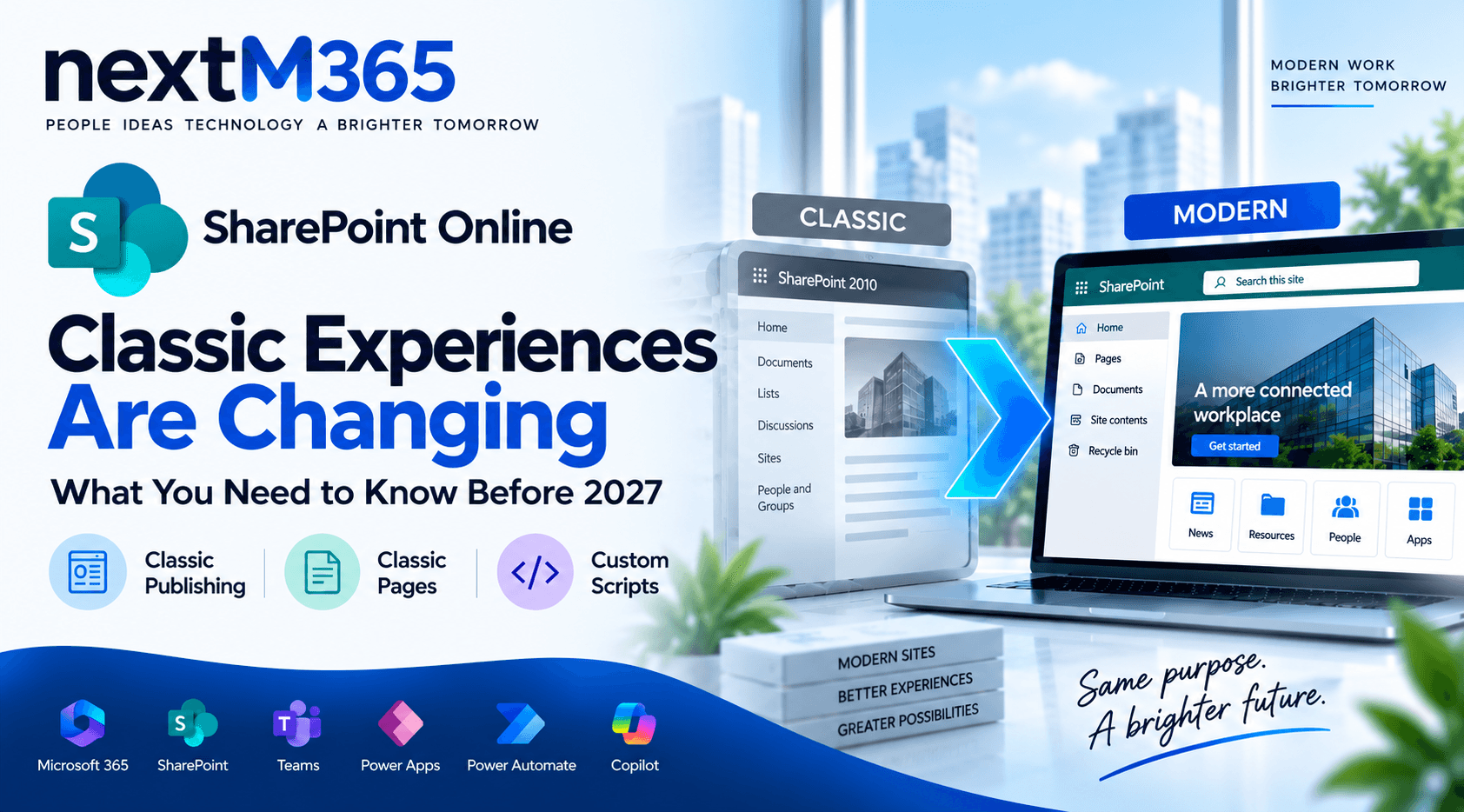
Microsoft is changing classic publishing sites, classic user-created pages, and custom scripting in SharePoint Online. Here is what admins, developers, architects, and intranet owners should do before March 1, 2027 and October 1, 2028.
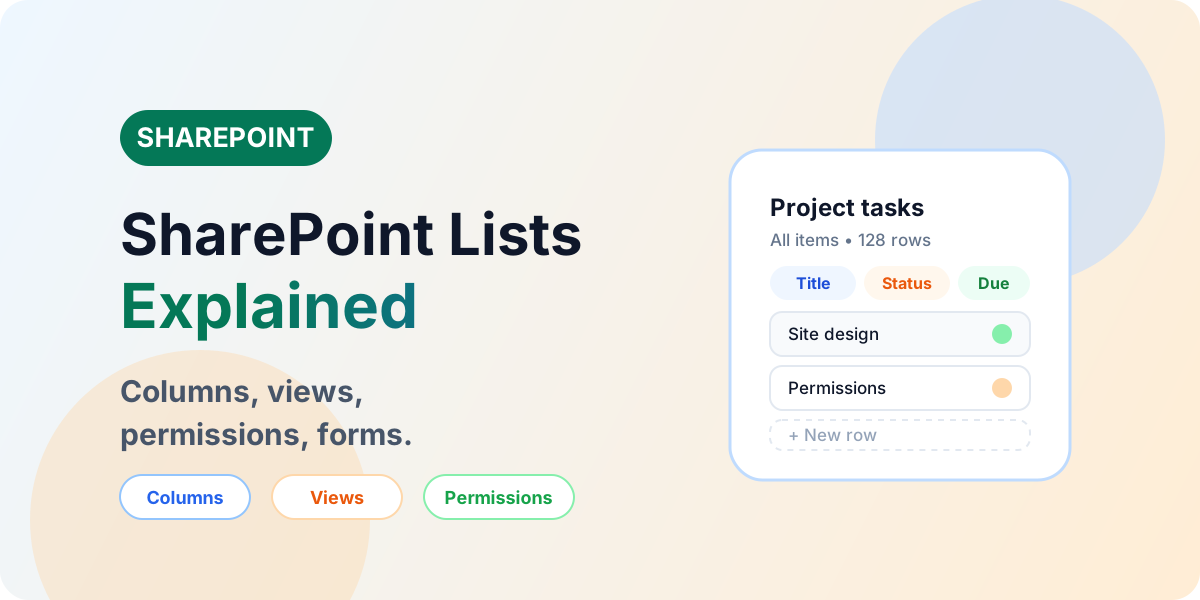
Learn SharePoint Lists with practical examples, columns, views, permissions, forms, version history, JSON formatting, Power Automate, Power Apps, limitations, and governance.
Yes. It remains a core service for content, lists, document libraries, intranet pages, and Power Platform data scenarios.
Start with sites, lists, libraries, columns, views, permissions, and how SharePoint connects to Teams.