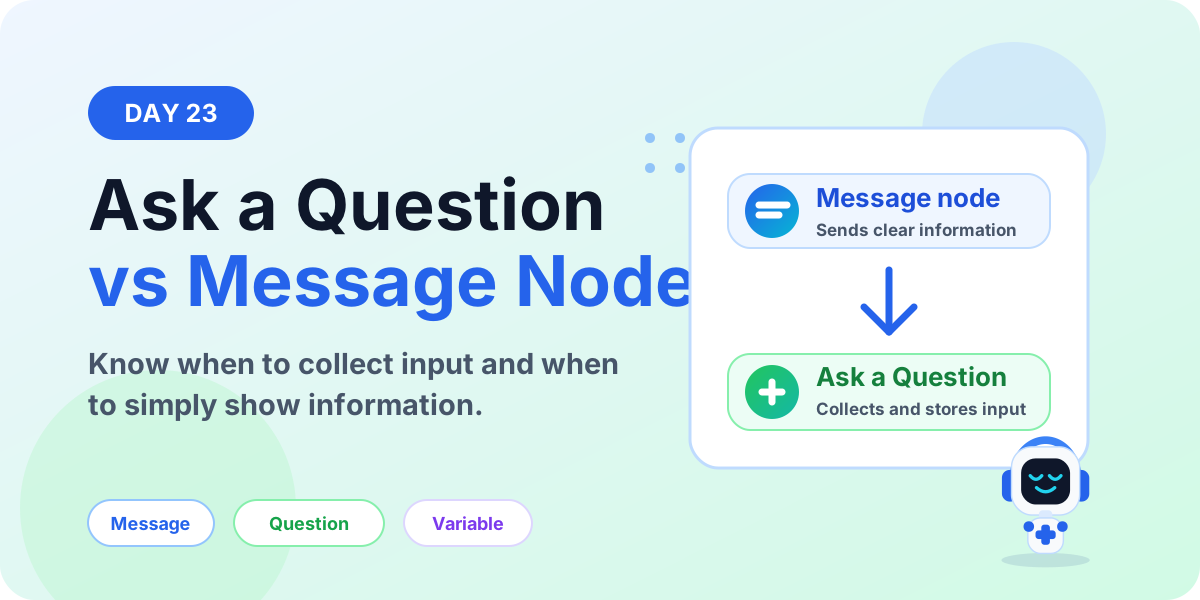
Ask a Question vs Message Node | Copilot Studio Day 23
Learn the difference between Ask a Question and Message nodes in Microsoft Copilot Studio, when to use each one, and how they affect variables and conversation flow.
This category focuses on Microsoft Copilot Studio: building agents, planning topics, using knowledge sources, understanding licensing, testing behavior, publishing channels, and designing useful business scenarios. It includes both standalone guides and the ongoing 365 Days of Copilot Studio series.
Open the Microsoft Copilot Studio hubFollow how Copilot Studio components work together, how real-world assistants such as HR and IT help desk agents are structured, and how to move from a first test bot to a more structured agent implementation. The content is practical and implementation-focused.
Practical references on the concepts, setup steps, design choices, and common implementation patterns behind Microsoft Copilot Studio — for planning, building, testing, and improving Microsoft 365 solutions.
163 articles in “Microsoft Copilot Studio”
Learn the difference between Ask a Question and Message nodes in Microsoft Copilot Studio, when to use each one, and how they affect variables and conversation flow.
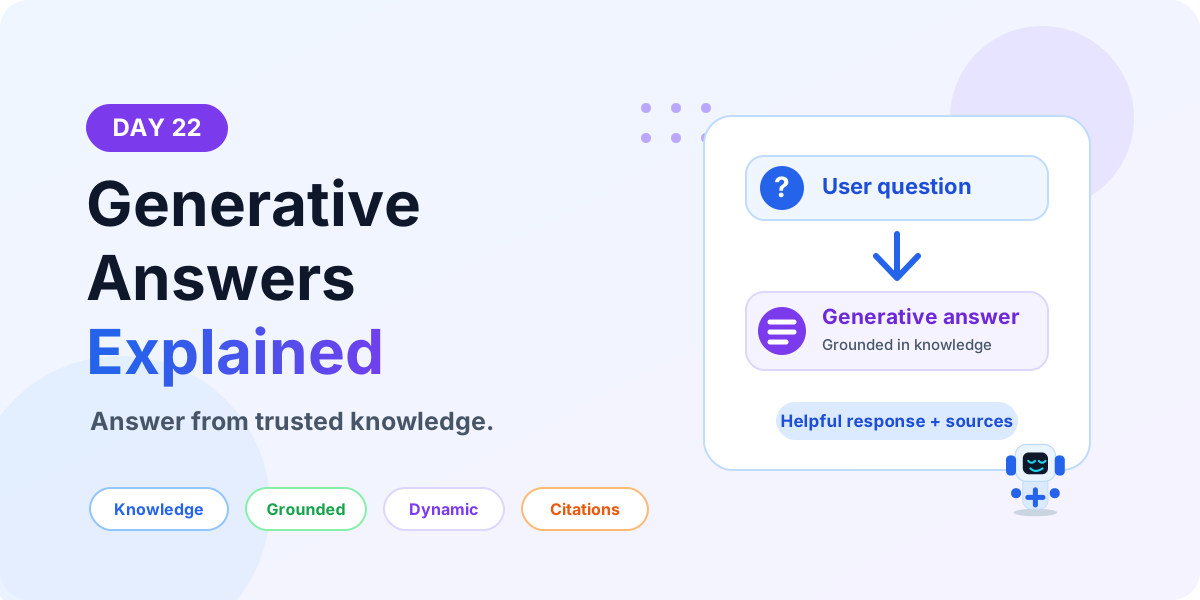
Learn what Generative Answers are in Microsoft Copilot Studio, how they use trusted knowledge sources, when to use them, and how to design safer AI answers.
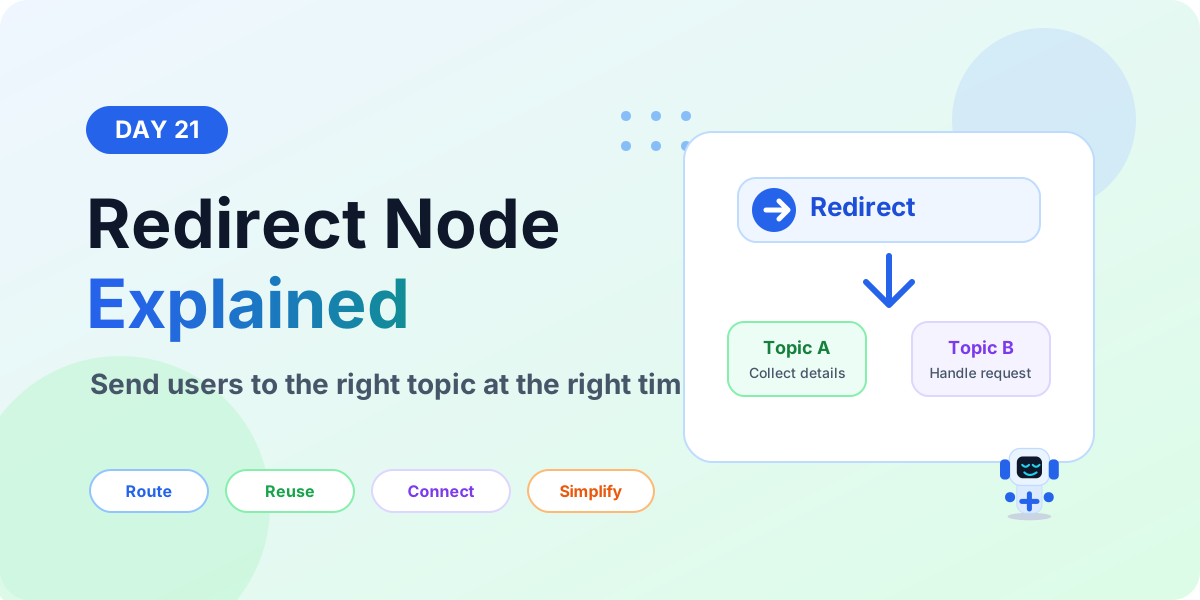
Learn what a Redirect node is in Microsoft Copilot Studio, when to use it, how it sends users to another topic, and how redirects keep agent topics clean and reusable.
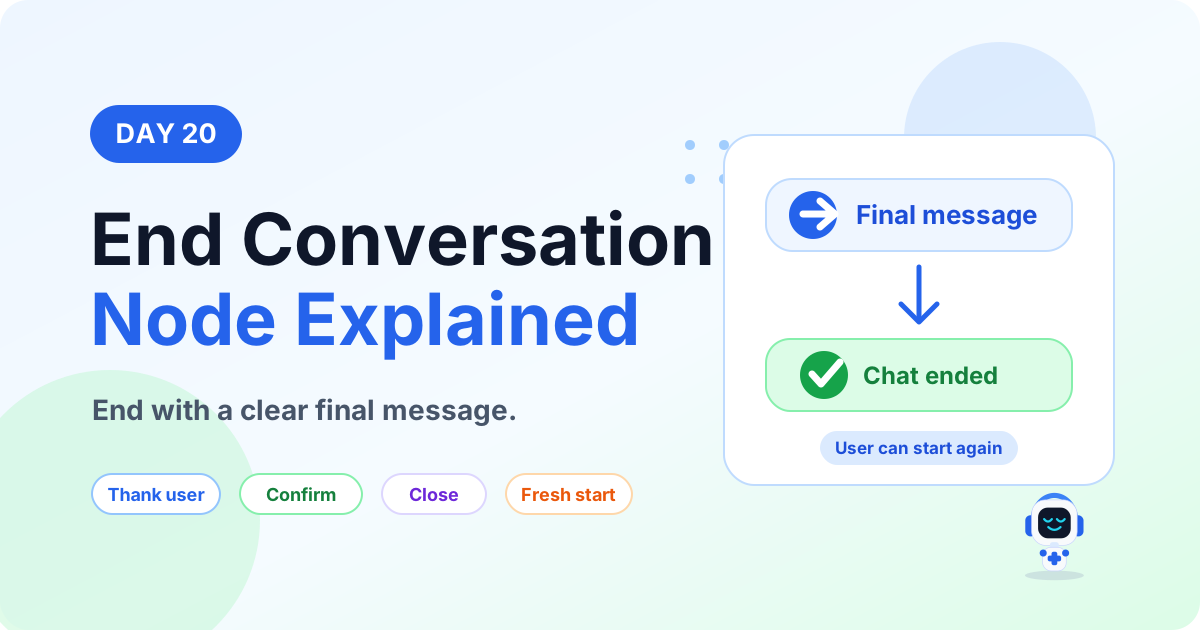
Learn what an End Conversation node is in Microsoft Copilot Studio, when to use it, how it closes a topic, and how to write better final messages.
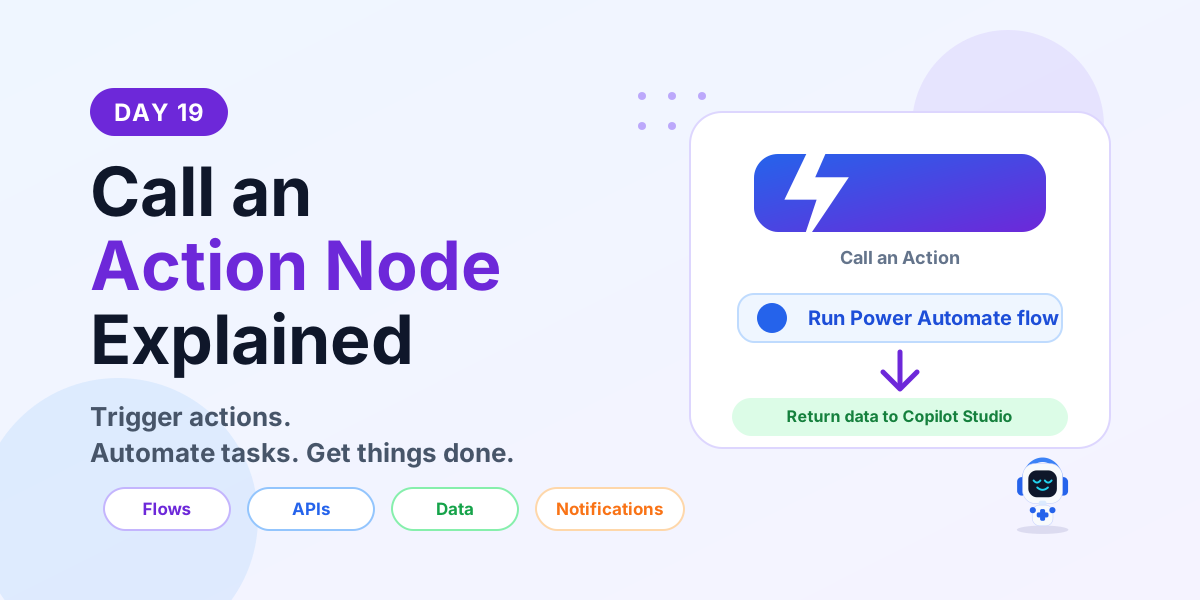
Learn what a Call an Action node is in Microsoft Copilot Studio, how it connects to Power Automate flows and APIs, and how to use actions in real business conversations.
Learn what a Variable node is in Microsoft Copilot Studio, how variables store and reuse data, supported types, best practices, and a leave request example.
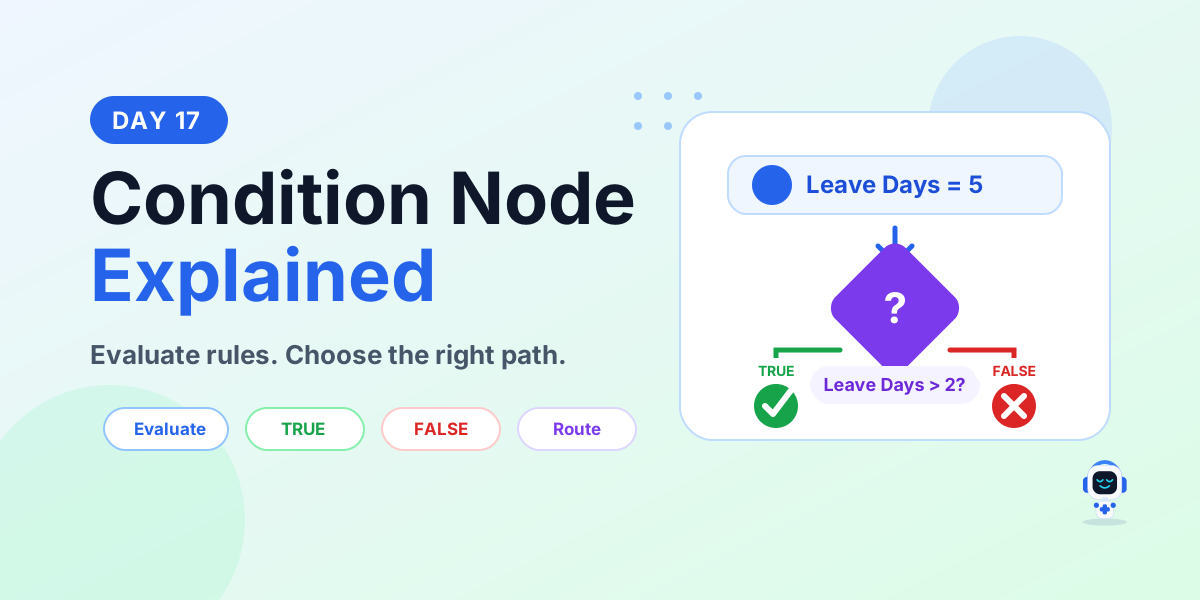
Learn what a Condition node is in Microsoft Copilot Studio, how TRUE and FALSE paths work, supported conditions, best practices, and a leave approval example.
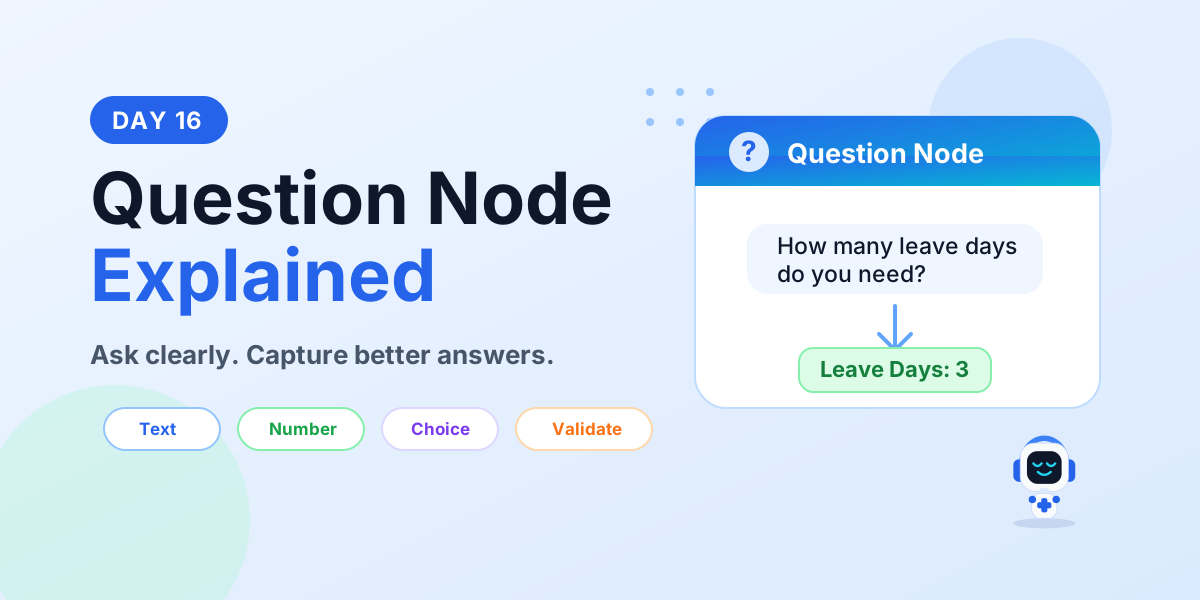
Learn what a Question node is in Microsoft Copilot Studio, supported response types, validation, variables, best practices, and a leave request example.
Learn what a Message node is in Microsoft Copilot Studio, what it can display, when to use it, best practices, mistakes to avoid, and a simple leave request example.
Yes. Start with setup, licensing, and core component articles before moving into advanced scenarios.
Yes. The series is a structured subcategory inside Copilot Studio.