Microsoft Student Ambassadors 2026: Benefits & How to Join
Explore Microsoft Student Ambassadors in 2026: how registration works, benefits, eligibility checks, beginner projects, community leadership, and a practical first-month plan.
This category covers Microsoft 365 fundamentals, admin center concepts, roles, apps, and platform guidance for people who need to understand how the Microsoft cloud fits together. The articles are written as practical learning notes, with a focus on real admin and maker scenarios rather than product marketing.

See how Microsoft 365 services connect, how admin roles shape tenant management, and how core apps such as SharePoint, Teams, OneDrive, Lists, and Copilot experiences support modern work. The category is a good starting point before moving into deeper SharePoint, Power Platform, or Copilot Studio topics.
Practical references on the concepts, setup steps, design choices, and common implementation patterns behind Microsoft 365 — for planning, building, testing, and improving Microsoft 365 solutions.
11 articles in “Microsoft 365”

Explore Microsoft Student Ambassadors in 2026: how registration works, benefits, eligibility checks, beginner projects, community leadership, and a practical first-month plan.
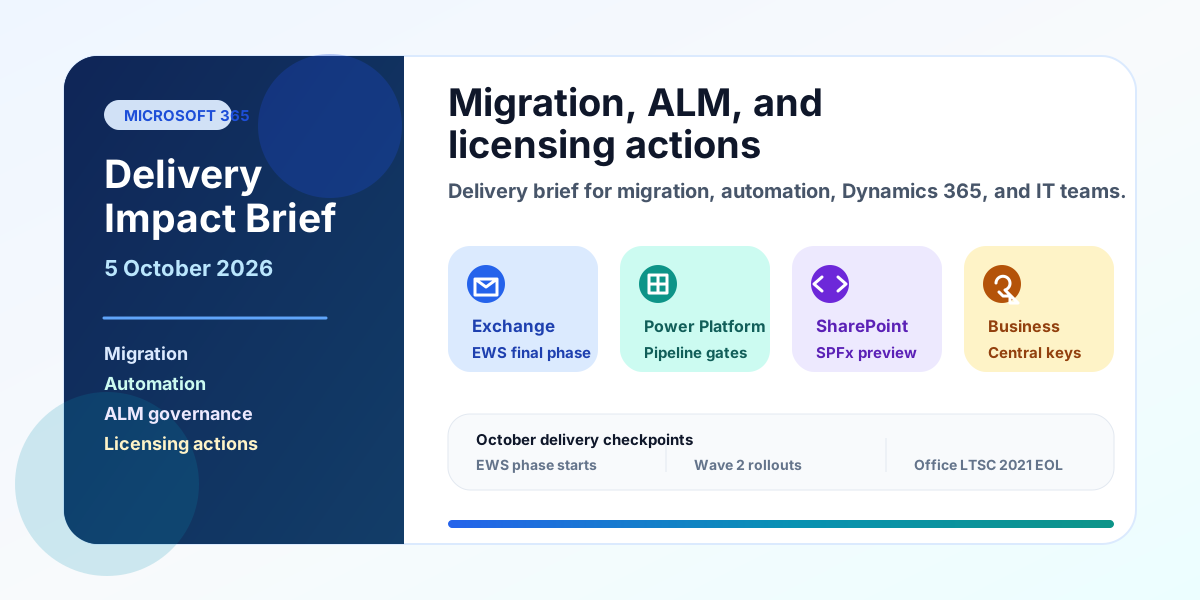
A practical Microsoft delivery brief for migration, automation, ALM, Dynamics 365, and admin teams covering EWS, cross-tenant mailbox migration, Power Platform pipelines, SPFx 1.24, Business Central keys, Copilot billing, and October deadlines.
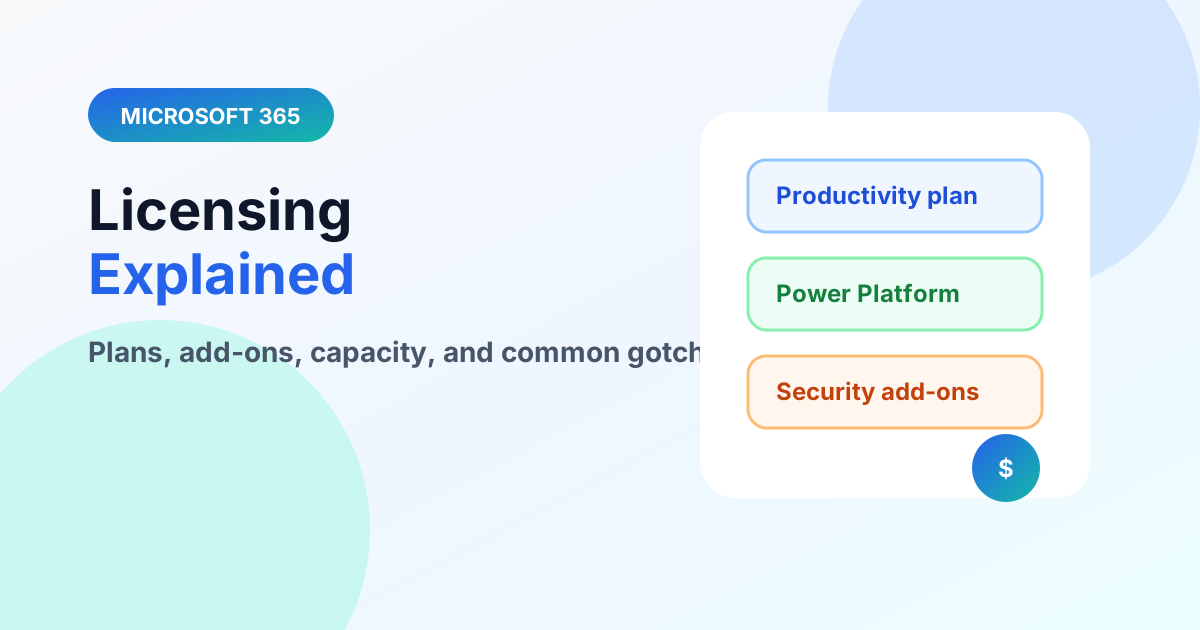
Understand Microsoft 365 licensing layers — productivity plans, Power Platform capacity, and premium connectors — without drowning in SKUs.
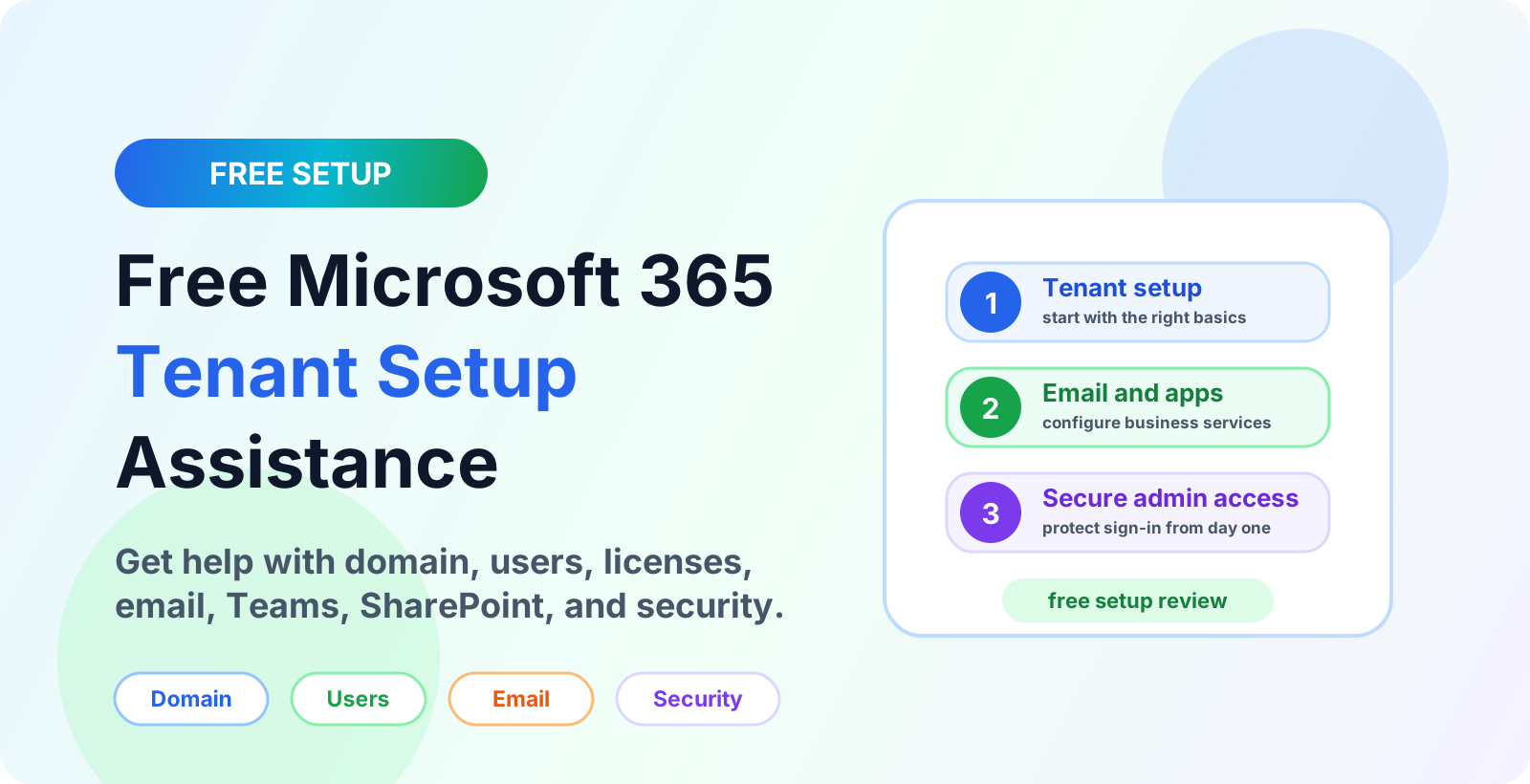
Get free Microsoft 365 tenant setup assistance for a new business tenant, including domain setup, users, licenses, email, Teams, SharePoint, and security basics.
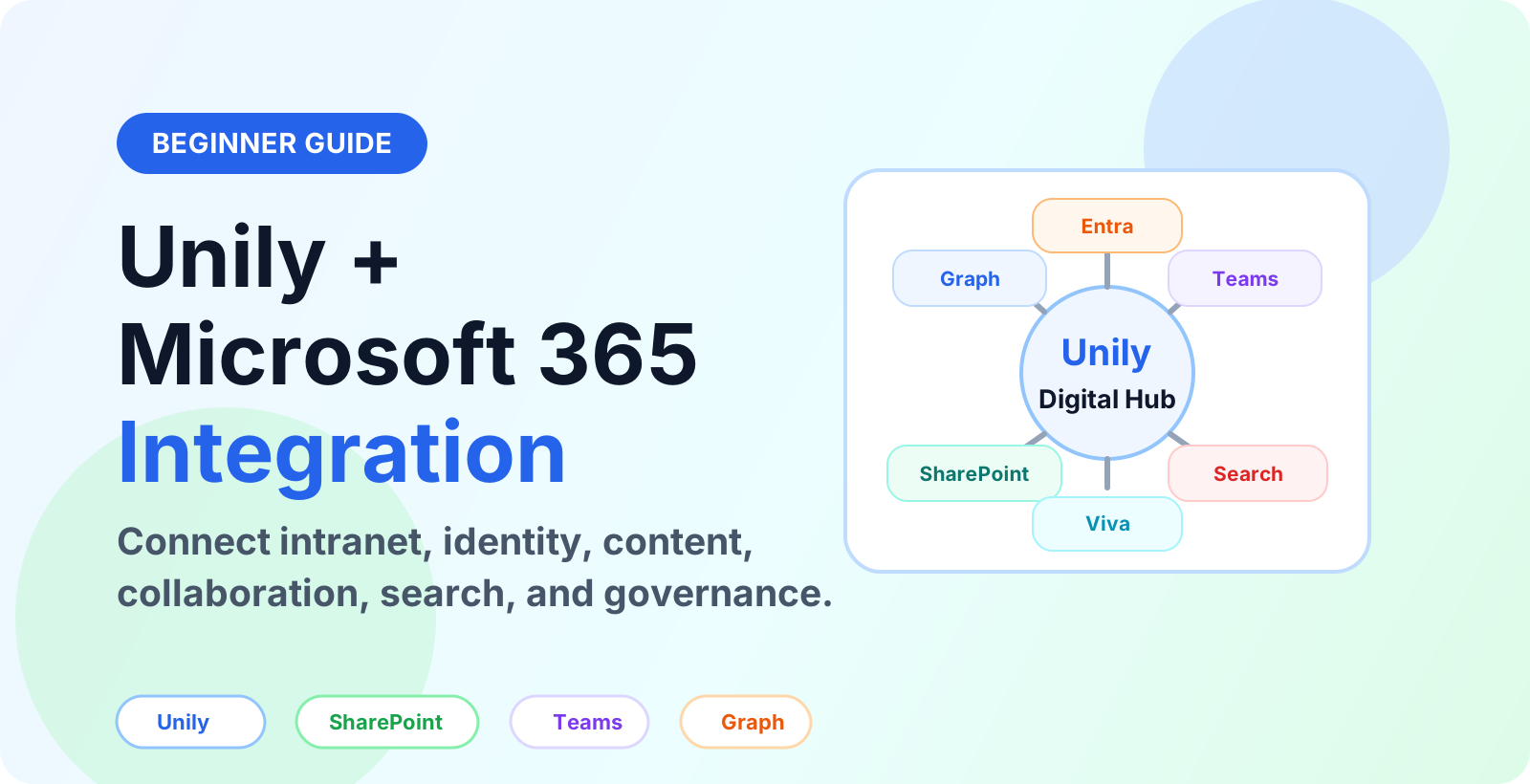
Learn how Unily integrates with Microsoft 365, SharePoint, Teams, Viva, Entra ID and Microsoft Graph to connect intranet content, identity, collaboration and governance.
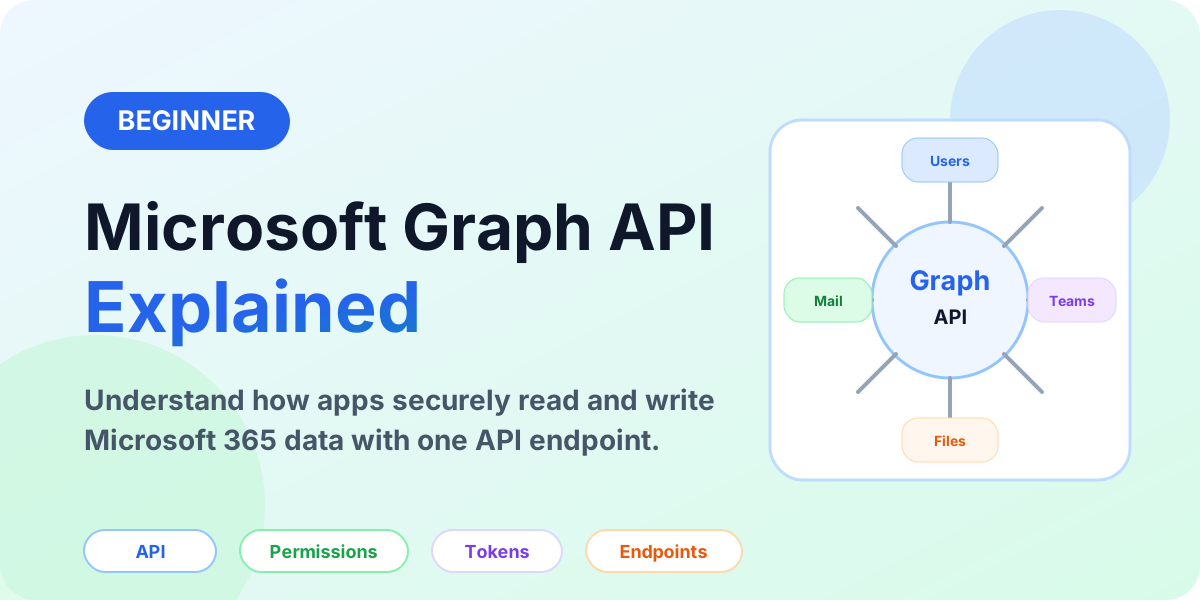
A beginner-friendly Microsoft Graph API guide explaining what Graph is, how requests work, permissions, tokens, endpoints, common use cases, and safe API design.
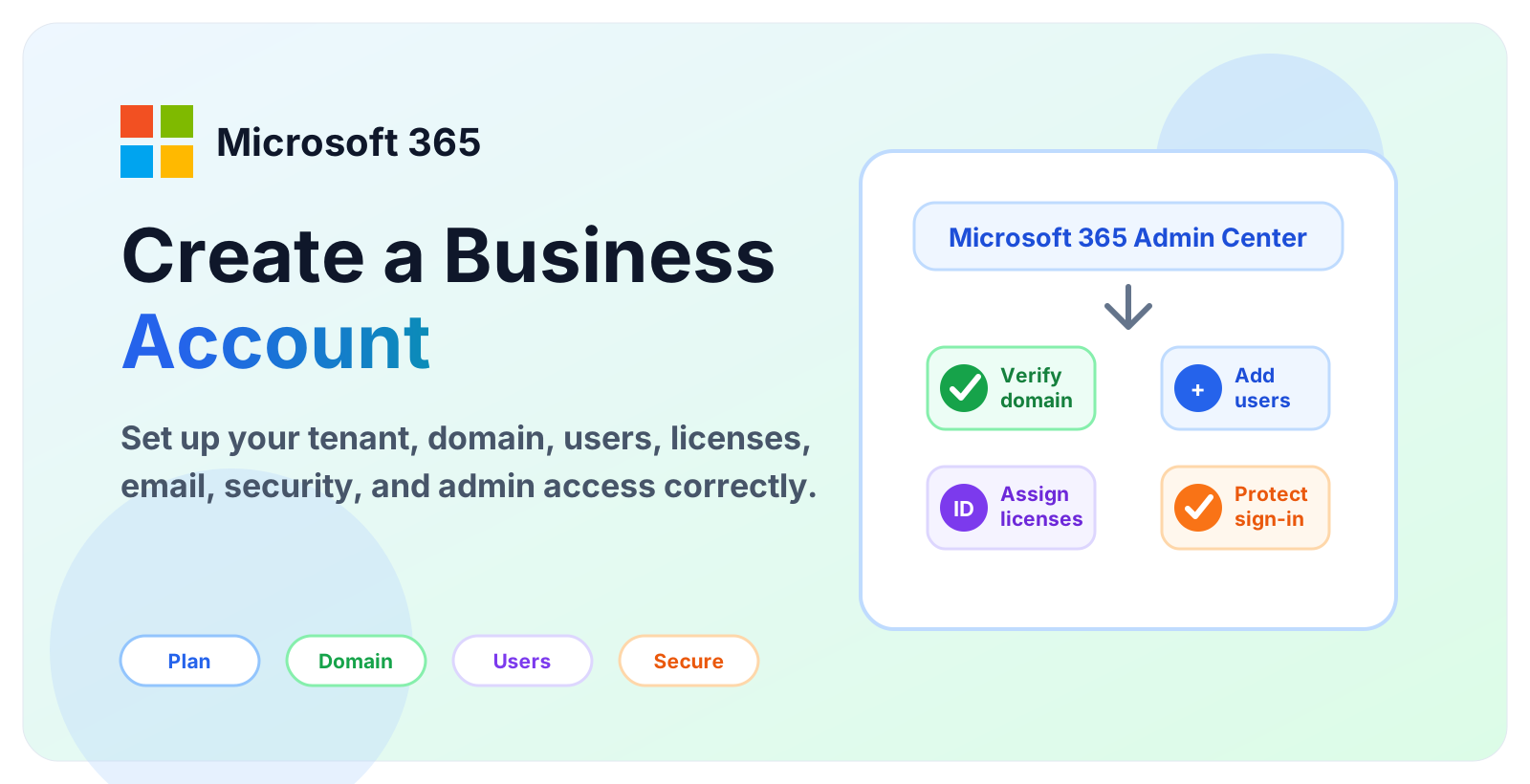
A beginner-friendly guide to creating a Microsoft 365 business account, setting up the tenant, adding a custom domain, creating users, assigning licenses, and securing administrator access.

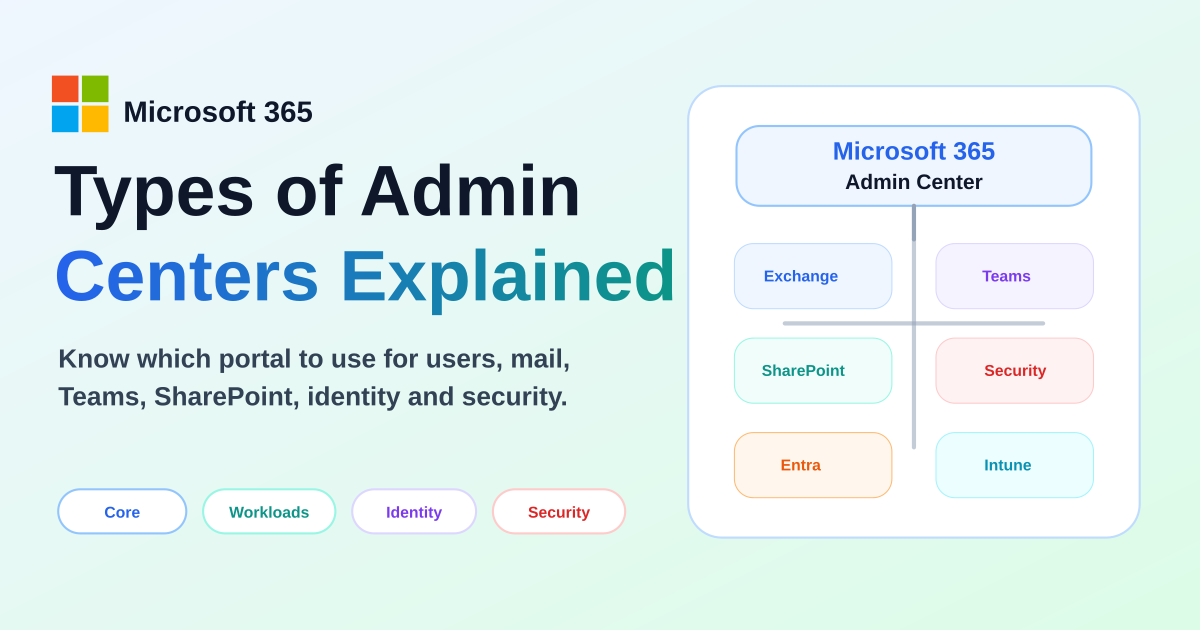
Compare the main Microsoft 365 admin centers, what each portal manages, and when to use Microsoft 365, Exchange, Teams, SharePoint, Entra, Security, Purview, Intune, and Power Platform admin centers.

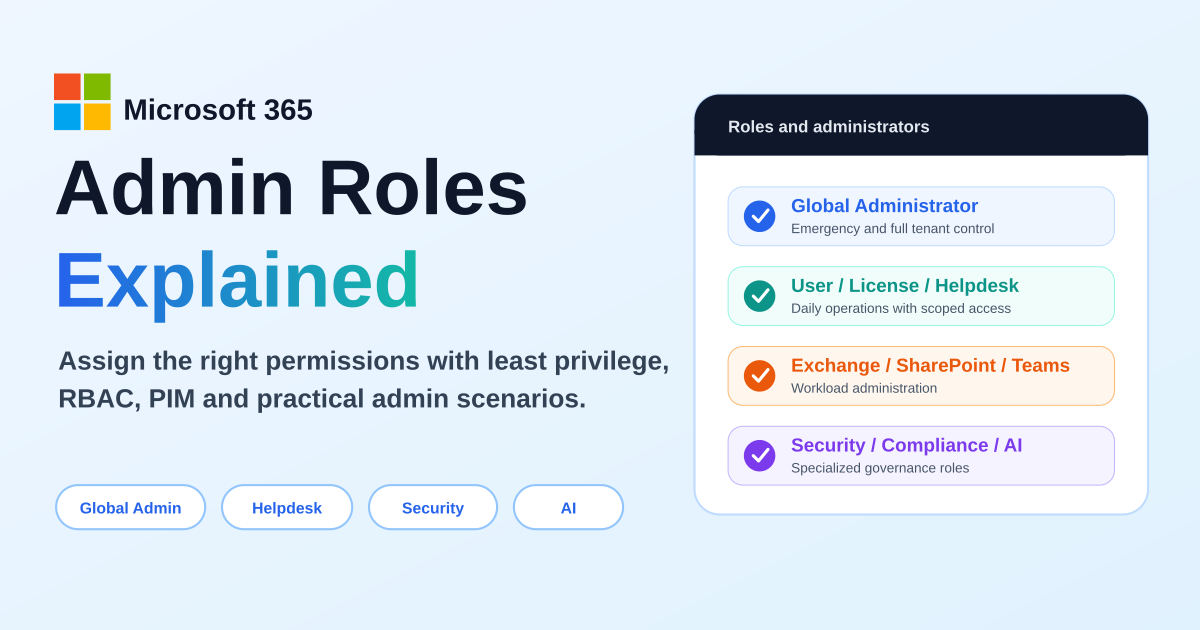
A practical guide to Microsoft 365 admin roles, Microsoft Entra roles, RBAC, least privilege, Global Administrator risks, workload admin roles, support roles, AI administration, PIM, and role assignment scenarios.
They are for admins, consultants, makers, and technical learners who want practical Microsoft 365 guidance.
Yes, a Microsoft 365 foundation helps you design better SharePoint, Power Automate, Power Apps, and Copilot solutions.