Power Apps and Power Apps Code articles

This category covers Power Apps concepts with a strong focus on Power Apps Code, PAC CLI, React project structure, Dataverse, and data-source integration. It is designed for makers and developers who want to understand where low-code and pro-code development meet.

Open the Power Apps Code hub

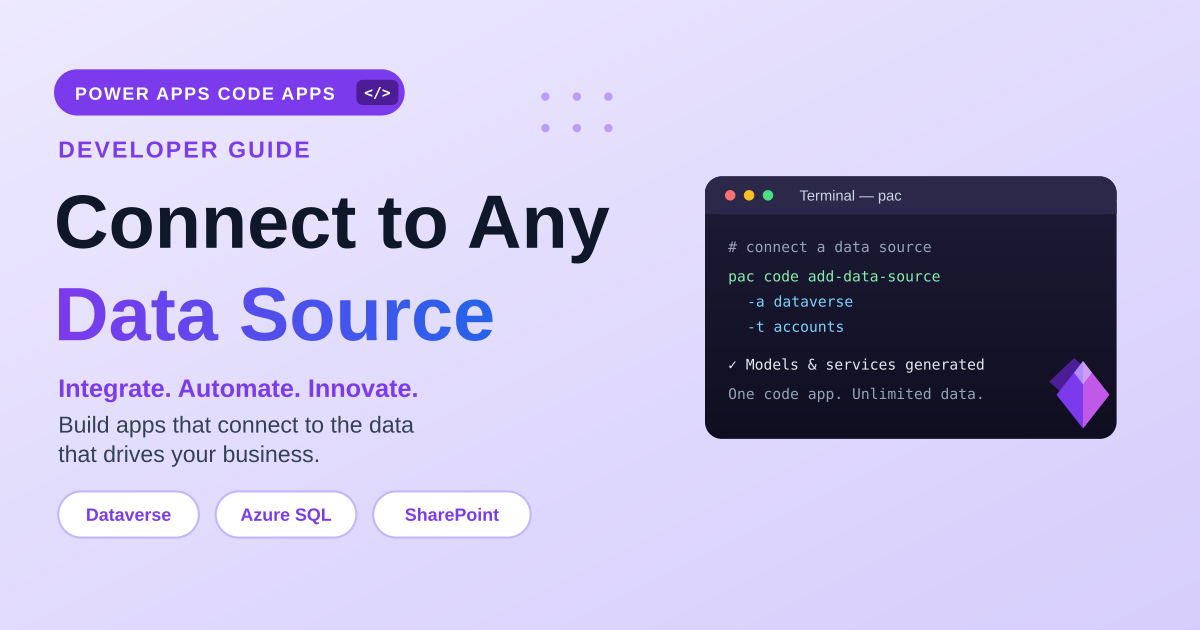
Work through developer tooling setup, a first Power Apps Code app, Dataverse connections, generated project files, and data-access decisions. The articles are practical setup and build notes for real development work.

What this archive covers

Practical references on the concepts, setup steps, design choices, and common implementation patterns behind Power Apps — for planning, building, testing, and improving Microsoft 365 solutions.

247 articles in “Power Apps”

Latest articles

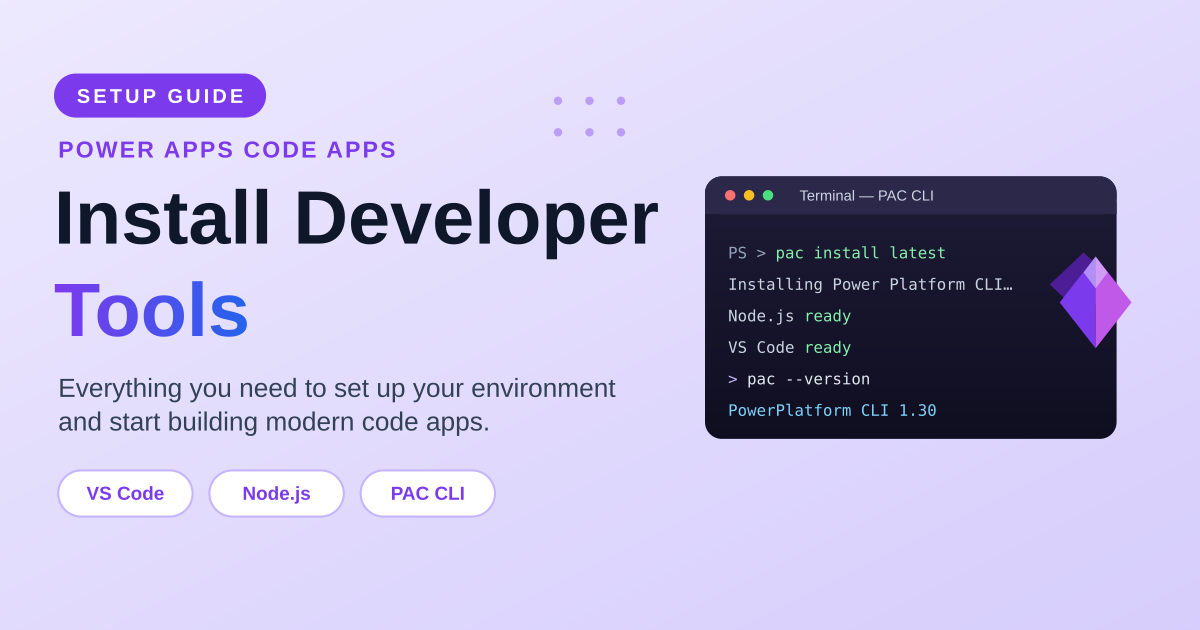
Install Developer Tools for Power Apps Code Apps — A Complete Setup Guide (PAC CLI) article image
Power AppsJul 2, 2026

Install Developer Tools for Power Apps Code Apps — A Complete Setup Guide (PAC CLI)

Set up your environment for Power Apps Code apps step by step: install the developer tools (VS Code, git, .NET, Node.js and the Power Platform CLI), enable code apps on your Power Platform environment, understand what PAC CLI does, compare installation options and OS support, verify your install, connect to an environment, and manage authentication profiles.

By Suresh Girinathuni6 min →
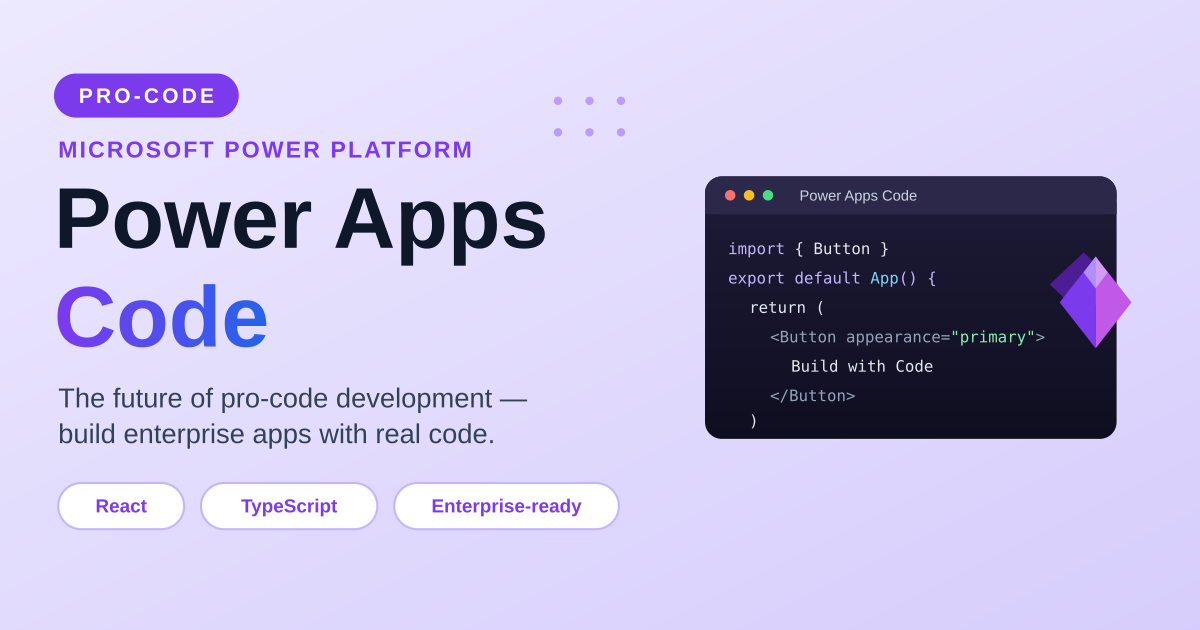
Power Apps Code — The Future of Pro-Code Development on the Power Platform article image
Power AppsJul 1, 2026

Power Apps Code — The Future of Pro-Code Development on the Power Platform

Meet Power Apps Code — Microsoft’s pro-code approach to building Power Platform apps with React, TypeScript, and modern tools. What it is, how it compares to canvas Power Apps, why it says goodbye to delegation warnings, the technologies and skills to learn, when to use it, and why it is not replacing canvas apps.

By Suresh Girinathuni4 min →

More articles

Frequently asked questions

Does this category cover canvas apps?

The current focus is Power Apps Code and developer-oriented Power Apps patterns.

Do I need coding experience?

Some articles are beginner-friendly, but Power Apps Code is most useful when you are comfortable with front-end development basics.