Copilot Studio Dev vs Test vs Production | Day 84
Understand the purpose, access, data, connections, and release gates for Copilot Studio development, test, and production environments, with a worked deployment example.
- Published
- Reading time
- 11 min read
Quick answer
Use development to build and fix the agent, test to validate an identifiable release candidate, and production to serve the approved audience. Promote supported components through solutions, review target-specific values and connections, publish the target agent, and test the real user channel. Environment separation needs downstream access controls too: a test tool must not accidentally write to a live system.
Week 12 · Day 84 of 365 in 365 Days of Copilot Studio — view the full series
Before you start
Is this guide for you?
- Best entry point
- 365 Days of Copilot Studio
- Time investment
- 11 min read
- Prerequisite knowledge
- Day 83 environment management concepts, a supported agent scenario, and familiarity with the team’s solution deployment process.
What you’ll learn
- Development, test, and production have different responsibilities, audiences, and release gates.
- A lifecycle stage name does not establish the actual Power Platform environment type.
- Keep the tested artifact traceable through deployment and complete target-specific setup.
- Verify destinations, identities, data policies, and real business outcomes in each stage.
- Production acceptance includes user-channel checks, monitoring, support, and recovery readiness.
Before you start
- Prerequisite knowledge
- Day 83 environment management concepts, a supported agent scenario, and familiarity with the team’s solution deployment process.
On this page (12 sections)
Day 84 of 365 Days of Copilot Studio compares Copilot Studio dev vs test vs production: where makers build an agent, where a release earns approval, and where real users depend on the result.
In Day 83: Managing Multiple Environments, we organized environments and their configuration. This lesson turns that structure into everyday decisions: who can change what, which data and connections belong at each stage, and what evidence is needed before promoting a release.
Quick answer: build and repair in development, independently validate the release in test, and operate the approved version in production. Move supported components through solutions, configure each target deliberately, and verify the actual user journey before broadening access.
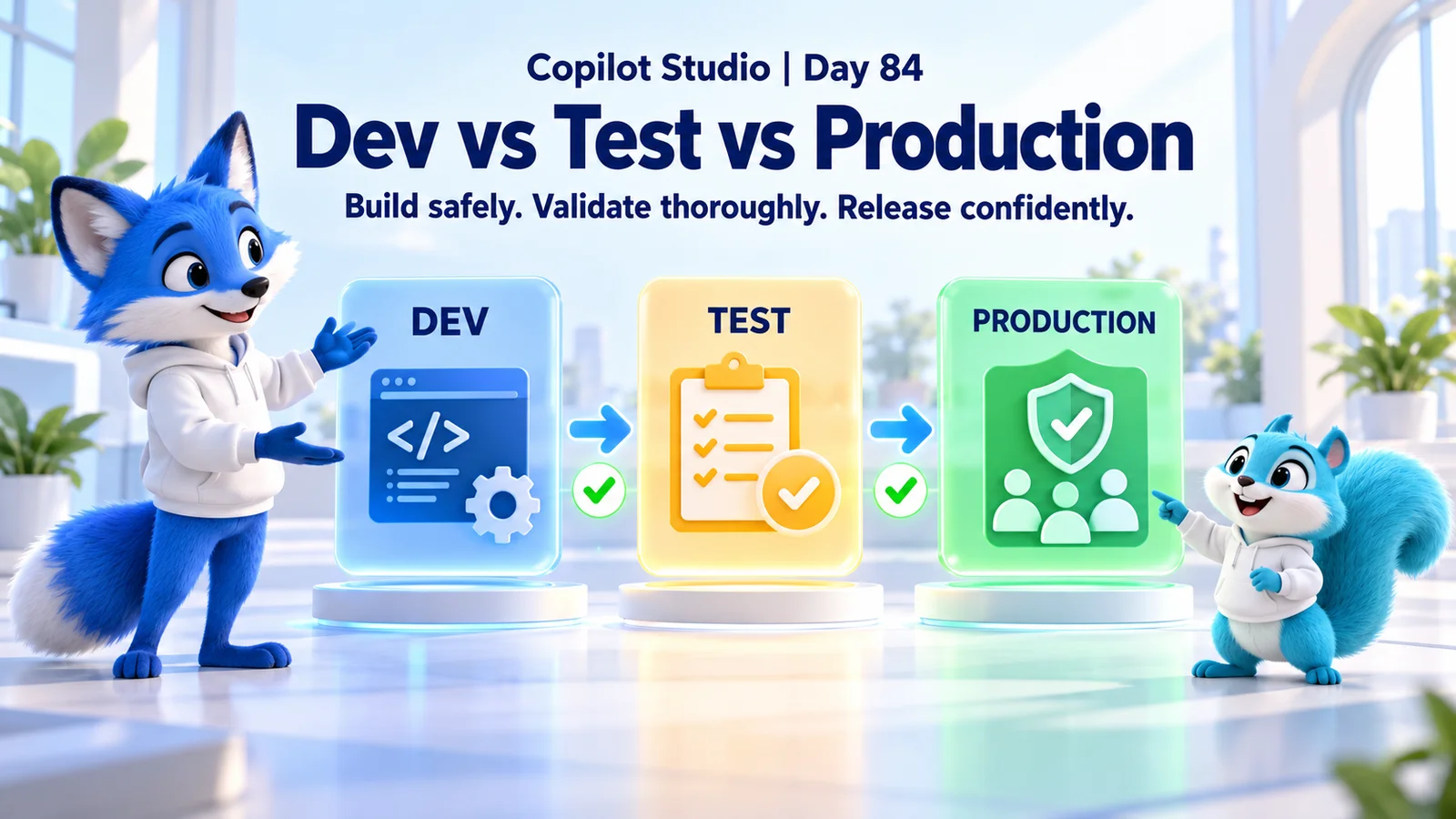
This article expands the Day 84 PDF with a comparison table, release gates, an illustrative service-desk example, troubleshooting, and a practical checklist. The hero is a conceptual illustration. Microsoft references were checked on 17 October 2026; solution export/import and variable behavior below apply to the standard-harness experience where specified.
1. Dev vs Test vs Production: The Differences at a Glance
| Decision | Development | Test | Production |
|---|---|---|---|
| Primary purpose | Build, experiment, and fix. | Validate a specific release candidate. | Serve the approved business audience. |
| Main participants | Authorized makers and developers. | Testers, business reviewers, and controlled support roles. | Intended users and authorized operations staff. |
| Changes | Frequent, reviewed authoring changes. | Controlled deployments for repeatable verification. | Approved releases and governed operational changes. |
| Data | Suitable sample or synthetic records. | Approved representative test data. | Authorized live business data. |
| Connections | Development services with limited permissions. | Test services and identities with safe side effects. | Approved production services and permissions. |
| Exit evidence | Reviewed change and focused checks. | Accepted test results for the candidate. | Channel verification, monitoring, and owner acceptance. |
These are lifecycle responsibilities. They are not simply three names for the same unrestricted workspace. An environment called TEST can still affect live systems if a tool uses production credentials.
Decide the environment identifiers, owners, access groups, data rules, and external dependencies before inviting a broader audience. Keep this register available to release and support teams so a similarly named agent cannot be mistaken for the live service.
2. Separate the Lifecycle Stage From the Environment Type
Development, test, and production describe how your team uses an environment. Power Platform also defines environment types with different capabilities. Do not infer those capabilities from a display name.
Microsoft's Copilot Studio ALM guidance recommends separate stages, with sandbox environments for development and testing and a production-type environment for the live service. Confirm the supported arrangement with your platform administrator.
For a maintained business agent, record the actual environment type and identifier, region, lifecycle, ownership, and capacity plan. Confirm that your selected features and dependencies are available there. A temporary trial should not quietly become the only home of a service people rely on.
Review Copilot Studio's environment guidance before creating or switching agents. The environment switcher changes your view; it does not deploy an existing agent to another stage.
3. Development: Build and Learn Without Uncontrolled Side Effects
Development is where makers create topics, instructions, tools, knowledge integrations, and conversation behavior. They should be able to investigate failures and revise the design without exposing incomplete work to the production audience.
Give experiments a clear boundary. Use approved sample data, development endpoints, and identities with only the permissions needed for the work. Confirm where a tool writes before testing a scenario that sends messages, creates tickets, or updates records.
Keep a reproducible change record: what requirement changed, which components were edited, what dependencies were added, and which focused checks passed. Include unsuccessful experiments when they explain a remaining limitation, but remove abandoned components from the intended release through the supported authoring process.
Development exit gate: the maker can explain the change, demonstrate the intended behavior, identify its dependencies, and provide a versioned candidate for independent testing. A convincing authoring-pane demonstration alone does not establish production readiness.
4. Test: Validate the Candidate With Representative Users
Test is where the team evaluates the candidate as it will be used. Import or deploy the intended artifact, supply approved test configuration, and verify the full path through knowledge, tools, identity, and the target channel.
Use an ordinary test user as well as a maker account. The maker may have permissions that hide an access problem. Include an account that should be denied access, and confirm that its experience follows the approved boundary.
Maintain a scenario set with the request, account, expected response, expected tool outcome, and actual result. For generated answers, define factual and behavioral acceptance criteria rather than demanding identical wording for every valid answer.
Microsoft's agent testing guidance covers functional, knowledge, regression, adversarial, performance, security, and user-experience testing. Choose cases that reflect the agent's business impact, then record defects and rerun the affected checks after repairs.
Test exit gate: reviewers accept the candidate and its configuration, required scenarios pass, remaining exceptions have an owner, and the release can be traced to the artifact being promoted.
5. Production: Operate an Approved Service
Production serves real users with authorized live information and integrations. Protect its stability with controlled releases, limited administration, clear support ownership, and a documented response to failed business operations.
Separate the right to use an agent from the right to edit or deploy it. A business user should not need maker privileges to complete a supported conversation. An operations team should know who can change configuration and who accepts a release.
After deployment, open fresh sessions through the intended channel and check a small set of meaningful journeys. Confirm that authentication, knowledge access, tool outcomes, and user-facing messages match the approved behavior.
Use the monitoring guidance to plan usage review, operational telemetry, incident handling, and capacity checks. Assign someone to act on a failure signal; a dashboard without an owner does not resolve incidents.
Production acceptance gate: the release record identifies what is running, the intended audience can use it, operations can observe it, and support can follow a rehearsed containment or recovery procedure.
6. Promote the Release Through Solutions
Use a custom solution to package the supported agent components and dependencies. Follow the platform's managed-solution approach for downstream stages, while retaining the development source and release artifact.
The agent export/import documentation explains adding required objects and checking dependencies. Newly added topics, flows, connectors, and configuration need deliberate review before export; a solution name alone does not establish completeness.
Keep the tested solution artifact identifiable. If the source changes after approval, create and validate a new candidate. Rebuilding a different package for production makes the earlier test evidence harder to apply.
An import is one deployment step. Afterward, verify target authentication, sharing, channels, web-channel security, and telemetry configuration where applicable. Publish the imported agent and test the intended channel before making it available to the wider audience.
Do not manually rebuild the same agent separately in test and production. Independent editing makes differences difficult to explain and weakens the connection between a reviewed change and its live behavior.
7. Keep Endpoints, Identities, and Configuration Stage-Specific
Separate reusable logic from values that differ between stages. Document the expected source, destination, identity, and side effects of each integration. Review the actual resolved destination rather than trusting a friendly connection name.
| Setting | Development / test expectation | Production expectation |
|---|---|---|
| Knowledge | Approved sample or test content with representative permissions. | Approved live sources with verified user access. |
| Write destination | Dedicated nonproduction system or controlled test fixture. | Approved live destination and business process. |
| Identity | Limited test or development authorization. | Approved production authentication model. |
| Configuration | Reviewed stage values with no accidental live defaults. | Explicit approved live values. |
| Telemetry | Useful diagnostics with appropriate data handling. | Operational monitoring and approved access and retention. |
Use supported environment variables for configurable values. Under the documented standard-harness behavior, non-secret values are captured when the agent is published, so changing them requires republishing affected agents. Secret-type values have a runtime retrieval exception. See the variables reference for the supported behavior.
Connection references and authenticated connections address another part of the deployment. Verify the connection, its authorization model, and the destination service using the connection guidance. A Connected status does not establish that the selected system is the correct stage.
8. Apply Access and Data Policies at Every Stage
Control who can enter the environment, who can author the agent, who can use it, and what downstream resources each operation may access. These are related controls with different responsibilities.
Use approved groups and roles, and review privileged access before promotion. Test positive and negative cases: an authorized user can complete the permitted task, while an unrelated user cannot retrieve protected information or invoke an unauthorized operation.
Review the environment's data policies when adding knowledge, connectors, or channels. A configuration that worked in development may conflict with a target policy. Resolve the intended design with the administrator rather than bypassing the control to make a demonstration work.
A test system also needs appropriate data handling. Prefer synthetic or suitably prepared representative records. Establish the approved process before copying any live material, and consider screenshots, transcripts, and exported diagnostic evidence as well as the underlying database.
9. Worked Example: A Service-Desk Ticket Agent
Consider an illustrative agent that answers support questions and creates service-desk tickets. The proposed change adds a new urgency classification and an acknowledgement message. The acceptance condition includes the stored ticket fields, not just a friendly chat response.
In development: the maker uses a development ticket service and synthetic employees. They check valid input, missing descriptions, the new classification, and the outcome when the service rejects a request. They record the changed flow and its configuration dependencies.
In test: the team deploys the candidate and binds it to the test ticket service. A tester uses the intended channel as an ordinary user, submits a request, and verifies the resulting record and acknowledgement. Another test checks that an unauthorized person cannot view a protected ticket.
Suppose the conversation succeeds but the record appears in the live ticket queue. The candidate fails the gate: the test connection points to production. Contain the unintended operation, reconcile the record with the service owner, repair the target mapping, and repeat the relevant tests.
In production: the approved candidate receives reviewed live settings. A controlled smoke test confirms one permitted operation and its destination. Support monitors failures and unexpected duplicates before the audience expands.
If an incident follows, restoring agent behavior does not undo tickets already created. Track affected business records separately and use the service owner's reconciliation procedure.
10. Use a Short, Reviewable Release Record
Illustrative release record
Agent: Service Desk Assistant
Candidate: approved solution version and artifact identifier
Source: reviewed development change
Test target: environment ID, agent ID, configuration revision
Evidence: conversation cases, access checks, tool outcomes
Approval: business reviewer and release owner
Production target: approved environment and channel
Post-deployment: configuration checks, publication, fresh-session test
Operations: monitoring owner, support contact, containment procedure
Exceptions: accepted limitation, accountable owner, review date
Keep secrets out of the record. Refer to approved configuration and credential locations instead. Store enough information to explain what was tested and deployed without exposing private conversation content.
For automated releases, make these gates visible in the chosen pipeline. Automation should carry the approved artifact and target settings through the process and stop on failed checks. A green transport step is useful evidence about delivery, not proof of business acceptance.
11. Troubleshoot Differences Between Stages
| Symptom | Investigate | Retest evidence |
|---|---|---|
| Works for a maker, fails for a user | Authentication, consent, sharing, and downstream permissions. | An ordinary authorized user completes the intended journey. |
| Import succeeds, an action is missing | Included components, dependencies, and target configuration. | The expected action exists and completes against the correct service. |
| Test changes production records | Resolved endpoint, connection identity, and write permissions. | A controlled operation reaches only the approved test destination. |
| New variable value has no effect | Published values, variable type, and publication state. | A fresh session uses the expected value after supported republication. |
| Test chat works, deployed channel fails | Channel setup, authentication, target publication, and user access. | The actual channel succeeds with a representative account. |
| Behavior differs after an emergency edit | Source, deployed artifact, configuration, and unmanaged changes. | The correction is reconciled into development and passes the release path. |
12. Production Readiness Checklist
- Identify the real dev, test, and production environments and accountable owners.
- Review the candidate solution and required dependencies.
- Confirm approved data, endpoints, identities, and connection mappings.
- Run functional, knowledge, access, failure, and regression scenarios.
- Record acceptance for the exact candidate and remaining exceptions.
- Deploy through the approved process and complete target-specific setup.
- Publish and verify fresh sessions through the actual production channel.
- Confirm monitoring, capacity ownership, support, and recovery readiness.
Day 84 practice: choose one tool in your agent. Write down its actual destination and identity in each stage, then define one allowed-user test, one denied-user test, and one service-failure test. Use the results to identify the next release gate your team needs to strengthen.
Continue with Day 82: Version Management, revisit Day 83: Managing Multiple Environments, or browse the 365 Days of Copilot Studio series.
Tagged
ALM · Solutions · Security · Governance · Variables
Frequently asked questions
What is the difference between dev, test, and production in Copilot Studio?
Development is for building and repairing the agent, test is for validating a specific release candidate, and production serves the approved user audience. Each stage needs its own access, configuration, data rules, and release responsibilities.
Do I need three Copilot Studio environments?
For maintained business agents, Microsoft recommends separate development, test, and production stages. Confirm the supported environment types, capacity, licensing, and governance arrangement with your administrator before users depend on the service.
Can developers edit the production agent directly?
Use development as the normal authoring source and promote reviewed releases through the approved process. Any exceptional emergency procedure should be governed, recorded, and reconciled into development so the next deployment does not overwrite or lose the correction.
Should I use managed solutions in test and production?
Microsoft recommends managed deployment to downstream stages while retaining the development source. Review supported components, dependencies, and target-specific setup. Import completion is one step; publishing and user-channel validation are still required.
Does a test environment guarantee that live systems are protected?
No. A tool in test can still use a production endpoint or credential. Verify its actual destination, authorization, data, and side effects, and use approved nonproduction services for tests that write or send information.
What should I test before releasing a Copilot Studio agent?
Test core conversations, knowledge quality and access, tool outcomes, ordinary-user permissions, denied-access cases, failures, regression scenarios, and the intended channel. Define acceptance for the candidate and record actual results and unresolved exceptions.
Do environment-variable changes require republishing the agent?
For the documented standard-harness behavior, non-secret environment-variable values are captured at publication, so affected agents must be republished after a value change. Secret-type variables have a runtime retrieval exception. Verify the applicable behavior for your agent experience.
Why does my agent work in development but fail in test?
Compare the deployed components, target values, connection mappings, identities, data policies, knowledge permissions, authentication, and publication state. Use the failing request and actual tool response to isolate the difference, then retest through the target channel.
Is a successful solution import enough to go live?
No. Confirm target-specific configuration, publish the imported agent, and verify fresh user sessions through the intended channel. Obtain release acceptance and confirm support and monitoring ownership before expanding access.
Does rolling back an agent undo business records it created?
Do not assume it does. Recovering the agent and reconciling completed business transactions are separate tasks. Identify affected records, contain further unintended operations, and follow the destination service owner’s approved correction procedure.
Sources
- Establish a Copilot Studio ALM strategy, Microsoft, accessed 2026-10-17
- Work with Copilot Studio environments, Microsoft, accessed 2026-10-17
- Export and import agents using solutions, Microsoft, accessed 2026-10-17
- Design a testing strategy for agents, Microsoft, accessed 2026-10-17
- Variables overview, Microsoft, accessed 2026-10-17
- Configure and manage connections, Microsoft, accessed 2026-10-17
- Configure data policies for agents, Microsoft, accessed 2026-10-17
- Monitor operations, compliance, and capacity, Microsoft, accessed 2026-10-17
Have a Microsoft 365 topic idea?
Share article suggestions, community session ideas, corrections, or real-world scenarios for future nxtM365 learning notes.
Keep learning Microsoft 365
Explore more practical guides for SharePoint, Power Platform, Copilot Studio, migration, automation, governance, and security.
Continue learning
Related tutorials
Related questions
Related comparisons
Next action