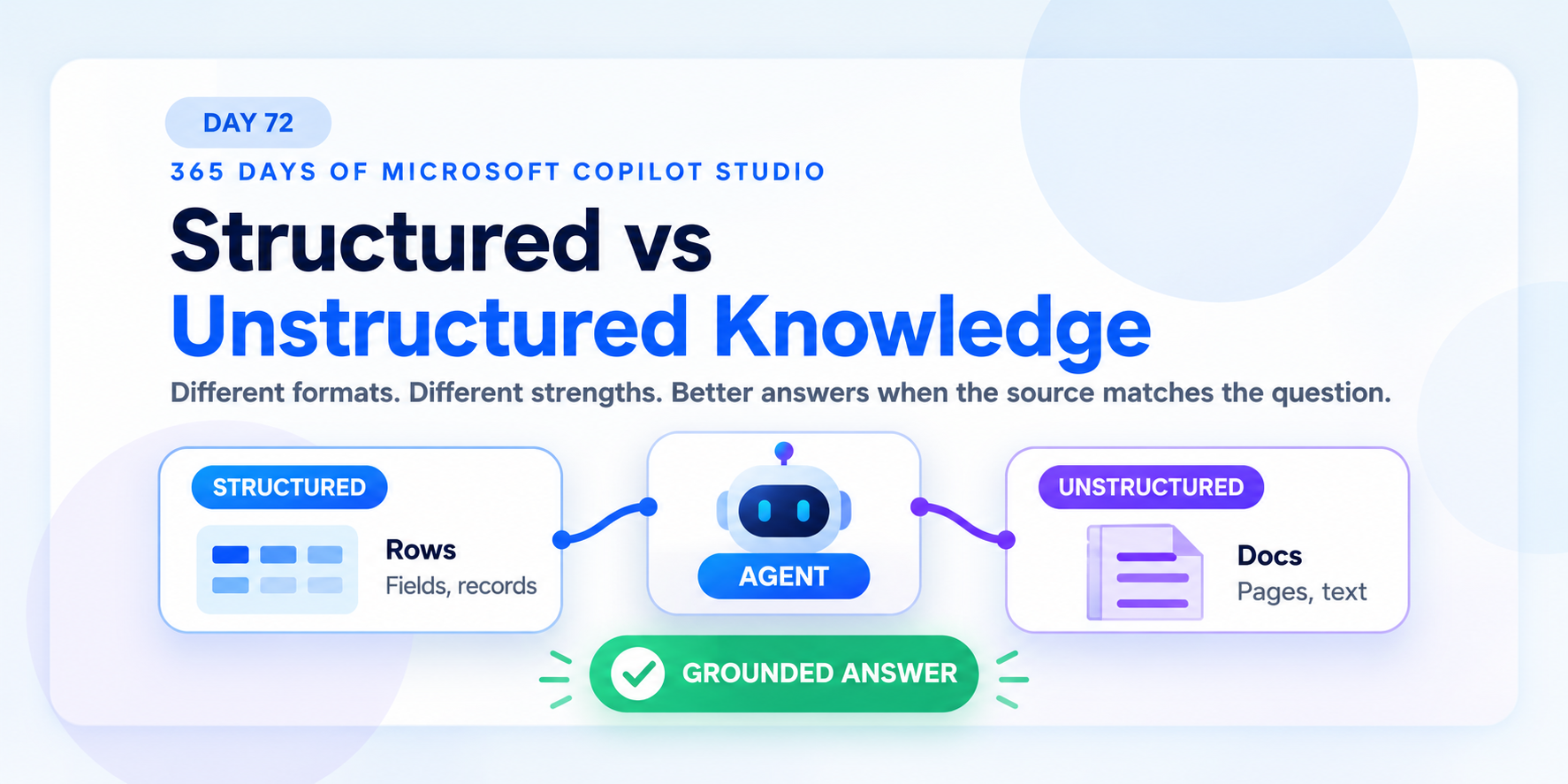
Structured vs Unstructured Knowledge in Copilot Studio | Day 72
Compare structured and unstructured knowledge in Copilot Studio so agents use the right source for data questions, policy questions, and grounded answers.
Practical Microsoft 365 articles, implementation notes, and hands-on solutions.
665 articles

Compare structured and unstructured knowledge in Copilot Studio so agents use the right source for data questions, policy questions, and grounded answers.
Understand the Dataverse Web API for secure OData queries, CRUD operations, custom actions, paging, errors, and integration design.
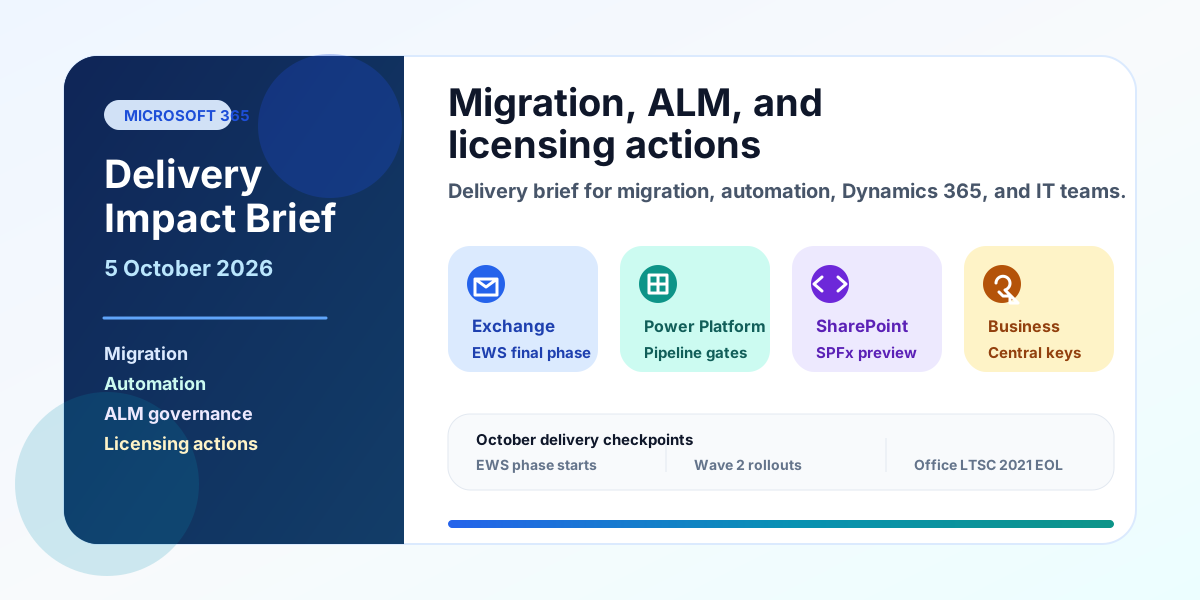
A practical Microsoft delivery brief for migration, automation, ALM, Dynamics 365, and admin teams covering EWS, cross-tenant mailbox migration, Power Platform pipelines, SPFx 1.24, Business Central keys, Copilot billing, and October deadlines.

Use Copilot Studio knowledge source best practices to improve answer quality with trusted sources, focused scope, clear structure, freshness, testing, and access control.
Use Dataverse triggers and actions in Power Automate for approvals, notifications, synchronization, and reliable cloud flows.

Upload trusted documents as Copilot Studio knowledge so agents can ground answers in policies, guides, PDFs, Word files, and maintained business content.
Build Power Apps on Dataverse with the right canvas or model-driven pattern so forms, views, relationships, and security work together.

Use Dataverse knowledge sources in Copilot Studio to ground agent answers in structured business tables, records, and trusted operational data.
Use Dataverse auditing and change tracking to support compliance, troubleshooting, synchronization, and production operations.