Websites as a Knowledge Source in Copilot Studio | Day 68
Use websites as a knowledge source in Copilot Studio to ground answers in trusted public documentation, help content, FAQs, and product pages.
Practical Microsoft 365 articles, implementation notes, and hands-on solutions.
665 articles

Use websites as a knowledge source in Copilot Studio to ground answers in trusted public documentation, help content, FAQs, and product pages.
Design Dataverse row-level security with ownership, business units, teams, sharing, and role access for real business apps.

Use SharePoint as a knowledge source in Copilot Studio to ground answers in trusted policies, procedures, and guides while respecting user permissions.
Plan Dataverse business units, teams, users, and ownership patterns so collaboration works across departments without overexposing records.

Learn how Copilot Studio knowledge sources ground agent answers across websites, SharePoint, Dataverse, files, and enterprise data.
Learn how Dataverse security roles grant table privileges and access levels so custom roles support least privilege without frustrating users.

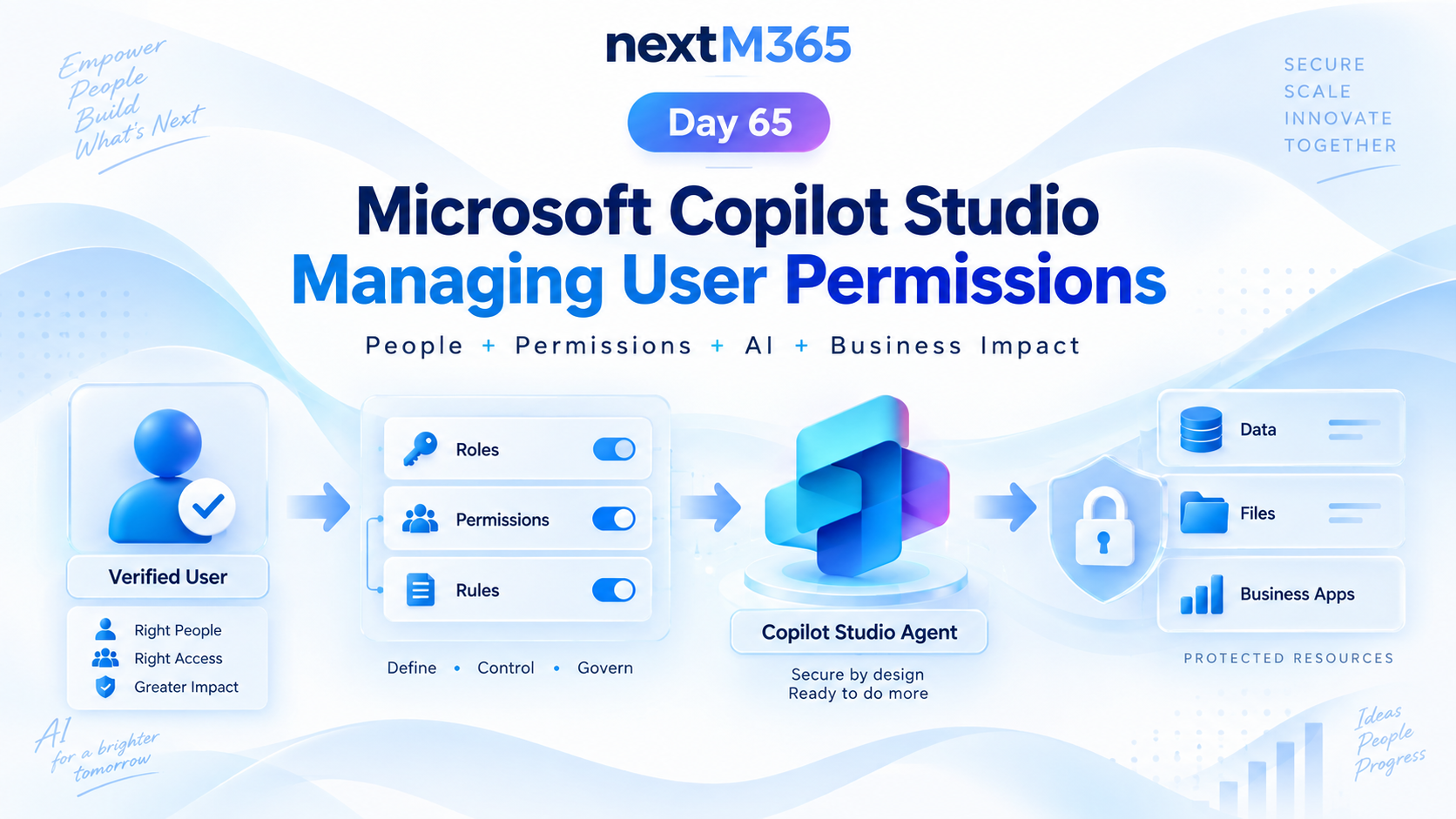
Manage Copilot Studio user permissions with clear roles, groups, access rules, protected resources, secure actions, and least-privilege governance.
Understand the Dataverse security model so users, teams, roles, ownership, and sensitive columns protect business data without blocking work.

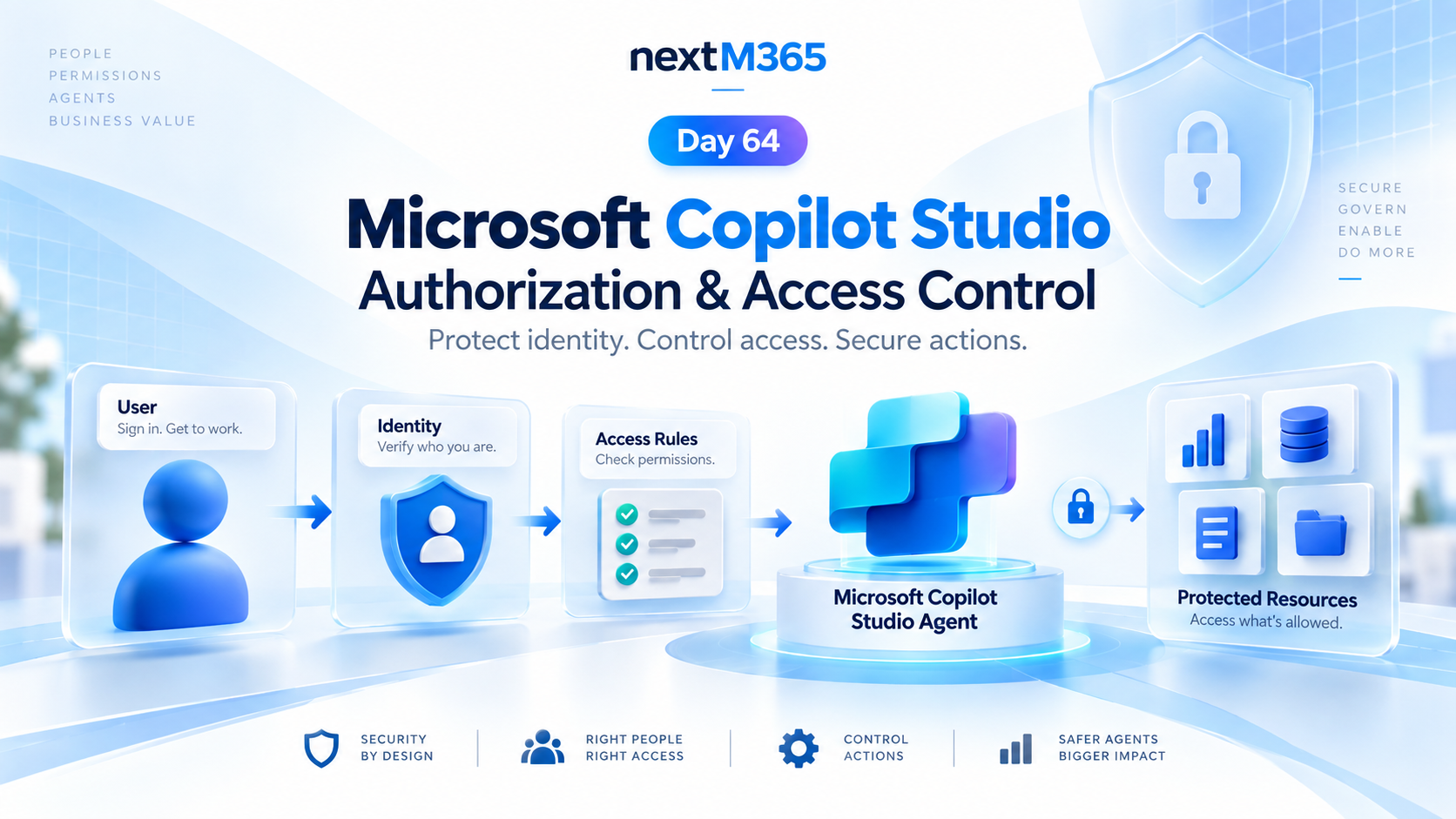
Secure Copilot Studio agents with clear authorization, access control, protected resources, action permissions, and identity-aware security checks.