DataverseSep 23, 2026
Dataverse Forms Explained for Model-Driven Apps | Day 13
Create Dataverse forms that guide users through business data entry with tabs, sections, columns, rules, and clean layouts.
By Suresh Girinathuni3 min →
Practical Microsoft 365 articles, implementation notes, and hands-on solutions.
665 articles
Create Dataverse forms that guide users through business data entry with tabs, sections, columns, rules, and clean layouts.
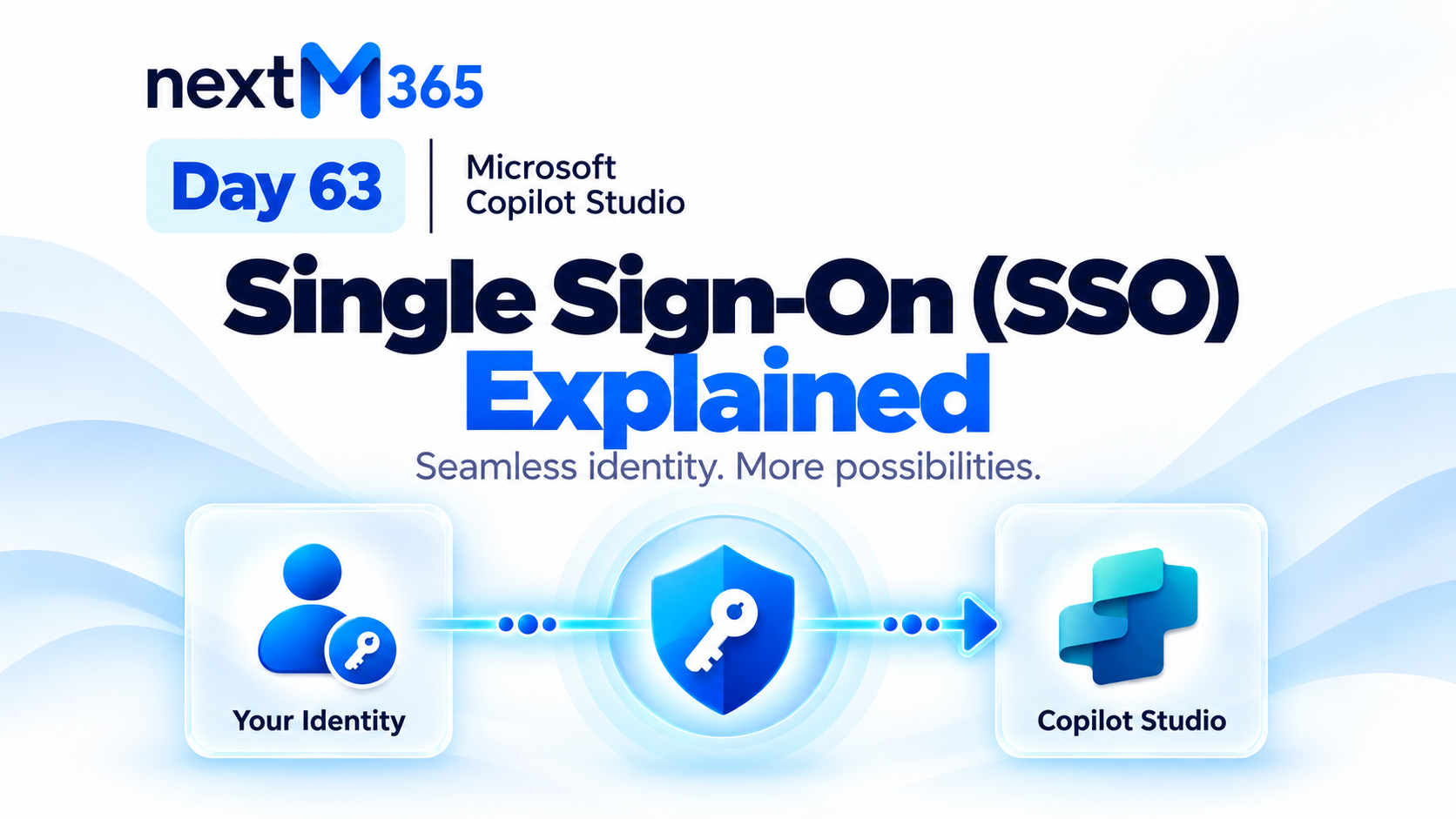
Understand Copilot Studio single sign-on: how trusted Microsoft identity flows from user sign-in into secure agent conversations, tools, actions, and resources.
Design Dataverse views for model-driven apps with the right columns, filters, sorting, ownership, and user productivity in mind.
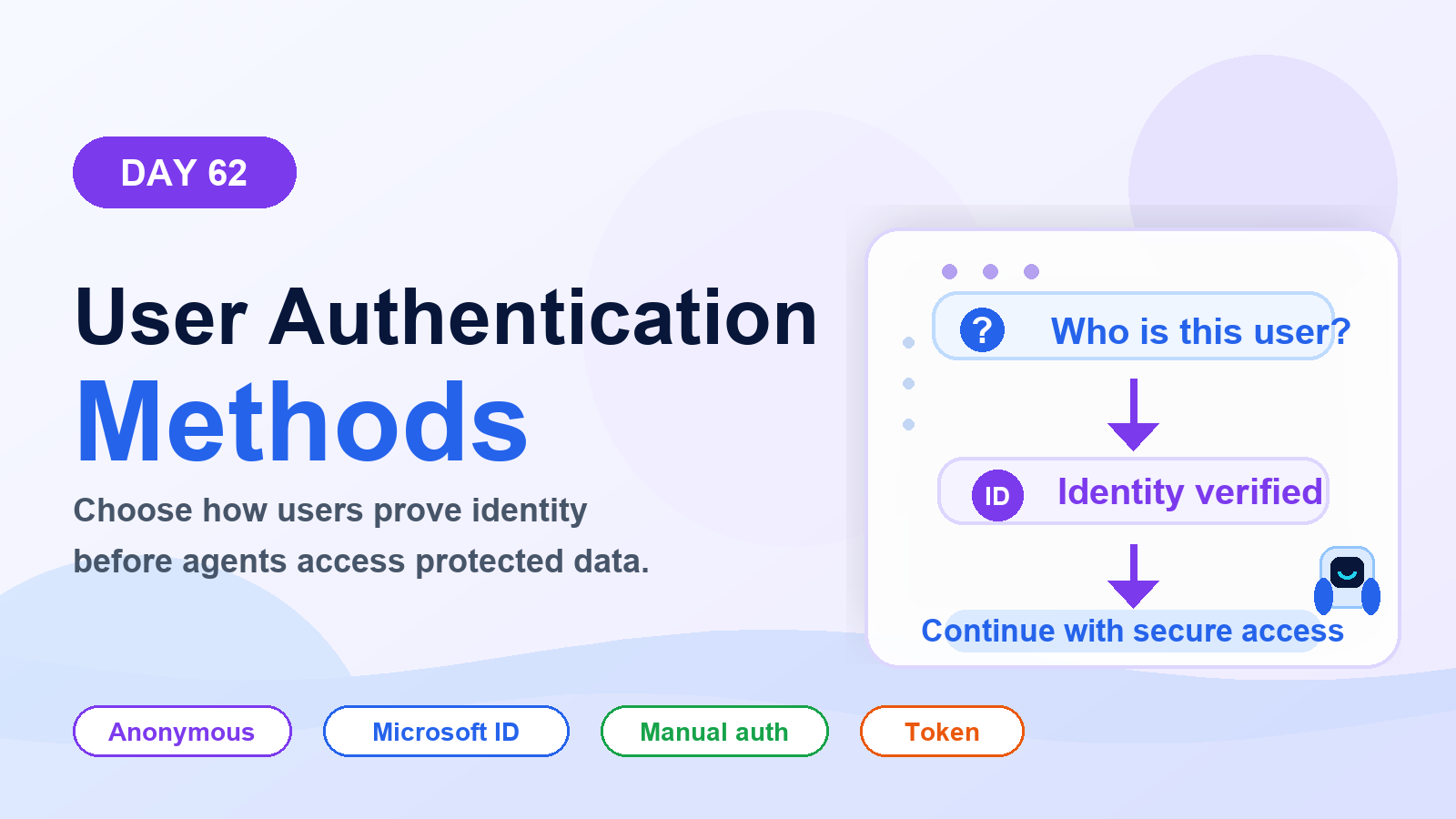
Choose the right Copilot Studio user authentication method: anonymous access, Microsoft identity, or manual authentication for websites, Teams, custom apps, tools, and secure actions.
Use Dataverse business rules to guide forms, validate data, set defaults, and keep simple model-driven app logic consistent for users.
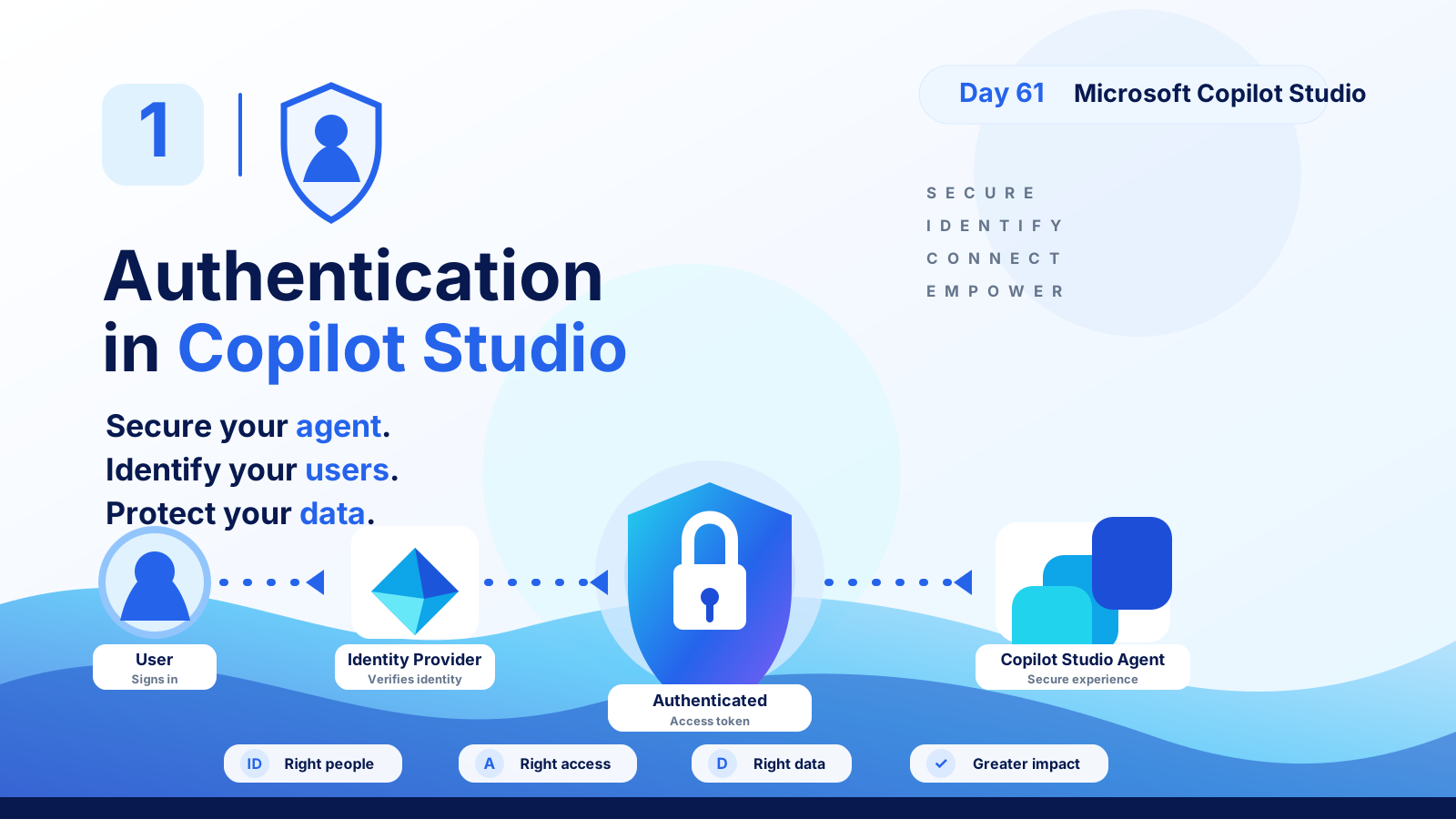
Understand Copilot Studio authentication: how users sign in, identity providers verify access, tokens protect data, and secure agents serve the right people with the right permissions.
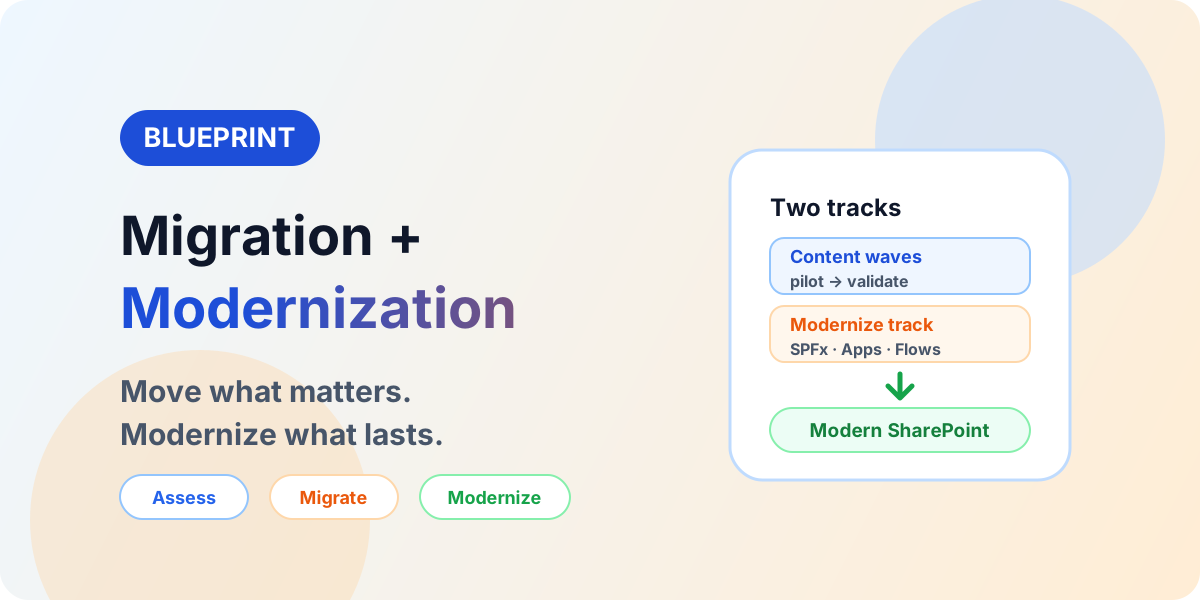
An end-to-end blueprint connecting SharePoint migration with SPFx modernization: assessment, target architecture, waves, validation, and governance.
Understand Dataverse formula and calculated columns, when to use server-side values, and where Power Fx fits in app design.
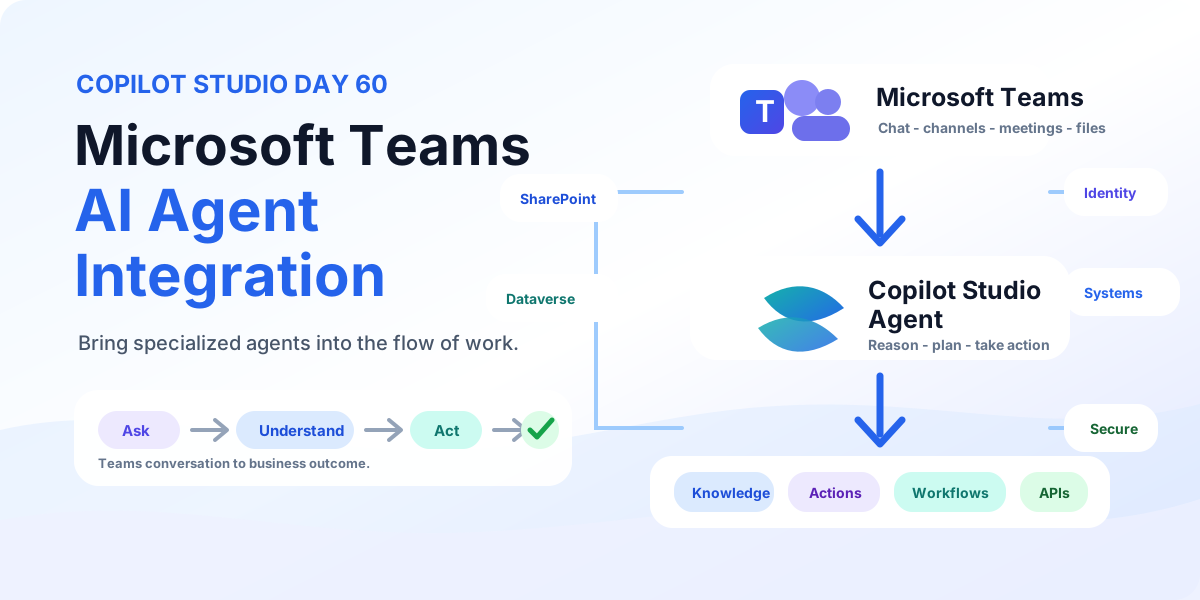
Bring Copilot Studio agents into Microsoft Teams with business knowledge, secure identity, discoverability, actions, workflows, and employee-ready examples for IT support and employee services.