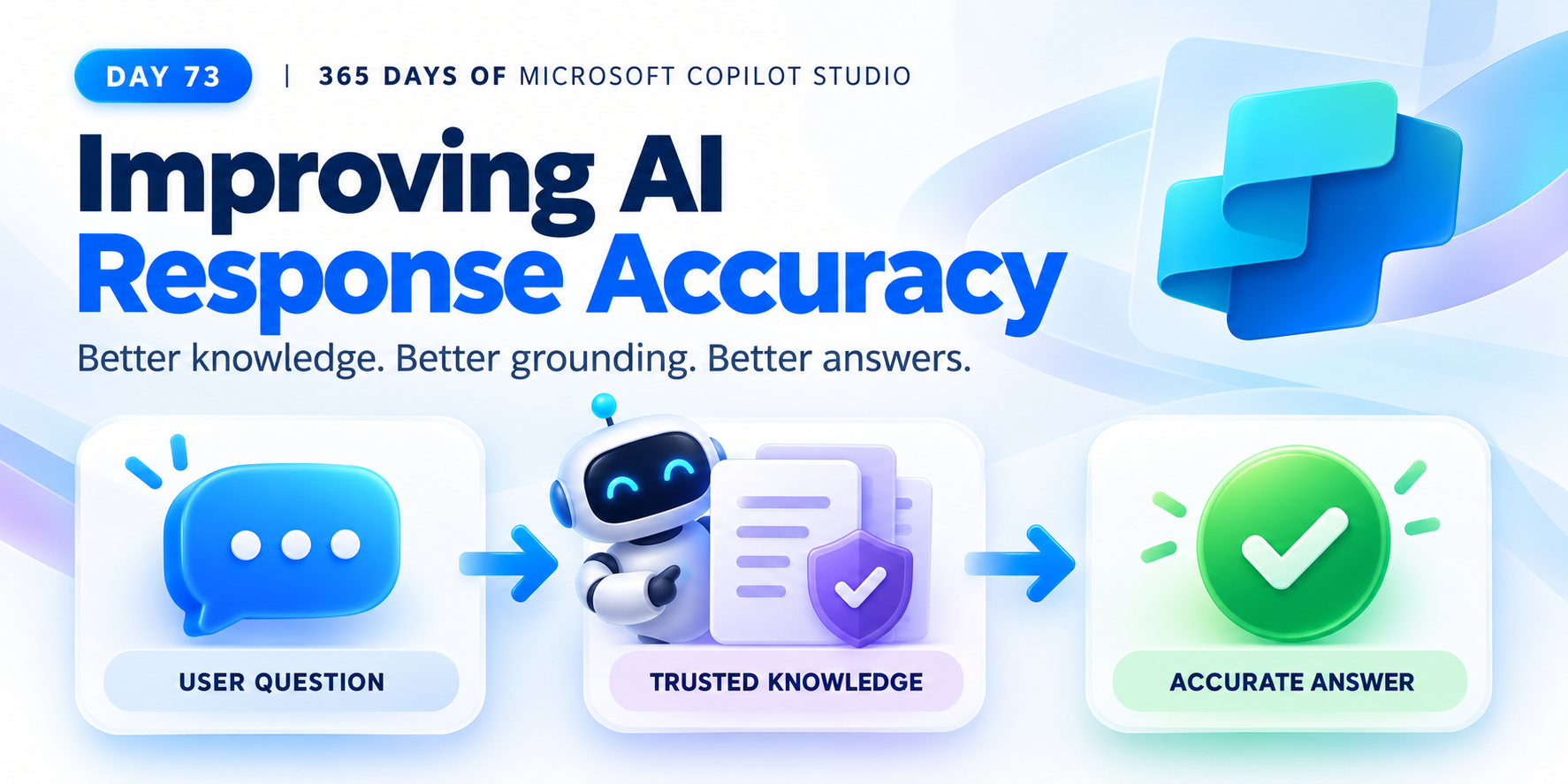
Improving AI Response Accuracy in Copilot Studio | Day 73
Improve AI response accuracy in Copilot Studio with trusted knowledge sources, clear content, current policies, precise instructions, and real-world testing.
The 365 Days of Copilot Studio category is a structured learning path for people who want to build Copilot Studio knowledge one topic at a time. Each article focuses on a specific concept, component, or design decision so the learning stays manageable.
Open the Microsoft Copilot Studio hubUse this series to understand the building blocks of agents: topics, knowledge, generative answers, variables, entities, triggers, actions, testing, and publishing. It is especially useful if you want a steady progression from beginner concepts to practical implementation patterns.
Practical references on the concepts, setup steps, design choices, and common implementation patterns behind 365 Days of Copilot Studio — for planning, building, testing, and improving Microsoft 365 solutions.
83 articles in “365 Days of Copilot Studio”

Improve AI response accuracy in Copilot Studio with trusted knowledge sources, clear content, current policies, precise instructions, and real-world testing.

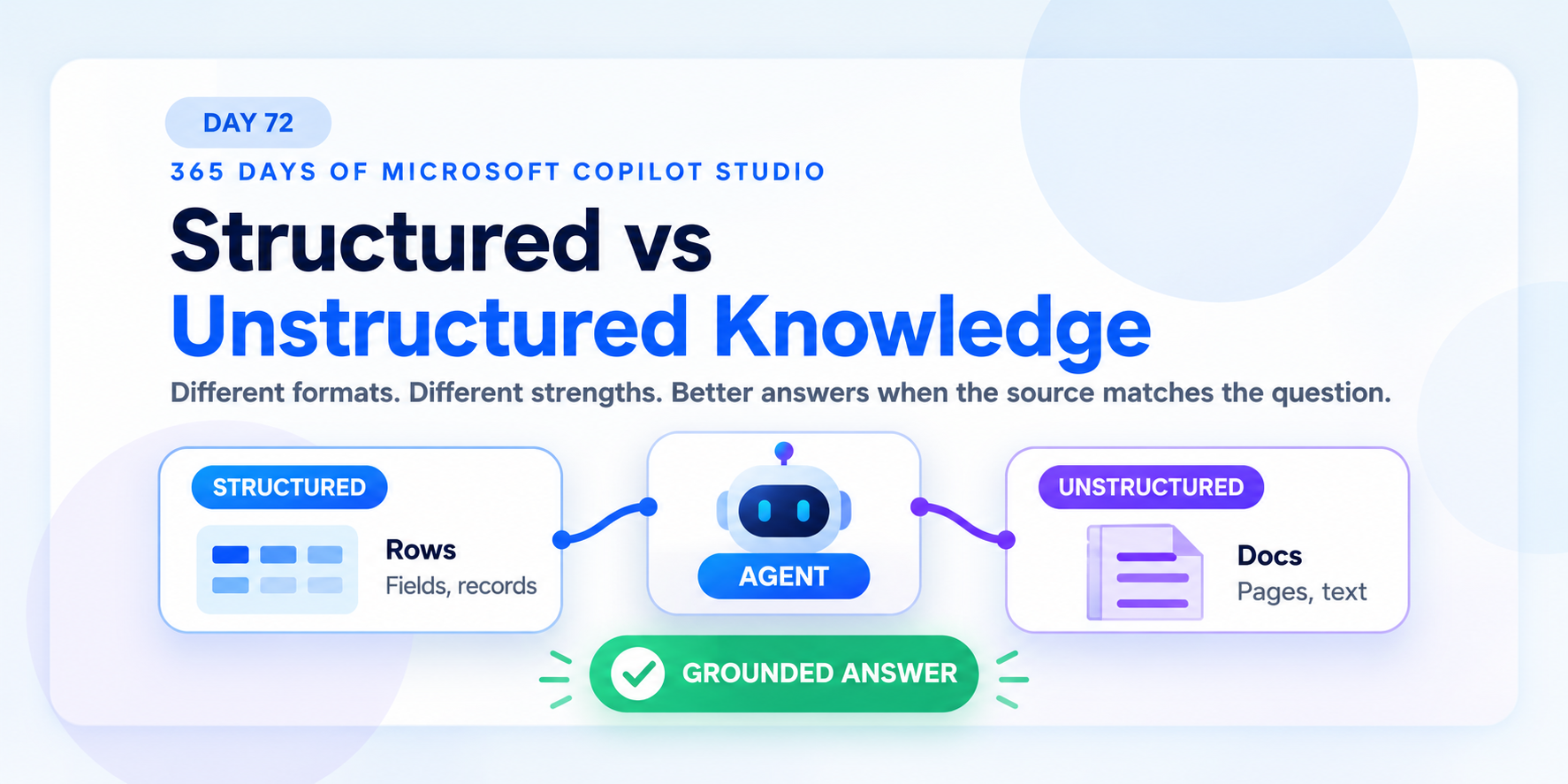
Compare structured and unstructured knowledge in Copilot Studio so agents use the right source for data questions, policy questions, and grounded answers.

Use Copilot Studio knowledge source best practices to improve answer quality with trusted sources, focused scope, clear structure, freshness, testing, and access control.

Upload trusted documents as Copilot Studio knowledge so agents can ground answers in policies, guides, PDFs, Word files, and maintained business content.

Use Dataverse knowledge sources in Copilot Studio to ground agent answers in structured business tables, records, and trusted operational data.

Use websites as a knowledge source in Copilot Studio to ground answers in trusted public documentation, help content, FAQs, and product pages.

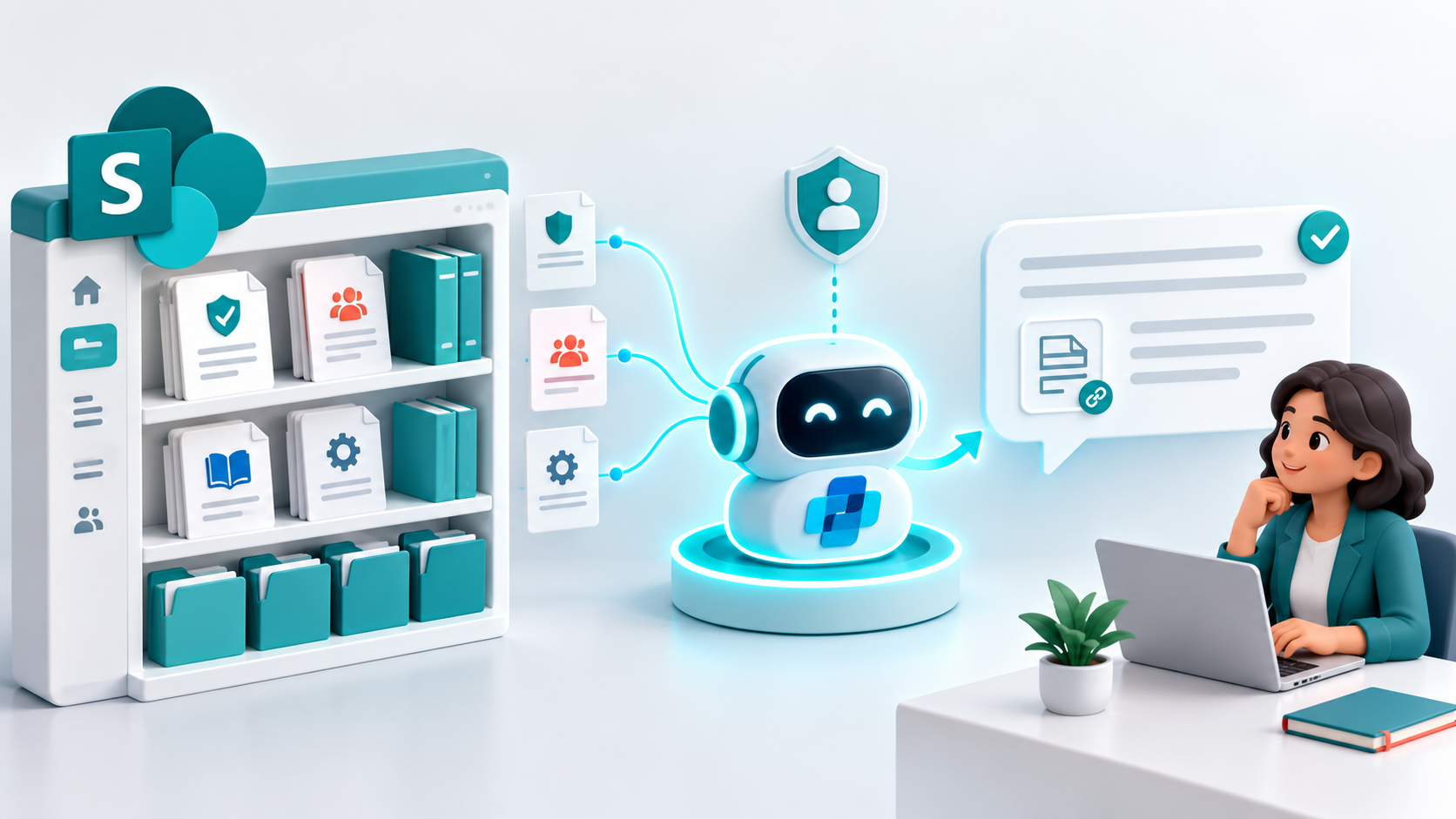
Use SharePoint as a knowledge source in Copilot Studio to ground answers in trusted policies, procedures, and guides while respecting user permissions.

Learn how Copilot Studio knowledge sources ground agent answers across websites, SharePoint, Dataverse, files, and enterprise data.

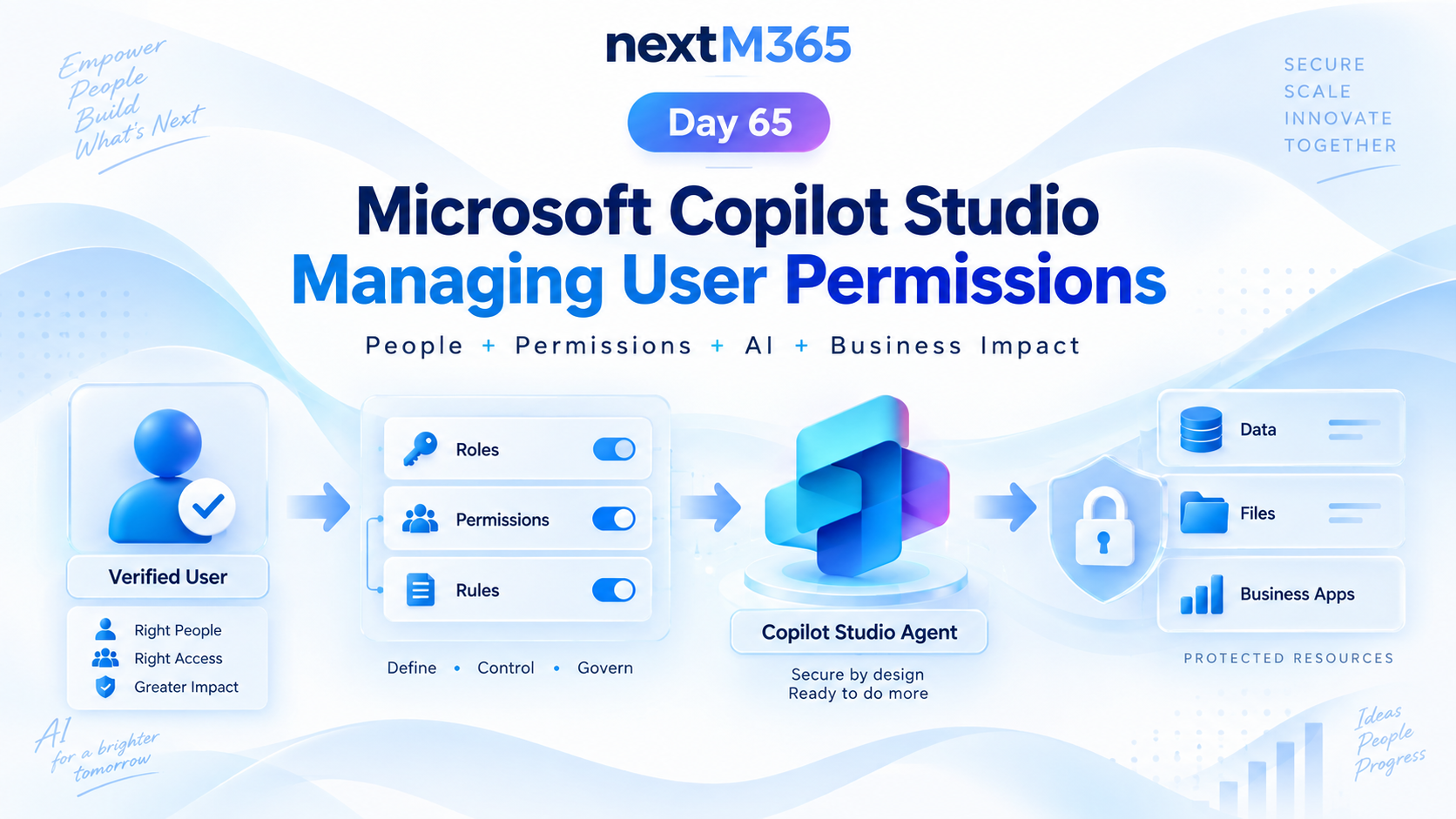
Manage Copilot Studio user permissions with clear roles, groups, access rules, protected resources, secure actions, and least-privilege governance.
Yes. The series hub links articles in order so you can follow the learning path step by step.
Yes. Each article is useful on its own, but the series navigation gives the best progression.