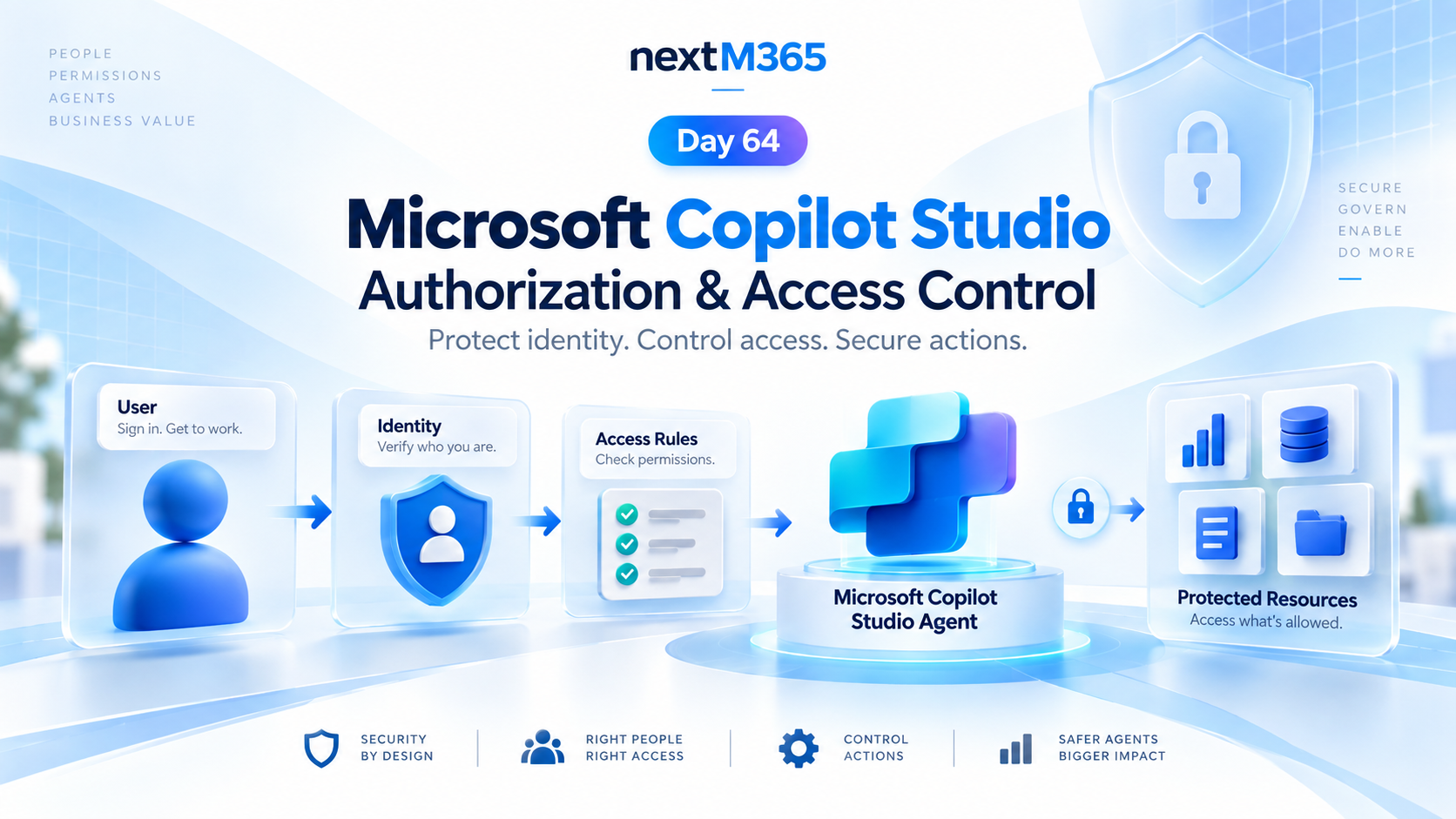
Copilot Studio Authorization and Access Control | Day 64
Secure Copilot Studio agents with clear authorization, access control, protected resources, action permissions, and identity-aware security checks.
The 365 Days of Copilot Studio category is a structured learning path for people who want to build Copilot Studio knowledge one topic at a time. Each article focuses on a specific concept, component, or design decision so the learning stays manageable.
Open the Microsoft Copilot Studio hubUse this series to understand the building blocks of agents: topics, knowledge, generative answers, variables, entities, triggers, actions, testing, and publishing. It is especially useful if you want a steady progression from beginner concepts to practical implementation patterns.
Practical references on the concepts, setup steps, design choices, and common implementation patterns behind 365 Days of Copilot Studio — for planning, building, testing, and improving Microsoft 365 solutions.
83 articles in “365 Days of Copilot Studio”

Secure Copilot Studio agents with clear authorization, access control, protected resources, action permissions, and identity-aware security checks.

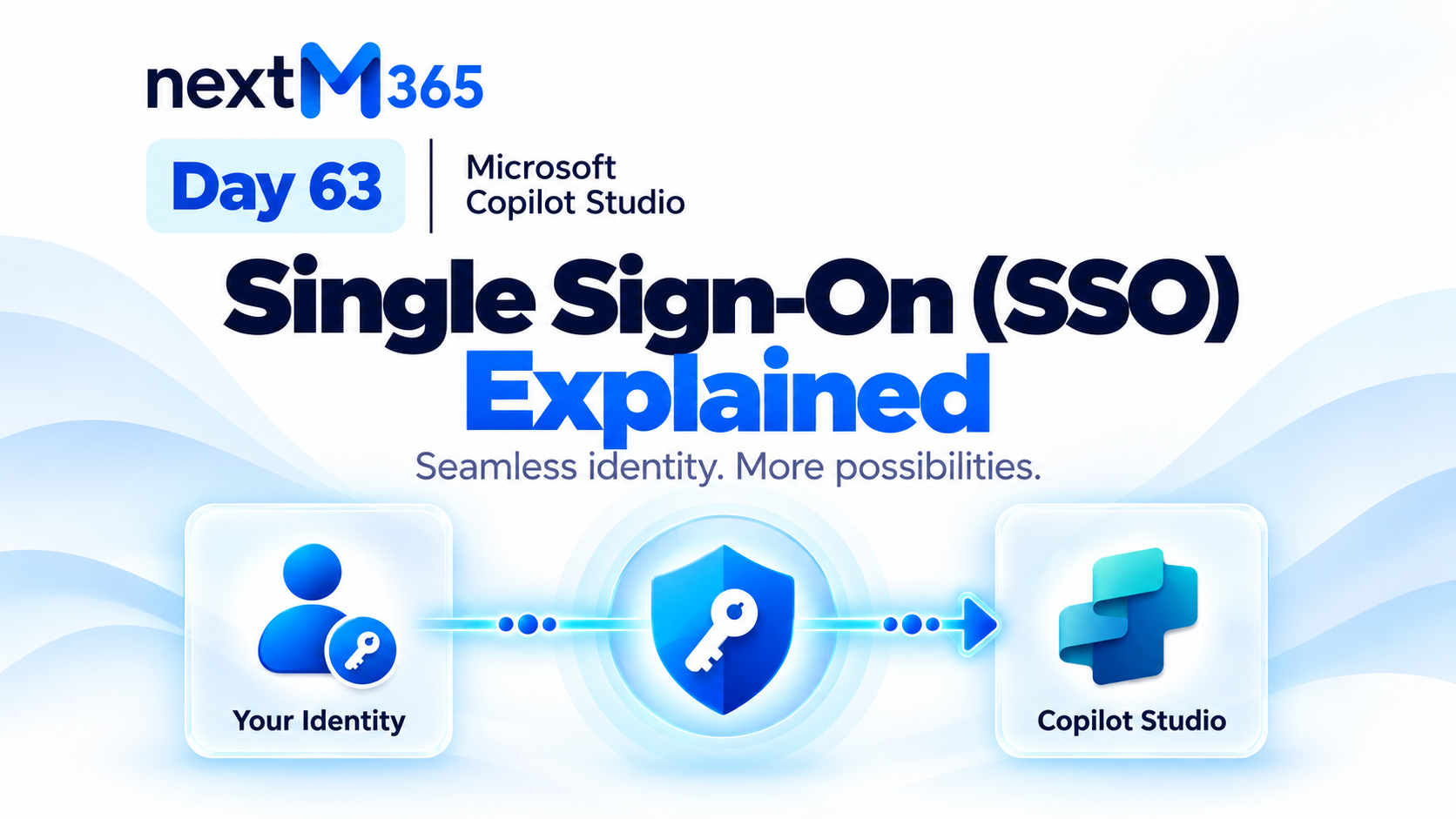
Understand Copilot Studio single sign-on: how trusted Microsoft identity flows from user sign-in into secure agent conversations, tools, actions, and resources.

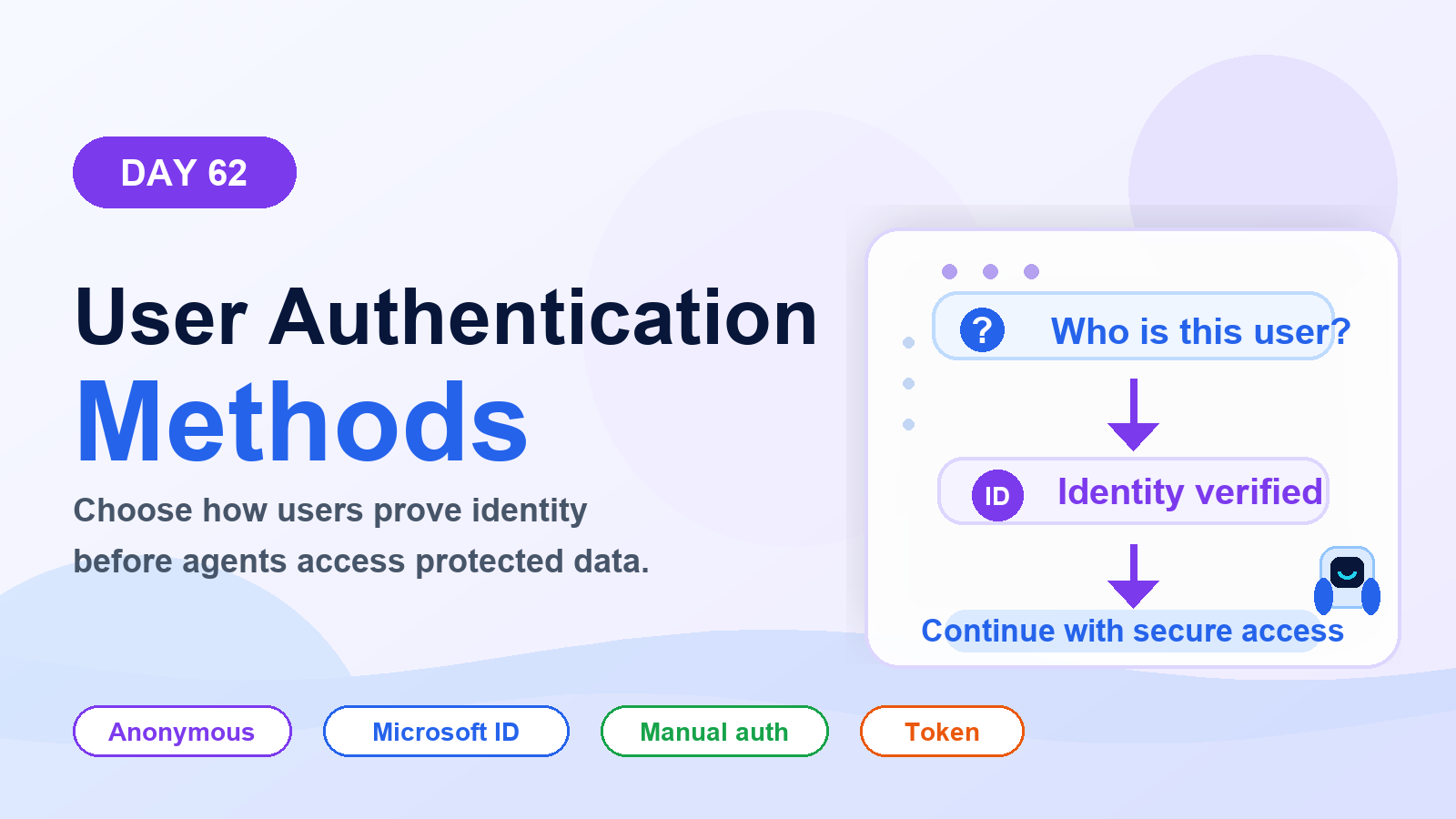
Choose the right Copilot Studio user authentication method: anonymous access, Microsoft identity, or manual authentication for websites, Teams, custom apps, tools, and secure actions.
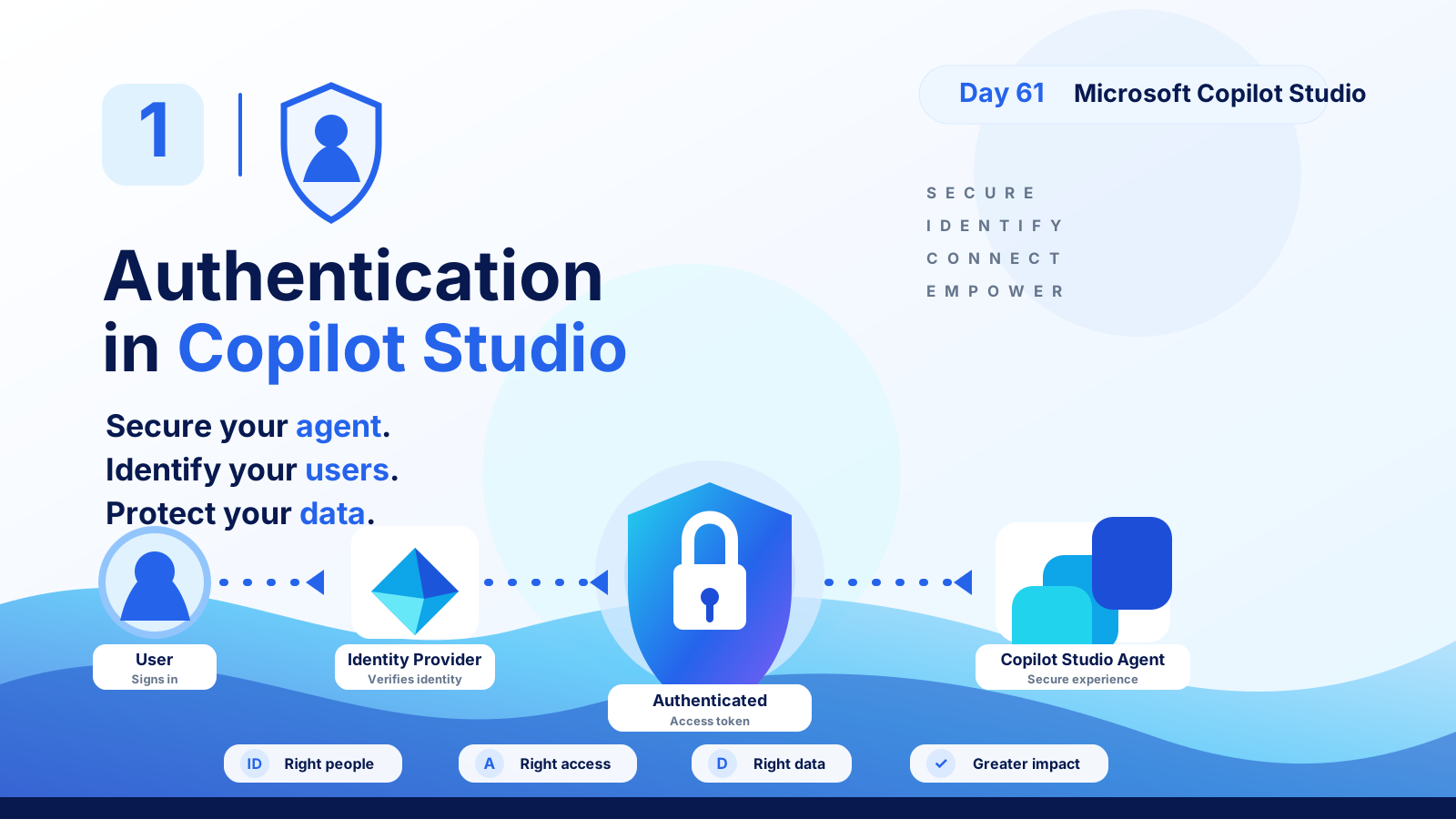
Understand Copilot Studio authentication: how users sign in, identity providers verify access, tokens protect data, and secure agents serve the right people with the right permissions.
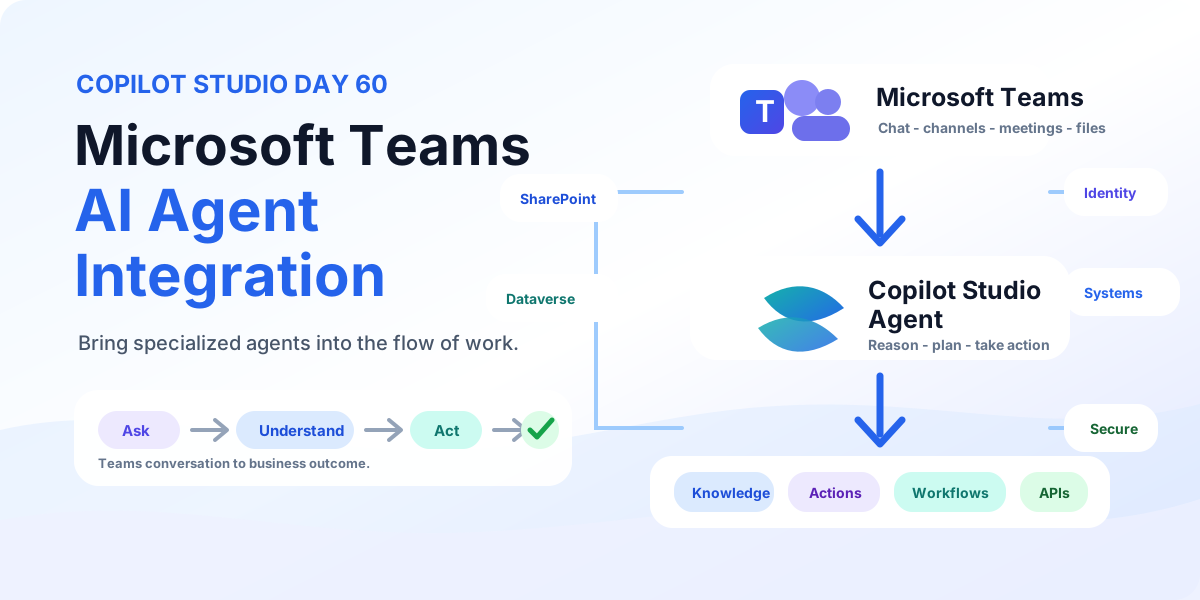
Bring Copilot Studio agents into Microsoft Teams with business knowledge, secure identity, discoverability, actions, workflows, and employee-ready examples for IT support and employee services.
Bring Copilot Studio agents into Microsoft 365 Copilot with business knowledge, instructions, actions, identity-aware security, publishing, and team-specific agents for HR, IT, Sales, and Operations.
Extend any Copilot Studio agent to more channels with Azure Bot Service using a relay bot, conversation mapping, channel routing, multi-channel experiences, testing, security, and production rollout.
Connect any custom web or mobile app to Copilot Studio with the Direct Line channel using token-based authentication, conversation management, context passing, custom chat UX, business actions, testing, and production rollout.
Build Copilot Studio voice agents that listen, understand, and respond by voice with Basic and Real-time Voice, DTMF keypad, telephony, silence handling, barge-in, business actions, testing, and production rollout.
Yes. The series hub links articles in order so you can follow the learning path step by step.
Yes. Each article is useful on its own, but the series navigation gives the best progression.