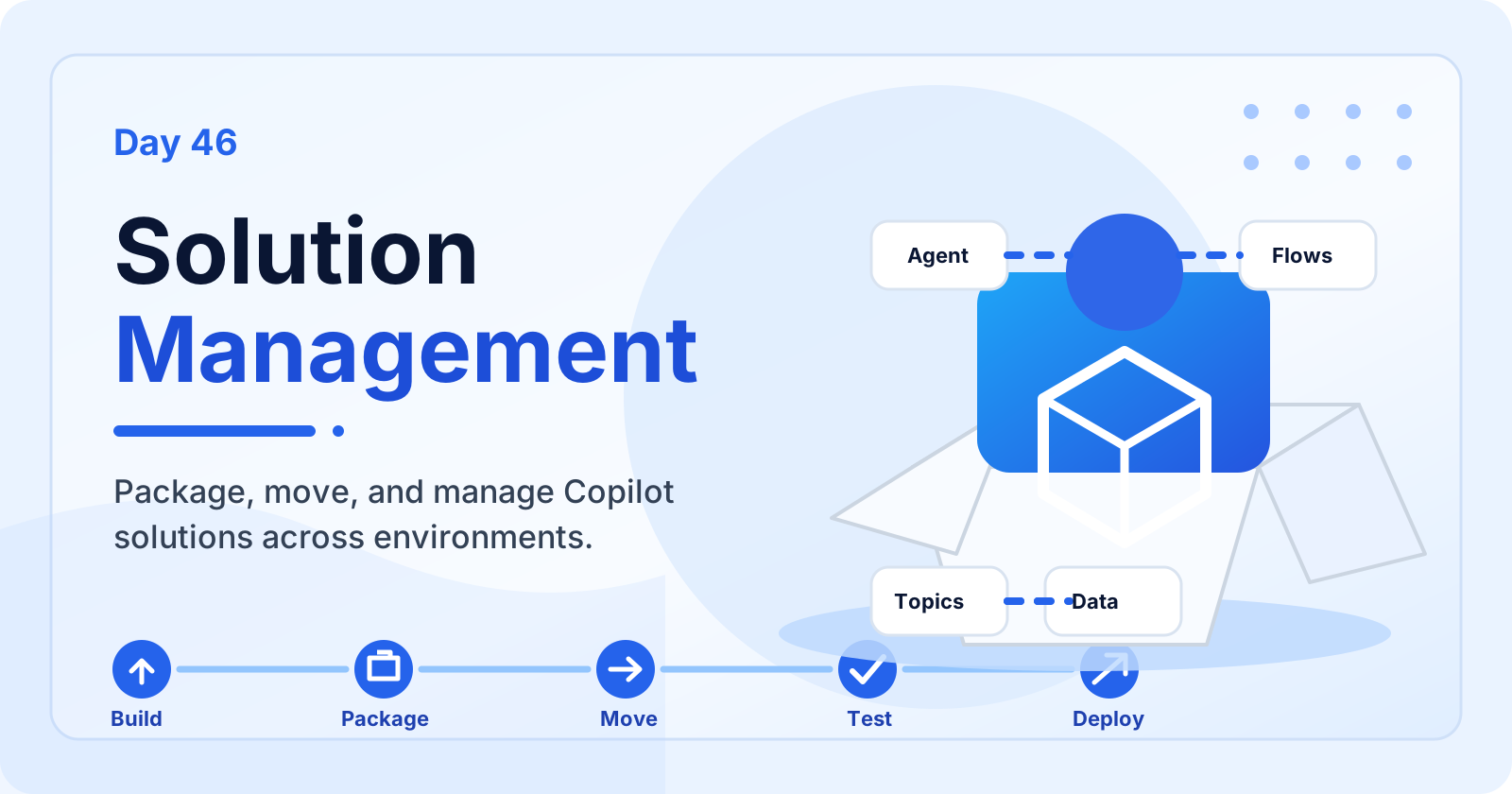

Solution Management | Copilot Studio Day 46
Learn how solution management in Microsoft Copilot Studio helps you package, organize, move, test, deploy, update, and maintain agents across environments.
The 365 Days of Copilot Studio category is a structured learning path for people who want to build Copilot Studio knowledge one topic at a time. Each article focuses on a specific concept, component, or design decision so the learning stays manageable.
Open the Microsoft Copilot Studio hubUse this series to understand the building blocks of agents: topics, knowledge, generative answers, variables, entities, triggers, actions, testing, and publishing. It is especially useful if you want a steady progression from beginner concepts to practical implementation patterns.
Practical references on the concepts, setup steps, design choices, and common implementation patterns behind 365 Days of Copilot Studio — for planning, building, testing, and improving Microsoft 365 solutions.
83 articles in “365 Days of Copilot Studio”
Learn how solution management in Microsoft Copilot Studio helps you package, organize, move, test, deploy, update, and maintain agents across environments.
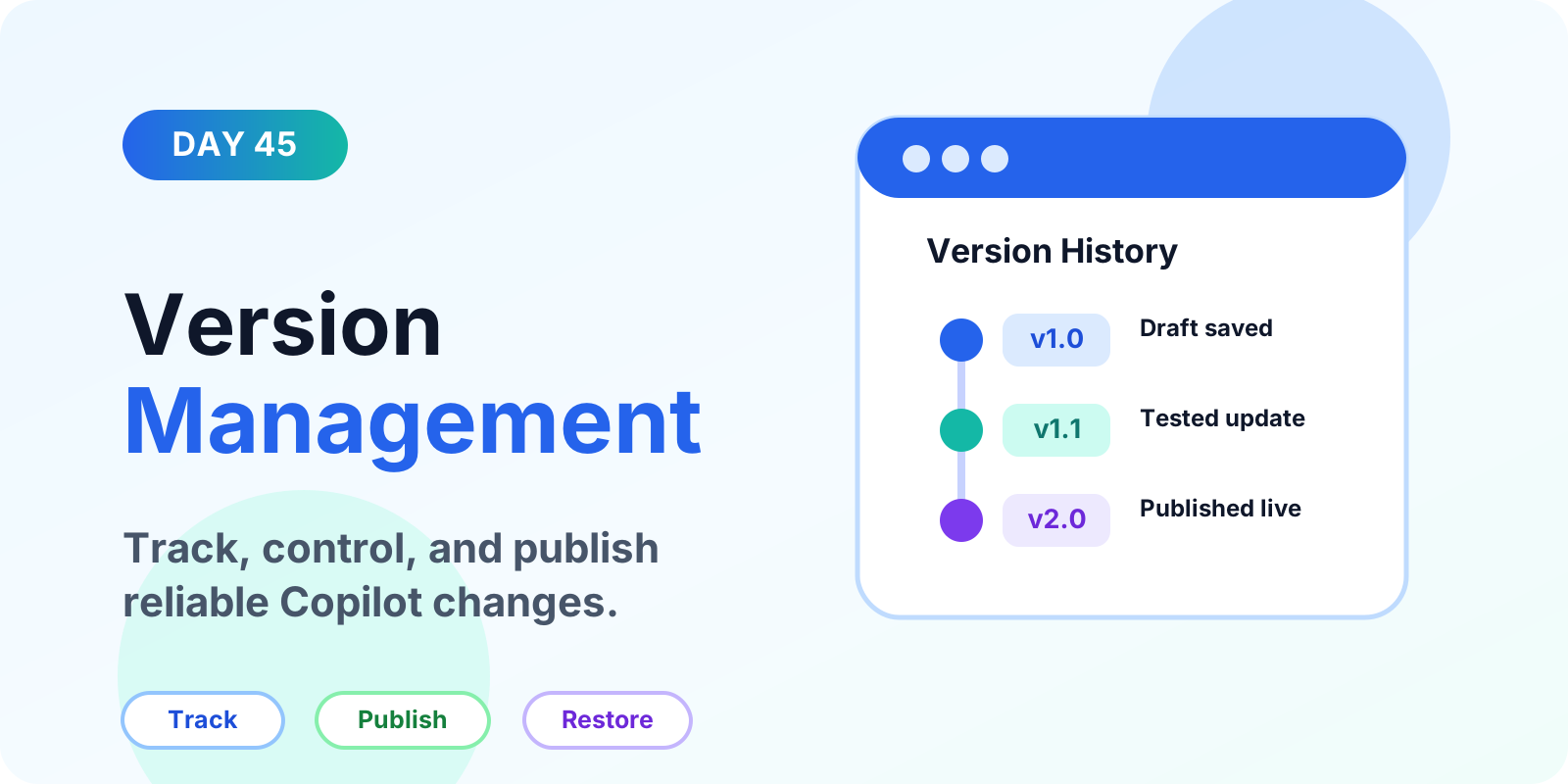
Learn how version management keeps Copilot Studio agents reliable, including draft versus published versions, testing, tracking changes, solutions, export and import, backups, environments, mistakes, and best practices.
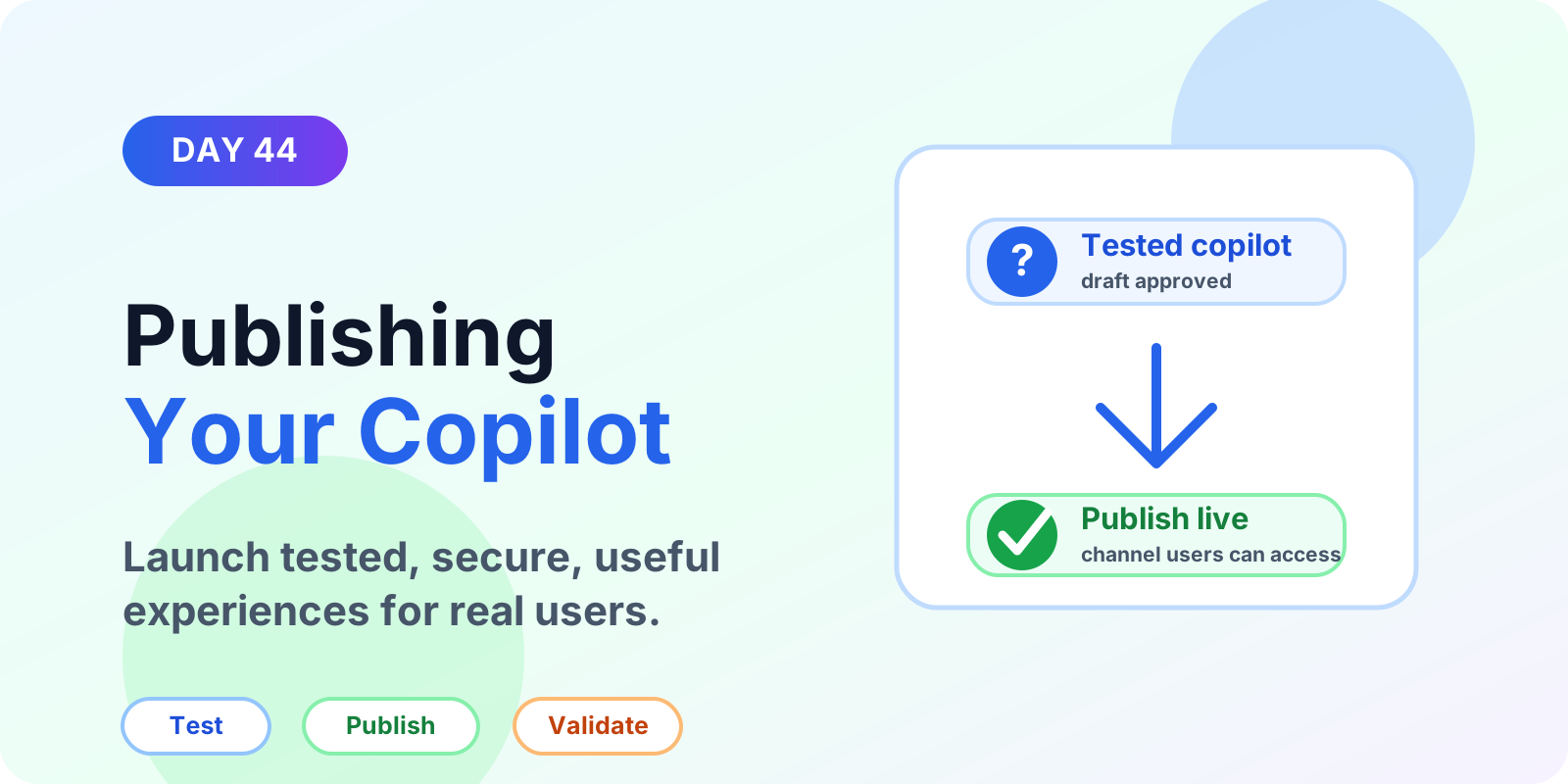
Pre-publish checks for a Copilot Studio agent: draft versus published versions, channels, Teams access, validation, monitoring, and common mistakes.
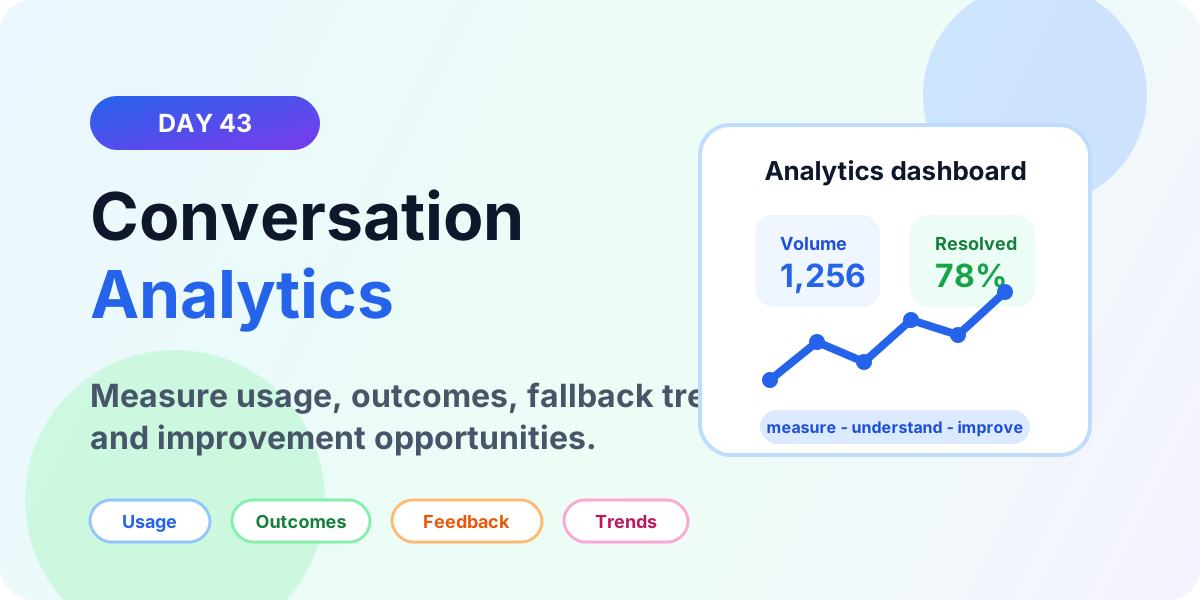
Learn how to use Copilot Studio conversation analytics to measure usage, engagement, topic performance, resolution outcomes, escalations, fallback trends, feedback, and improvement patterns.
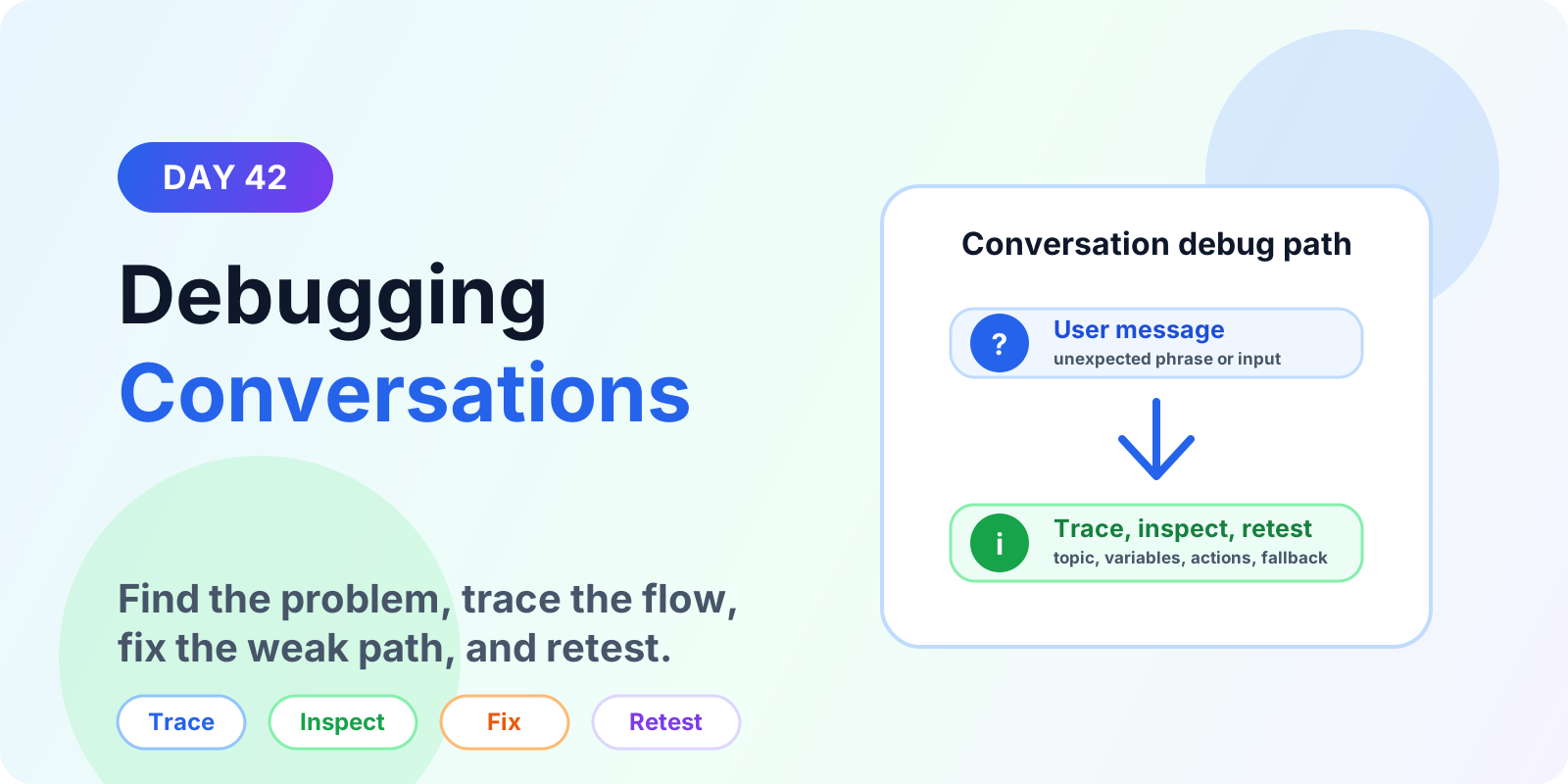
Learn how to debug Copilot Studio conversations by reproducing issues, checking topic triggering, tracing conversation flow, inspecting variables, testing actions, and fixing fallback loops.
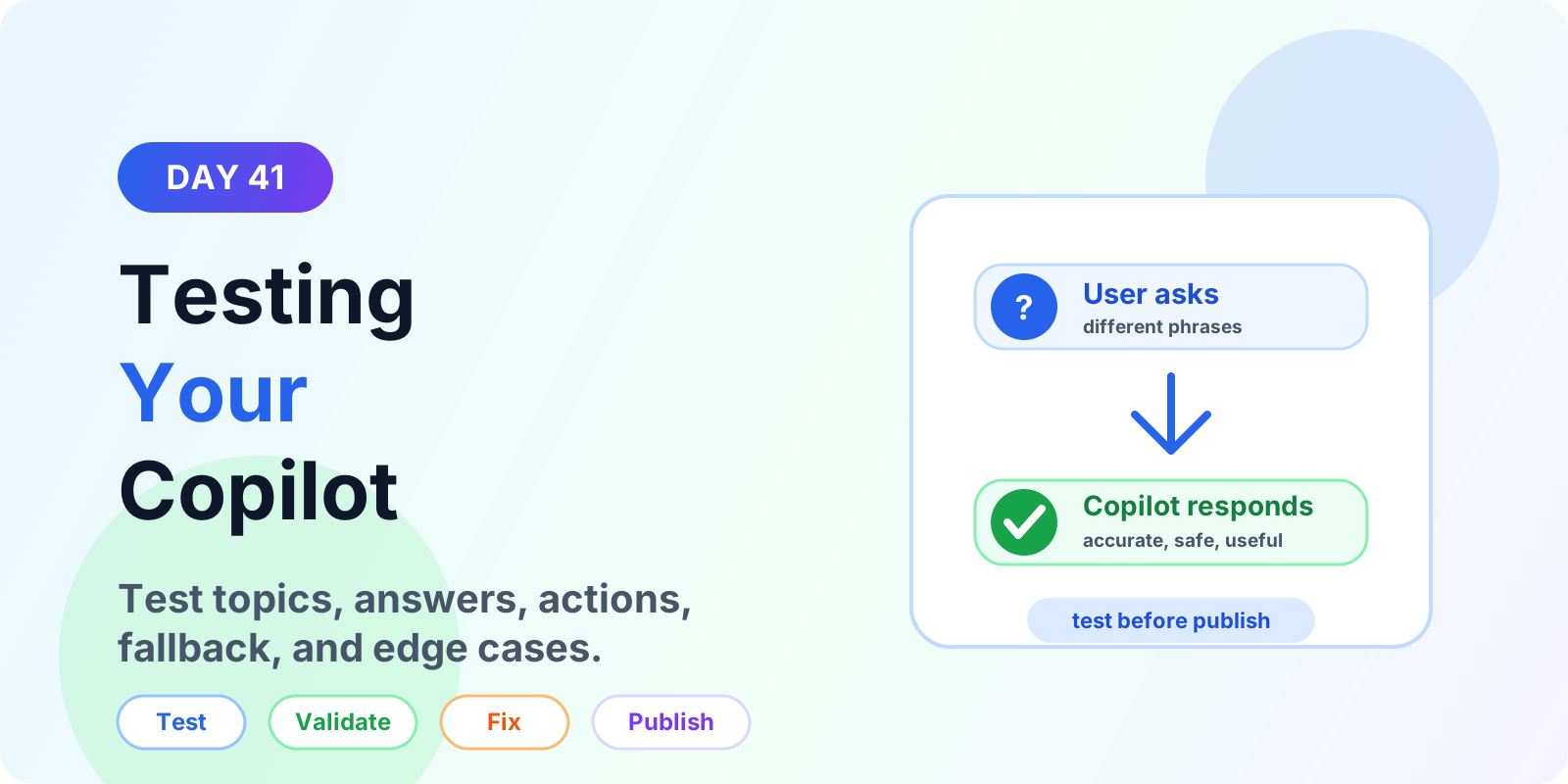
Learn how to test a Copilot Studio agent before publishing, including topics, trigger phrases, questions, variables, actions, generative answers, fallback paths, and edge cases.
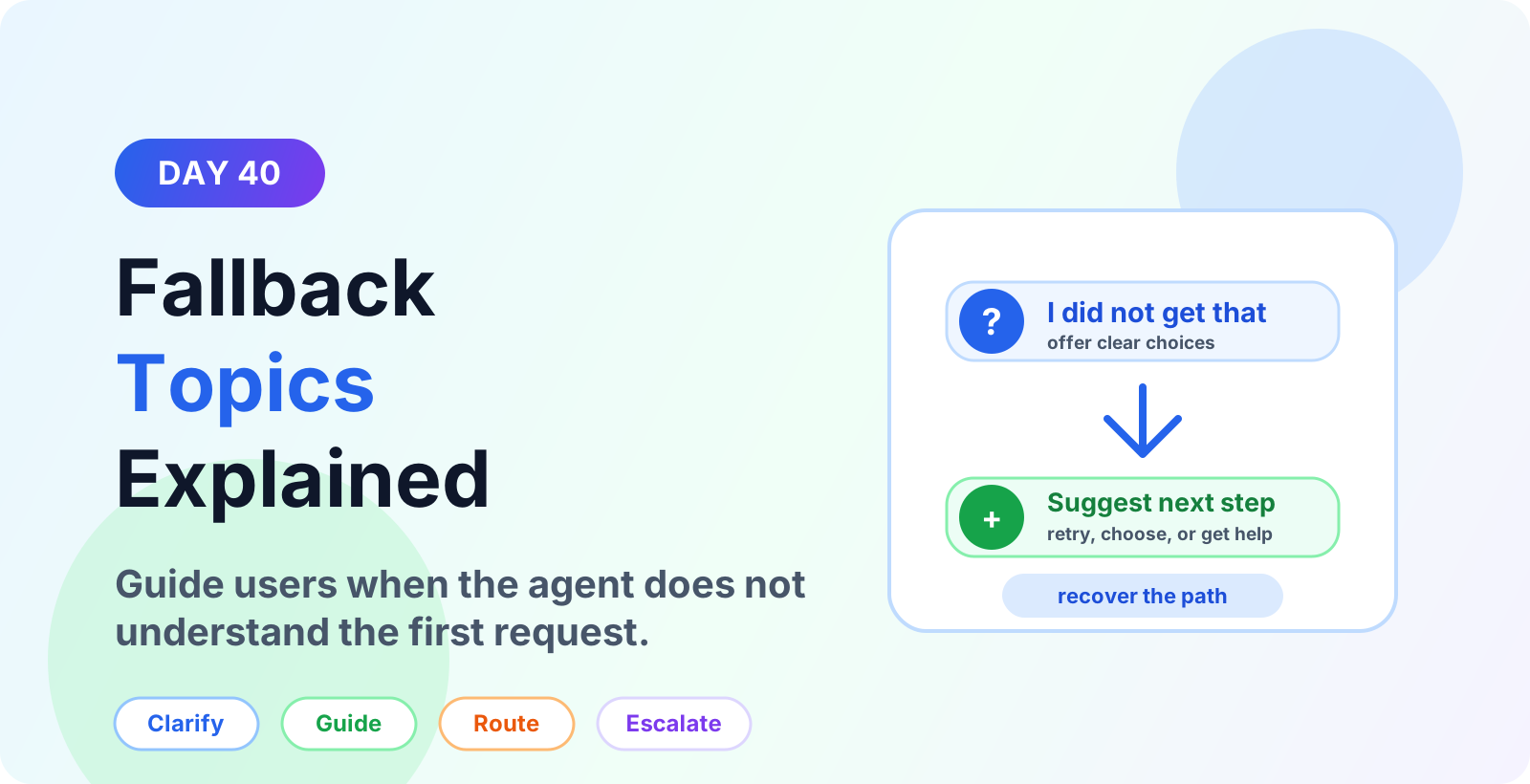
Learn Microsoft Copilot Studio fallback topics for unclear requests, no-match responses, repeated fallback, routing, escalation, and better user recovery.
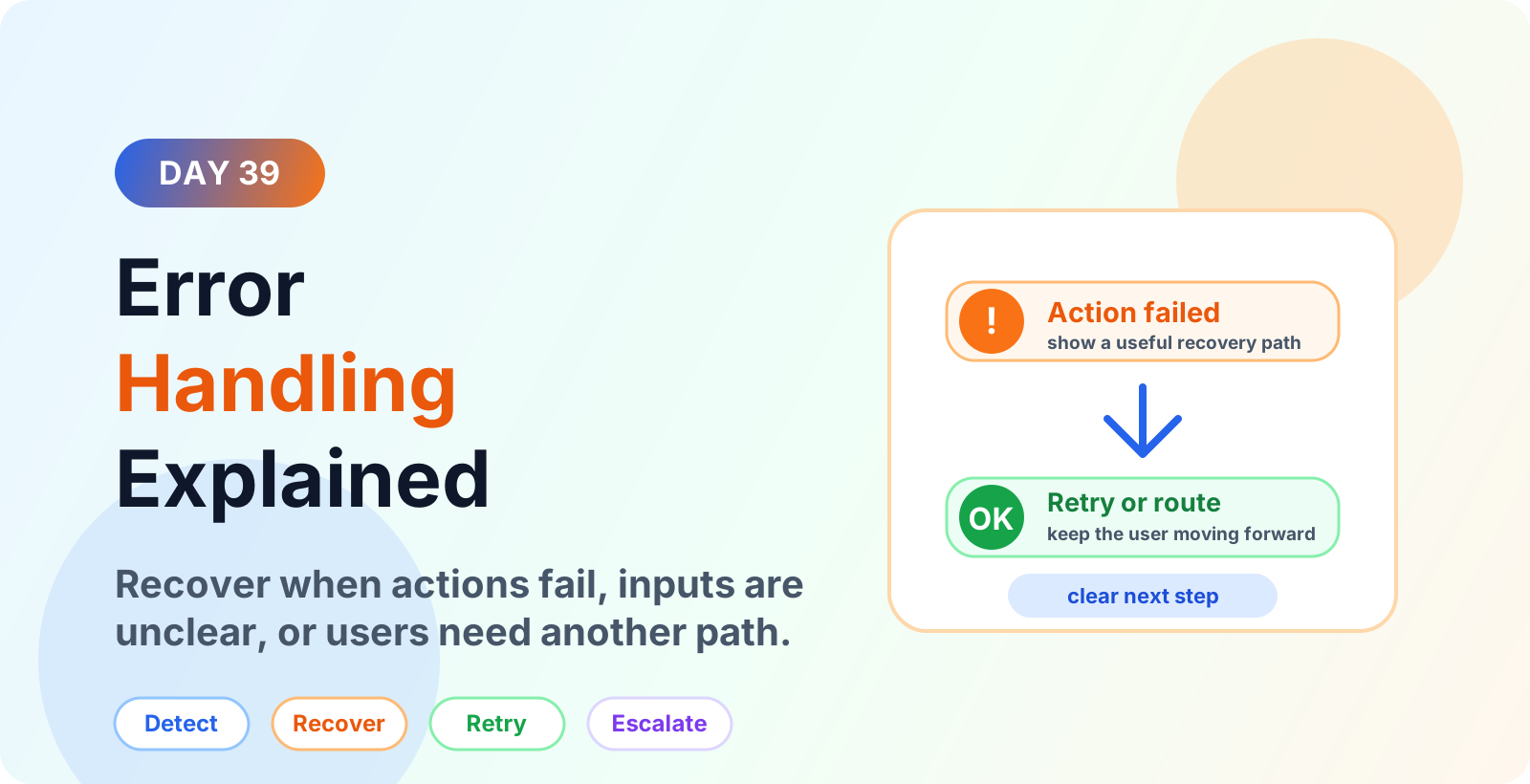
Learn Microsoft Copilot Studio error handling best practices for failed actions, unclear inputs, fallback paths, retries, escalation, and better user recovery.
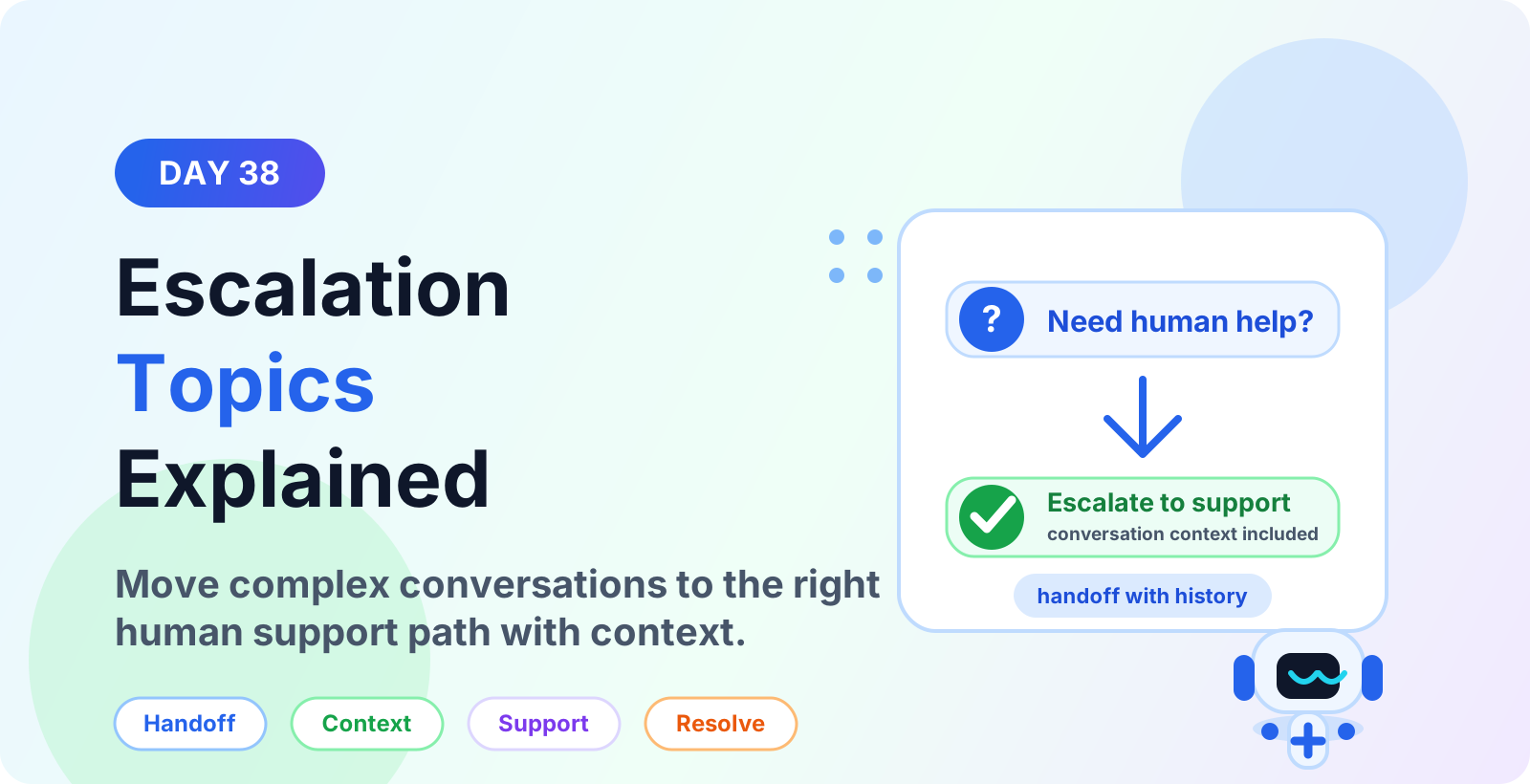
Learn how escalation topics in Microsoft Copilot Studio move complex conversations to human support with context, routing, severity rules, and clean resolution.
Yes. The series hub links articles in order so you can follow the learning path step by step.
Yes. Each article is useful on its own, but the series navigation gives the best progression.