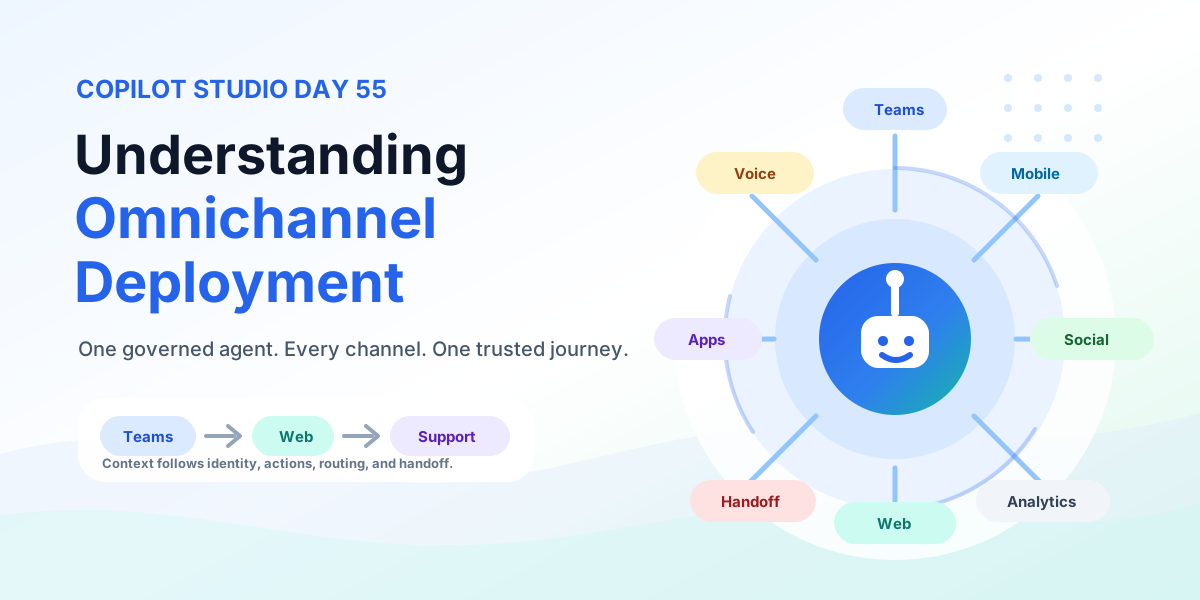
Understanding Omnichannel Deployment | Copilot Studio Day 55
Understand Copilot Studio omnichannel deployment across Teams, websites, custom apps, messaging, and voice — with authentication, handoff, testing, monitoring, and governance.
The 365 Days of Copilot Studio category is a structured learning path for people who want to build Copilot Studio knowledge one topic at a time. Each article focuses on a specific concept, component, or design decision so the learning stays manageable.
Open the Microsoft Copilot Studio hubUse this series to understand the building blocks of agents: topics, knowledge, generative answers, variables, entities, triggers, actions, testing, and publishing. It is especially useful if you want a steady progression from beginner concepts to practical implementation patterns.
Practical references on the concepts, setup steps, design choices, and common implementation patterns behind 365 Days of Copilot Studio — for planning, building, testing, and improving Microsoft 365 solutions.
83 articles in “365 Days of Copilot Studio”
Understand Copilot Studio omnichannel deployment across Teams, websites, custom apps, messaging, and voice — with authentication, handoff, testing, monitoring, and governance.
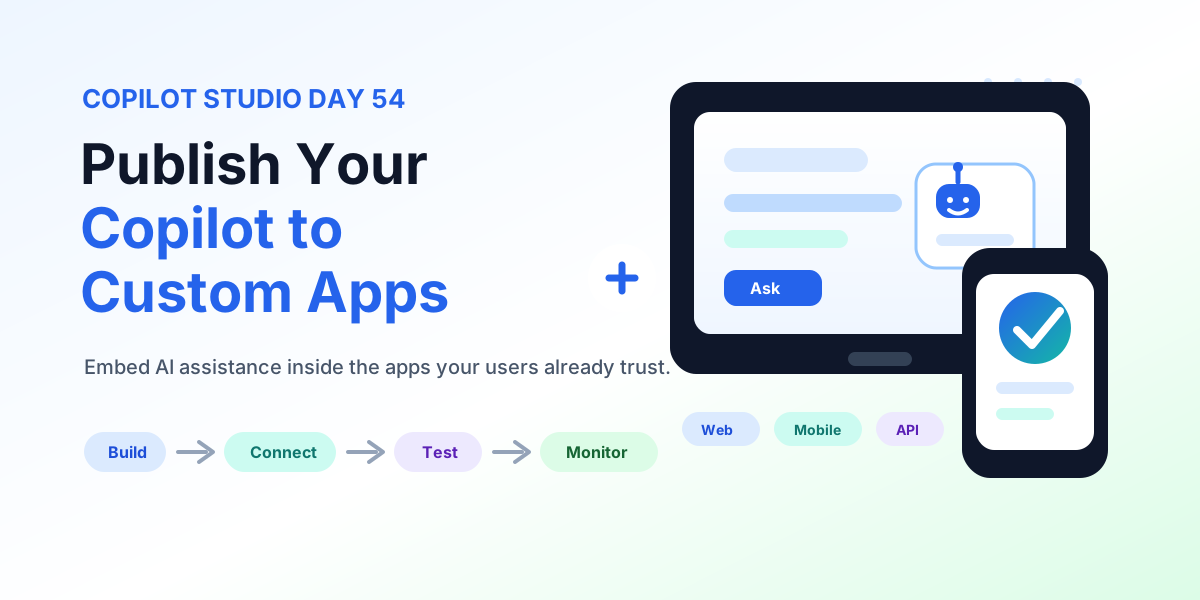
Publish a Copilot Studio agent to custom web and mobile apps: channel connection details, chat UX, authentication, data protection, actions, testing, and production readiness.
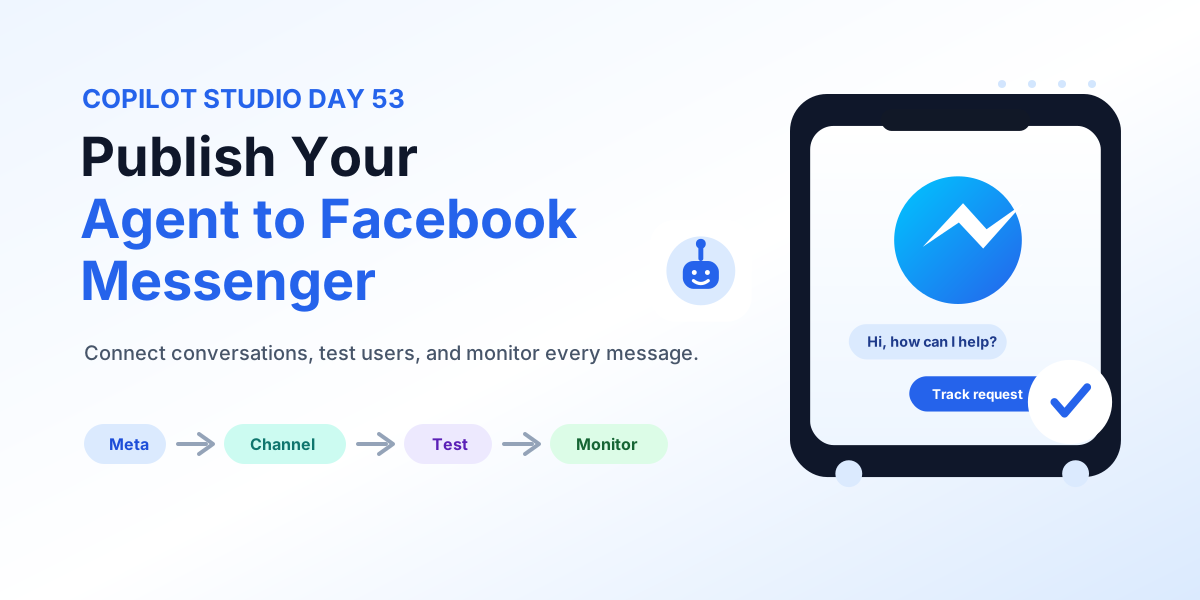
Publish a Copilot Studio agent to Facebook Messenger: Meta assets, channel setup, authentication, real-user testing, human escalation, and monitoring.
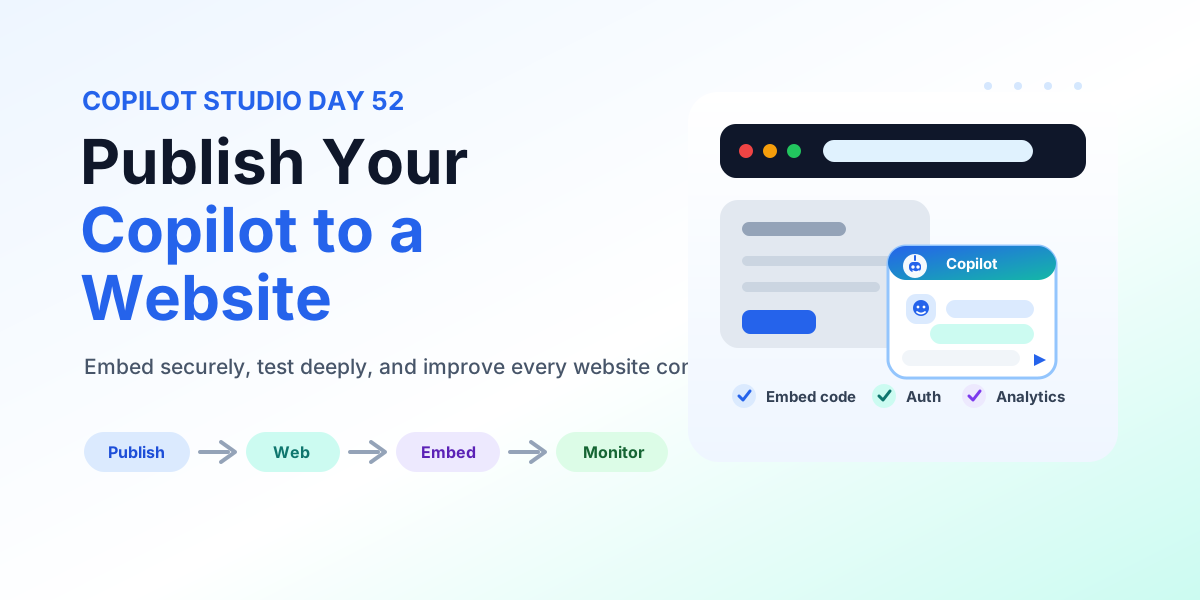
Publish a Copilot Studio agent to a website: embed code placement, authentication, accessibility, testing, monitoring, and deployment checks.
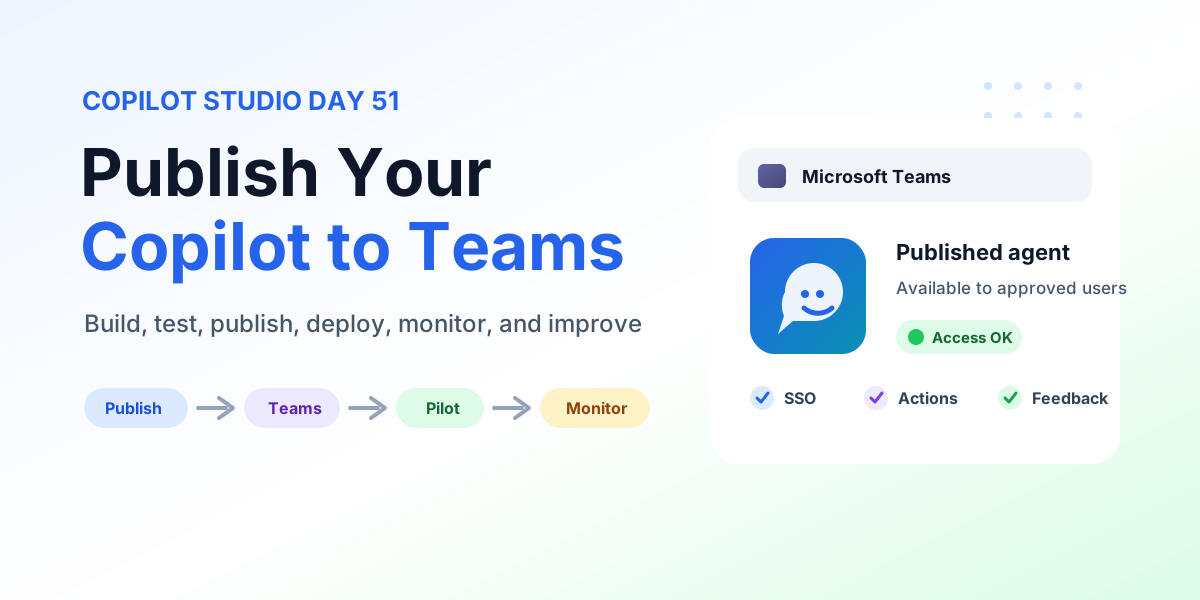
Learn how to publish Copilot to Microsoft Teams from Copilot Studio with publishing steps, Teams channel configuration, user access, SSO, permissions, pilot rollout, testing, monitoring, and production checks.
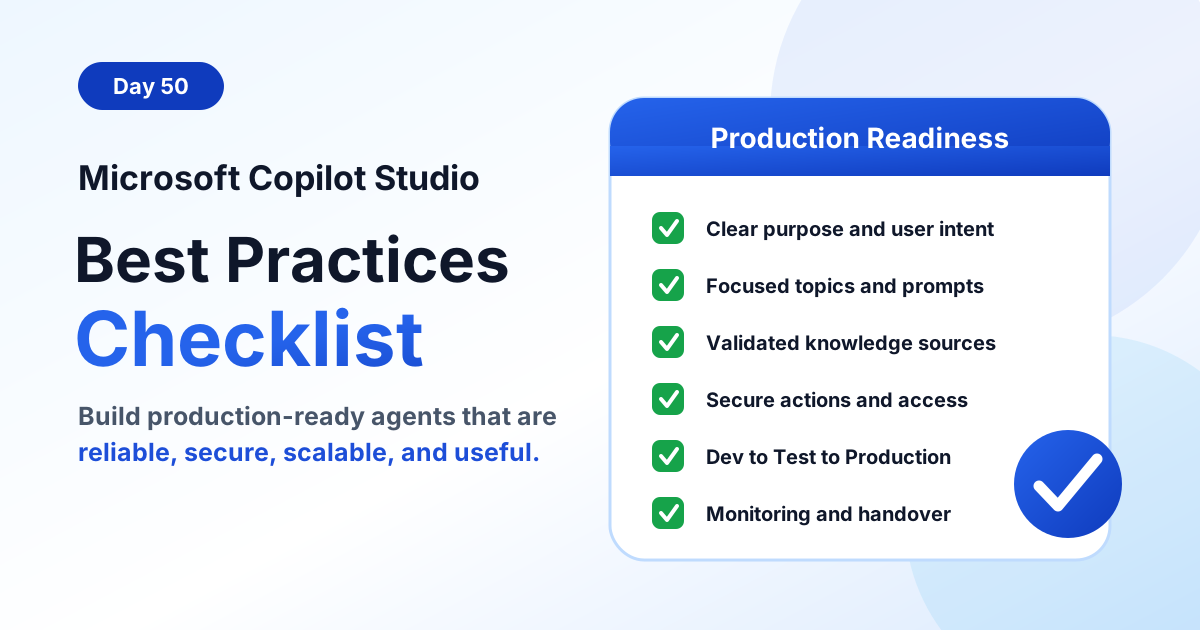
Use this Microsoft Copilot Studio best practices checklist to build production-ready agents with clear purpose, focused topics, reliable knowledge, secure actions, testing, monitoring, and governance.
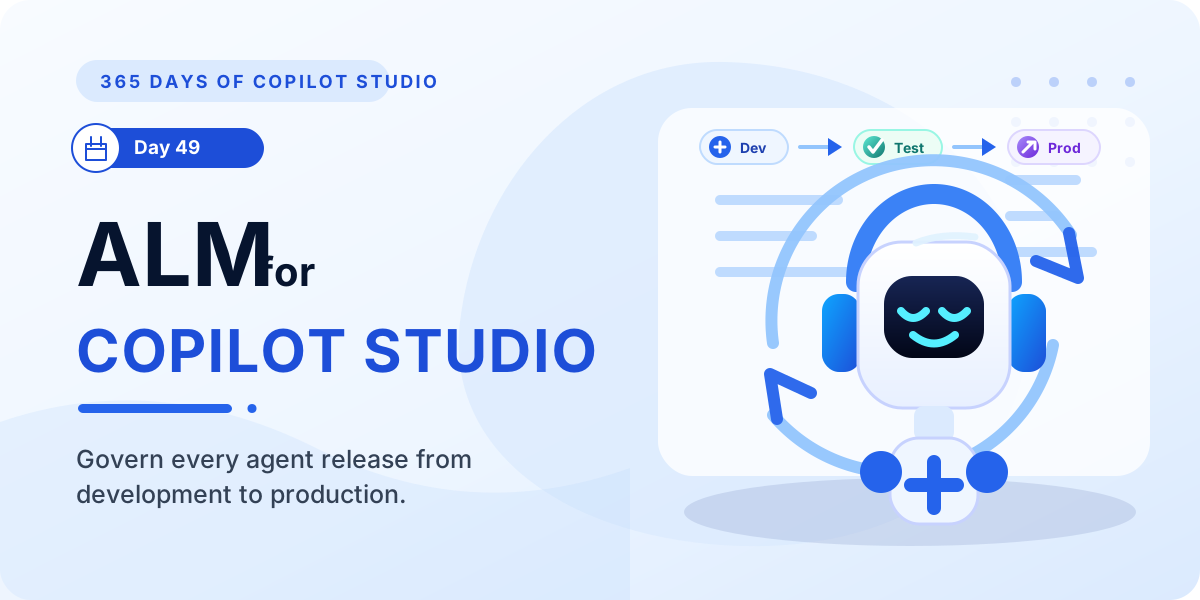
Learn how ALM in Microsoft Copilot Studio helps teams plan, build, test, deploy, monitor, and improve agents across development, test, and production environments.
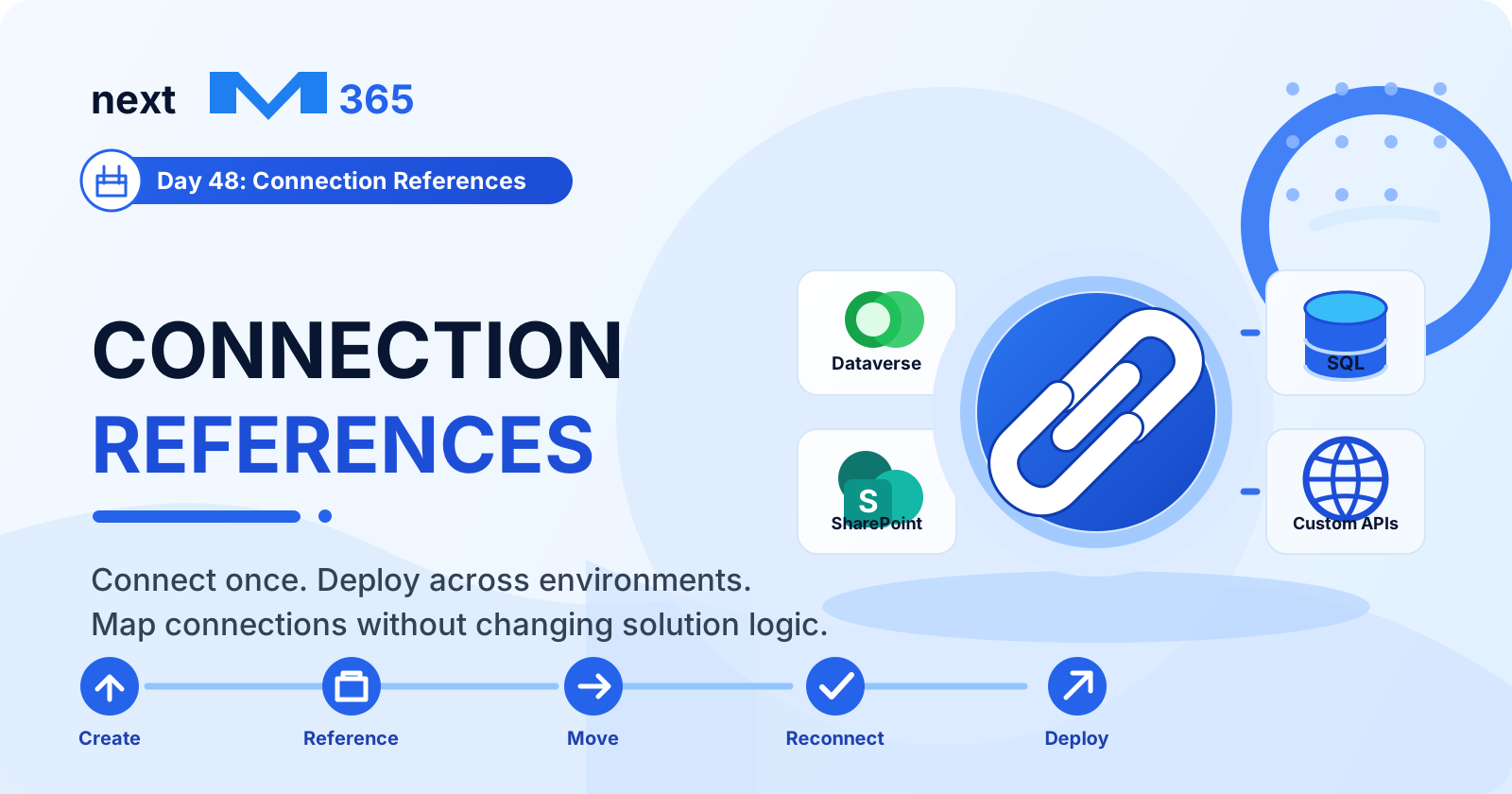
Learn how connection references in Copilot Studio and Power Platform make connectors reusable, secure, portable, and easier to manage across development, test, and production.
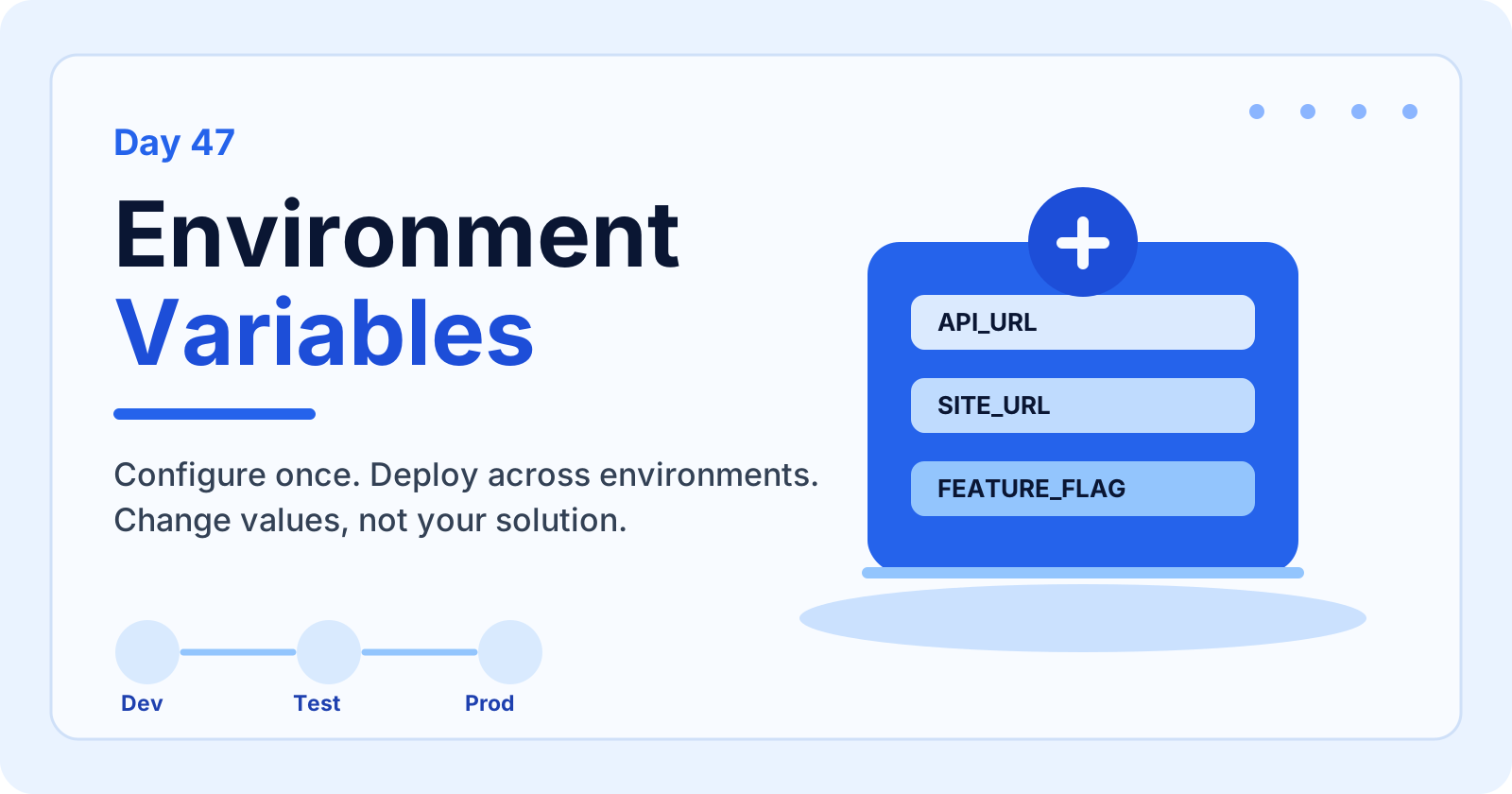
Learn how environment variables in Copilot Studio help you configure values per environment, reduce hardcoding, secure settings, support ALM, and deploy solutions across development, test, and production.
Yes. The series hub links articles in order so you can follow the learning path step by step.
Yes. Each article is useful on its own, but the series navigation gives the best progression.