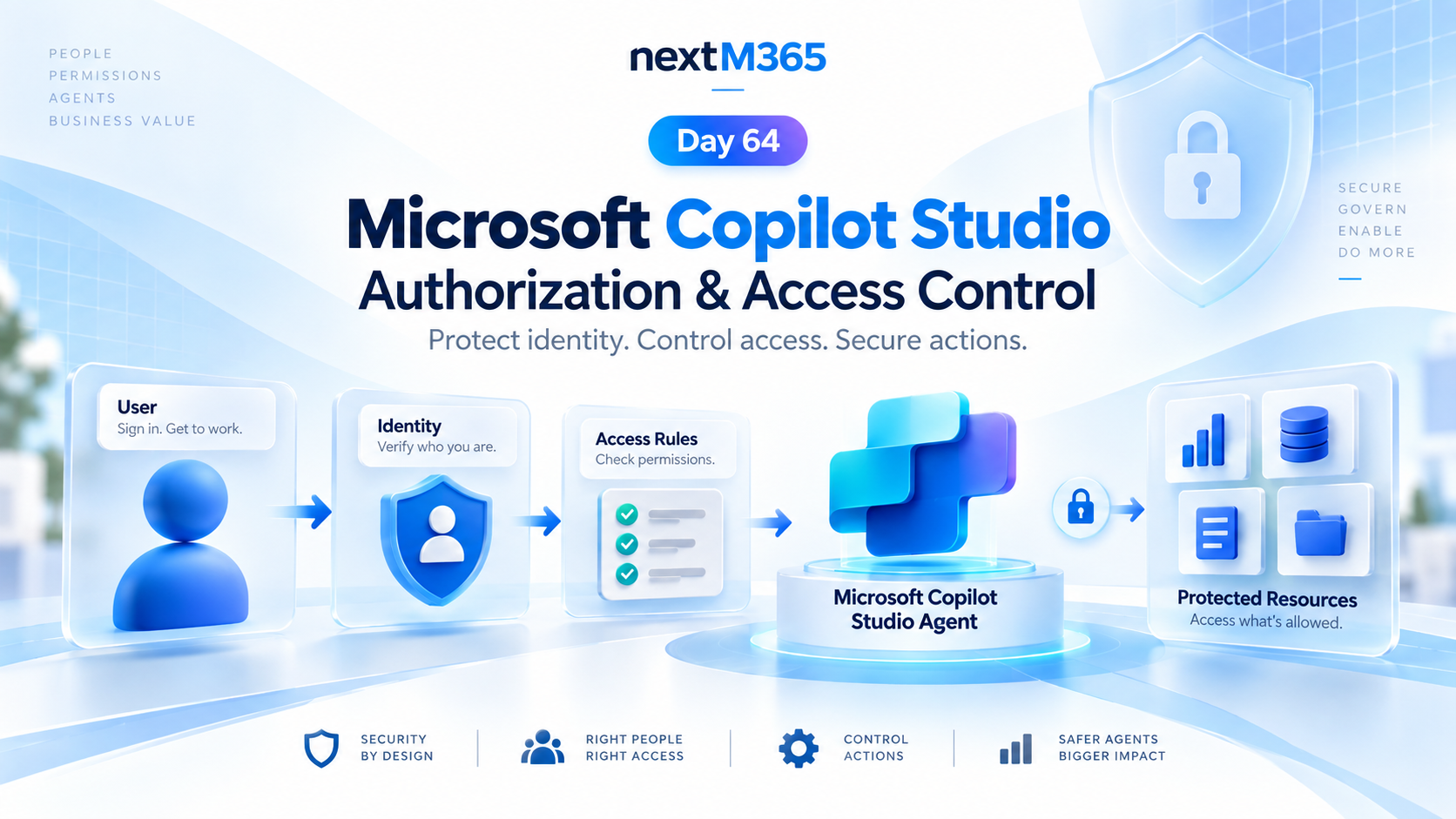
Copilot Studio Authorization and Access Control | Day 64
Secure Copilot Studio agents with clear authorization, access control, protected resources, action permissions, and identity-aware security checks.
This category focuses on Microsoft Copilot Studio: building agents, planning topics, using knowledge sources, understanding licensing, testing behavior, publishing channels, and designing useful business scenarios. It includes both standalone guides and the ongoing 365 Days of Copilot Studio series.
Open the Microsoft Copilot Studio hubFollow how Copilot Studio components work together, how real-world assistants such as HR and IT help desk agents are structured, and how to move from a first test bot to a more structured agent implementation. The content is practical and implementation-focused.
Practical references on the concepts, setup steps, design choices, and common implementation patterns behind Microsoft Copilot Studio — for planning, building, testing, and improving Microsoft 365 solutions.
163 articles in “Microsoft Copilot Studio”

Secure Copilot Studio agents with clear authorization, access control, protected resources, action permissions, and identity-aware security checks.

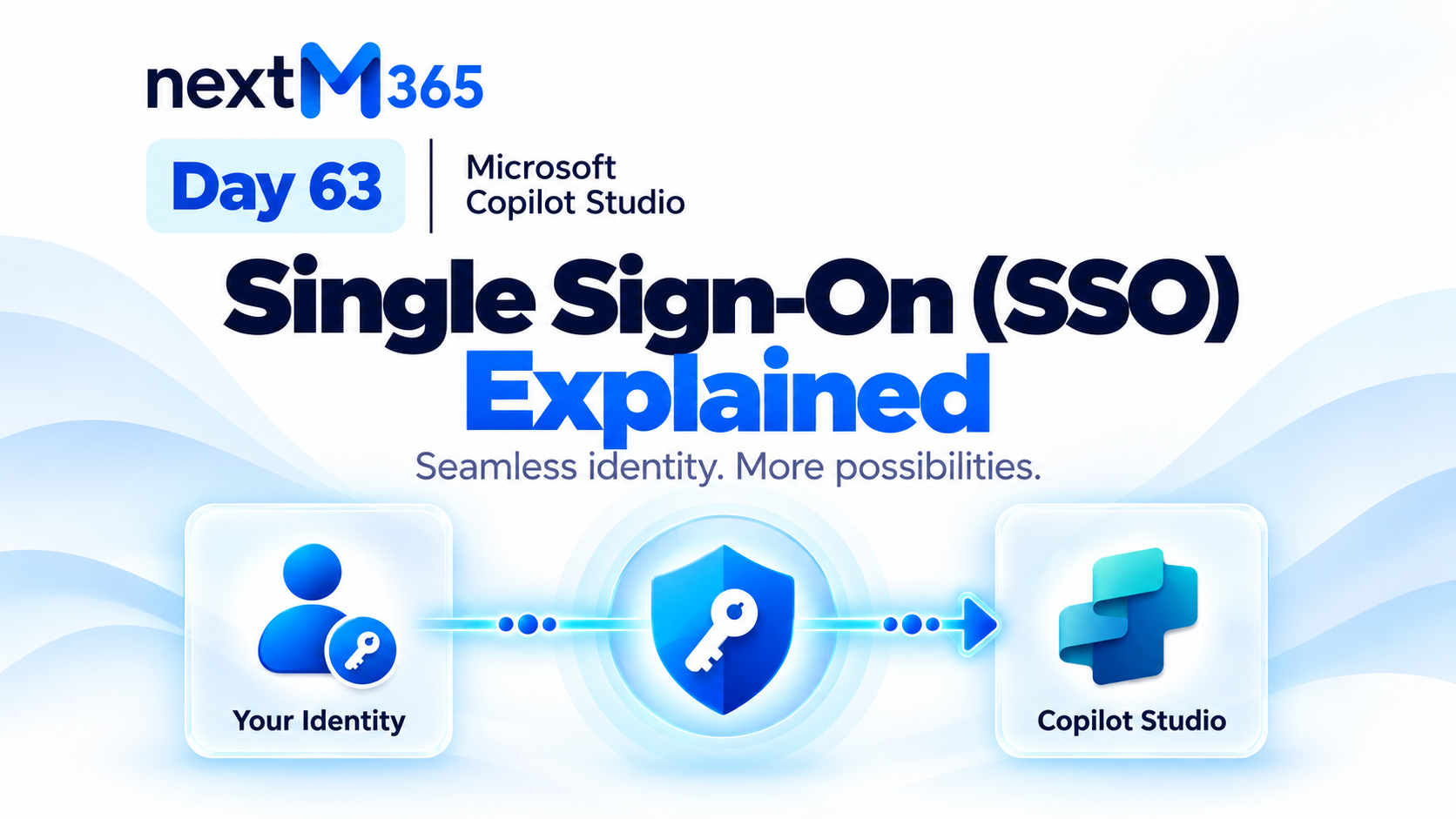
Understand Copilot Studio single sign-on: how trusted Microsoft identity flows from user sign-in into secure agent conversations, tools, actions, and resources.

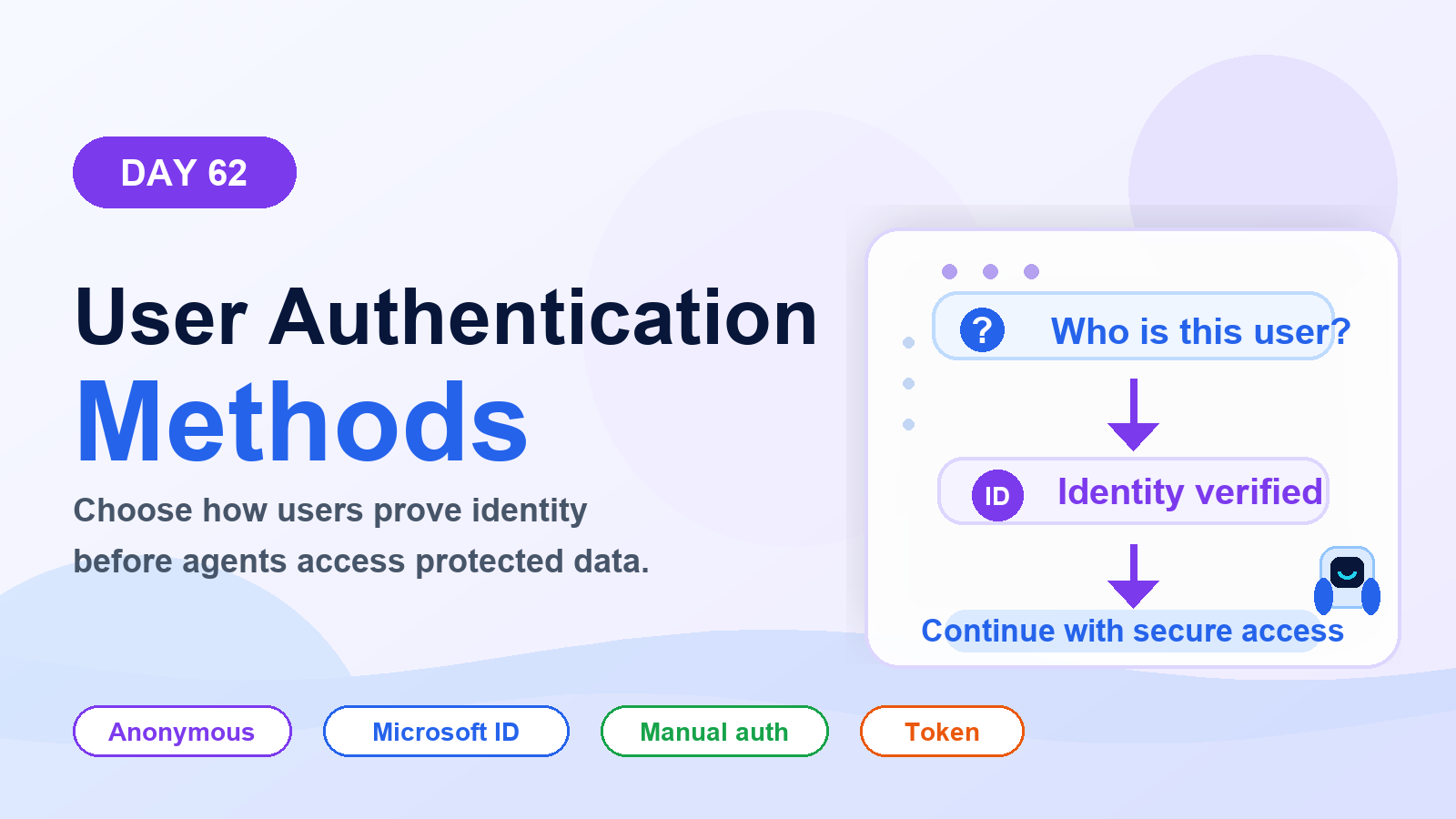
Choose the right Copilot Studio user authentication method: anonymous access, Microsoft identity, or manual authentication for websites, Teams, custom apps, tools, and secure actions.
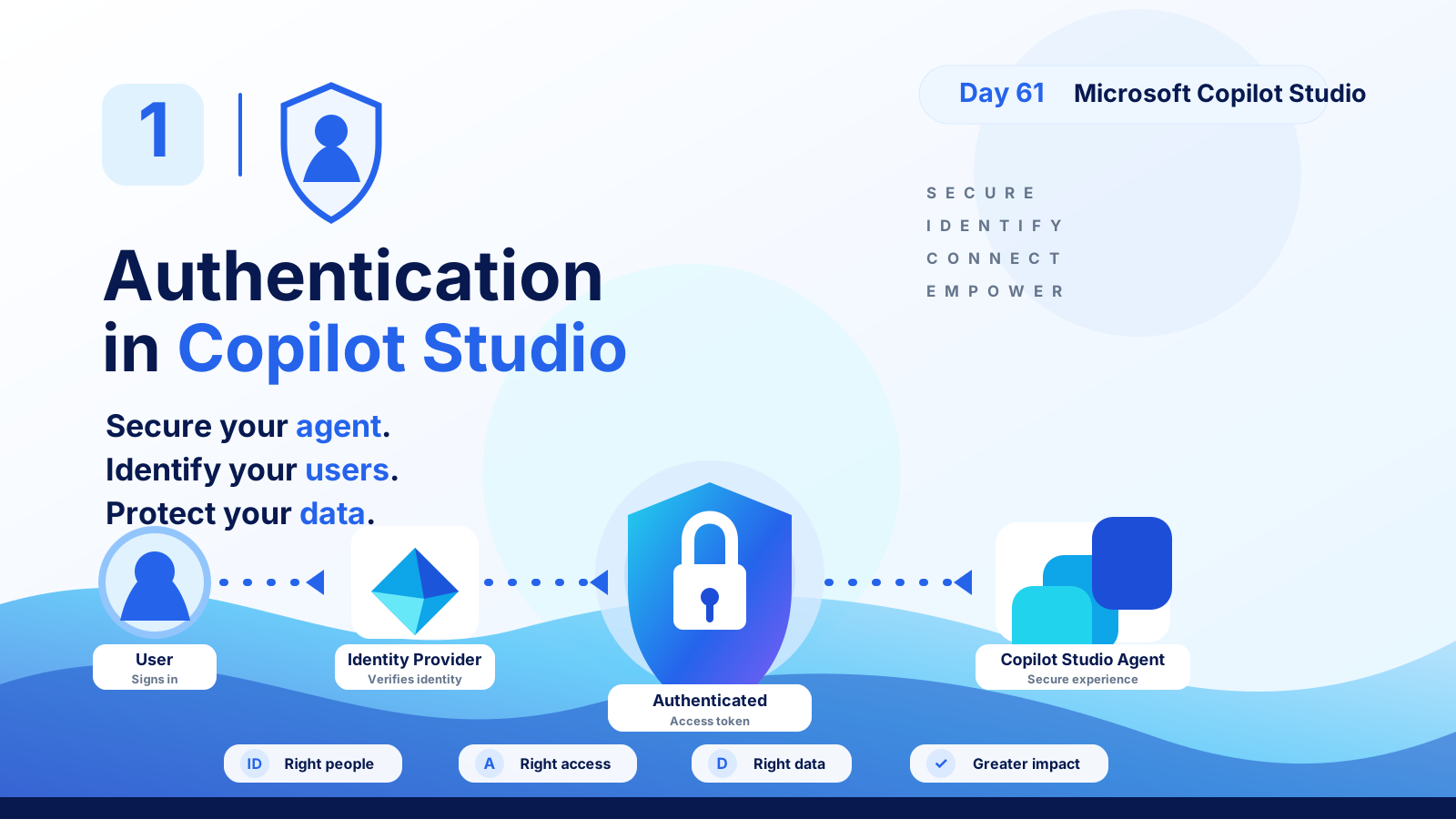
Understand Copilot Studio authentication: how users sign in, identity providers verify access, tokens protect data, and secure agents serve the right people with the right permissions.
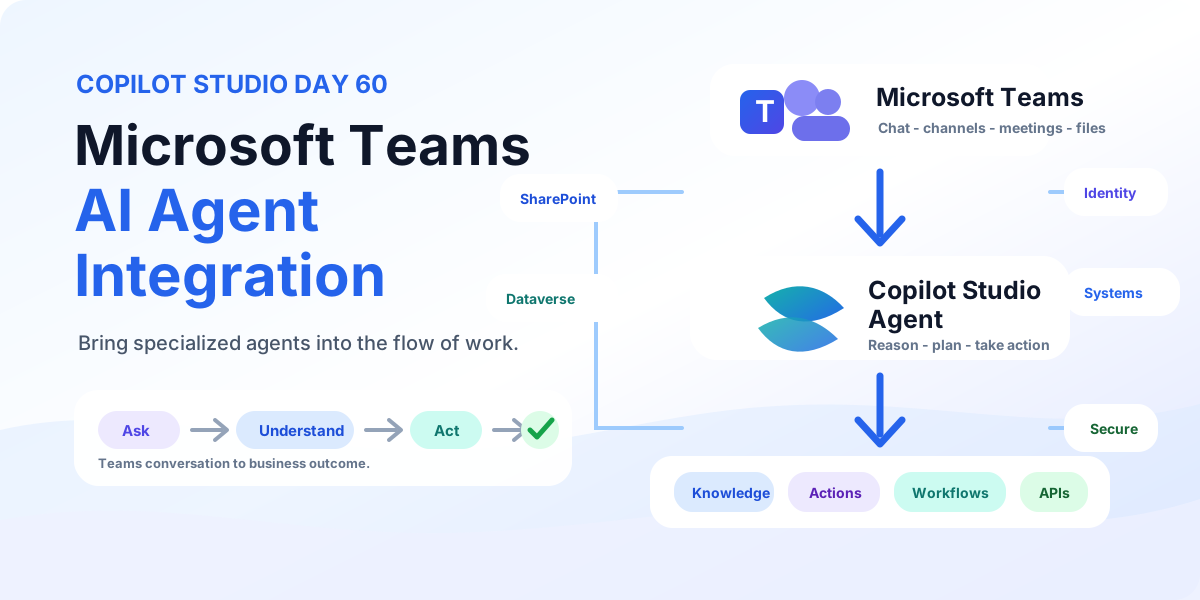
Bring Copilot Studio agents into Microsoft Teams with business knowledge, secure identity, discoverability, actions, workflows, and employee-ready examples for IT support and employee services.
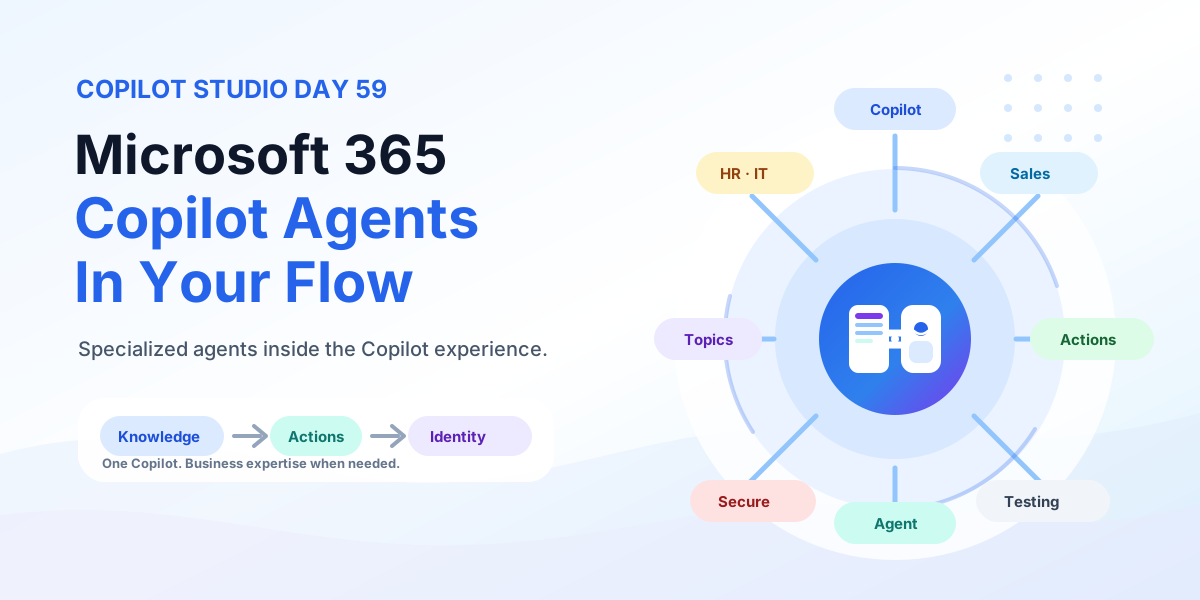
Bring Copilot Studio agents into Microsoft 365 Copilot with business knowledge, instructions, actions, identity-aware security, publishing, and team-specific agents for HR, IT, Sales, and Operations.
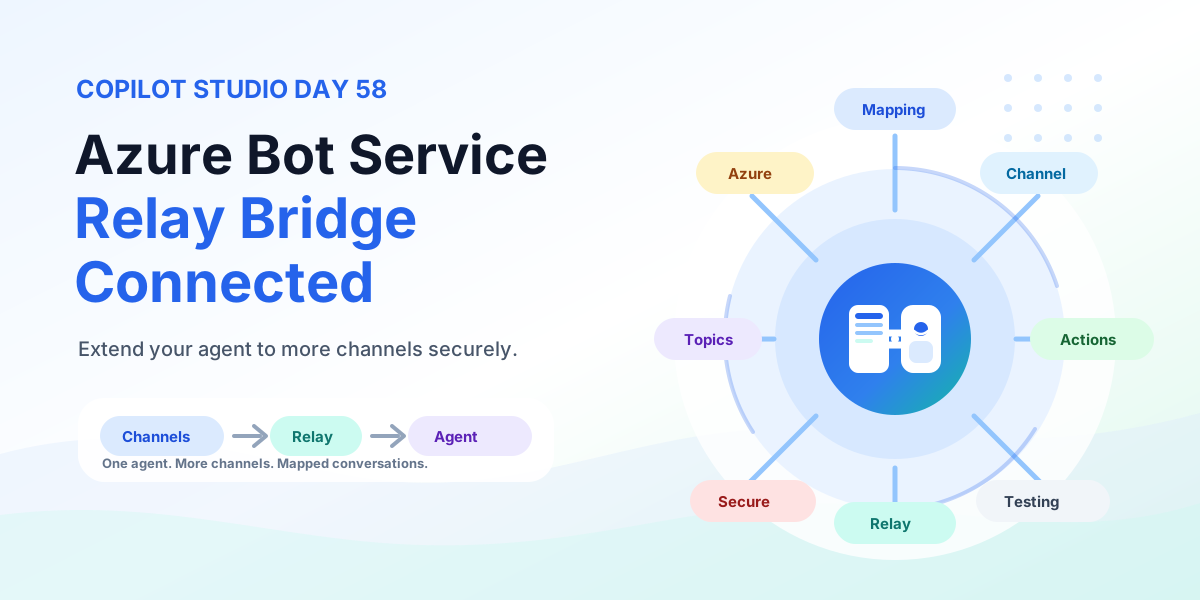
Extend any Copilot Studio agent to more channels with Azure Bot Service using a relay bot, conversation mapping, channel routing, multi-channel experiences, testing, security, and production rollout.
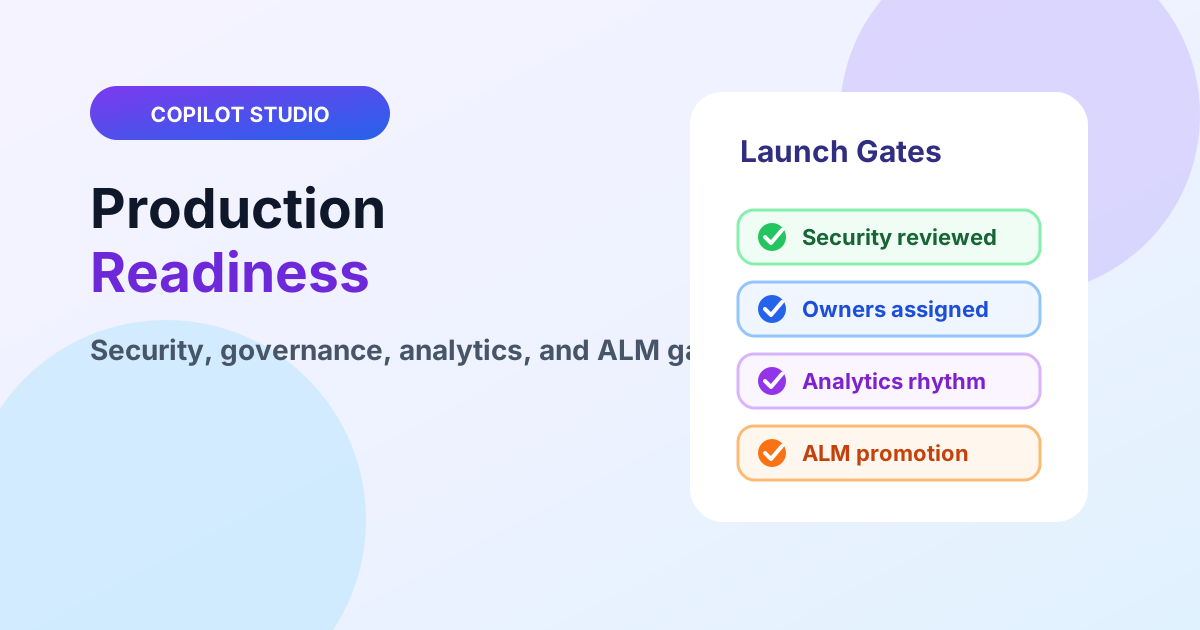
Ship Copilot Studio agents to production with security reviews, governance ownership, analytics rhythms, and ALM promotion gates.
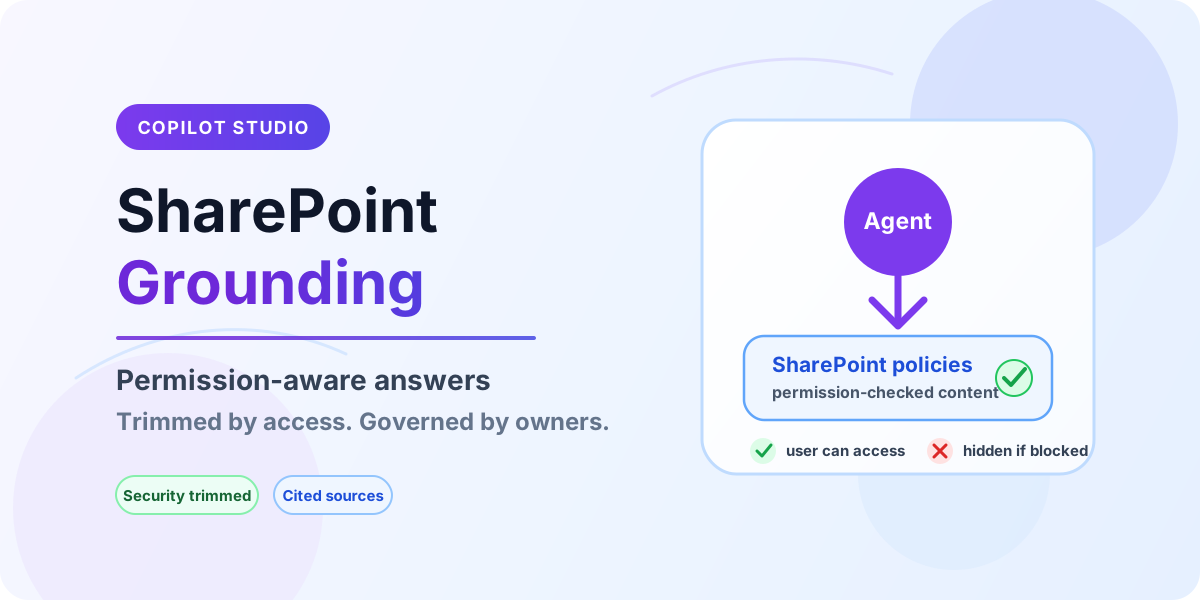
Ground Copilot Studio agents on SharePoint content with permission-aware retrieval, security trimming, and governance guardrails.
Yes. Start with setup, licensing, and core component articles before moving into advanced scenarios.
Yes. The series is a structured subcategory inside Copilot Studio.