Copilot Studio Version Management Best Practices | Day 82
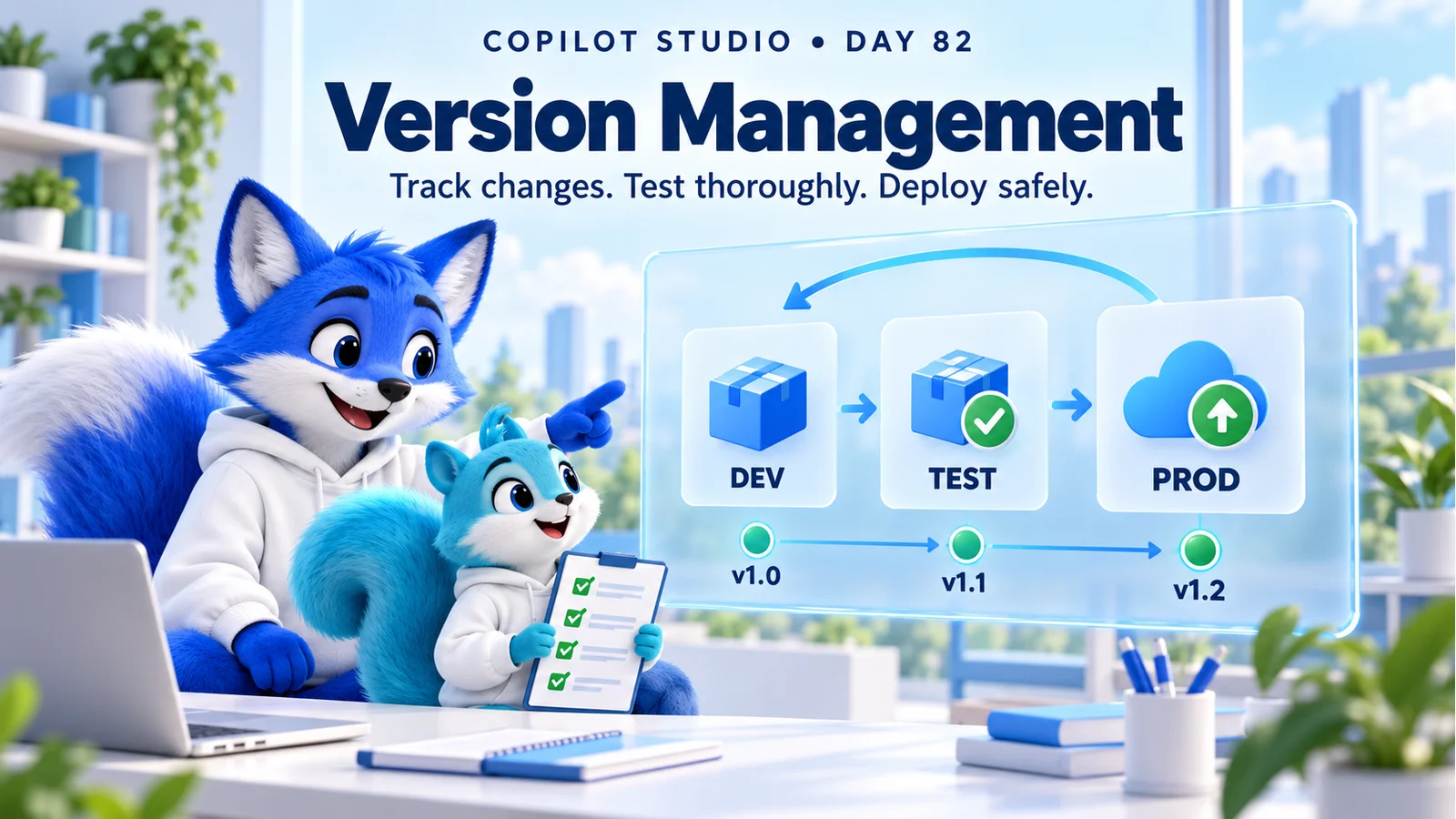
Manage Copilot Studio releases with clear version records, solutions, separate environments, dependency checks, regression tests, deployment evidence, and a rehearsed recovery plan.
This archive collects nxtM365 articles about the Power Platform ecosystem, including Power Apps, Power Automate, Copilot Studio, connectors, governance, and low-code or pro-code solution design.
Open the Power Platform hubUse this page when you want to browse Power Platform content across product boundaries. For deeper learning, follow the dedicated Power Automate, Power Apps Code, and Copilot Studio hub pages linked from related articles.
Practical references on the concepts, setup steps, design choices, and common implementation patterns behind Power Platform — for planning, building, testing, and improving Microsoft 365 solutions.
537 articles in “Power Platform”

Manage Copilot Studio releases with clear version records, solutions, separate environments, dependency checks, regression tests, deployment evidence, and a rehearsed recovery plan.

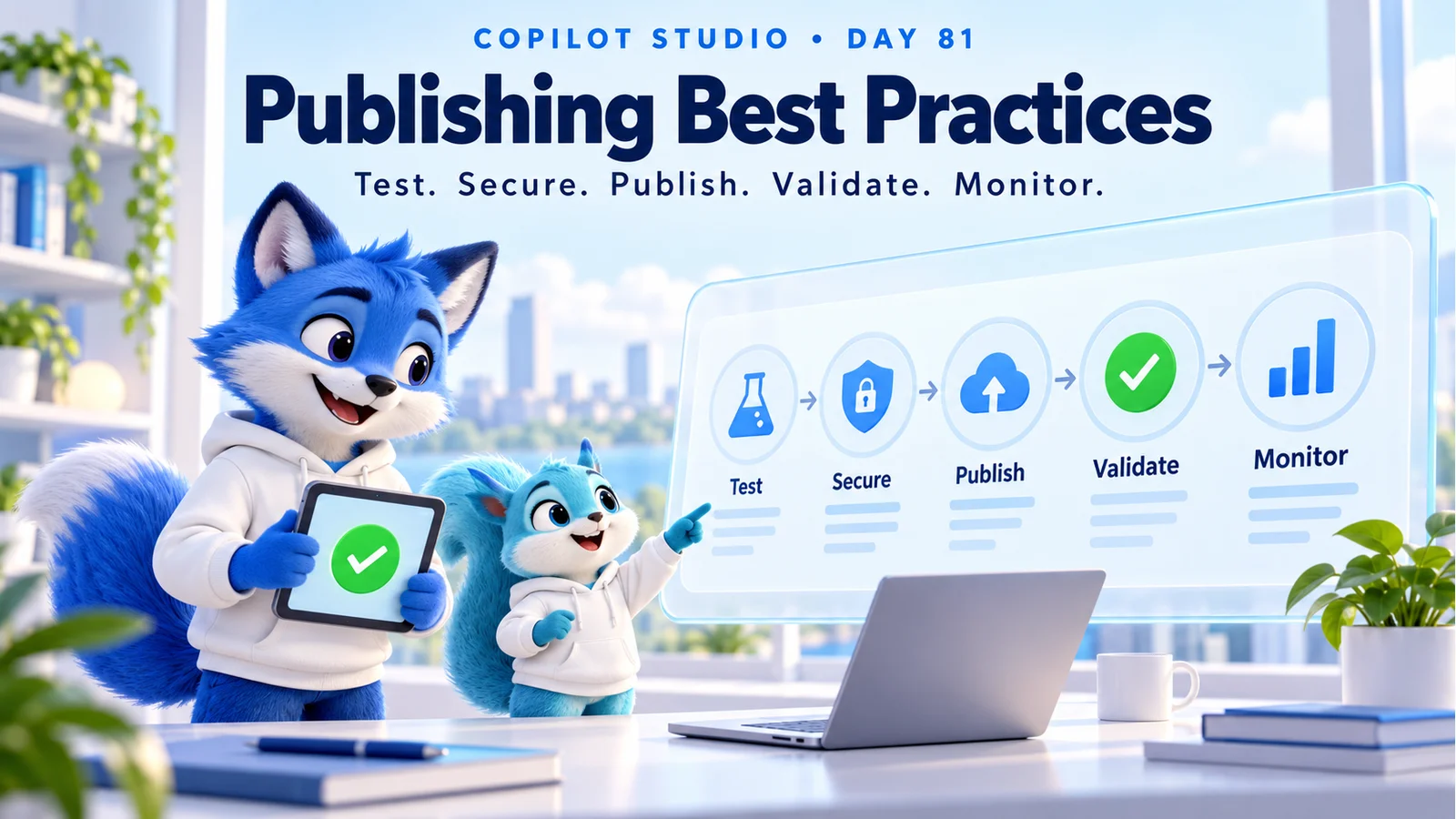
Publish Copilot Studio agents with tested answers, trusted knowledge, secure access, reliable actions, channel validation, and a practical monitoring and release checklist.

Review Copilot Studio conversation history to understand user intent, check agent responses, investigate failed actions, and turn past interactions into tested improvements.

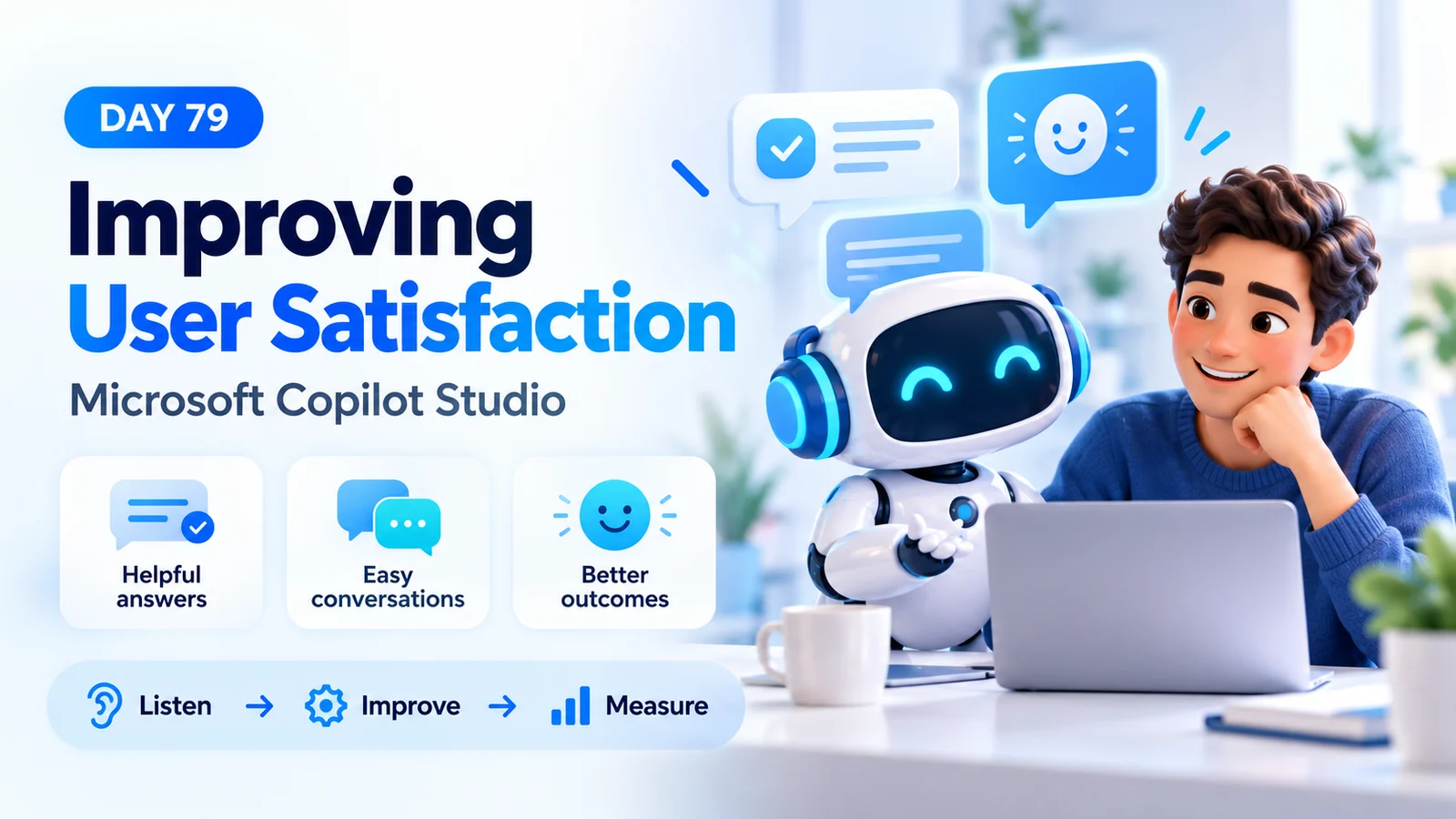
Improve Copilot Studio user satisfaction with trusted answers, simpler conversations, faster responses, useful recovery, human handoff, and a measurable feedback loop.

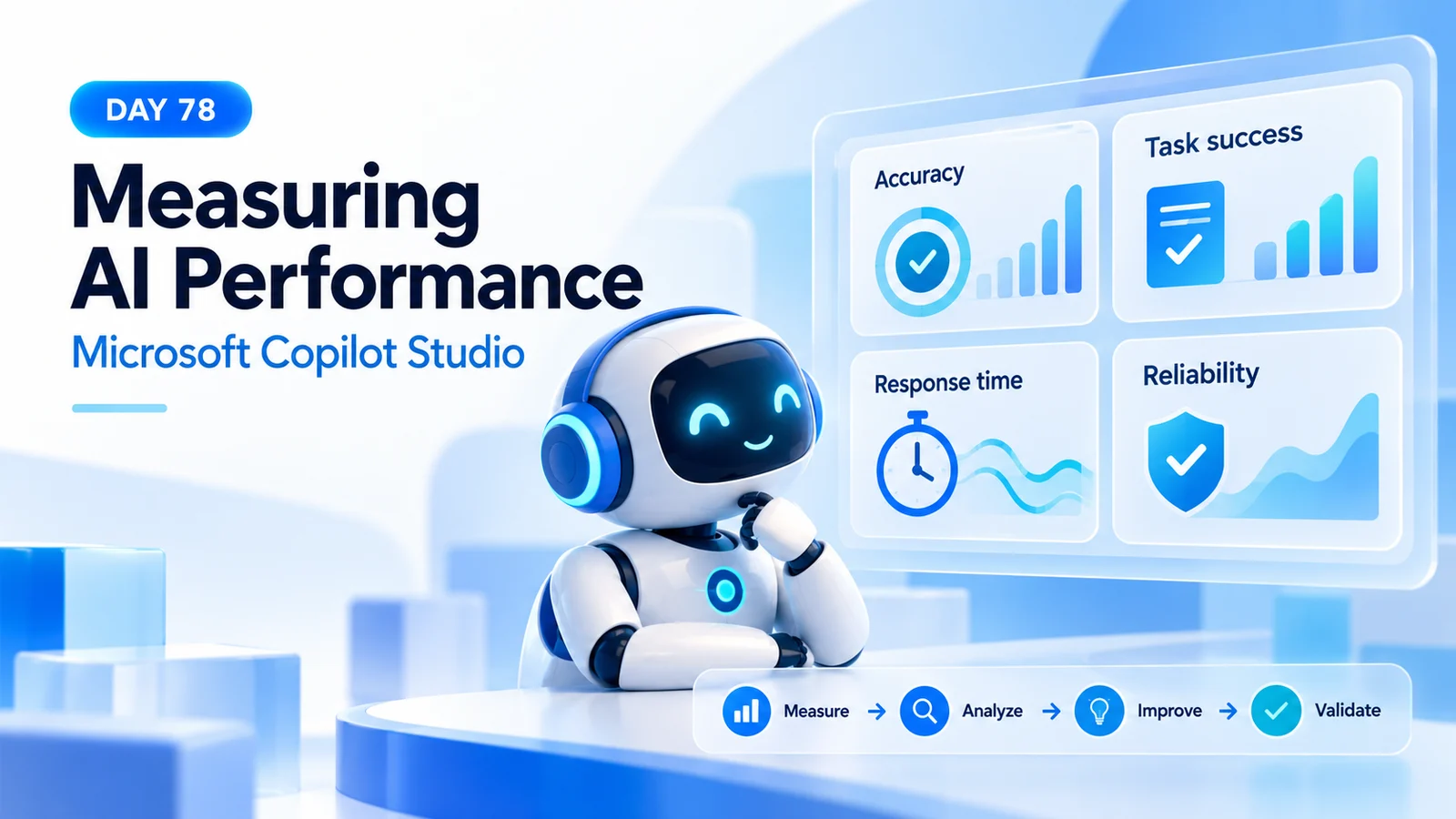
Measure Copilot Studio answer accuracy, task completion, groundedness, response time, reliability, satisfaction, and business value with a repeatable evaluation plan.

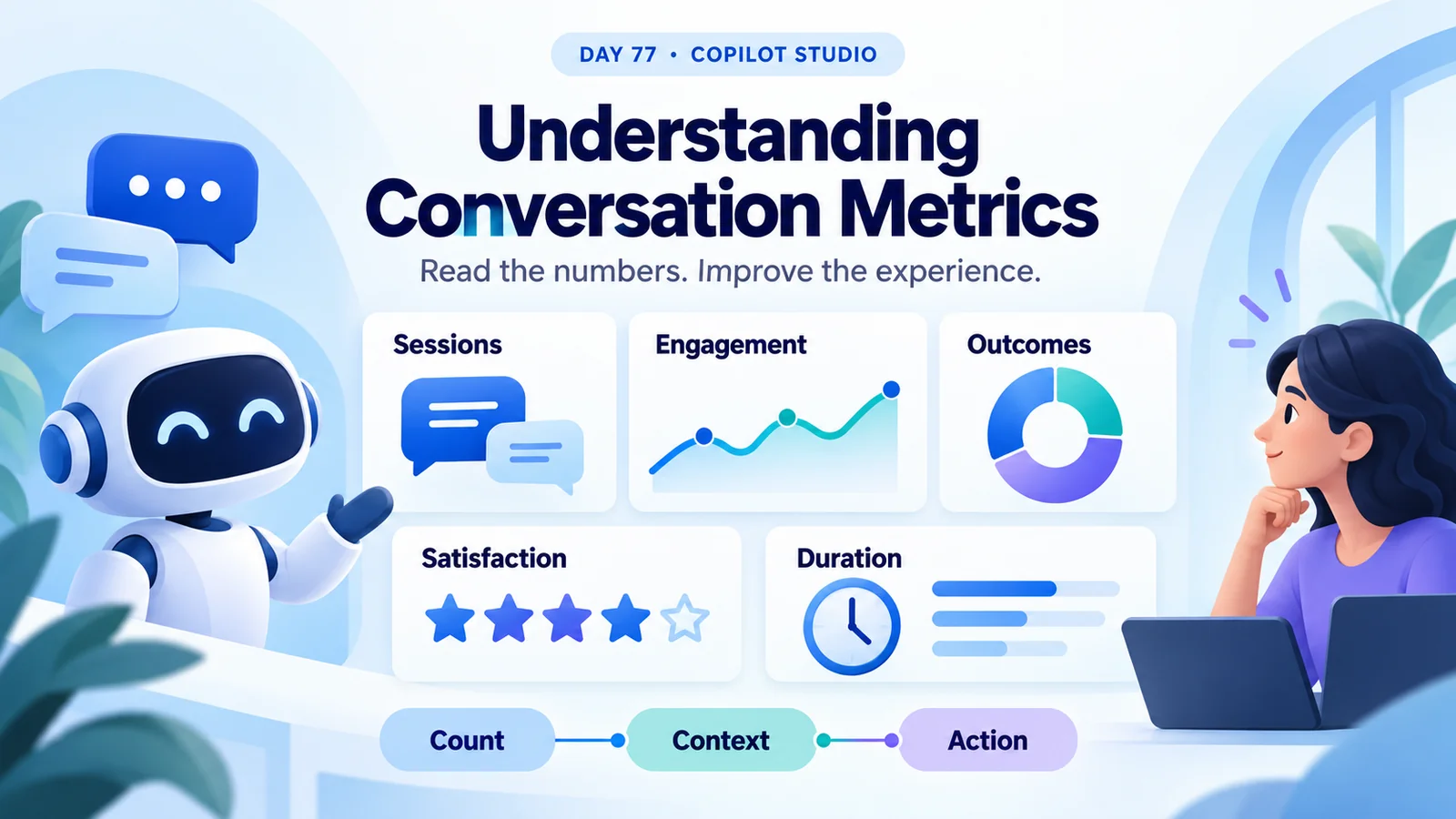
Understand Copilot Studio session counts, engagement, resolution, escalation, abandonment, CSAT, and duration with worked examples and a practical review checklist.

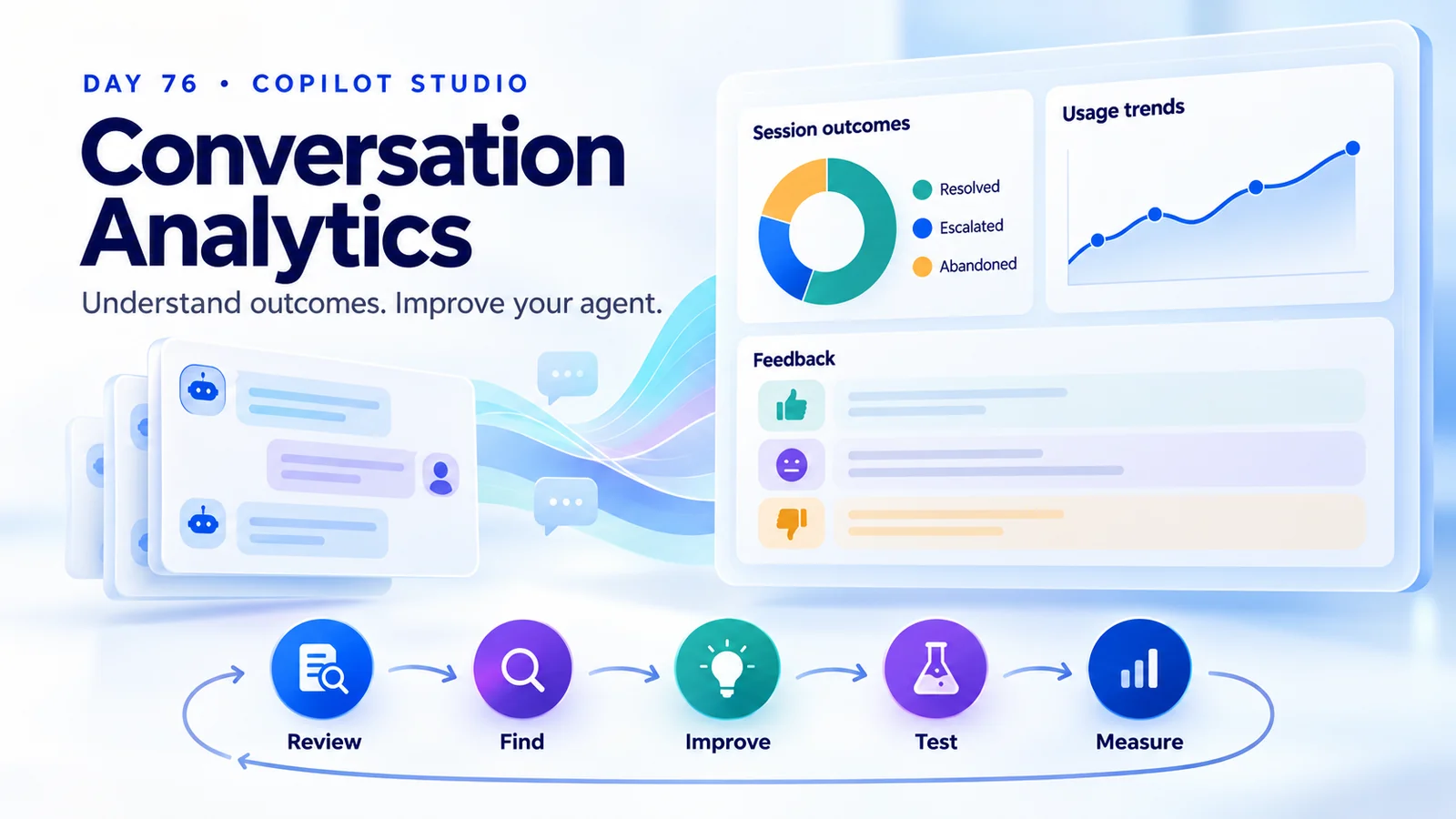
Use Copilot Studio conversation analytics to understand session outcomes, spot knowledge gaps, review feedback, and measure improvements to your agent.

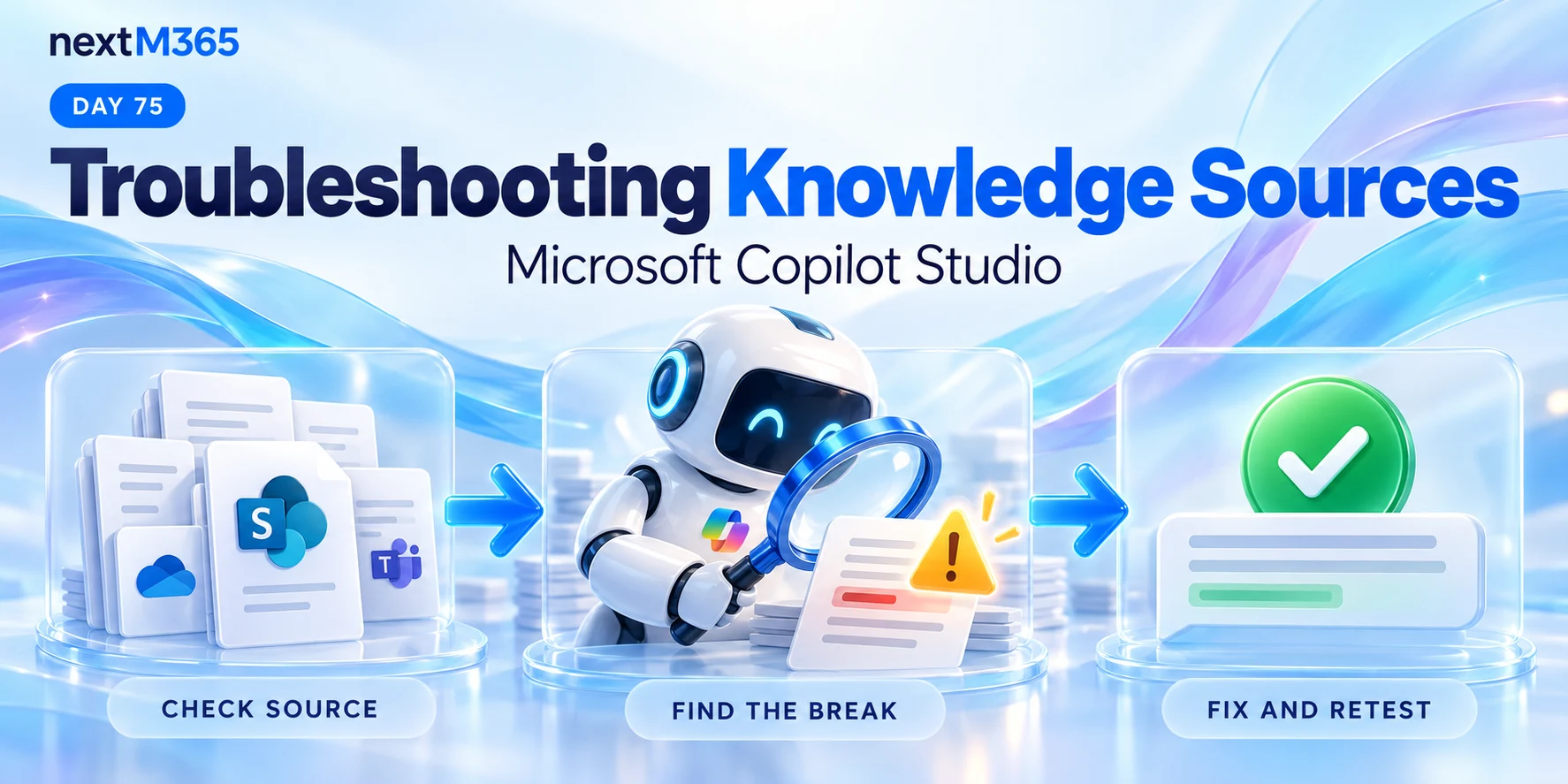
Troubleshoot Copilot Studio knowledge sources with a repeatable checklist for missing answers, source readiness, access, retrieval, and conflicting content.

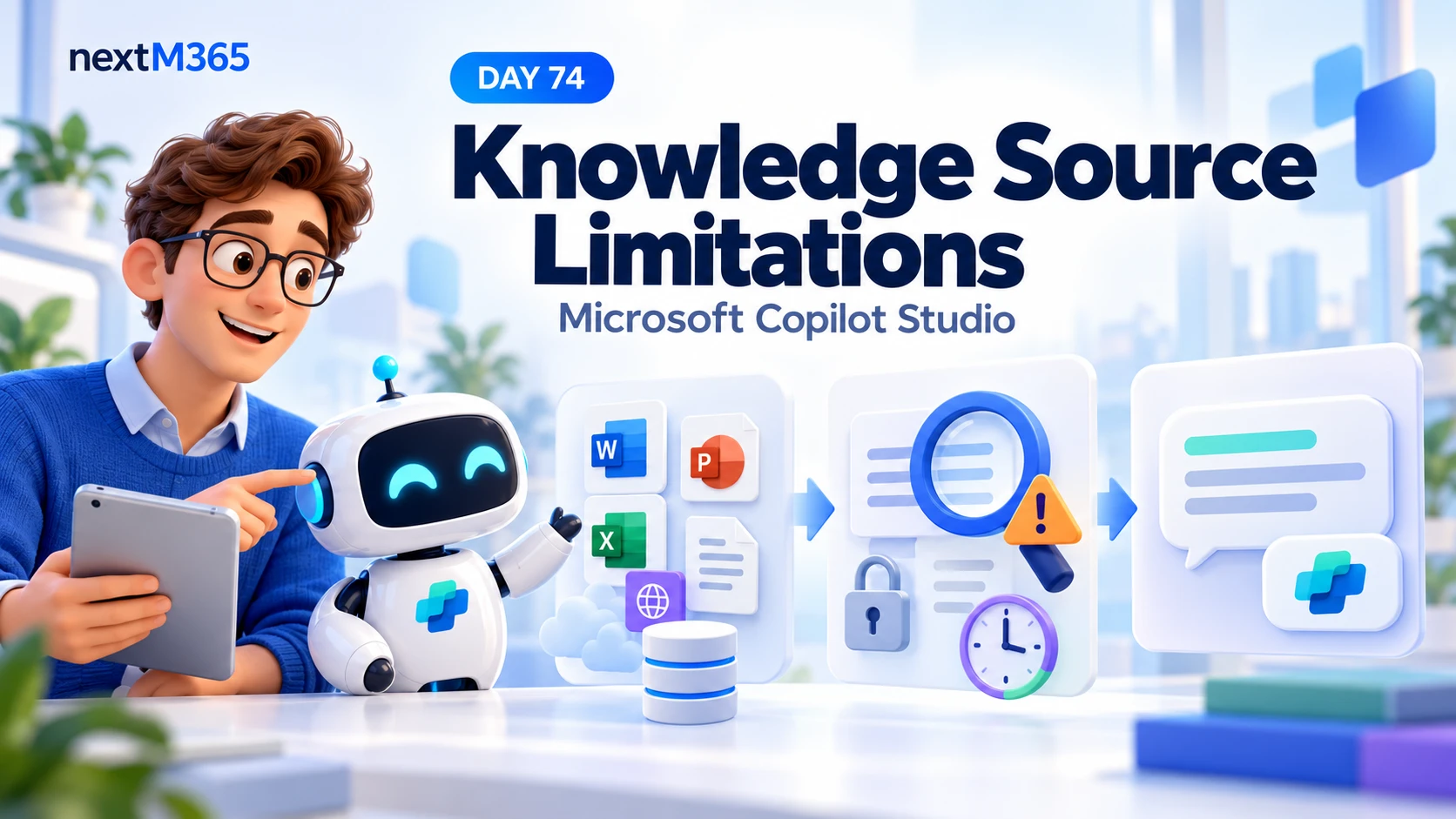
Understand Copilot Studio knowledge source limitations: content quality, retrieval gaps, conflicting policies, outdated information, access, and testing.
It groups articles that discuss Power Apps, Power Automate, Copilot Studio, connectors, and governance across the Power Platform.
No. This is a cross-product archive. For structured paths, use the Power Automate, Power Apps Code, and Copilot Studio hubs.