How Microsoft Copilot Studio Works | Copilot Studio Day 4
Day 4 explains how Copilot Studio works: users ask questions, the agent understands intent, retrieves knowledge, chooses a topic or tool, takes action, and responds intelligently.
This archive collects nxtM365 articles about the Power Platform ecosystem, including Power Apps, Power Automate, Copilot Studio, connectors, governance, and low-code or pro-code solution design.
Open the Power Platform hubUse this page when you want to browse Power Platform content across product boundaries. For deeper learning, follow the dedicated Power Automate, Power Apps Code, and Copilot Studio hub pages linked from related articles.
Practical references on the concepts, setup steps, design choices, and common implementation patterns behind Power Platform — for planning, building, testing, and improving Microsoft 365 solutions.
537 articles in “Power Platform”

Day 4 explains how Copilot Studio works: users ask questions, the agent understands intent, retrieves knowledge, chooses a topic or tool, takes action, and responds intelligently.

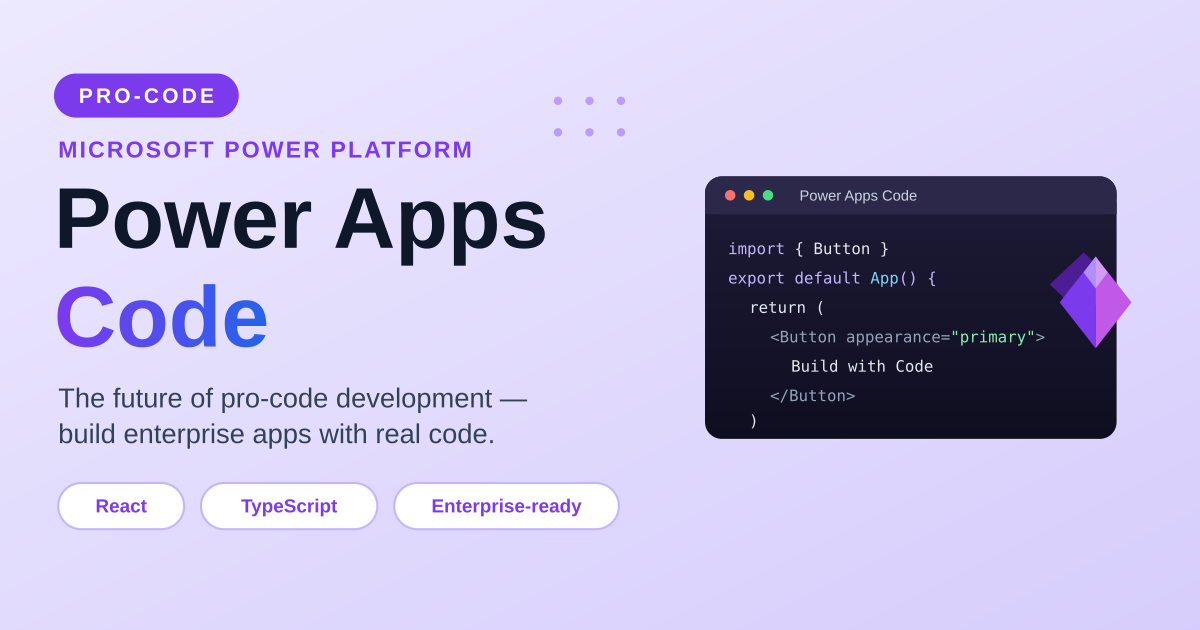
Meet Power Apps Code — Microsoft’s pro-code approach to building Power Platform apps with React, TypeScript, and modern tools. What it is, how it compares to canvas Power Apps, why it says goodbye to delegation warnings, the technologies and skills to learn, when to use it, and why it is not replacing canvas apps.

Day 3 explains what Copilot Studio can do: build conversational agents, use business knowledge, integrate with systems, automate processes, analyze performance, and extend with AI models.

Kick off your Copilot Studio journey with Week 1 of the 365-day series. This recap links the separate daily lessons for Days 1–7: what Copilot Studio is, why AI agents matter, what agents can do, how they work, real-world use cases, and who should learn it.

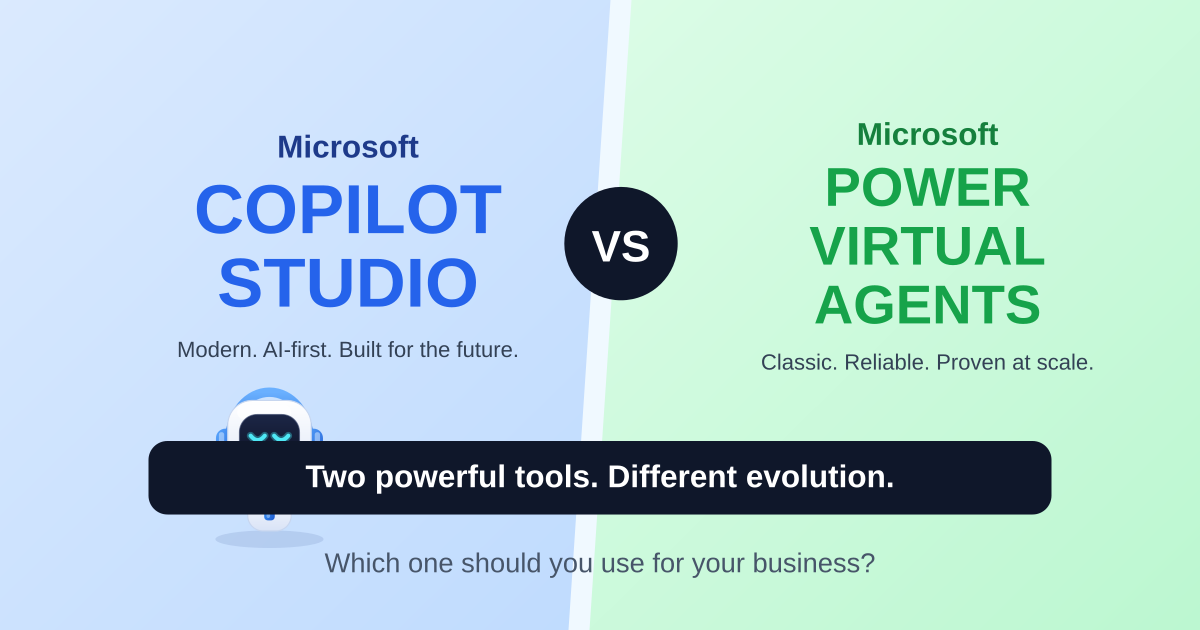
Two powerful tools, different evolution. A side-by-side comparison of Microsoft Copilot Studio and Power Virtual Agents across interface, AI capabilities, authoring, integrations, licensing, analytics, and use cases — so you can choose the right platform for your business.

Day 2 explains why businesses need AI agents: always-on support, contextual help, task automation, connected systems, lower operational load, and better user experiences.

Day 1 of the 365 Days of Microsoft Copilot Studio series explains what Copilot Studio is, how it differs from Microsoft Copilot, and why it matters for building business AI agents.

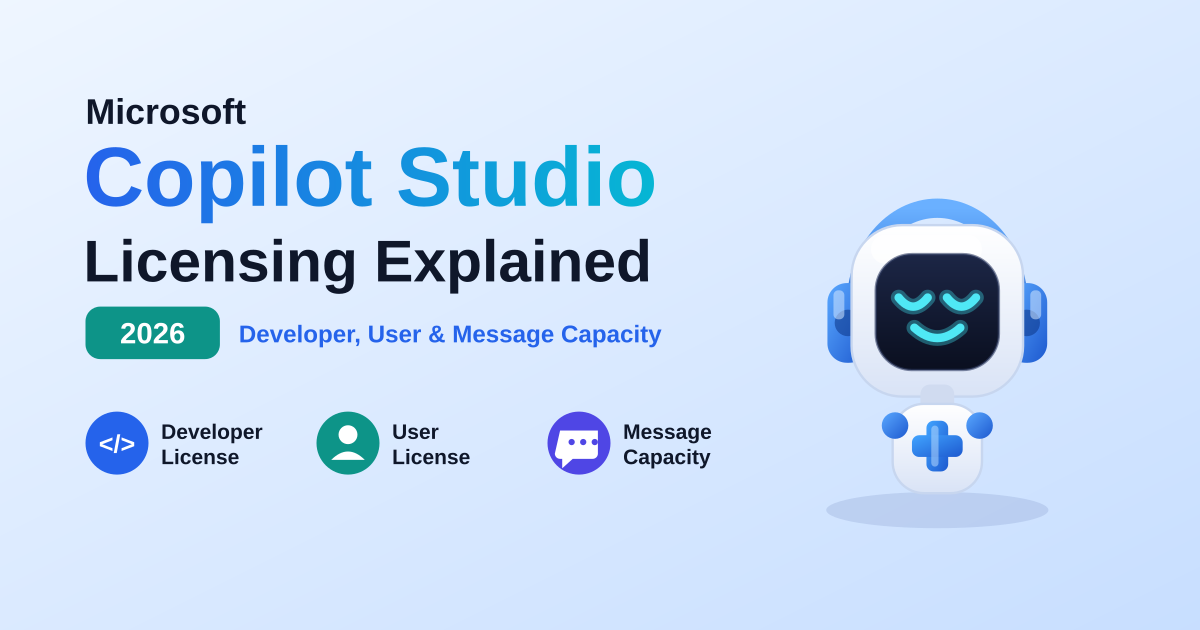
Understand Copilot Studio licensing in plain English: Developer, User, and Maker licenses, message-based capacity, who needs a license, Teams vs standalone channels, common mistakes to avoid, and a quick guide to choose the right license for your role.

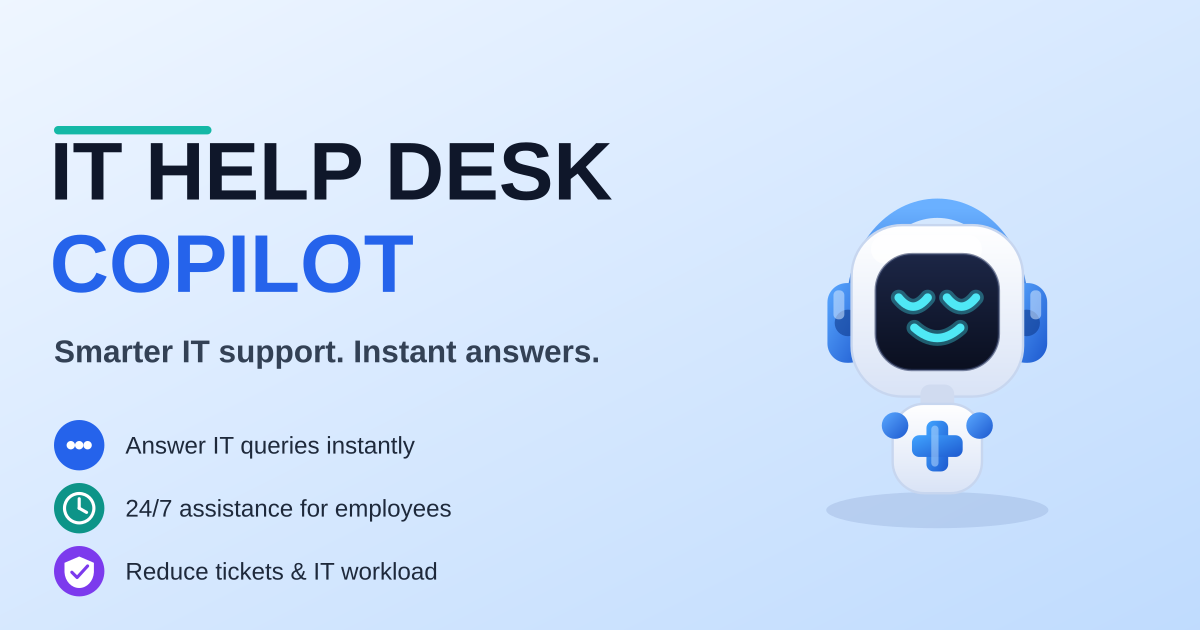
A real-world Copilot Studio scenario for IT: an AI-powered IT Help Desk Copilot that answers IT queries instantly, resolves common issues, and creates tickets — grounded in SharePoint and Dataverse, and available 24/7 inside Microsoft Teams.
It groups articles that discuss Power Apps, Power Automate, Copilot Studio, connectors, and governance across the Power Platform.
No. This is a cross-product archive. For structured paths, use the Power Automate, Power Apps Code, and Copilot Studio hubs.