SharePoint Online articles and collaboration tutorials

This category covers SharePoint Online lists, libraries, Microsoft Lists, metadata, document management, permissions, and collaboration design. It is intended for site owners, admins, makers, and consultants who need practical SharePoint guidance.

Open the SharePoint hub

Find out when to use a list and when to use a document library, how SharePoint supports Power Platform solutions, and how to think about information architecture. The focus is on patterns that are simple enough to adopt and strong enough to support real business use.

What this archive covers

Practical references on the concepts, setup steps, design choices, and common implementation patterns behind SharePoint — for planning, building, testing, and improving Microsoft 365 solutions.

60 articles in “SharePoint”

Latest articles

More articles

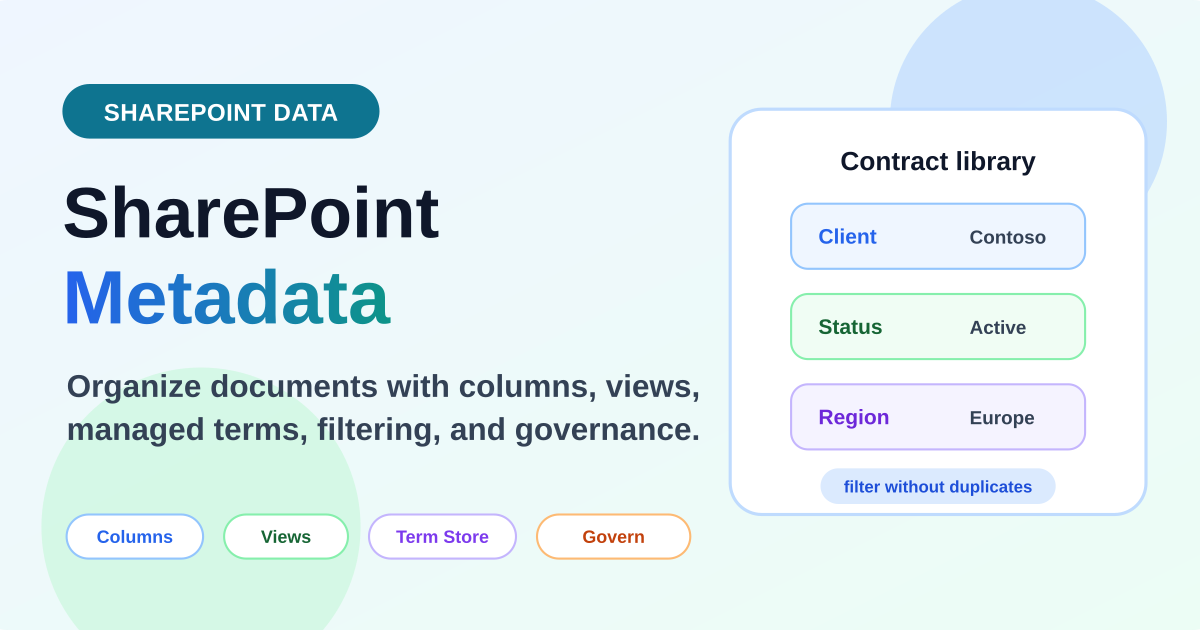
SharePoint metadata columns in a contract document library showing client status and region fields for filtering
SharePointJul 1, 2026

SharePoint Metadata Explained

Learn how SharePoint metadata works with columns, site columns, managed metadata, document library views, filtering, search, automation, and practical governance.

By Suresh Girinathuni10 min →
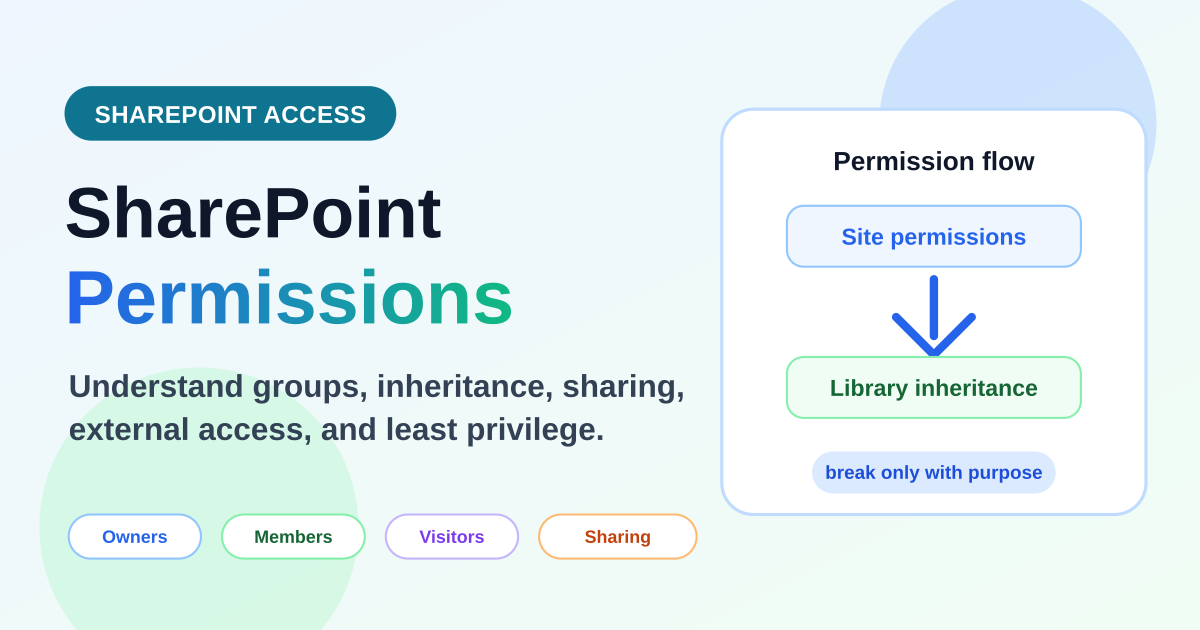
SharePoint permissions explained with site permissions flowing to document library inheritance and guidance to break access only with purpose
SharePointJun 30, 2026

SharePoint Permissions Explained

Learn how SharePoint permissions work across sites, libraries, folders, files, groups, inheritance, sharing links, external users, and practical governance.

By Suresh Girinathuni15 min →
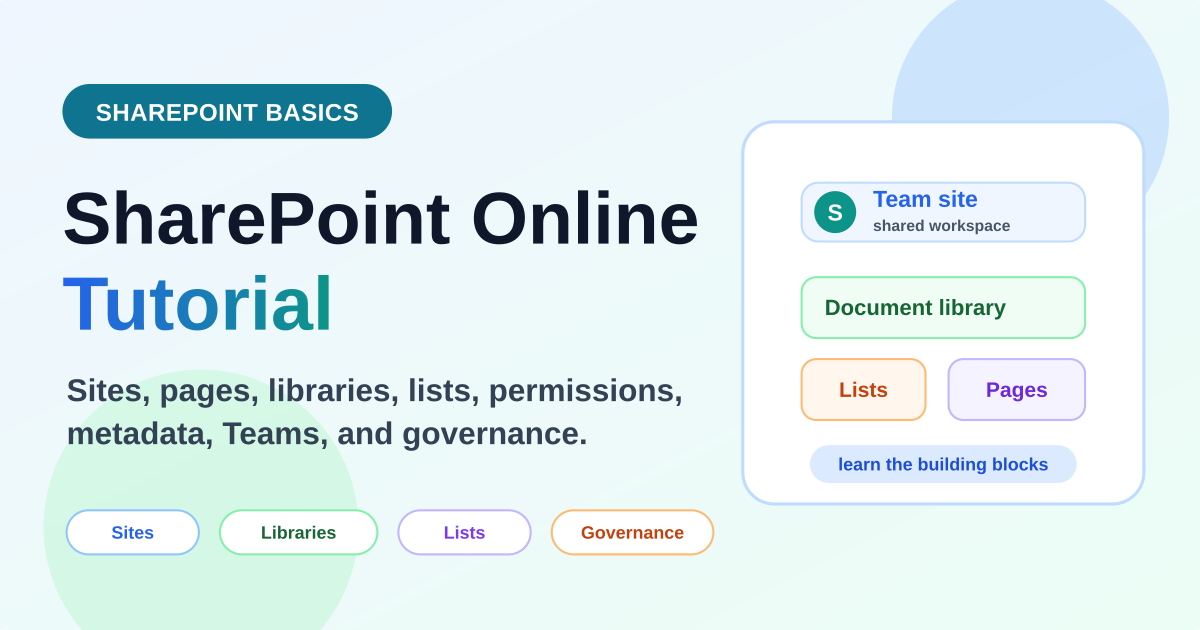
SharePoint Online tutorial for beginners showing sites document libraries lists pages and governance building blocks
SharePointJun 29, 2026

SharePoint Online Tutorial for Beginners

Learn SharePoint Online from scratch with a beginner-friendly tutorial covering sites, pages, document libraries, lists, permissions, metadata, Teams integration, and practical Microsoft 365 use cases.

By Suresh Girinathuni18 min →

Frequently asked questions

Is SharePoint still important in Microsoft 365?

Yes. It remains a core service for content, lists, document libraries, intranet pages, and Power Platform data scenarios.

What should beginners learn first?

Start with sites, lists, libraries, columns, views, permissions, and how SharePoint connects to Teams.