Entra Agent ID and Dataverse Agent Users: Secure Setup Walkthrough
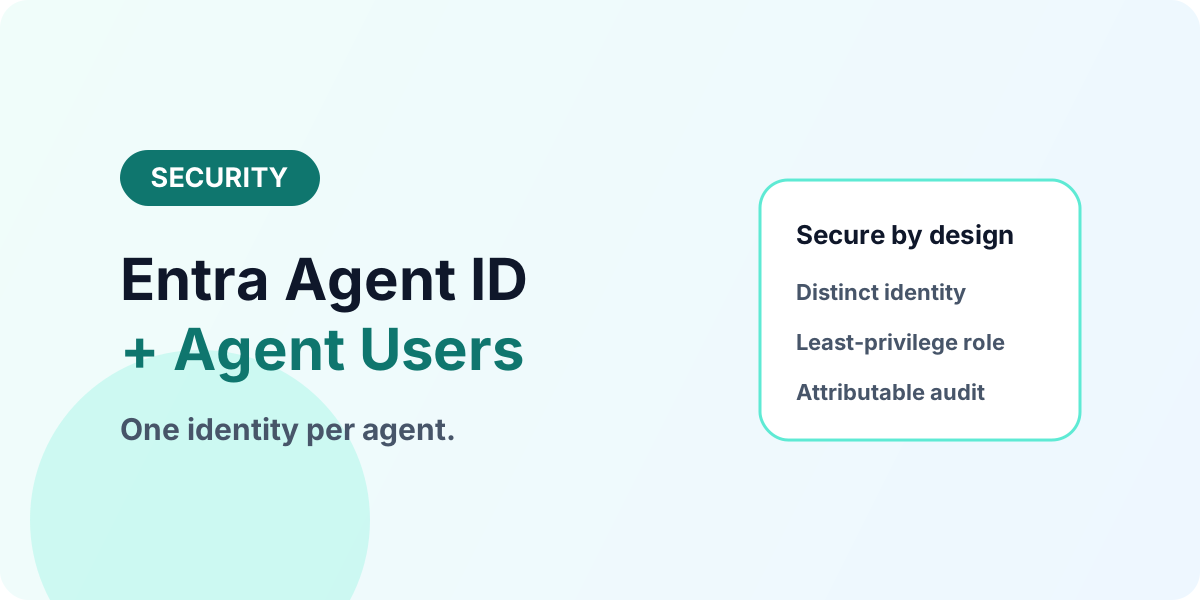
Give every agent its own identity: Entra Agent ID plus Dataverse agent users with least-privilege roles, audit trails, and a clean lifecycle.
- Published
- Reading time
- 2 min read
Before you start
Is this guide for you?
- Best entry point
- Dataverse
- Time investment
- 2 min read
In this article
- 1. Define the agent's job boundary first
- 2. Create the agent identity
- 3. Add the agent user with a least-privilege role
- 4. Test allowed and denied operations
- 5. Document lifecycle on day one
On this page (7 sections)
Direct answer: Create an Entra Agent ID for the agent, add it to the Dataverse environment as an agent user, assign a dedicated least-privilege security role, test allowed and denied operations, and document owner, purpose, and retirement. Start in non-production with one bounded scenario.
Preview note (October 2026): Entra Agent ID and Dataverse agent users are in public preview. Validate availability, licensing, and regional support before production use.
1. Define the agent's job boundary first
List the exact tables, operations, and records the scenario needs — nothing more. The sales-outreach example needs lead read/update, activity creation, and status changes; it does not need unrelated tables or sensitive fields. This boundary becomes the role definition, so write it before touching the admin centers. Background: security model and security roles.
2. Create the agent identity
Establish the distinct Entra agent identity through a supported agent creation experience. The identity makes the agent a manageable nonhuman actor — ownable, permissionable, and auditable — rather than anonymous automation hiding inside a shared credential.
3. Add the agent user with a least-privilege role
In the Power Platform admin experience, add the Entra identity to the target environment as an agent user and assign a purpose-built security role. Follow the same role-design discipline as human access: field-level sensitivity respected, business-unit scoping where regions matter, no standing broad access. See the business units guide for scoping patterns.
4. Test allowed and denied operations
Verify the agent can perform its intended tasks and is blocked outside them — an allow-list proven by denial tests, not by assumption. Confirm its actions appear correctly in audit and monitoring (auditing guide), distinguishable from human users.
5. Document lifecycle on day one
Record business owner, security owner, purpose, data scope, review date, and retirement process. Agents without documented retirement become permanent residents with permanent access — schedule the review before production promotion.
Common misconfigurations to check first
When agent access misbehaves, look here first: a role copied from a human job title instead of scoped to the agent's tasks, a field-security profile created but never assigned to the role, a business-unit boundary the agent's records sit outside of, audit disabled at one of the three levels (organization, table, column), and no documented owner so nobody reviews the access quarterly. Each takes minutes to verify and accounts for most agent permission incidents.
Securing agent data access
If agent identity and Dataverse security design need review in your tenant: Discuss With nxtM365.
Continue with Agent 365 Explainer, Business Skills Guide, and Explore Dataverse.
Tagged
Security · Governance · AI Agents
Frequently asked questions
What is an Entra Agent ID?
An identity construct in Microsoft Entra for AI agents — individually identifiable, policy-controlled, with its own permissions and audit trail instead of a shared app identity.
What is a Dataverse agent user?
The security principal inside a Dataverse environment associated with the agent Entra identity, assigned dedicated least-privilege security roles.
Why not reuse a service account?
Shared accounts blur attribution: agent actions become indistinguishable from human or integration activity, breaking audit and least-privilege enforcement.
What roles should an agent get?
Only the tables and operations its tasks require — for example read and update eligible leads plus activity creation, nothing unrelated.
How is agent activity audited?
Actions attribute to the agent identity in Dataverse auditing, distinguishable from sellers, admins, and application users.
Sources
- Microsoft Learn: Entra, Microsoft
- Microsoft Learn: Data Platform, Microsoft
Have a Microsoft 365 topic idea?
Share article suggestions, community session ideas, corrections, or real-world scenarios for future nxtM365 learning notes.
Keep learning Microsoft 365
Explore more practical guides for SharePoint, Power Platform, Copilot Studio, migration, automation, governance, and security.
Continue learning
Related tutorials
Related questions
Related comparisons
Next action