ShareGate PowerShell and Reports: Scripting Repeatable Waves
Scale ShareGate beyond clicks: PowerShell command families for copy and mappings, Tasks and Scheduled runs, and report exports as wave evidence.
- Published
- Reading time
- 2 min read
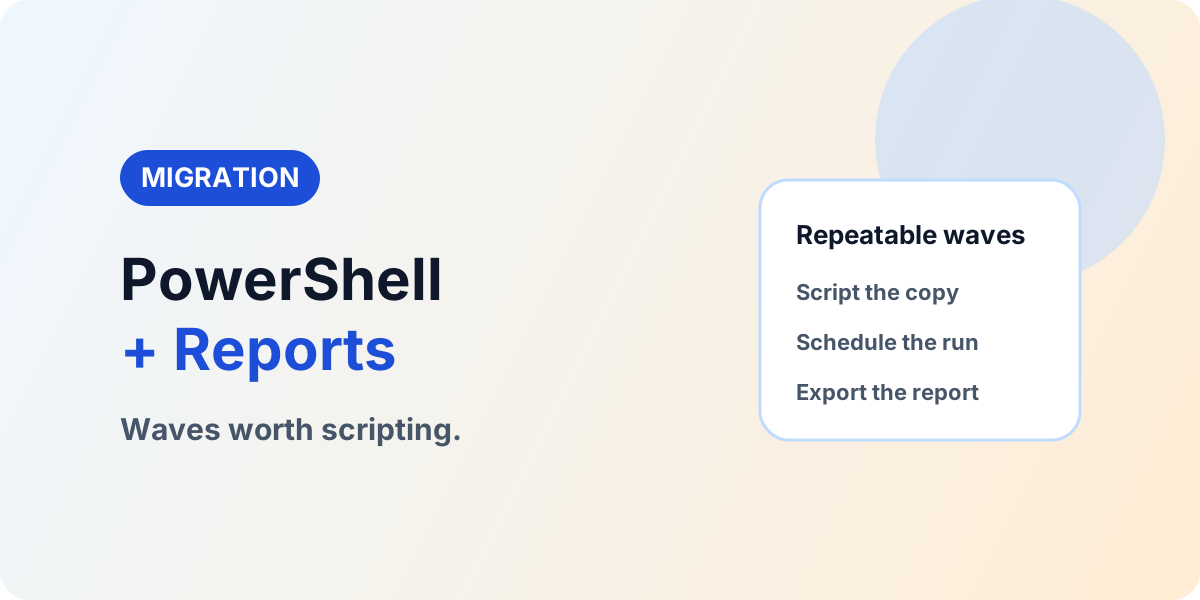
Before you start
Is this guide for you?
- Best entry point
- Migration
- Time investment
- 2 min read
In this article
- 1. Script at the third repetition
- 2. Learn the command families in order
- 3. Schedule with gates, not hope
- 4. Export reports as wave evidence
- Wave script skeleton (structure, not syntax)
On this page (6 sections)
Direct answer: Prove the wave manually twice, then script it: ShareGate PowerShell command families for copy, mappings, and inventory, executed via Tasks and Scheduled runs, with migration report exports as per-wave evidence. Automation buys repeatability — validation still buys acceptance.
Vendor note (October 2026): Command coverage expands across releases. Confirm current cmdlets in the official ShareGate PowerShell documentation before standardizing scripts.
Part of the ShareGate series: migration tutorial, incremental copy, mappings guide, Teams and mailbox paths. Sampling companion: validation with Python.
1. Script at the third repetition
Two manual waves are research: they prove mappings, filters, throughput, and exception patterns. The third repetition of the same shape is where scripting pays — parameterize source, destination, filters, and mappings so each wave is a configuration file, not a fresh implementation. Keep one manual pilot per new shape; never script an unproven pattern.
2. Learn the command families in order
Start with get-objects for inventory and verification, then copy structure/content commands for the move itself, mailbox and Teams commands for those workloads, and the mapping families (users and groups, properties, permission levels, content types, site templates, sensitivity labels) that make the copy land correctly. Assemble them in the same order as the manual runbook: inventory, map, pre-check, copy, delta, report.
3. Schedule with gates, not hope
Run scripted waves through Tasks and Scheduled runs during off-hours for throttling headroom, but keep the gates manual: pre-check green before launch, report reviewed after completion, owner sign-off before the next wave. An unattended wave without a reviewed report is just faster risk.
4. Export reports as wave evidence
Automatically export each migration report to a SharePoint library so evidence accumulates per wave: per-item outcomes, exception lists with decisions and owners, and the mapping versions used. This export trail is what turns ten successful waves into an auditable program instead of ten anecdotes.
Wave script skeleton (structure, not syntax)
Keep every wave script to the same five blocks in order: connect (source and destination sessions with explicit credentials), load mappings (user, property, permission, content-type, and label maps from versioned files), pre-check (abort the wave on any red finding), copy plus delta (initial pass, exception capture, incremental pass after the freeze), and report (export outcomes and exceptions to the evidence library). New wave, new configuration file — the skeleton never changes, which is precisely why the tenth wave behaves like the third.
Scaling migration programs
If wave volume outgrew manual execution in your program: Book a SharePoint Migration Assessment.
Continue with ShareGate Migration Tutorial, Migration Validation, and Explore the Migration Hub.
NEXT STEP
Script the Gates, Not Just the Copies
Reports as wave evidence need pre-check gates and a validation baseline behind them.
30-minute technical discussion • No obligation • Practical next steps
Tagged
Architecture · Governance · Automation
Frequently asked questions
When should ShareGate moves become scripts?
When waves repeat the same shape more than twice — same mappings, same filters, same sequence. Two manual waves prove the pattern; the third should be scripted.
Which command families matter most?
Copy structure/content, mailbox and Teams copies, user/group/property/permission/content-type mappings, and get-objects for inventory — plus sensitivity and template mappings where used.
How do scheduled runs fit?
Use Tasks and Scheduled runs for off-hours execution with the same pre-check discipline: green gate before the job, report review after.
What evidence should each wave export?
The migration report with per-item outcomes plus the exception list with retry, archive, exclude, or manual-move decisions and owners.
Does scripting replace validation?
No. Automation makes waves repeatable; owner sign-off on counts, samples, permissions, and links still closes each wave.
Sources
- Microsoft Learn: Migrate To Sharepoint Online, Microsoft
- Microsoft Learn documentation, Microsoft
Have a Microsoft 365 topic idea?
Share article suggestions, community session ideas, corrections, or real-world scenarios for future nxtM365 learning notes.
Keep learning Microsoft 365
Explore more practical guides for SharePoint, Power Platform, Copilot Studio, migration, automation, governance, and security.
Continue learning
Related tutorials
Related questions
Related comparisons
Next action