Agent 365 Explained: Governing AI Agents at Enterprise Scale
What Microsoft Agent 365 is, why agent sprawl needs a control plane, and a practical rollout path: registry, identity, policy, and lifecycle.
- Published
- Reading time
- 2 min read
Before you start
Is this guide for you?
- Best entry point
- Microsoft 365
- Time investment
- 2 min read
In this article
- Why agents need governing, not just building
- What the control plane covers
- Practical rollout path
- Tiering model and the metrics that matter
- How this connects to your Microsoft 365 estate
On this page (6 sections)
Direct answer: Microsoft Agent 365 is the control plane for the agent era — one place to register agents, control access, observe behavior, and manage lifecycle. Start by inventorying what already runs in your tenant, then add identity, policy, and retirement discipline before the next wave of pilots.
Freshness note (October 2026): Agent 365 reached general availability in 2026 and capabilities are still expanding via the Frontier program. Confirm current surfaces and licensing against Microsoft 365 roadmap documentation before committing architecture.
Why agents need governing, not just building
The first agent is a demo; the fiftieth is an estate. As agents spread across teams, the questions shift from capability to control: which agents exist, what data each touches, who owns the outcome, what each run costs, and how to retire what no longer earns its keep. A control plane answers these centrally instead of per-team, which is why governance maturity now determines how fast organizations may safely scale autonomy.
What the control plane covers
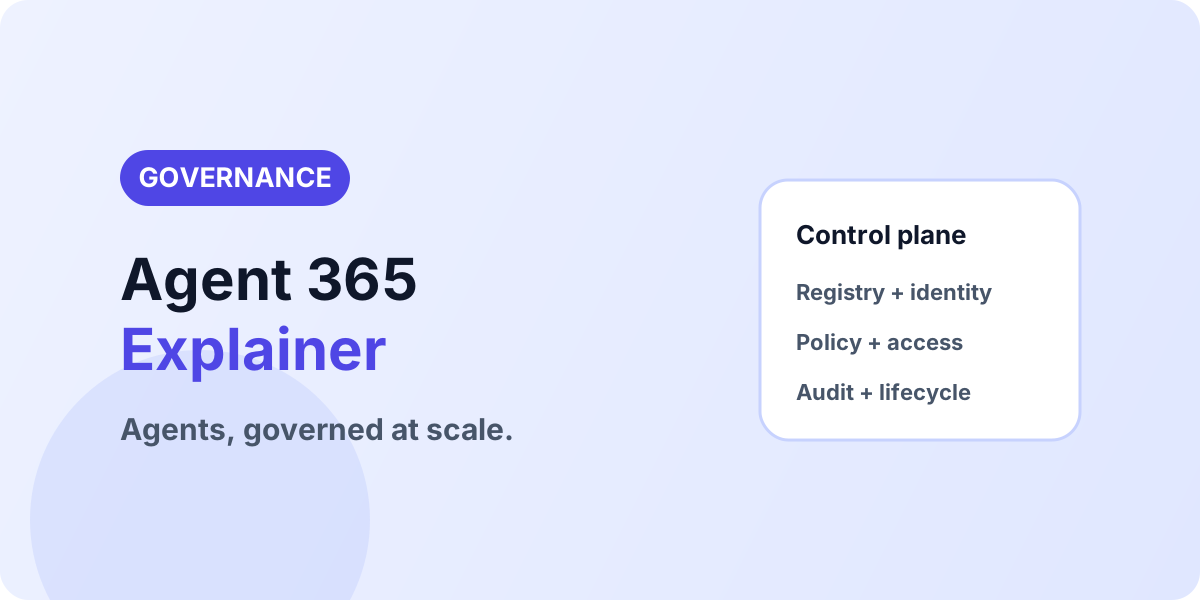
Think in five layers: registry (every agent recorded with owner, purpose, and data scope), identity (each agent acts under its own policy-controlled identity, not a shared service account), access control (least-privilege permissions aligned to the agent's tasks), observability (what each agent did, when, and why — attributable in audit), and lifecycle (a defined path from experiment to production to retirement). Miss any layer and scale becomes risk.
Practical rollout path
- Inventory — discover Copilot Studio agents, declarative agents, Teams bots, and shadow automations; record owner and purpose for each.
- Classify — tier by data sensitivity and autonomy level; high-tier agents get full identity and review treatment first.
- Identify — give each agent its own identity with least-privilege roles (see Entra Agent ID setup for the Dataverse pattern).
- Production gate — define entry criteria: tested prompts, measured task success, escalation paths, cost visibility, documented owner.
- Operate — monitor usage and outcomes, review quarterly, retire aggressively.
Tiering model and the metrics that matter
Tier agents before governing them. Tier 1 (reads curated data, suggests actions a human approves) needs registry plus ownership. Tier 2 (writes business data, triggers workflows) adds dedicated identity, least-privilege roles, and audit review. Tier 3 (autonomous multi-step operations across systems) adds pre-production testing gates, cost budgets, and quarterly re-certification. Measure task success rate, escalation rate, cost per completed run, and outcome value per tier — promote agents on evidence, retire them on numbers.
How this connects to your Microsoft 365 estate
Agent governance rides on data governance: SharePoint authoritative sites, sensitivity labels, and least-privilege permissions decide what agents can reach. Pair this program with information architecture hygiene and the production-ready Dataverse architecture where agents touch business data.
Planning agent governance
If agent sprawl is starting in your tenant, get the inventory and tiering right first: Discuss With nxtM365.
Continue with Entra Agent ID Setup, Dataverse Business Skills, and Explore Microsoft 365.
Tagged
Governance · Security · Architecture
Frequently asked questions
What is Microsoft Agent 365?
The control plane that gives IT one place to observe, govern, and secure agents across the organization — registry, access control, interoperability, and audit.
Why do agents need a control plane?
Because pilots scale into hundreds of agents across teams and geographies, and without central visibility, policy, and lifecycle, experimentation turns into operational risk.
Does Agent 365 replace Copilot Studio governance?
No. It complements maker-level controls with organization-wide observability, identity, and lifecycle management across all agent surfaces.
Where should an organization start?
Inventory existing agents and copilots, register them with owners and purposes, assign identities with least privilege, and define the path from experiment to production.
How is agent ROI measured?
Track usage, task success, escalation rates, cost per run, and business outcomes per agent — and retire agents that do not clear the bar.
Sources
- Microsoft Learn: Microsoft 365 Copilot, Microsoft
- Microsoft Learn: Microsoft 365, Microsoft
Have a Microsoft 365 topic idea?
Share article suggestions, community session ideas, corrections, or real-world scenarios for future nxtM365 learning notes.
Keep learning Microsoft 365
Explore more practical guides for SharePoint, Power Platform, Copilot Studio, migration, automation, governance, and security.
Continue learning
Related tutorials
Related questions
Next action