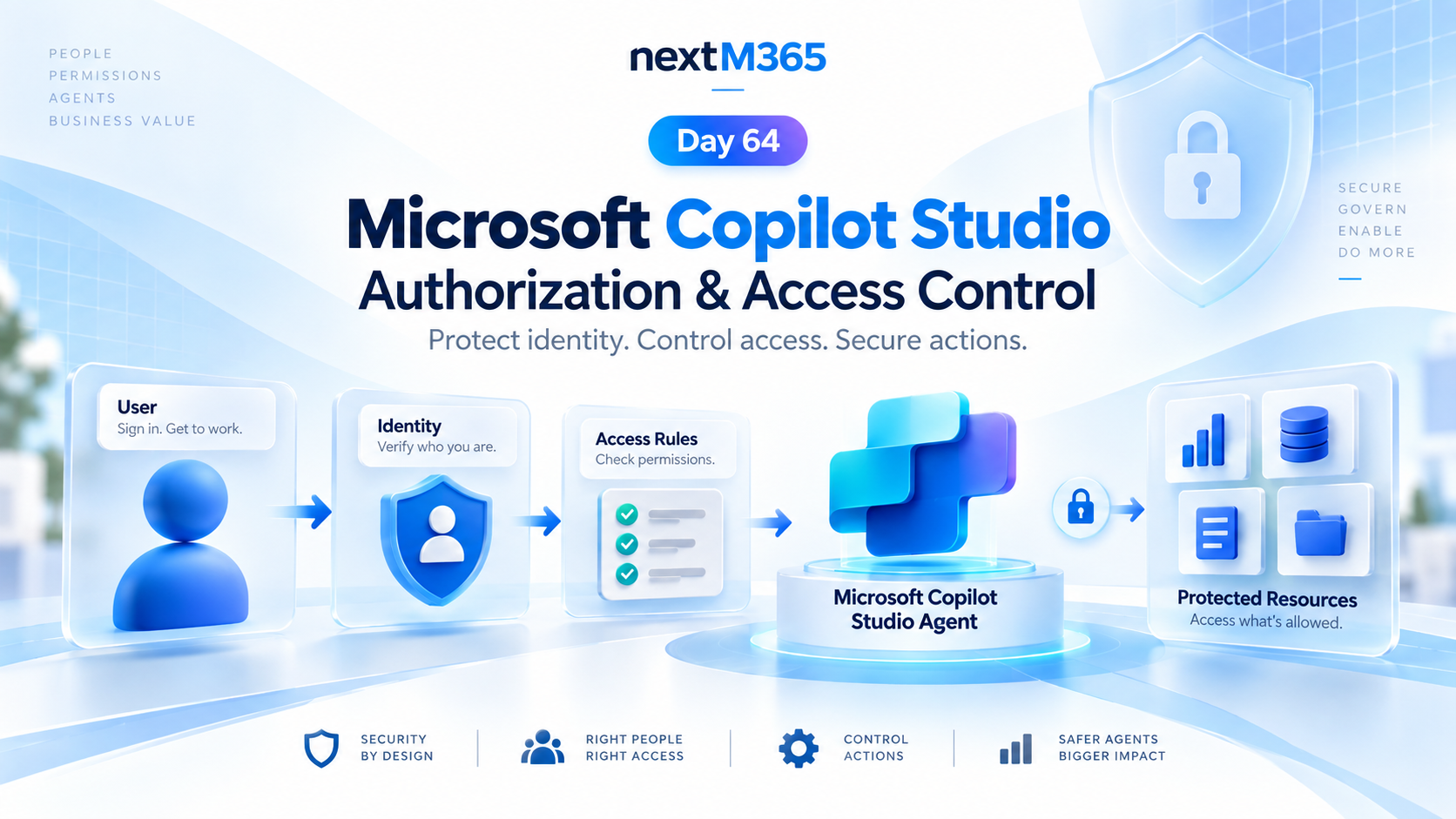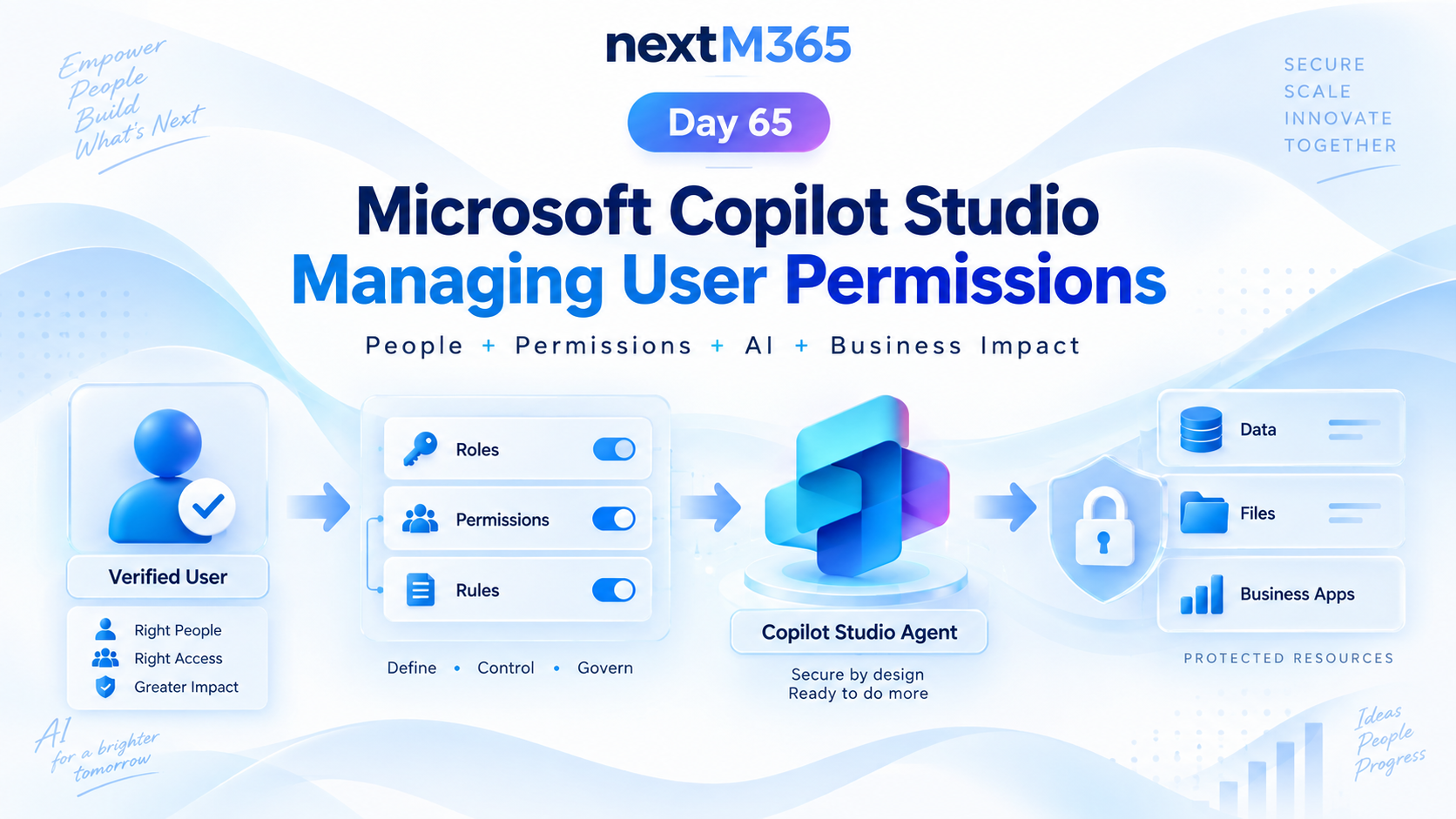
Managing User Permissions in Copilot Studio | Day 65
Manage Copilot Studio user permissions with clear roles, groups, access rules, protected resources, secure actions, and least-privilege governance.
This archive collects nxtM365 articles about the Power Platform ecosystem, including Power Apps, Power Automate, Copilot Studio, connectors, governance, and low-code or pro-code solution design.
Open the Power Platform hubUse this page when you want to browse Power Platform content across product boundaries. For deeper learning, follow the dedicated Power Automate, Power Apps Code, and Copilot Studio hub pages linked from related articles.
Practical references on the concepts, setup steps, design choices, and common implementation patterns behind Power Platform — for planning, building, testing, and improving Microsoft 365 solutions.
537 articles in “Power Platform”

Manage Copilot Studio user permissions with clear roles, groups, access rules, protected resources, secure actions, and least-privilege governance.

Secure Copilot Studio agents with clear authorization, access control, protected resources, action permissions, and identity-aware security checks.

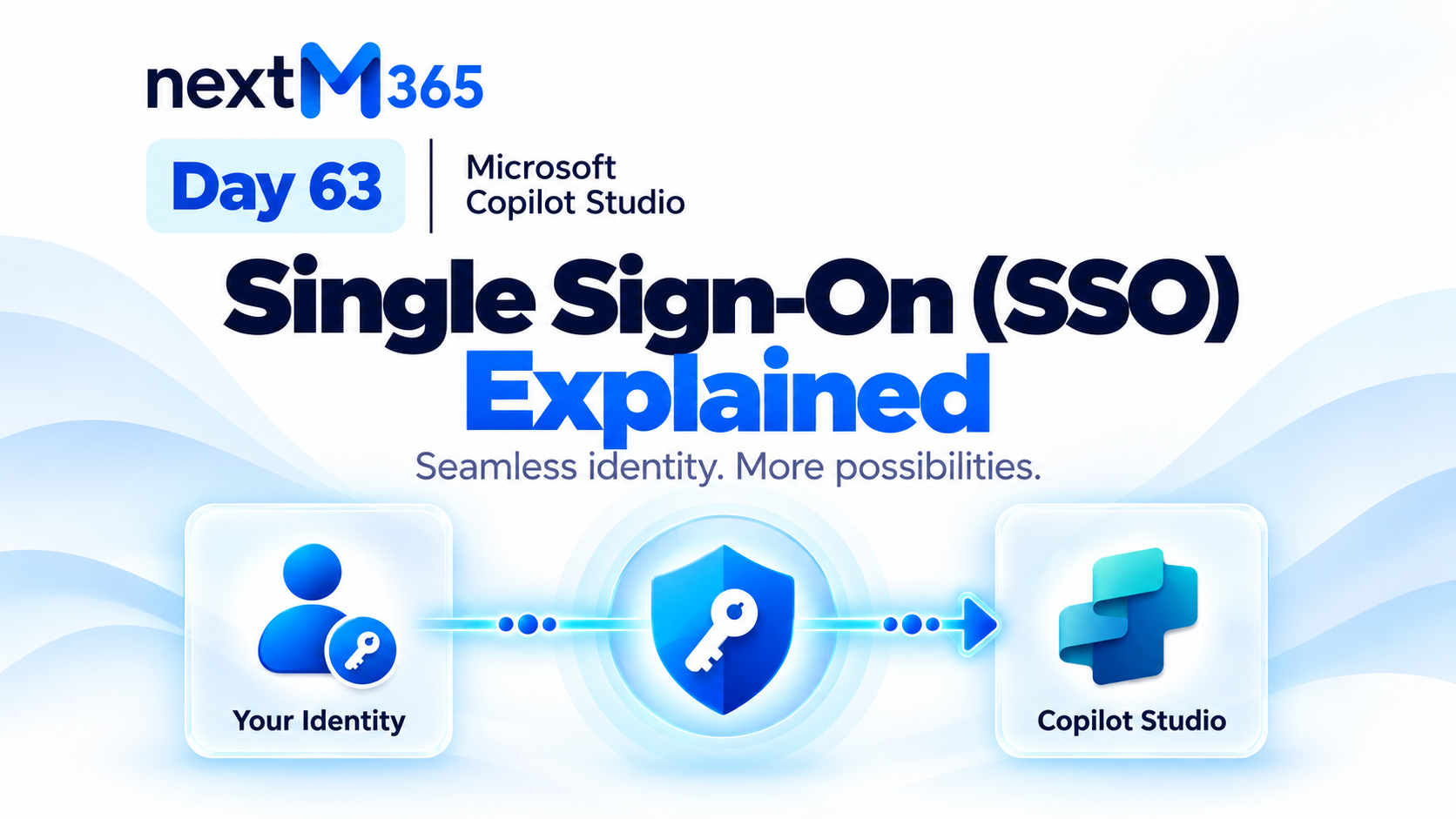
Understand Copilot Studio single sign-on: how trusted Microsoft identity flows from user sign-in into secure agent conversations, tools, actions, and resources.

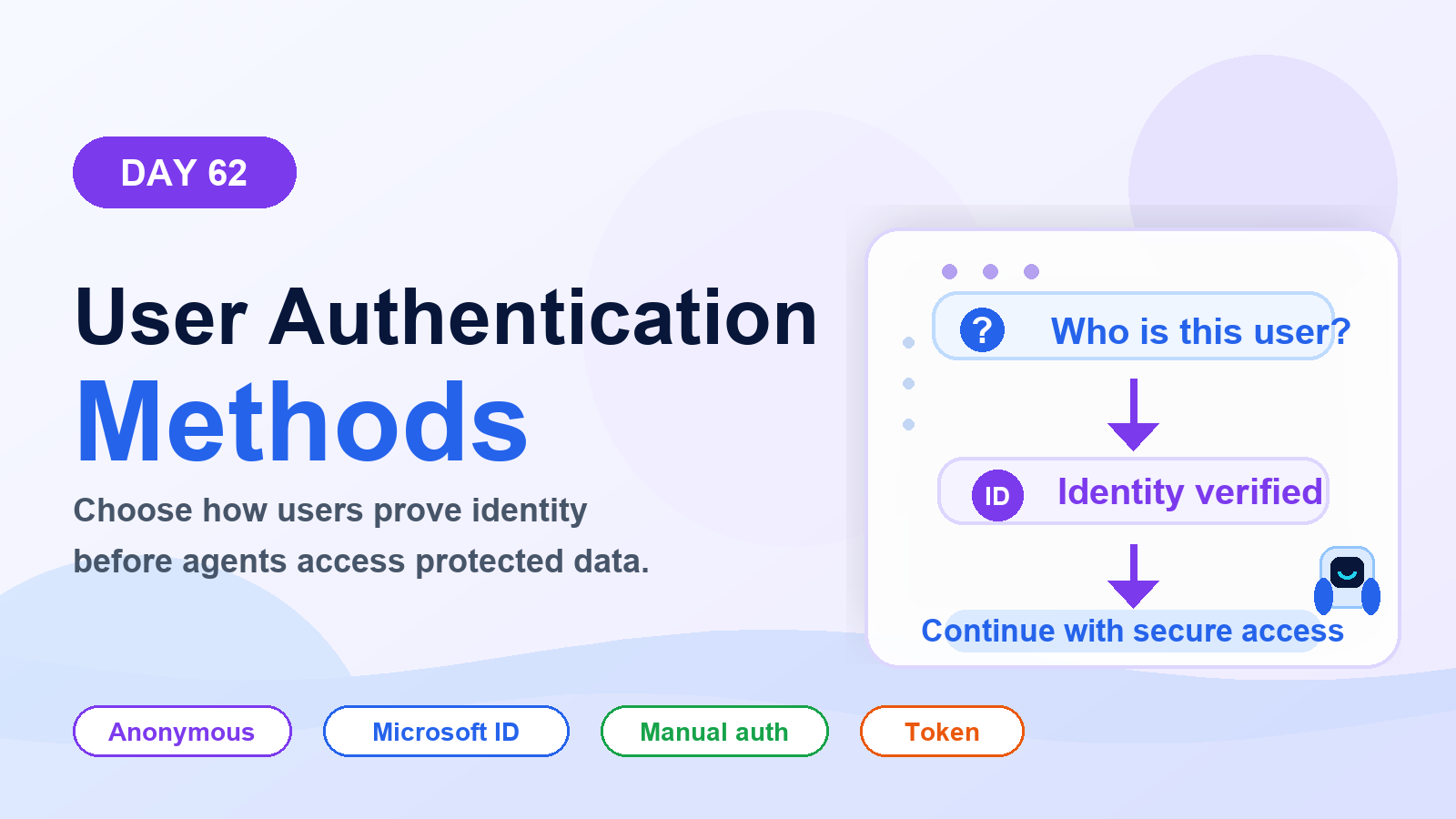
Choose the right Copilot Studio user authentication method: anonymous access, Microsoft identity, or manual authentication for websites, Teams, custom apps, tools, and secure actions.
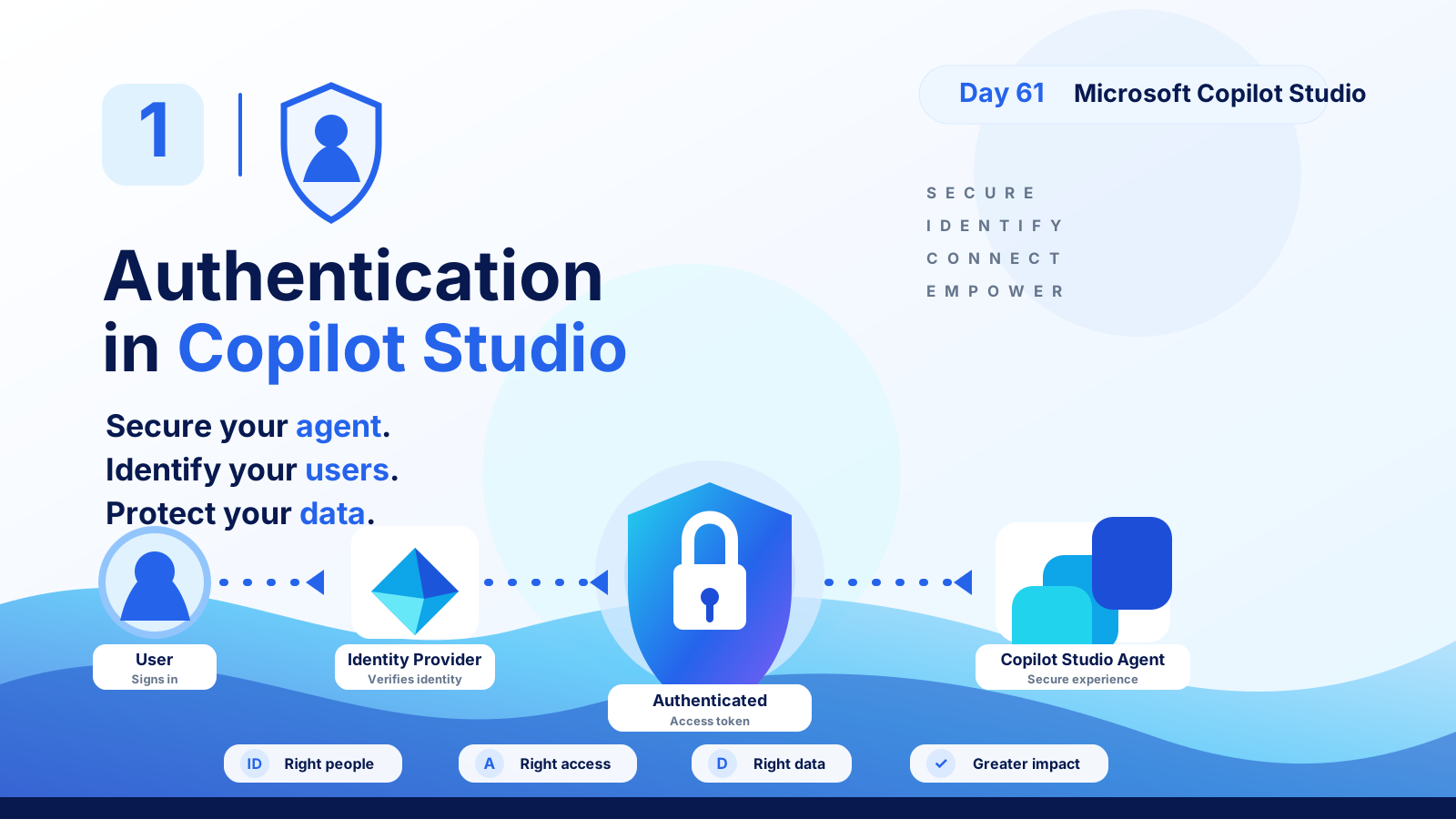
Understand Copilot Studio authentication: how users sign in, identity providers verify access, tokens protect data, and secure agents serve the right people with the right permissions.
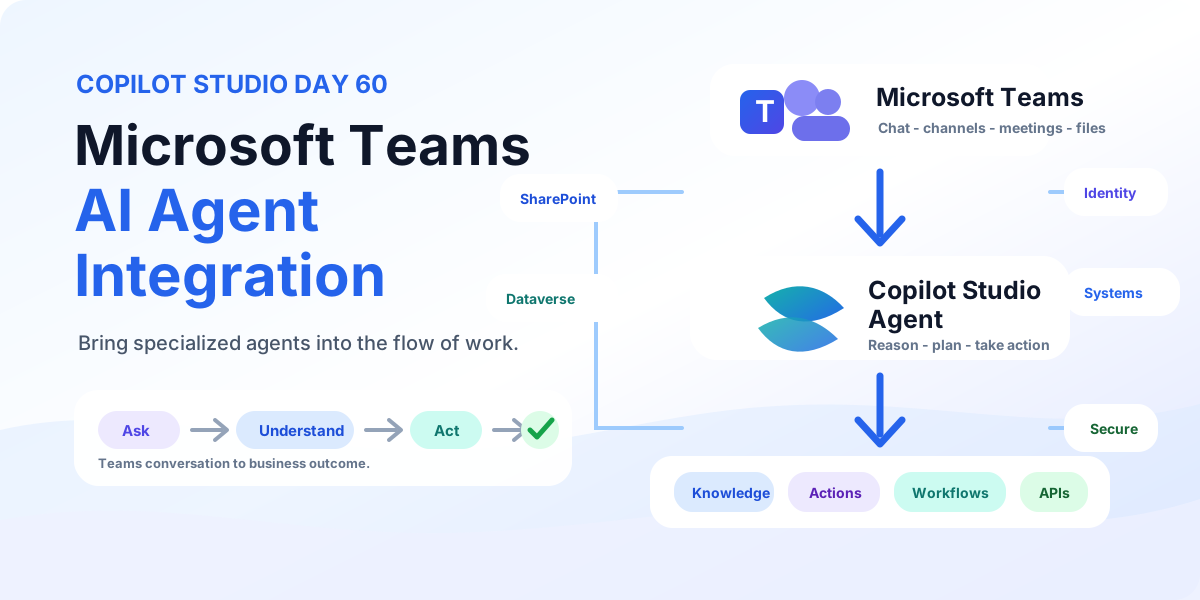
Bring Copilot Studio agents into Microsoft Teams with business knowledge, secure identity, discoverability, actions, workflows, and employee-ready examples for IT support and employee services.
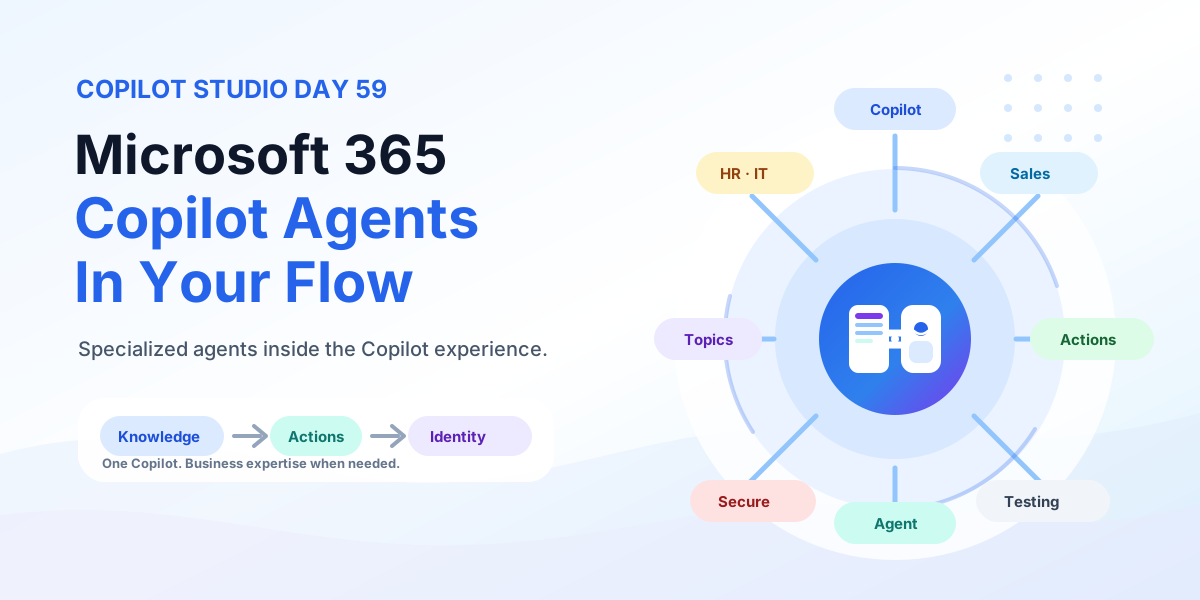
Bring Copilot Studio agents into Microsoft 365 Copilot with business knowledge, instructions, actions, identity-aware security, publishing, and team-specific agents for HR, IT, Sales, and Operations.
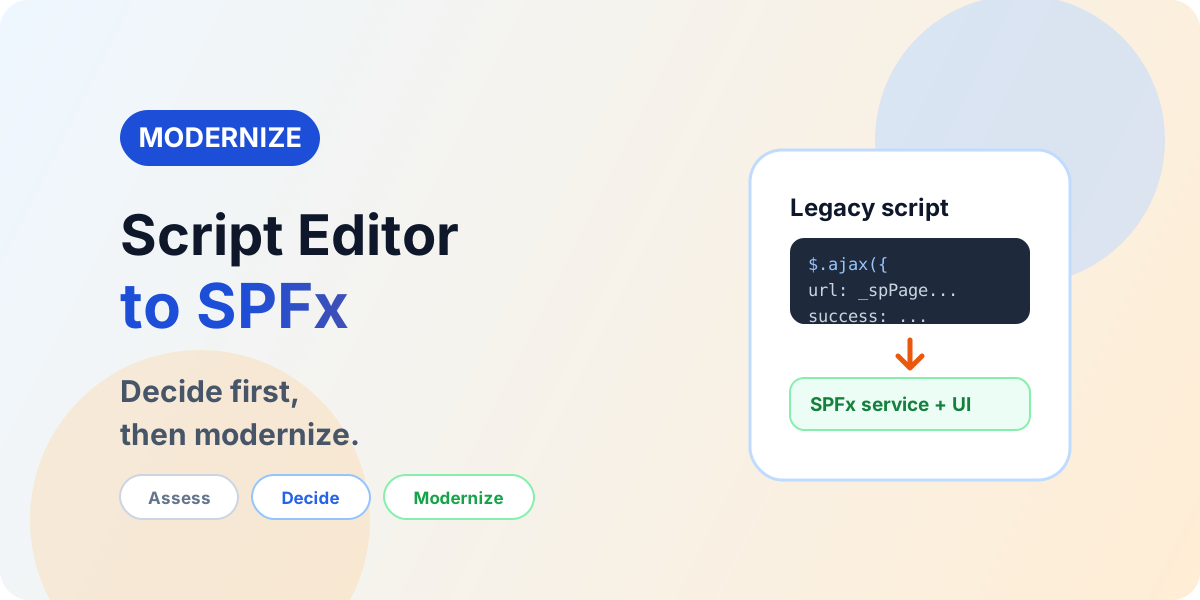
Assess legacy Script Editor and custom JavaScript, choose between native SharePoint, JSON formatting, Power Platform, or SPFx — and modernize without porting debt.
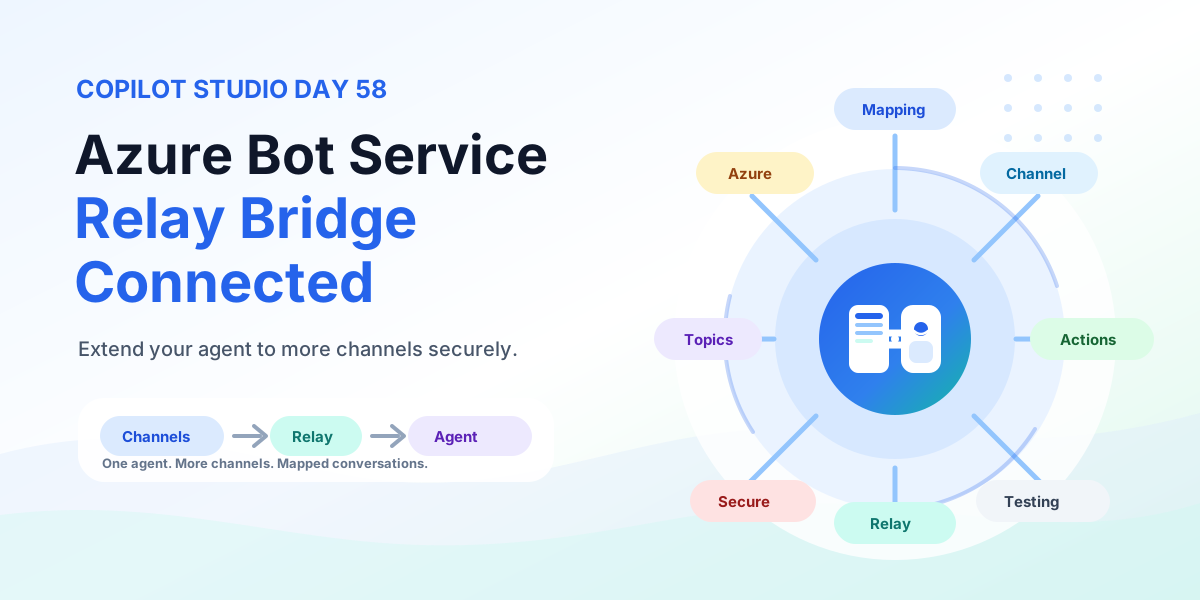
Extend any Copilot Studio agent to more channels with Azure Bot Service using a relay bot, conversation mapping, channel routing, multi-channel experiences, testing, security, and production rollout.
It groups articles that discuss Power Apps, Power Automate, Copilot Studio, connectors, and governance across the Power Platform.
No. This is a cross-product archive. For structured paths, use the Power Automate, Power Apps Code, and Copilot Studio hubs.