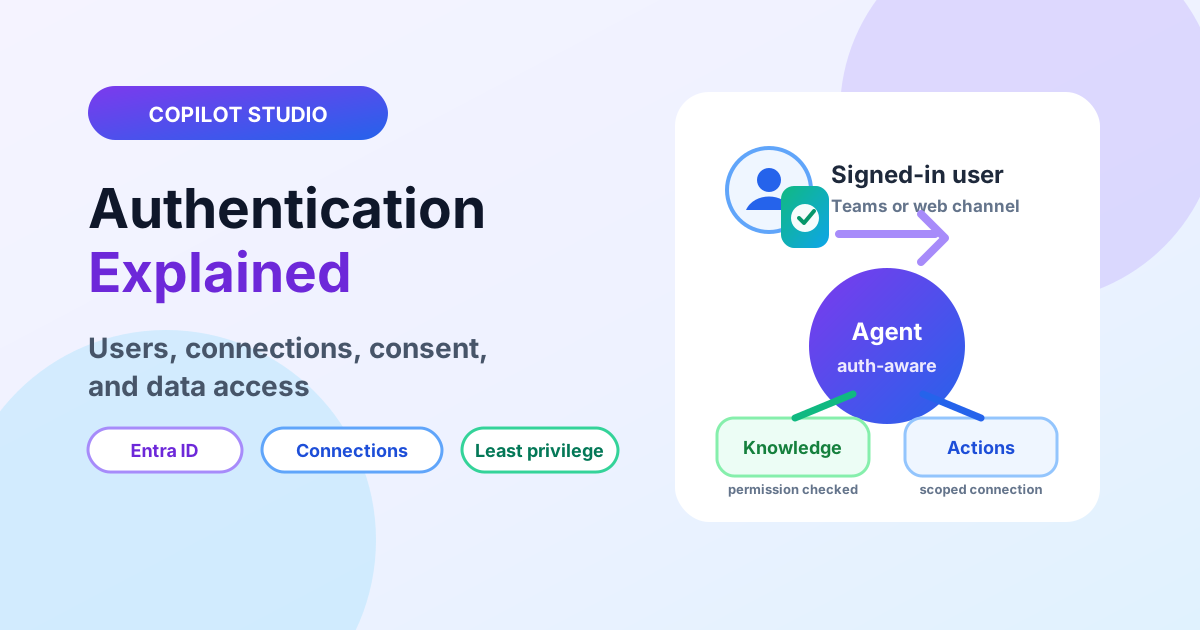
Copilot Studio Authentication Explained: Users, Connections, and Data Access
Design Copilot Studio authentication with Entra ID user sign-in, connection identities, consent boundaries, and least-privilege action access.
This archive collects nxtM365 articles about the Power Platform ecosystem, including Power Apps, Power Automate, Copilot Studio, connectors, governance, and low-code or pro-code solution design.
Open the Power Platform hubUse this page when you want to browse Power Platform content across product boundaries. For deeper learning, follow the dedicated Power Automate, Power Apps Code, and Copilot Studio hub pages linked from related articles.
Practical references on the concepts, setup steps, design choices, and common implementation patterns behind Power Platform — for planning, building, testing, and improving Microsoft 365 solutions.
537 articles in “Power Platform”
Design Copilot Studio authentication with Entra ID user sign-in, connection identities, consent boundaries, and least-privilege action access.
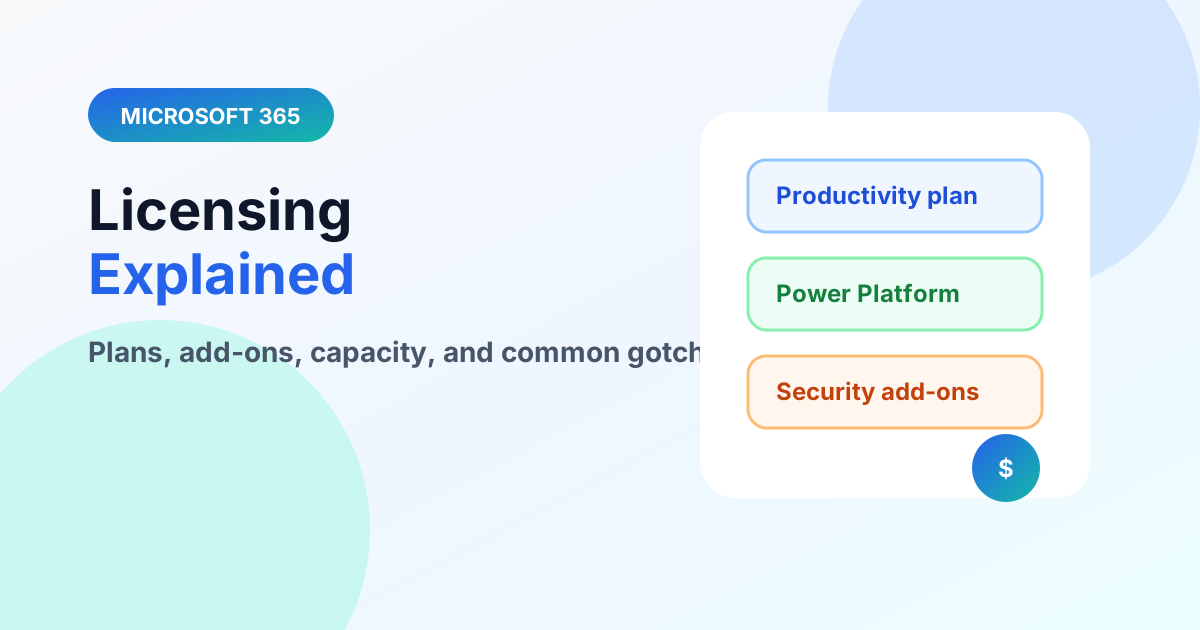
Understand Microsoft 365 licensing layers — productivity plans, Power Platform capacity, and premium connectors — without drowning in SKUs.
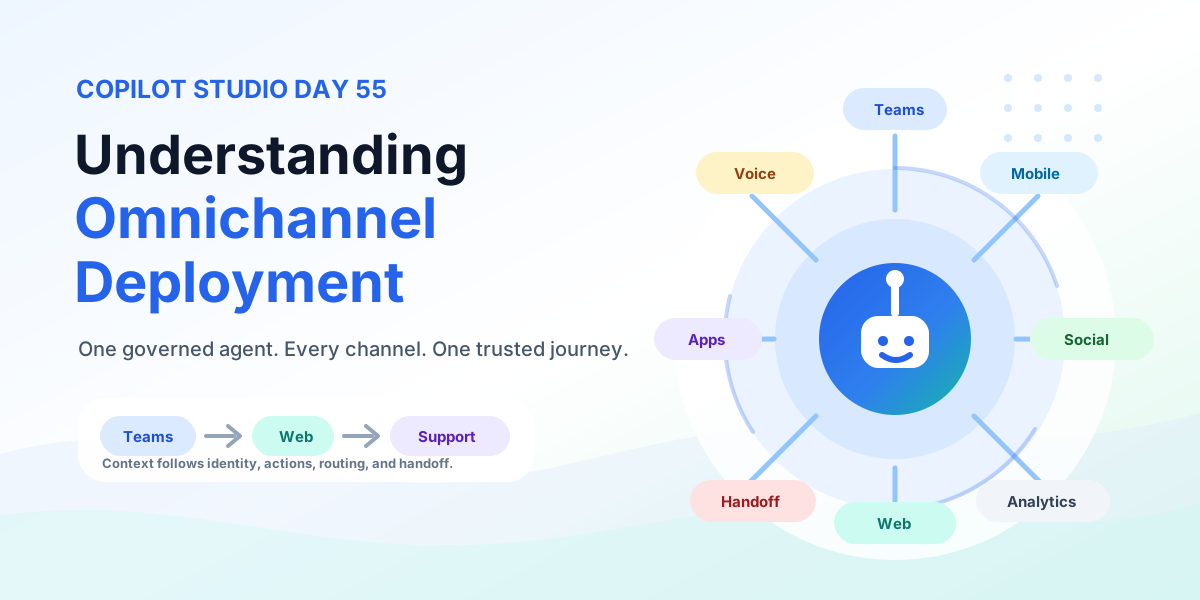
Understand Copilot Studio omnichannel deployment across Teams, websites, custom apps, messaging, and voice — with authentication, handoff, testing, monitoring, and governance.
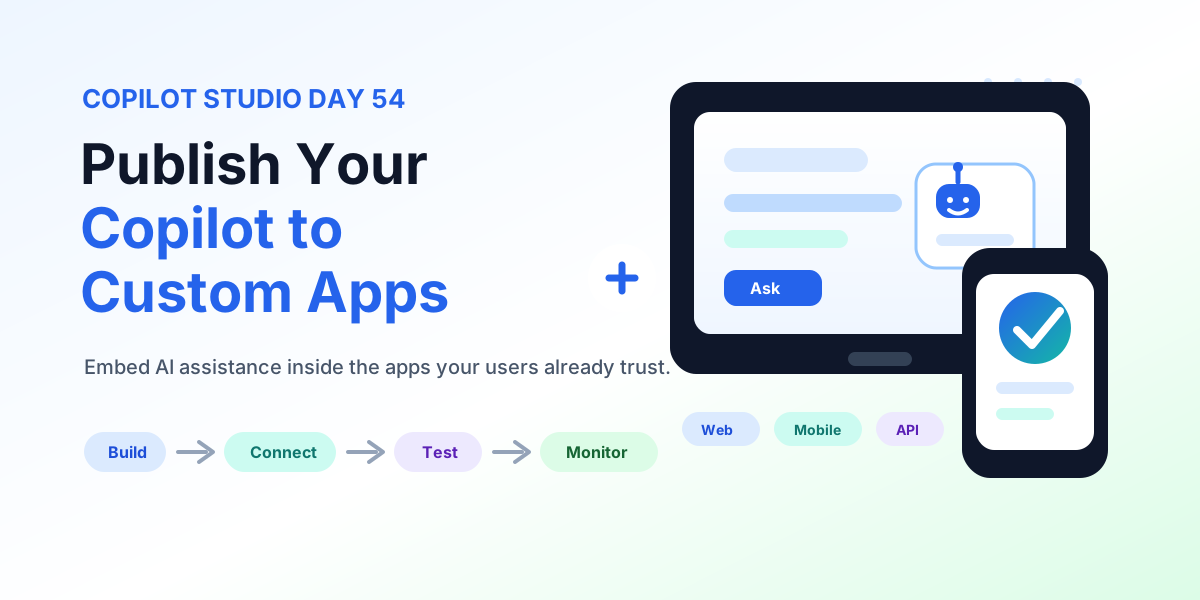
Publish a Copilot Studio agent to custom web and mobile apps: channel connection details, chat UX, authentication, data protection, actions, testing, and production readiness.
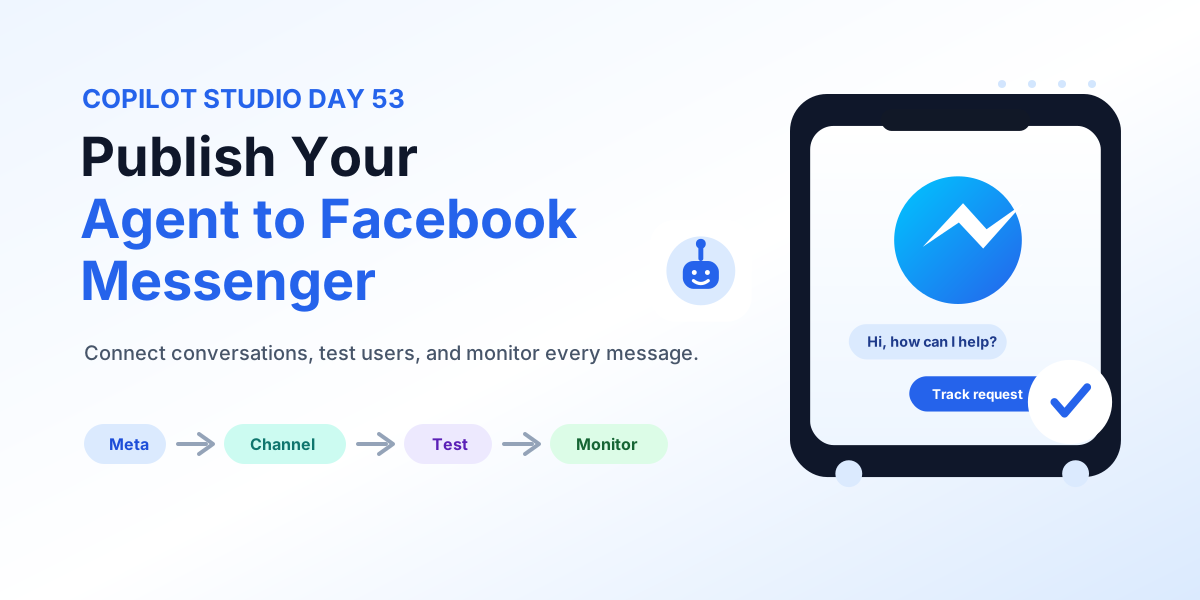
Publish a Copilot Studio agent to Facebook Messenger: Meta assets, channel setup, authentication, real-user testing, human escalation, and monitoring.
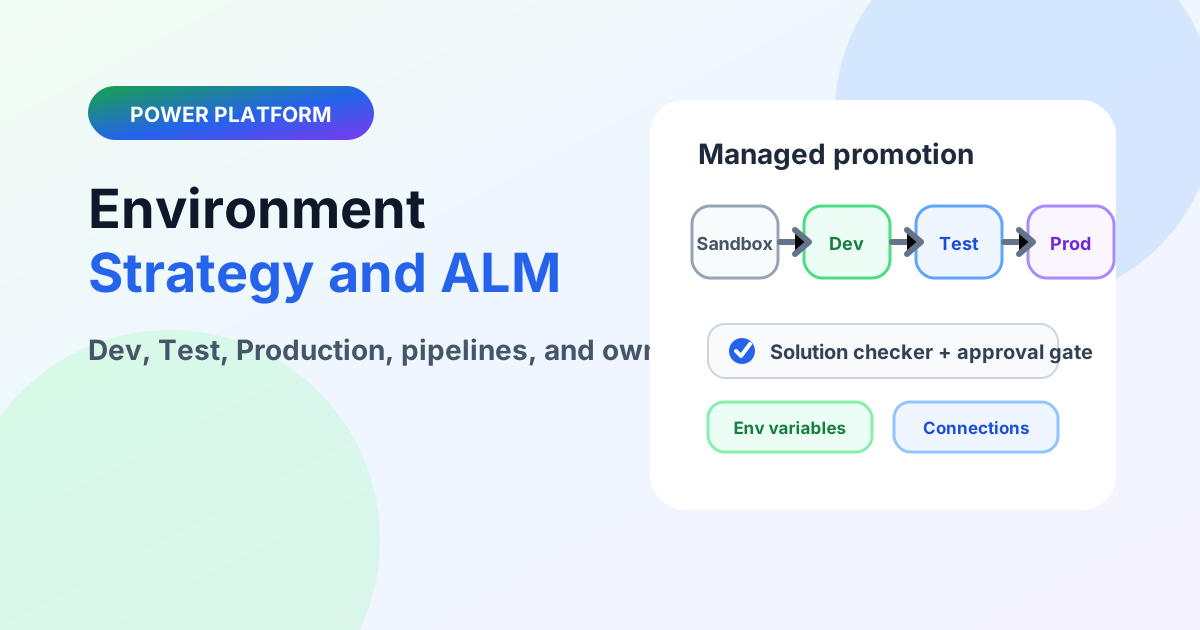
Design Power Platform environments with Dev, Test, and Production boundaries, managed solutions, pipelines, and ownership that survives growth.
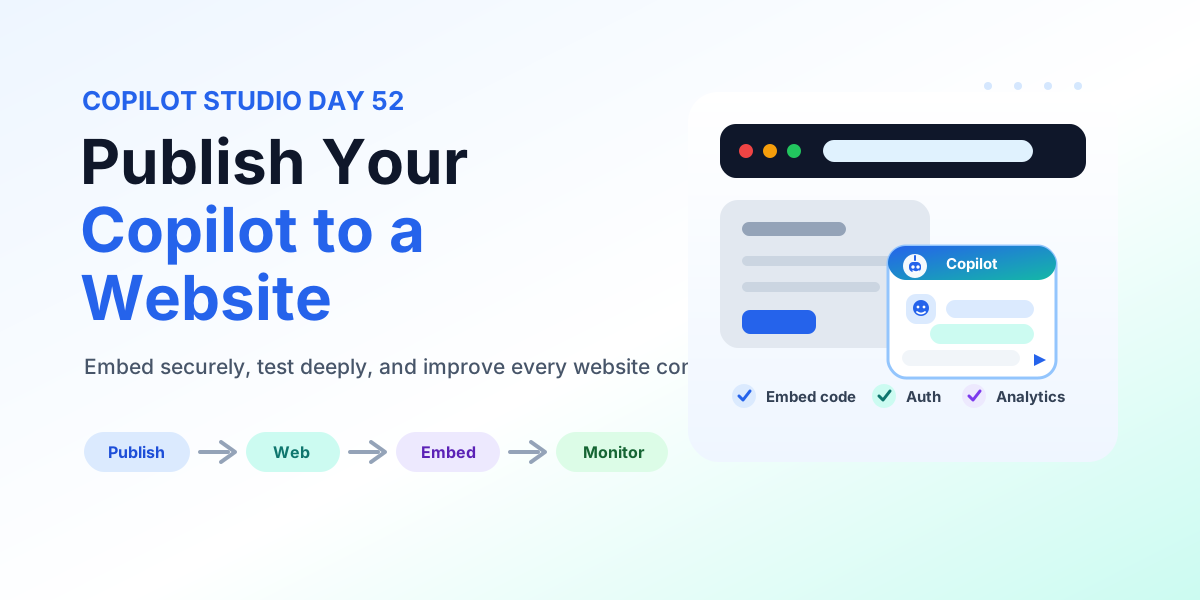
Publish a Copilot Studio agent to a website: embed code placement, authentication, accessibility, testing, monitoring, and deployment checks.
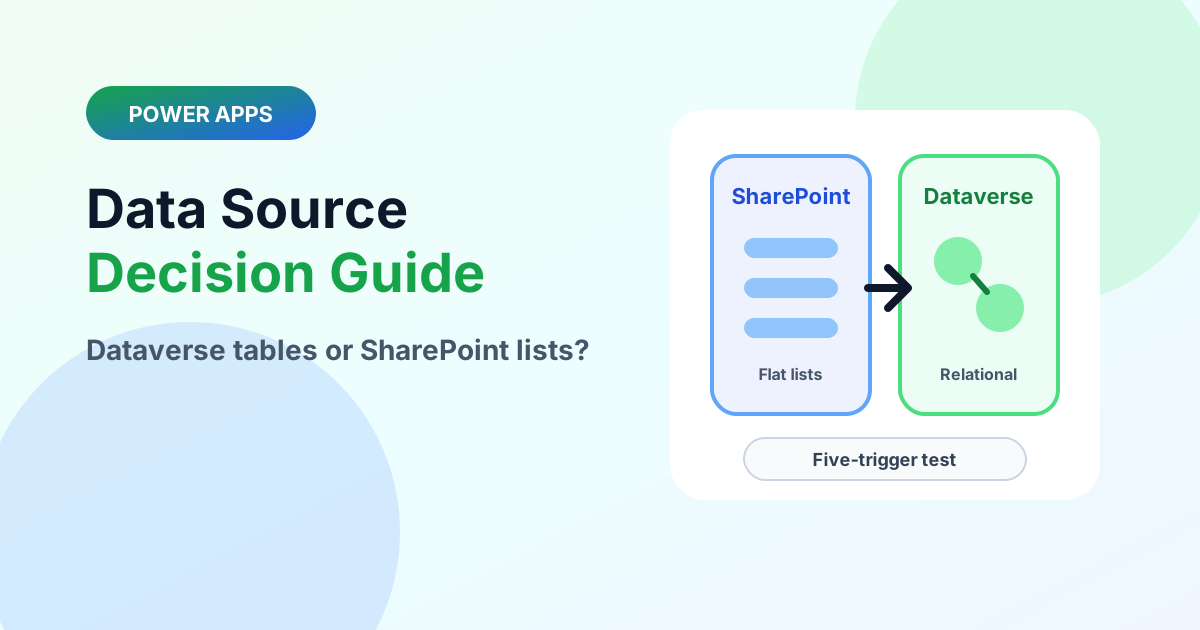
Choose the right Power Apps data source with the five-trigger test, delegation realities, licensing notes, and a clean graduation path.
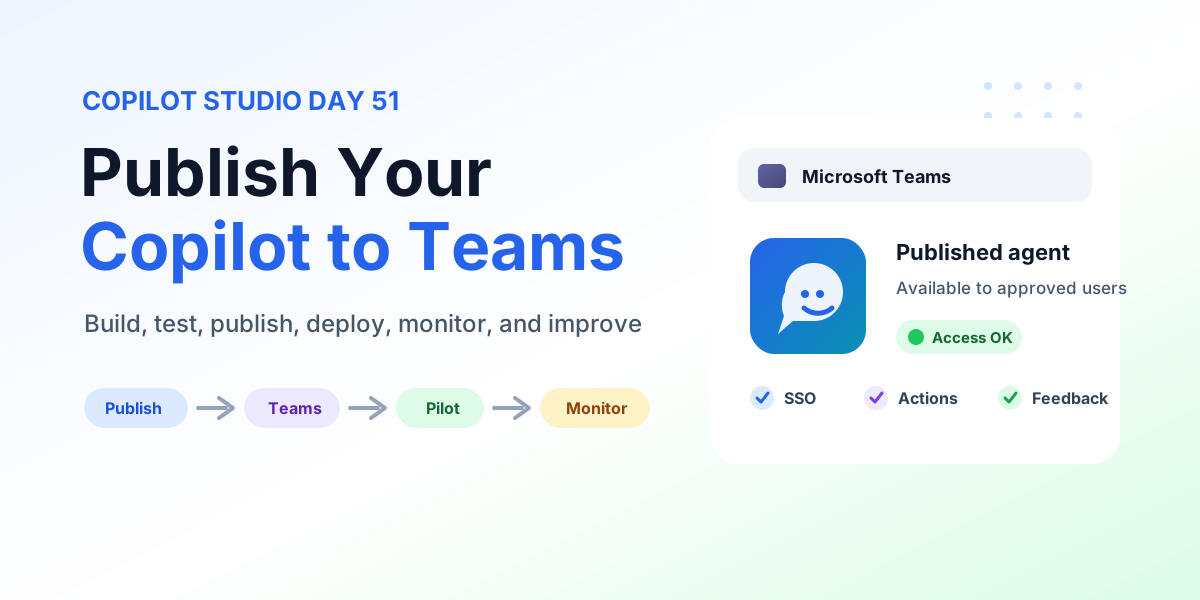
Learn how to publish Copilot to Microsoft Teams from Copilot Studio with publishing steps, Teams channel configuration, user access, SSO, permissions, pilot rollout, testing, monitoring, and production checks.
It groups articles that discuss Power Apps, Power Automate, Copilot Studio, connectors, and governance across the Power Platform.
No. This is a cross-product archive. For structured paths, use the Power Automate, Power Apps Code, and Copilot Studio hubs.