Copilot Studio AI Agent Maintenance Guide | Day 94
Maintain Copilot Studio agents with practical checks for knowledge, connections, actions, security, performance, and change testing.
- Published
- Reading time
- 3 min read
Quick answer
Maintain a Copilot Studio agent by assigning owners, reviewing usage and failures, keeping knowledge and connections current, testing actions and changes, and regularly checking security and performance. Set a review cadence that matches the agent’s risk and business needs.
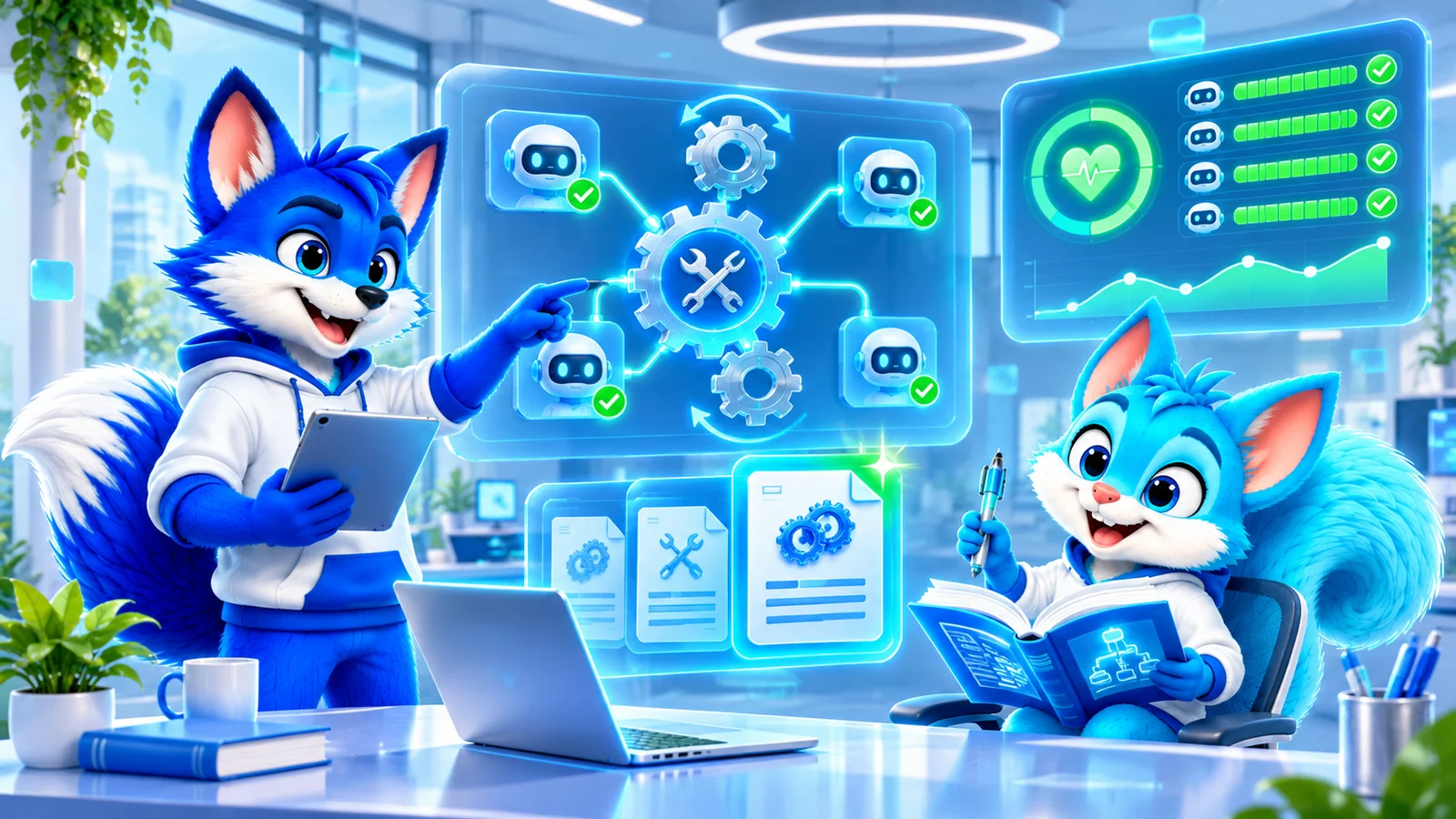
Week 14 · Day 94 of 365 in 365 Days of Copilot Studio — view the full series
Before you start
Is this guide for you?
- Best entry point
- 365 Days of Copilot Studio
- Time investment
- 3 min read
- Prerequisite knowledge
- A deployed agent, its owners, knowledge sources, connected actions, monitoring, and business scenarios.
What you’ll learn
- Assign owners for the agent, knowledge, integrations, and incident response.
- Review failures, feedback, usage, and performance using available monitoring.
- Keep source content, credentials, permissions, and connections current.
- Test conversations and business actions after meaningful changes.
- Choose a maintenance cadence based on risk and usage.
Before you start
- Prerequisite knowledge
- A deployed agent, its owners, knowledge sources, connected actions, monitoring, and business scenarios.
On this page (8 sections)
Day 94 of 365 Days of Copilot Studio focuses on maintaining an AI agent after deployment. Business processes change, knowledge becomes outdated, and connected services or permissions can change. A reliable agent needs people who review and improve it throughout its life.
Following Day 93: Common Deployment Mistakes, this lesson turns the PDF’s maintenance checklist into a practical routine.
Assign ownership and establish a baseline
Name an accountable agent owner and identify who maintains knowledge, connections, actions, security, and incident response. Record the agent’s purpose, audience, dependencies, expected outcomes, and support contacts. Establish a baseline for usage, failures, response time, and user feedback using the monitoring available in your environment.
Review signals together: a high usage count does not prove that users get accurate answers or that connected actions succeed. See Day 91: Monitoring, Metrics and Alerts for a monitoring plan.
Keep knowledge current
Ask source owners to review the agent’s knowledge for accuracy, relevance, and access. Add approved information as needs change, remove or archive outdated material through the organization’s process, and investigate duplicate or conflicting sources. Test common questions and citations after important content changes.
Confirm that representative authorized users can retrieve the intended content and that restricted users cannot receive information outside their access. Retrieval behavior depends on the source and configuration.
Maintain connections and actions
Review connection health, authentication, ownership, and permissions. Follow approved credential rotation and change processes, then test the actual integration with the appropriate identity. Check connected flows for failed runs, connector errors, timeouts, and changes in the destination service.
Verify the business result in the destination, not just the agent’s response. Before retrying a failed write, check whether it already changed the target and use a recovery procedure that avoids duplicate or conflicting work.
Review instructions and performance
As the agent’s responsibilities evolve, review its instructions for ambiguity, outdated assumptions, and conflicting guidance. Test representative questions, unexpected inputs, and actions after changes. Keep instructions aligned with the approved purpose and use access controls and destination permissions to enforce security boundaries.
If users report slow responses, measure the stages and dependencies involved, including external services, workflows, and knowledge retrieval. Compare against a baseline before optimizing, then verify that changes preserve accuracy and business outcomes.
Review security and governance
Periodically review agent sharing, source access, connection identities, applicable data policies, and environment settings with the relevant owners. Remove obsolete access through the approved process and test allowed and denied cases. Review how conversation and diagnostic data are protected and retained in accordance with organizational requirements.
Test important changes
Use a suitable test environment and a repeatable set of business scenarios before releasing material changes. Check conversation behavior, knowledge answers, access, connected actions, failures, and recovery. After deployment, validate the affected journey in the actual channel and monitor the result.
Build a maintenance routine
The PDF suggests the following starting cadence. These intervals are examples, not Microsoft requirements; adjust them for the agent’s business impact, usage, change rate, and support arrangements.
- Daily: Review failures and alerts, investigate affected business outcomes, and assign follow-up.
- Weekly: Review user feedback, unanswered questions, and knowledge changes with the relevant owners.
- Monthly: Review security, permissions, connections, performance, and consumption trends; prioritize improvements.
Also review immediately after an incident, a significant source or integration change, or a release. Track decisions, issues, owners, and completion dates so findings lead to action.
Agent maintenance checklist
- Agent, knowledge, integration, and support owners are assigned.
- Usage, failures, performance, and feedback are reviewed.
- Knowledge is current, relevant, and accessible to the intended audience.
- Connections, credentials, permissions, and actions are checked.
- Instructions and business scenarios reflect current needs.
- Security and applicable data policies are reviewed.
- Changes are tested before release and verified afterward.
- Incidents and improvements have owners and follow-up dates.
Regular review helps the agent remain useful as the business and its dependencies change. Pair this routine with the Day 92 production troubleshooting guide.
Tagged
AI Agents · Performance · Governance · Integrations
Frequently asked questions
How often should an agent be reviewed?
Choose a cadence based on risk, usage, support needs, and organizational requirements. The daily, weekly, and monthly schedule in this lesson is an illustrative starting point, not a Microsoft-mandated frequency.
What should be tested after an update?
Retest affected conversations, access boundaries, knowledge answers, connected actions, and representative business scenarios. Include error and recovery paths when relevant.
Does a successful conversation prove a business action completed?
No. Check the connected action result and destination state as well as the response, particularly for writes and other consequential operations.
Who owns ongoing maintenance?
Assign an accountable agent owner and named owners for knowledge, integrations, security, and operational response. The exact roles depend on your organization.
Sources
- Monitor agent performance in Copilot Studio, Microsoft, accessed 2026-11-06
- Configure and manage connections, Microsoft, accessed 2026-11-06
- Monitor operations, compliance, and capacity, Microsoft, accessed 2026-11-06
Have a Microsoft 365 topic idea?
Share article suggestions, community session ideas, corrections, or real-world scenarios for future nxtM365 learning notes.
Keep learning Microsoft 365
Explore more practical guides for SharePoint, Power Platform, Copilot Studio, migration, automation, governance, and security.
Continue learning
Related tutorials
Related questions
Related comparisons
Next action