Copilot Studio Common Deployment Mistakes | Day 93
Avoid common Copilot Studio deployment mistakes with checks for environments, connections, permissions, dependencies, testing, and monitoring.
- Published
- Reading time
- 3 min read
Quick answer
Avoid deployment failures by verifying the target environment, connections, permissions, dependencies, configuration, and real user journeys. Prepare monitoring and recovery, then validate the published agent and its downstream business outcomes in the production channel.
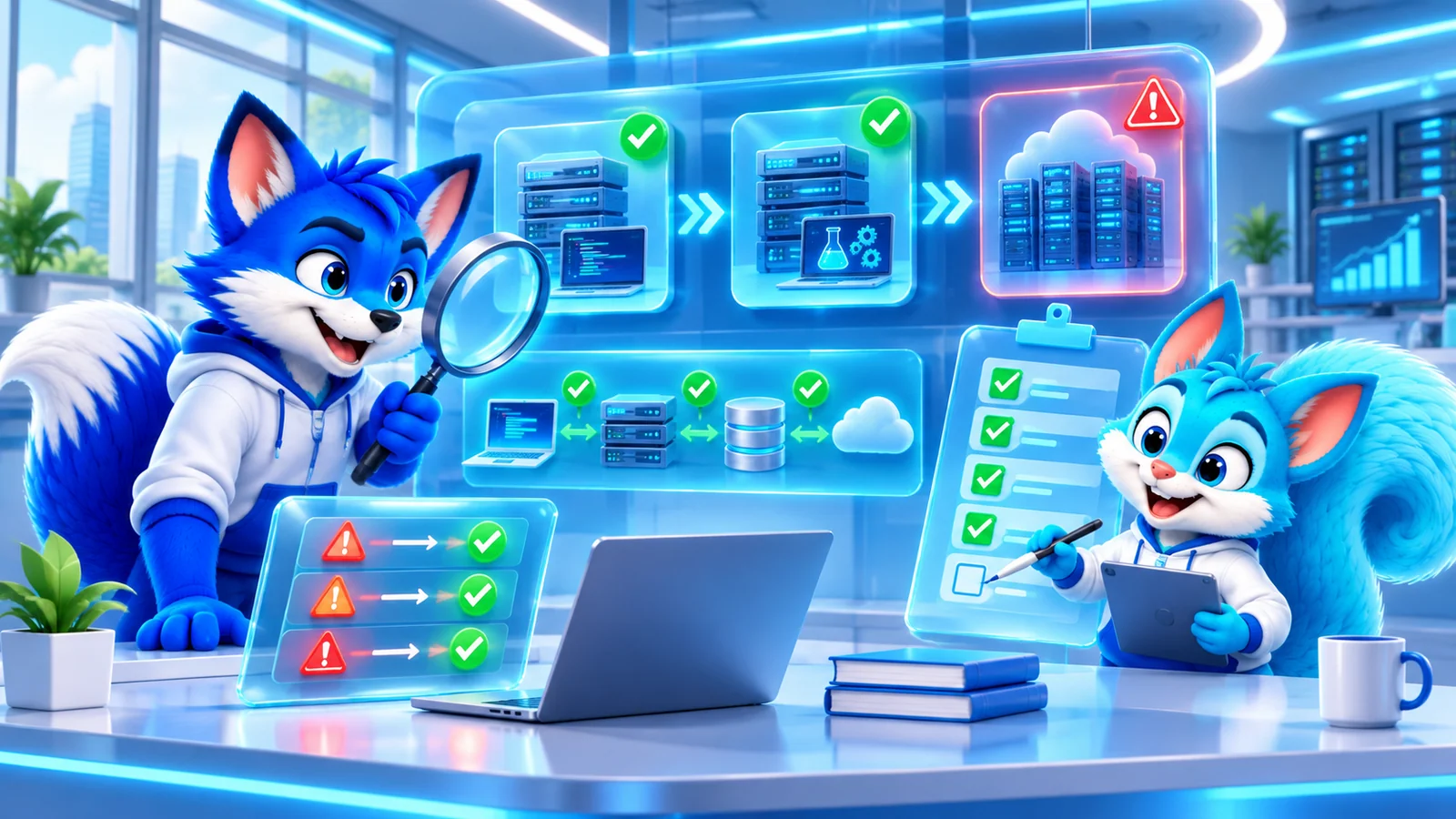
Week 14 · Day 93 of 365 in 365 Days of Copilot Studio — view the full series
Before you start
Is this guide for you?
- Best entry point
- 365 Days of Copilot Studio
- Time investment
- 3 min read
- Prerequisite knowledge
- An agent release candidate, target environment, deployment inventory, and representative user scenarios.
What you’ll learn
- Confirm the target environment and its configuration before deploying.
- Validate connection identities, references, and least-privilege permissions.
- Inventory and verify dependent flows, variables, knowledge, and services.
- Test end-to-end scenarios with representative users and channels.
- Assign monitoring ownership and prepare a recovery plan before release.
Before you start
- Prerequisite knowledge
- An agent release candidate, target environment, deployment inventory, and representative user scenarios.
On this page (9 sections)
Day 93 of 365 Days of Copilot Studio examines common deployment mistakes. A successful development test does not by itself prove that production users can authenticate, retrieve the right knowledge, and complete connected actions.
This lesson builds on Day 92: Production Issues and Fixes and the Day 85 deployment checklist. The PDF groups its examples around environment, connection, permission, dependency, testing, and monitoring gaps.
1. Deploying to the wrong environment
Confirm the tenant and target environment before import or publication. Check the release version, environment access, data policies, environment variables, and intended endpoints. Record the target and approval in the deployment plan so that a test release does not accidentally reach production users.
2. Leaving broken connections
Expired authentication, incorrect connection settings, or a connection reference mapped to the wrong connection can break an otherwise successful deployment. Inventory each connection and its effective identity, validate the target mapping, and test the actual operation after deployment. Repair or reauthenticate only through the approved ownership process.
3. Missing permissions
Review user access to the agent separately from maker, administrator, connection, knowledge-source, and destination permissions. Test with representative production users and a denied account. Give identities the access required for their tasks while preserving least privilege; a maker’s broad access can hide a failure.
4. Overlooking dependencies
List the flows, connection references, environment variables, knowledge sources, APIs, and other services the agent needs. Include deployable components in the release where appropriate and separately provision or configure external resources that are not carried by the package. Verify each dependency in the target environment and test a representative request through to its final destination.
5. Skipping realistic testing
Go beyond a few successful test questions. Exercise normal business journeys, unexpected input, error paths, access-denied cases, and the actual channels users will use. Include representative users in acceptance testing and check both the response and any resulting business action. Test performance where the expected load or response time matters.
6. Launching without monitoring
Define who reviews usage, conversation outcomes, action failures, and user feedback after release. Configure supported monitoring and alerts for the relevant environment and dependencies, test alert delivery, and assign a response owner. Availability depends on the configuration and tools used; see Day 91 monitoring guidance.
7. Ignoring environment differences
Development, test, and production may deliberately use different identities, source locations, policies, and endpoints. Document those differences and validate the production values rather than assuming that a working development configuration transfers unchanged. Use a suitable test or sandbox environment to exercise the release process before production.
Prepare the release and recovery plan
Define the release owner, deployment sequence, acceptance criteria, communication path, and recovery or rollback procedure. Confirm what can be restored and how to handle in-flight operations. A rollback of the agent may not undo changes already made in a connected system; verify destination state before repeating or reversing writes.
Production readiness checklist
- Requirements, audience, release version, and target environment are documented.
- Environment-specific configuration and policies are reviewed.
- Connections, identities, and least-privilege permissions are verified.
- Deployable and external dependencies are accounted for and tested.
- Representative users validate end-to-end, error, and access scenarios.
- Monitoring, alert delivery, and operational ownership are established.
- Deployment, recovery, and rollback steps are prepared.
- The published agent and actual business outcomes are checked after release.
Keep the checklist and test evidence with the release record, and update them when an incident reveals a missing control.
Tagged
AI Agents · Solutions · ALM · Governance
Frequently asked questions
Why can an agent work in development but fail in production?
Environments can differ in connections, identities, permissions, data, dependencies, policies, and user behavior. Compare the actual target configuration and test the complete production journey.
Does importing a solution prove the agent is ready?
No. Verify target configuration, dependencies, connections, permissions, publication, and end-to-end outcomes after import.
Should production and test environments be identical?
They should be consistent enough to test the intended release, while retaining deliberate differences such as access boundaries and environment-specific endpoints. Document and validate those differences.
How should a release handle a failed action?
Use tested error handling and an approved recovery process. Verify the destination state before retrying any write to avoid duplicate or conflicting changes.
Sources
- Configure and manage connections, Microsoft, accessed 2026-11-06
- Monitor agent performance, Microsoft, accessed 2026-11-06
- Manage your Copilot Studio projects, Microsoft, accessed 2026-11-06
Have a Microsoft 365 topic idea?
Share article suggestions, community session ideas, corrections, or real-world scenarios for future nxtM365 learning notes.
Keep learning Microsoft 365
Explore more practical guides for SharePoint, Power Platform, Copilot Studio, migration, automation, governance, and security.
Continue learning
Related tutorials
Related questions
Related comparisons
Next action